fynepdf logo
ATS Resume Checker

ATS Resume Checker

Check your resume against ATS filters and get rewrites before you apply.

ATS Compatibility Check

Supports PDF, TXT and more

You“Is my resume ATS-friendly?”
AI AvatarFyne Bot“I found 4 issues that may hurt parsing…”

or drop your file here

File upload

Review Your Resume in 3 Steps

Get feedback on resume structure, wording, and the role requirements you provide.
Upload
Upload

Drop in your CV, up to 15MB free. Contact details stay encrypted throughout.

AI Extraction
AI Extraction

The agent parses your work history and cross-references it against ATS standards.
Review & Optimize
Review & Optimize

Get actionable feedback and bullet points tailored to the job you want.

Focused Resume Feedback

Make your experience clearer for the role you want.

Get an AI resume review based on your uploaded PDF. Ask about structure, achievement statements, or role-specific keywords, and add a job description to focus the feedback on the position you want.

Review Resume Keywords

Check wording against your target role.

Stronger Achievements

Clarify the experience you already list.

Match the Job Description

Add the role for more focused feedback.

file-icon
JohnDoe_Resume_2026.pdfLast Updated: Today
Does my experience match a Senior Project Manager role?
AIYou have strong Agile experience, but you need to quantify your impact to hit a "Senior" level. Here is a suggested rewrite for your latest role:
Current (Weak)Helped lead the development of a new software tool.
Suggested (Strong)Spearheaded the development of a SaaS tool, leading a team of 8 engineers to deliver the project 2 weeks early, increasing Q3 revenue by 15%
p.4Copy

A resume review grounded in your experience.

Improve wording and structure with feedback on the resume you actually uploaded.

Role-Specific Advice

Ask for resume feedback tailored to your target role. Review the skills, achievements, and wording that matter for your job application.

Clearer Resume Layout

Review how your resume presents skills, roles, and experience. Ask which sections need clearer headings, tighter wording, or better order.

Your Experience First

Improve the experience already listed in your resume. Ask for clearer achievement statements, then check that each detail remains accurate.

Explain, Summarize, Ask

Select text in your PDF to explain a term, summarize a passage, or ask a question. Explore the detail you need without retyping it into chat.

Highlighted Sources

Click a page citation to open your PDF at the source. When a text match is found, the passage is highlighted so you can check the AI answer.

Export Tables as CSV

Download tables from AI answers as CSV files. Keep the rows and columns ready for Excel, Google Sheets, or your next document analysis.

Review Your Next Application

Get specific feedback on resume structure, experience, and role-relevant wording.

Recent Graduates

Review how your resume presents coursework, projects, and internships. Ask for clearer examples that reflect the experience you actually have.

Career Changers

Identify transferable skills in your resume and explain them for a new role. Review suggested wording against the job requirements you share.

Experienced Professionals

Review the focus and structure of a longer resume. Ask how to present leadership, outcomes, and relevant experience with less repetition.

Document Privacy

How your files are handled during and after your session.

No AI Training

Your documents are used for your session and are never used to train AI models.

Encrypted Transfers

TLS protects document transfers between your browser and FynePDF.

Auto-Deletion

Your file is deleted within 24 hours of upload, unless you save it to your Library.

Privacy Policy

Read how we handle document data and how to contact us about access, export, or deletion.

Your resume is processed to provide the feedback you request on its wording and structure. FynePDF staff do not manually open or review your file contents.

AI features may send document content to the Google Gemini API to produce the output you request. Documents are not used to train AI models. Temporary files follow the deletion policy; saved documents follow the Library storage policy.
Read our full Security Policy.

Frequently Asked Questions

Does it work with complex multi-column resume designs?

The agent prepares uploaded resumes for reading, including OCR where needed. Scans, multiple columns, and unusual layouts can affect text extraction. Check how your job titles, dates, and headings appear in the review. This helps inspect readability, but it does not simulate or guarantee an employer's ATS result.

Can I save the feedback and come back to it?

Three ways. Use the Copy button to grab an individual rewritten bullet point, or download the whole review session as a .txt file, both work on the free plan. Saving a session to your personal Library so you can reopen it and keep refining is included with Professional and Premium.

Can it tailor my resume to a specific job description?

Yes, and it's the most useful thing you can do with it. Copy the text of the job posting and paste it into the chat, the agent cross-references your resume against it and tells you which of the posting's own terms are missing from yours, which sections don't speak to the role, and which bullet points to rewrite. Paste the text rather than a link: the agent reads what's in the conversation and can't open a URL.

Can I use Resume Review for free?

Yes. Read a document overview without signing in, then try one AI answer by typing a question, choosing a suggestion, or running the analysis. Each new upload gets one answer, shared across tools and agents. A paid plan unlocks further interactions within its AI allowance.

How secure are my files and data?

File transfers use TLS encryption. AI features may send document content to the Google Gemini API to generate the output you request. Documents are not used to train AI models. Temporary AI files are deleted within 24 hours of upload; files saved to your Library follow the Library storage policy. Read the Privacy Policy for details.

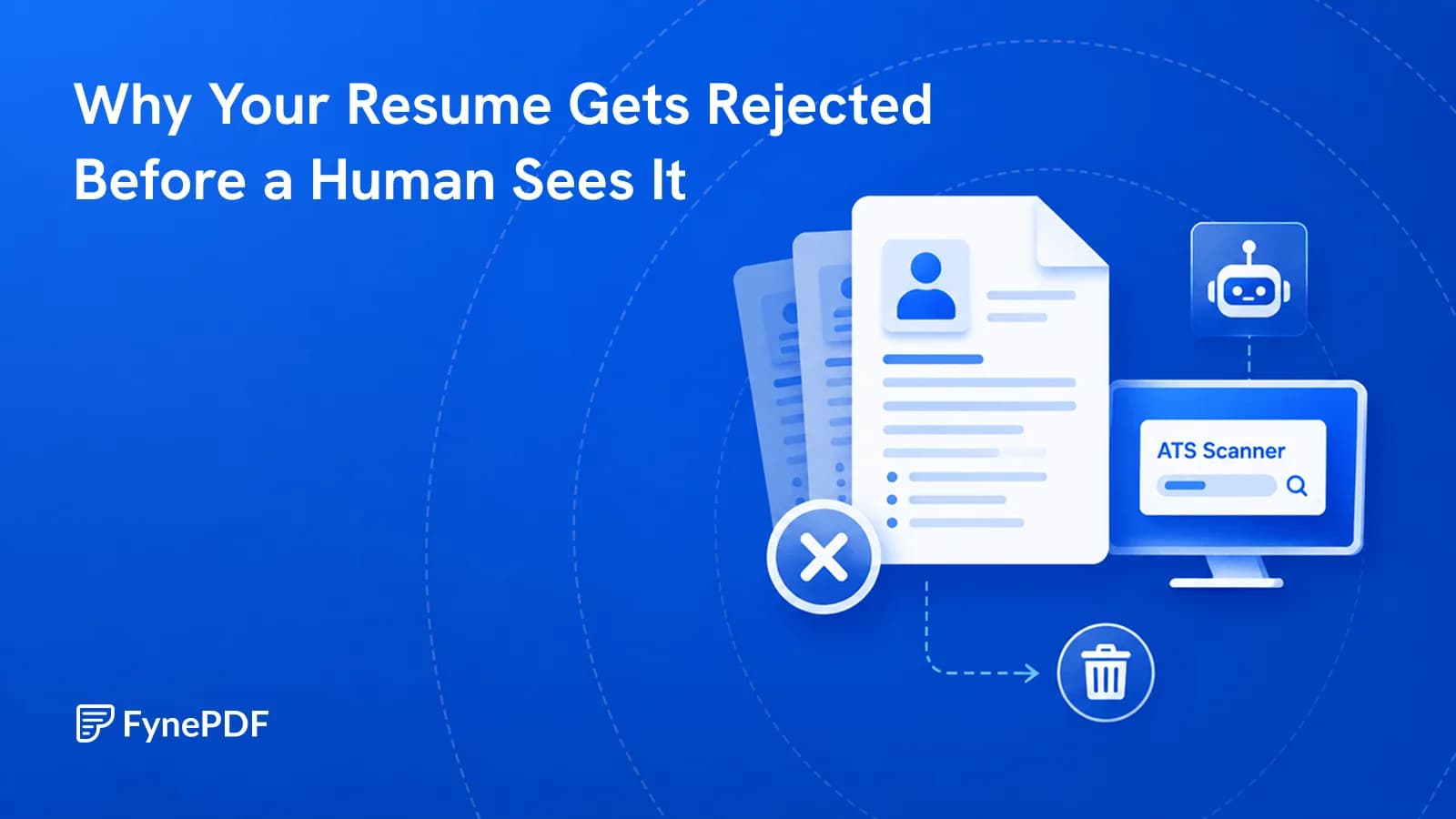
Do applicant tracking systems really reject resumes automatically?

Mostly not, and the widely-quoted claim that ATS software auto-rejects three-quarters of applications doesn't trace back to a real source. Systems like Workday, Greenhouse, Lever and Ashby are databases: they parse your resume into fields, name, titles, dates, skills, and let a recruiter search and filter that data. The two things that actually cost you are a layout the parser reads wrongly, so your experience lands in the wrong field or disappears, and a resume that doesn't contain the words the recruiter is searching for. Both are fixable, and both are what this agent checks. What no tool can do is get you past a human who has decided you're not a fit.

What actually makes a resume ATS-friendly?

A single-column layout, standard section headings ("Experience," not "Where I've Made an Impact"), real text rather than text inside an image, dates in a consistent format, and a file saved as a PDF with selectable text. Beyond parsing, the content matters more than the formatting: use the same words the posting uses for the same things, since a recruiter searching for "project manager" won't surface a resume that only says "delivery lead." Graphics, icons, text boxes and two-column layouts aren't automatically fatal, but they're the most common cause of a resume that parses into nonsense.

Will a recruiter be able to tell my resume was reviewed by AI?

Not from a review. The agent rewrites your own bullet points to be more specific and better quantified, it doesn't produce generic AI prose, and it won't add achievements you didn't have. What does get noticed is a resume that reads as though nobody lived it: identical phrasing across every role, superlatives with no numbers behind them, or claims you can't expand on when asked. Read every suggested rewrite before you accept it, and change anything you couldn't comfortably talk about for two minutes in an interview.

Can it write me a resume from scratch?

No, by design. The agent works from a resume you already have and improves it, it's explicitly prevented from inventing jobs, degrees, certifications or skills, because an application that overstates your background usually collapses at the interview and sometimes after the offer. If you're starting from nothing, write a plain draft with roles, dates and what you actually did in each, then upload it. Rough input is fine; the agent's job is turning "helped with the migration" into something a recruiter can evaluate.

How many resumes can I review on the free plan?

You can upload resumes within the Free plan’s 10 daily tasks and shared 15MB daily AI allowance. Each new upload gets a free overview and one AI review or answer, shared across tools and agents. Professional and Premium allow further interactions within their monthly AI allowances.