


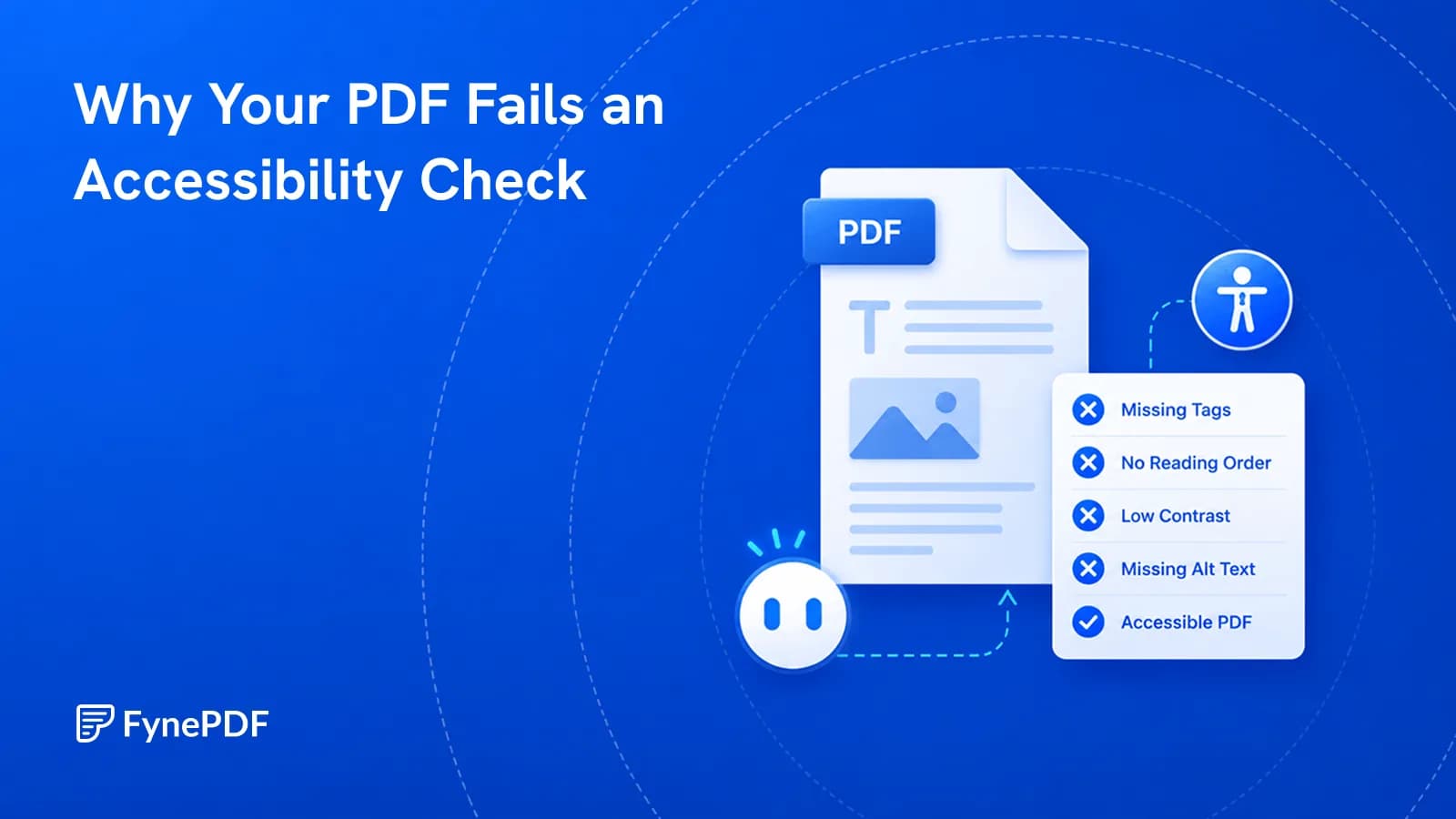
Why Your PDF Fails an Accessibility Check
A PDF that looks fine can be unreadable with a screen reader. Here's what's missing.

27 September 2026 · By Biraj Paudel, Founder of FynePDF
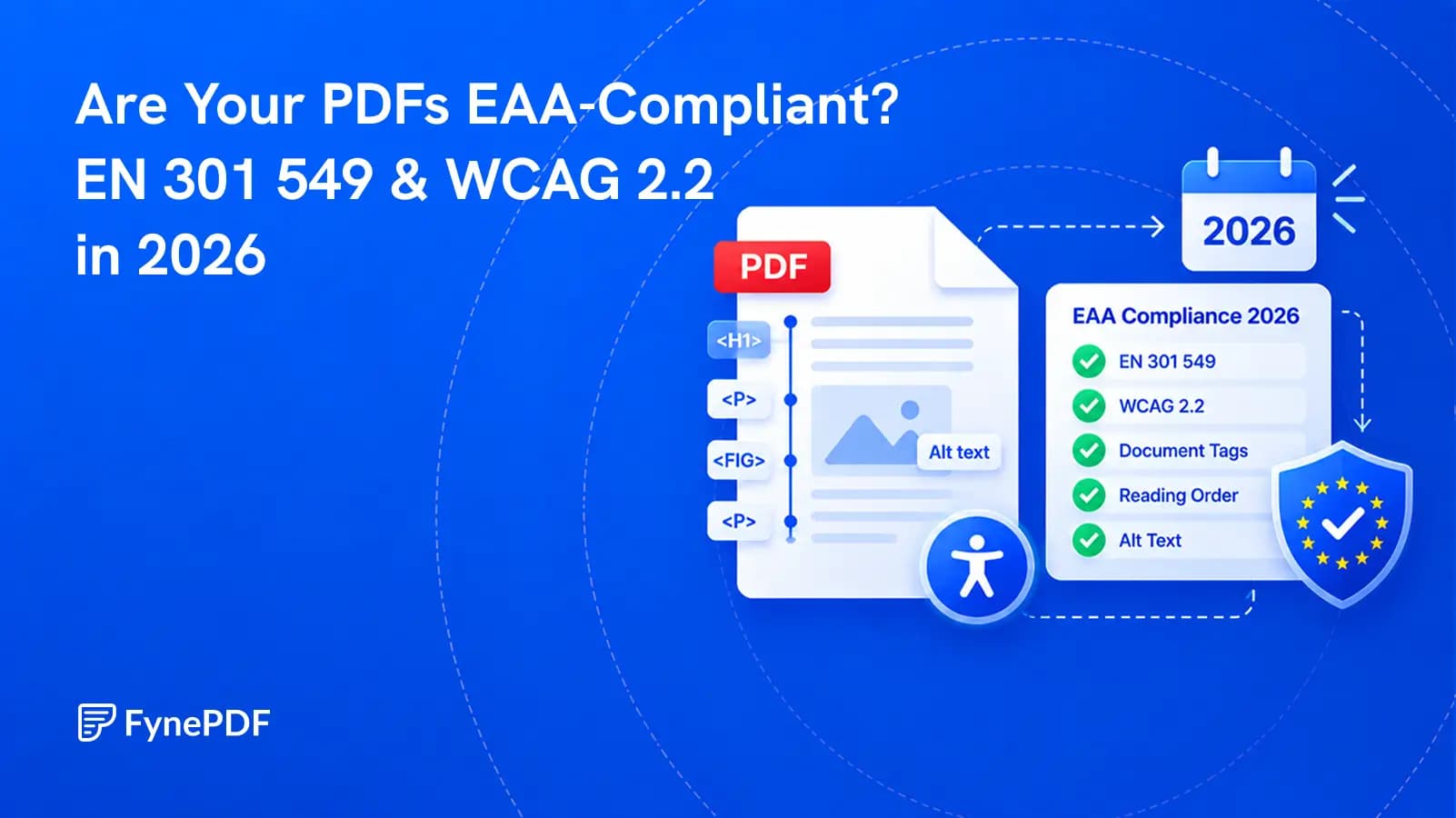
The standard changed in September 2026, but the legal reference has not changed yet. Here is what that means for PDF teams.
Not every PDF is covered by the European Accessibility Act. A PDF can create a compliance problem when it is part of a product or service covered by the Act, such as online banking, e-commerce, transport information, or an e-book service, and people with disabilities cannot use the document.
There is also an important 2026 standards update. EN 301 549 v4.1.1 was published in September and adopts WCAG 2.2 for websites, software, and digital documents. It is not yet the legal reference for demonstrating compliance with the European Accessibility Act or the EU Web Accessibility Directive. Until the European Commission formally cites the new version, EN 301 549 v3.2.1 remains the current reference.
That does not make WCAG 2.2 irrelevant. It makes it the sensible direction for new work, while legal claims still need to follow the standard and national law currently in force.
| Question | Answer in September 2026 |
|---|---|
| Does the EAA apply to every PDF published in Europe? | No. It applies to specified products and services, not every document in every context. |
| Can an inaccessible PDF breach the EAA? | Yes, when the PDF provides information or functionality that is part of a covered service. |
| Is EN 301 549 v4.1.1 the legal reference today? | Not yet. It must first be cited in the Official Journal of the European Union. |
| What remains the current reference? | EN 301 549 v3.2.1, based on WCAG 2.1 Level AA. |
| Should new PDFs be prepared for WCAG 2.2? | Yes. The new standard makes the direction of travel clear and avoids another remediation cycle later. |
This is the part many summaries miss. A new technical standard can exist before it becomes the harmonised standard used to support a legal presumption of conformity.
The European Accessibility Act, formally Directive (EU) 2019/882, created common accessibility requirements for selected products and services sold in the European Union. Its requirements began applying on June 28, 2025, subject to scope, national implementation, and transition rules.
The European Commission’s EAA overview lists covered areas that include:
A PDF is not a separate product category in that list. Its accessibility matters when the document forms part of the covered experience.
Examples may include:
If the same information is available only in a PDF that a screen reader cannot navigate, the service may be accessible visually while remaining unusable to part of its audience.
Public-sector websites and mobile applications are primarily governed at EU level by the Web Accessibility Directive, not only by the EAA. That directive already covers websites, applications, and many documents published by public bodies.
The two laws can sit beside each other, but their scope is not identical. A municipal report, university document, or government form may have accessibility duties even when the EAA is not the reason.
This is why an organisation should identify the law that applies before making a compliance statement. “EAA-compliant” is not a general label for any accessible document.
The answer depends on what the business provides, where the service is offered, when it was placed on the market, and how the relevant EU country implemented the directive.
The EU’s Your Europe business guidance notes an exemption for service providers that qualify as microenterprises. In general, this means fewer than 10 employees and annual turnover or an annual balance-sheet total not exceeding €2 million.
That exemption is not a universal escape from accessibility work:
The Act also provides for fundamental-alteration and disproportionate-burden assessments. These are not phrases to add to a policy after the fact. A business relying on an exception needs evidence and should check the documentation and review duties set by its national law.
For a legal conclusion about a specific service, use the legislation and regulator guidance in the relevant EU member state.
EN 301 549 is the European standard for accessibility requirements for information and communications technology. It covers more than websites. Its clauses address hardware, software, documents, support services, and other ICT.
The new EN 301 549 v4.1.1 was published in September 2026. The official AccessibleEU update identifies several major changes:
The six new WCAG 2.2 requirements at Levels A and AA concern focus not being obscured, alternatives to dragging movements, minimum target size, consistent help, avoiding redundant entry, and accessible authentication.
Several of these changes matter most to websites, applications, and interactive interfaces. A static PDF does not suddenly gain a login screen or a draggable control. Interactive PDF forms, document viewers, and services built around documents can be more directly affected.
For most ordinary PDFs, the largest risks remain the familiar ones: missing document structure, incorrect reading order, absent alternative text, inaccessible tables, weak contrast, and scanned pages with no usable text layer.
Not yet as the harmonised reference.
According to AccessibleEU, the European Commission must formally cite the new standard in the Official Journal before it becomes the legal reference used to provide a presumption of conformity with the EAA and the Web Accessibility Directive.
| Standard | Position in September 2026 |
|---|---|
| EN 301 549 v3.2.1 | Current legal reference, based on WCAG 2.1 Level AA |
| EN 301 549 v4.1.1 | Published and designed for the EAA, but not yet formally cited |
| WCAG 2.2 | Current W3C Recommendation and the benchmark adopted by v4.1.1 |
The new version is still valuable. It tells procurement teams, document owners, developers, and auditors what Europe is preparing to use next. Building new templates to WCAG 2.2 now is usually more efficient than meeting the older baseline and reopening every document workflow after formal citation.
The standard itself is available through the ETSI publication service.
WCAG is written as a technology-neutral set of testable accessibility requirements for web content. EN 301 549 applies relevant WCAG requirements to non-web documents, including PDFs.
The W3C WCAG 2.2 Recommendation organises accessibility around four principles. Content should be perceivable, operable, understandable, and robust.
In a PDF, those principles become practical questions:
WCAG conformance is not established by adding one tag or passing one scanner. The relevant requirements must be considered together.
This is the practical baseline for documents published as part of a covered service:
A scan is a photograph of words. OCR can add a text layer, but recognition errors must be checked. OCR alone does not create headings, lists, table structure, or correct reading order.
Headings should be headings, lists should be lists, and table headers should be identified as headers. Making text large and bold changes its appearance, not its meaning to assistive technology.
Multi-column layouts, sidebars, text boxes, and floating images often create a sequence that differs from the visual page. Test the order rather than assuming the export got it right.
Images that carry information need descriptions that explain their purpose. Decorative graphics should be marked so they do not interrupt the reading experience.
Header cells need to be associated with the values they describe. Complex merged cells may be difficult to make understandable and may need a simpler presentation.
The file should identify its main language and have a useful document title. This helps assistive software pronounce and identify it correctly.
Link text should explain the destination. Several links called “click here” become meaningless when a screen reader lists them outside the surrounding paragraph.
Faint grey text can be difficult to read. Charts, warnings, and status labels should not rely on color alone to communicate meaning.
Interactive fields need clear labels, a logical keyboard order, instructions, and understandable error messages. A form that works only with a mouse is not accessible to every user.
For a deeper explanation of these document failures, read Why Your PDF Fails an Accessibility Check. That guide covers the technical symptoms. This article focuses on the EAA and the 2026 standards position.
Start with the documents that people need to complete important tasks.
A short annual report and a frequently updated application form should not have the same review schedule. Base the frequency on how often the document changes and how serious the consequences of failure are.
No.
An automated tool can find useful signals, but it cannot decide every legal, technical, and human question involved in compliance. It may detect a missing language setting or an image without alternative text. It cannot decide whether the description communicates the purpose of a complex chart.
The same limit applies to reading order. Software can expose a sequence. A person must decide whether that sequence makes sense.
Use the FynePDF Accessibility Checker as a pre-check. It can help identify likely problems with headings, image descriptions, reading sequence, links, language, tables, and scanned pages. It does not replace a formal validator, a legal scope review, or testing with assistive technology.
A credible workflow uses several kinds of evidence:
| Check | What it contributes |
|---|---|
| Automated pre-check | Finds likely content and structure problems quickly |
| PDF validator | Examines internal tags and technical rules |
| Manual expert review | Judges meaning, order, instructions, and alternative text quality |
| Assistive-technology testing | Shows how the document behaves for an actual user |
| Legal scope review | Determines which law and national requirements apply |
Passing one tool is evidence. It is not a complete compliance verdict.
Use it for new work while tracking the formal status of EN 301 549 v4.1.1.
That means:
An organisation does not need to wait for formal citation before making a PDF easier to use. The publication of v4.1.1 is a warning against building new document workflows around yesterday’s baseline.
No. The first question is whether the PDF is part of a product or service covered by the Act. If it is, an untagged document may create a serious accessibility failure, but the legal conclusion depends on the service, the national law, and the full way information is provided.
No. The Act covers specified products and services. E-commerce is included, but the scope and exemptions still need to be checked. Other laws or contractual requirements may cover websites outside the EAA.
Microenterprises providing services can qualify for an exemption under the EAA. The business must meet the definition, and the exemption does not erase obligations arising from other laws, public procurement, or customer contracts.
An accessible HTML version can give users a better route to the information, but it should not be treated as an automatic legal cure. If customers must download, sign, submit, or retain the PDF, that document may still need to be accessible.
No. PDF/UA is a PDF-specific accessibility standard and is useful for technical document conformance. WCAG and EN 301 549 address a broader set of requirements. The standards overlap, but one label should not be used as proof of every other obligation.
No. The checker is designed to identify likely accessibility problems and explain what to fix. Formal compliance requires the applicable standard, technical validation, human review, and confirmation that the EAA or another law applies to the service.
No. The EAA is a directive implemented through national law. Enforcement procedures and penalties can differ between EU countries. Check the regulator and legislation for the market where the product or service is offered.
EN 301 549 v4.1.1 makes WCAG 2.2 the next clear European benchmark for digital accessibility. It does not instantly replace the current legal reference simply because it has been published.
Find out whether your PDFs support a covered service, test the documents people rely on, and fix recurring problems in their source templates. Use the Accessibility Checker to begin the review, then validate the PDF structure and test the result with assistive technology before making a compliance claim.
Try it yourself
A PDF that looks fine can be unreadable with a screen reader. Here's what's missing.
A PDF can still be readable and legally useful while failing a new e-invoicing requirement. The difference is structured data.
Applicant tracking systems parse your file first. Size, layout, and scans are why it fails.