
Why Your PDF Fails an Accessibility Check
A PDF that looks fine can be unreadable with a screen reader. Here's what's missing.
 By Biraj Paudel, Founder of FynePDF4 min read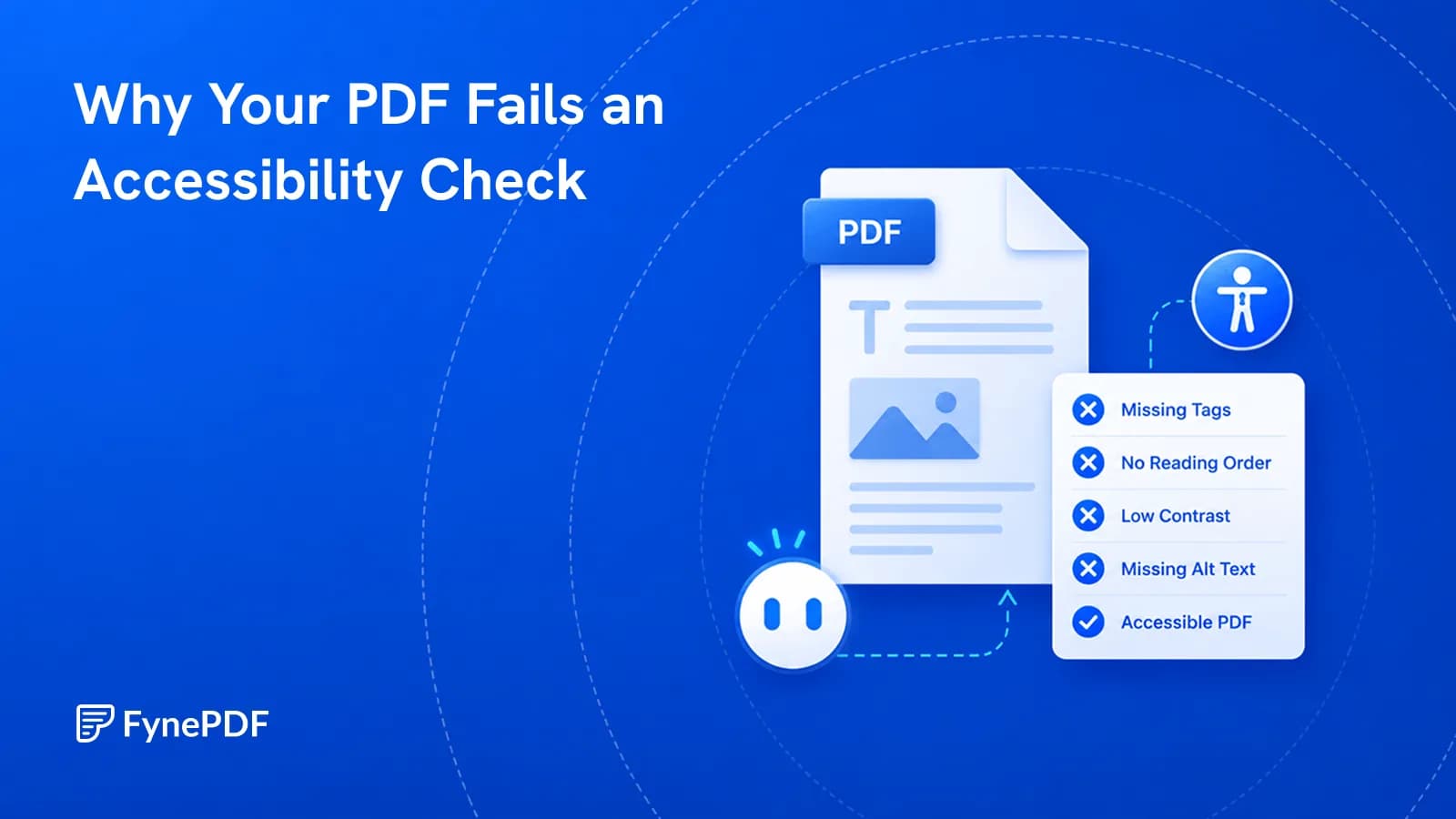
A PDF fails accessibility checks when it lacks the structural information assistive technology needs. Visual appearance and machine-readable structure are separate things: a document can look perfectly organised while containing no indication of what is a heading, what order to read in, or what an image shows.
Screen reader users get whatever structure exists. If none was recorded, they get a wall of undifferentiated text.
What is actually missing?
Tags. A tagged PDF records that this text is a level-two heading, this is a list, this is a table cell. Untagged, it is just text at coordinates. Tags are what let someone navigate by heading instead of reading linearly from the start.
Reading order. Visual position does not determine reading order. A two-column layout can be recorded in an order that interleaves the columns, producing alternating sentences from each.
Alternative text. Images need a description. A chart with no alt text is silence, and a decorative image without a marking gets announced pointlessly.
Table structure. Header cells must be identified as headers, or a screen reader cannot say which column a value belongs to.
Document language. Without it, a screen reader may pronounce the text using the wrong language rules.
Real text. Scanned pages contain images of words, so there is nothing to read at all.
Who has to care about this?
Public sector bodies in many jurisdictions are legally required to make published documents accessible, and the requirement typically extends to organisations receiving public funding. Educational institutions face similar obligations for course material. Private organisations face varying requirements, and litigation over inaccessible documents is not unusual.
Beyond compliance, the practical case is straightforward. A document nobody can read is a document that failed at its job for part of its audience.
How do I check a document?
- Open the Accessibility Checker.
- Upload your PDF.
- Review what it flags.
- Fix the issues in your source document and re-export.
Free includes an overview and one AI answer per document, with files up to 15MB and 50 pages.
That fourth step is the one that saves time. Accessibility problems are far easier to fix in Word, InDesign, or whatever produced the file than in the PDF afterwards, because those applications can export tags automatically when the source uses real styles.
What can be checked automatically?
Not everything, and the gap matters:
| Detectable | Requires a person |
|---|---|
| Tags missing entirely | Whether reading order makes sense |
| Images without alt text | Whether alt text is useful |
| Table headers not identified | Whether a table is genuinely tabular |
| Document language unset | Whether headings are logically nested |
| Document is a scan | Whether colour alone conveys meaning |
Alt text is the clearest example. A tool can confirm that alt text exists. It cannot tell you that "image1.png" is useless, or that a description of a chart's appearance fails to convey what the chart shows. Passing an automated check is a floor, not a standard.
What fixes the most problems fastest?
Two things, in this order.
Use real styles in the source. Heading styles in Word rather than manually enlarged bold text. Real lists rather than typed dashes. Real tables rather than aligned tabs. Documents built this way export with tags already in place, which resolves most structural failures at once.
Run OCR on anything scanned. A scanned document cannot pass any meaningful check. OCR adds the text layer that everything else depends on, and it is the single highest-impact step for archives of scanned material.
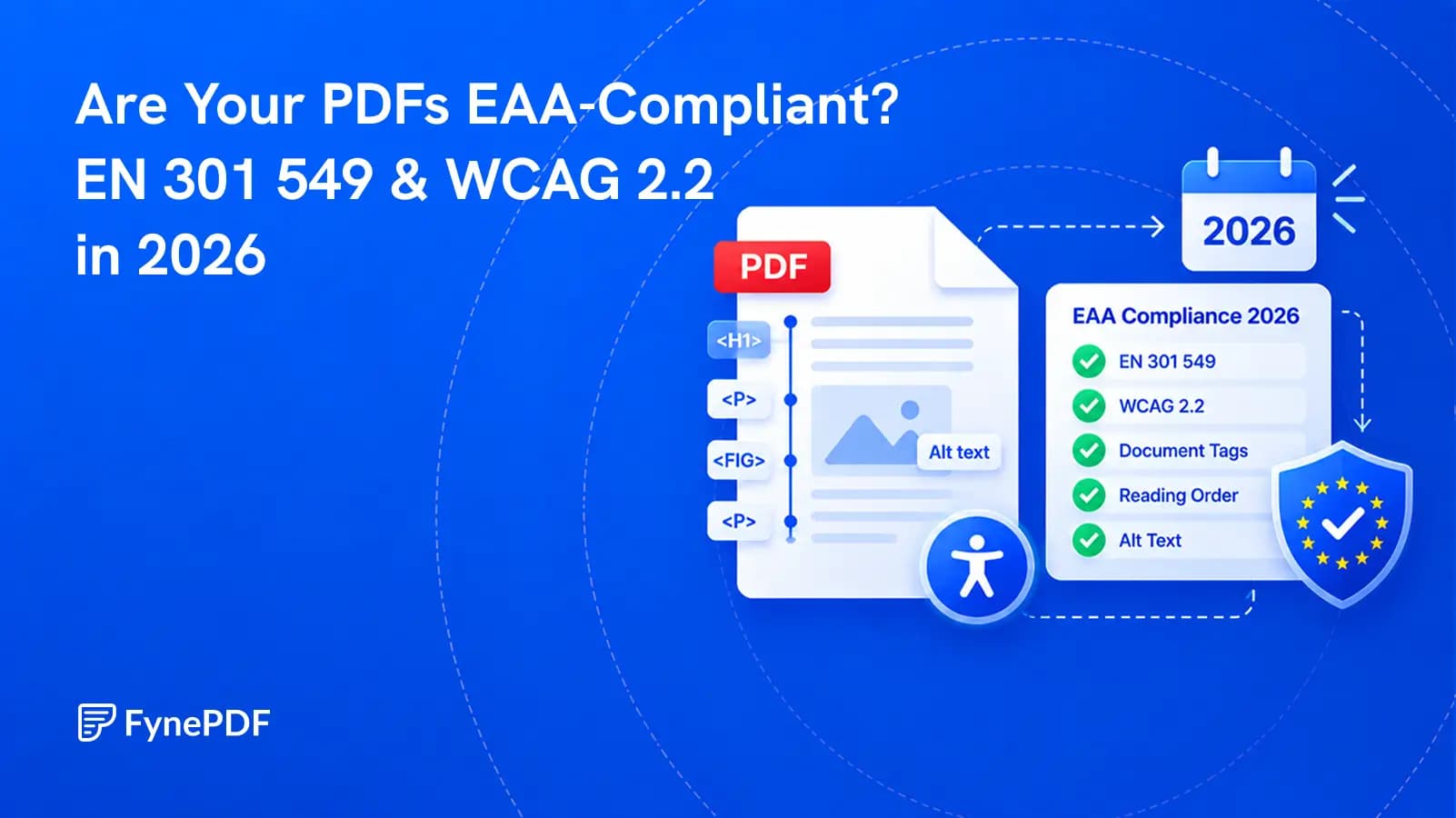
If your document also needs to meet archival requirements, note that the stricter PDF/A conformance levels effectively require tagged structure too, so the work overlaps.
Common questions
Does passing a checker mean the document is accessible?
No. Automated checks catch mechanical failures. Meaningful accessibility depends on judgement calls no tool can make, and testing with an actual screen reader will tell you more than any report.
Is a scanned document ever acceptable?
Not on its own. Run OCR, then check the recognition quality, since a text layer full of errors is only marginally better than none.
Should I fix the PDF or the source?
The source, almost always. Fixing tags directly in a PDF is slow, and the work is lost the next time the document is re-exported.
Is my document stored?
Files transfer over encrypted connections and are permanently deleted within 15 minutes of processing unless you save them to your library.
Check your document
Upload it to the Accessibility Checker, then fix what it finds in the file you exported from.
 Accessibility (WCAG) Checker
 Resume Review
 Plagiarism & AI Detector