Guide
Agents
AI Tools
Why We Don't Give You an AI Detection Percentage
Percentages get treated as proof and used against people. We tell you what we found instead.


Plagiarism & AI Writing Check
Supports PDF, TXT and more
 Fyne Bot“No. 68% matches AI generation patterns”
or drop your file here
Review originality risks before you submit.
Drop the essay, article, or research paper into our isolated scanner.
The agent reads for uncited quotes, tone shifts and formulaic phrasing.
Get each concern rated Low, Moderate or Elevated, with the page it sits on.
Explore attribution concerns and AI-style phrasing.
Review your PDF for attribution gaps, tone shifts, and phrasing that may read as AI-generated. Each concern comes with context to guide your review; it does not prove plagiarism or establish who wrote the text.
Review AI-Style Phrasing
Find generic wording and repetitive patterns.
Check Attribution
Review quotes and passages without sources.
Find Tone Shifts
Spot changes in voice across the draft.
 I scanned the document and found several originality concerns. Here is the breakdown:
 Elevated
Examine attribution gaps and AI-style phrasing, with reasons rather than a verdict.
Find passages with shifts in tone, generic phrasing, or unclear attribution. Review each concern in context within your uploaded document.
See why a passage raises a writing concern. Use the explanation to guide a closer review without treating it as proof of who wrote the text.
Review attribution and writing patterns within your PDF. This check uses your document and does not search a web-wide similarity database.
Select text in your PDF to explain a term, summarize a passage, or ask a question. Explore the detail you need without retyping it into chat.
Click a page citation to open your PDF at the source. When a text match is found, the passage is highlighted so you can check the AI answer.
Download tables from AI answers as CSV files. Keep the rows and columns ready for Excel, Google Sheets, or your next document analysis.
Explore citation gaps and writing patterns as starting points for a closer review.
Review passages that may need source checks or a discussion with the writer. Treat AI-writing signals as prompts for review, rather than proof.
Inspect repetitive phrasing and passages that need attribution in a draft. Ask for explanations and verify sources before making an editorial call.
Review attribution and wording before sharing your draft. Explore flagged passages and improve citations without treating AI signals as a verdict.
How your files are handled during and after your session.
Your documents are used for your session and are never used to train AI models.
TLS protects document transfers between your browser and FynePDF.
Your file is deleted within 24 hours of upload, unless you save it to your Library.
Read how we handle document data and how to contact us about access, export, or deletion.
Your draft is processed to review attribution and writing patterns within your session. FynePDF staff do not manually open or review your file contents.
AI features may send document content to the Google Gemini API to produce the output you request. Documents are not used to train AI models. Temporary files follow the deletion policy; saved documents follow the Library storage policy.
Read our full Security Policy.
Guide
Agents
AI Tools
Percentages get treated as proof and used against people. We tell you what we found instead.
Guide
Agents
AI Tools
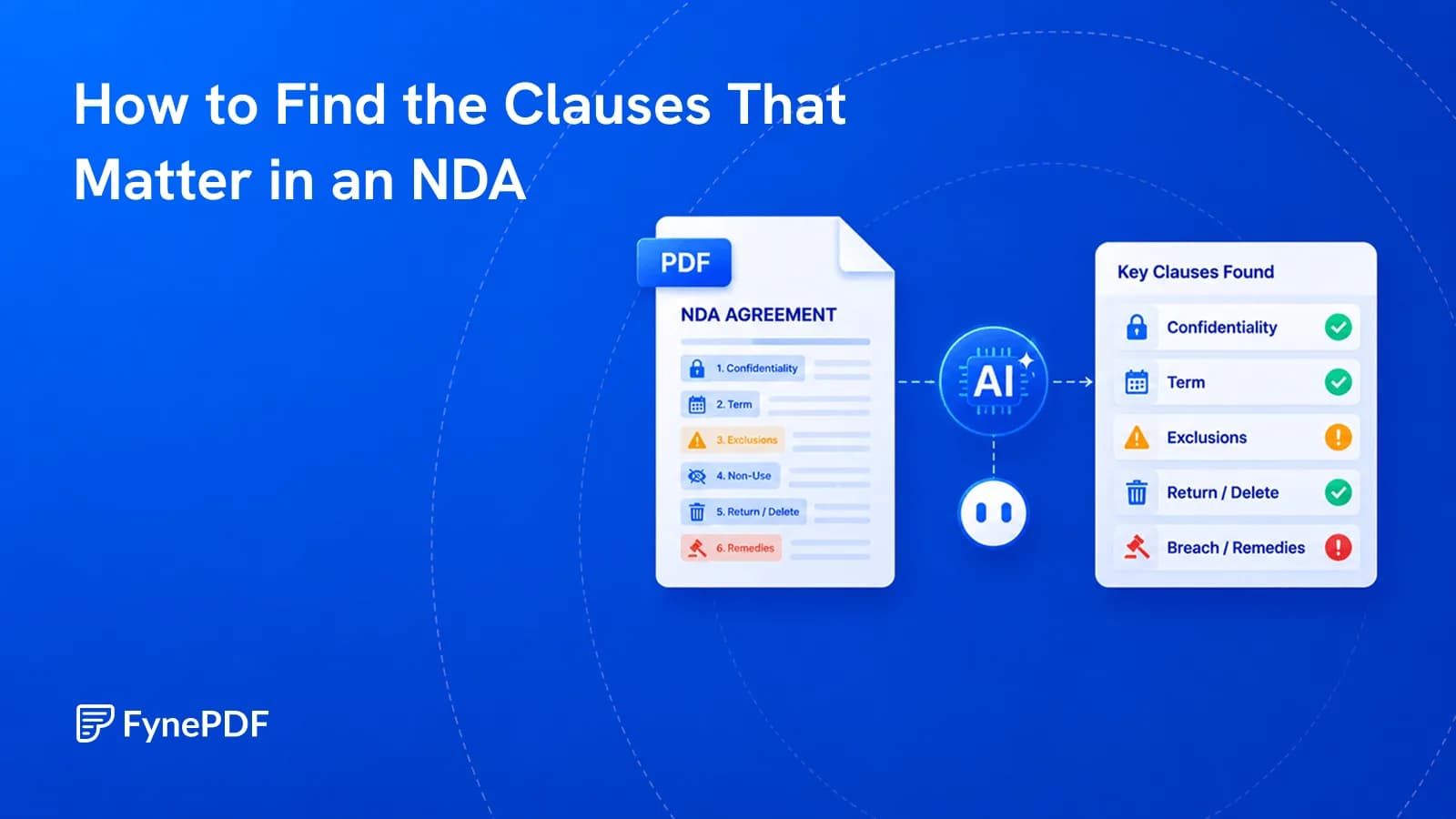
Most of an NDA is standard. Three or four clauses aren't, and those are the ones to find.
Guide
Agents
AI Tools
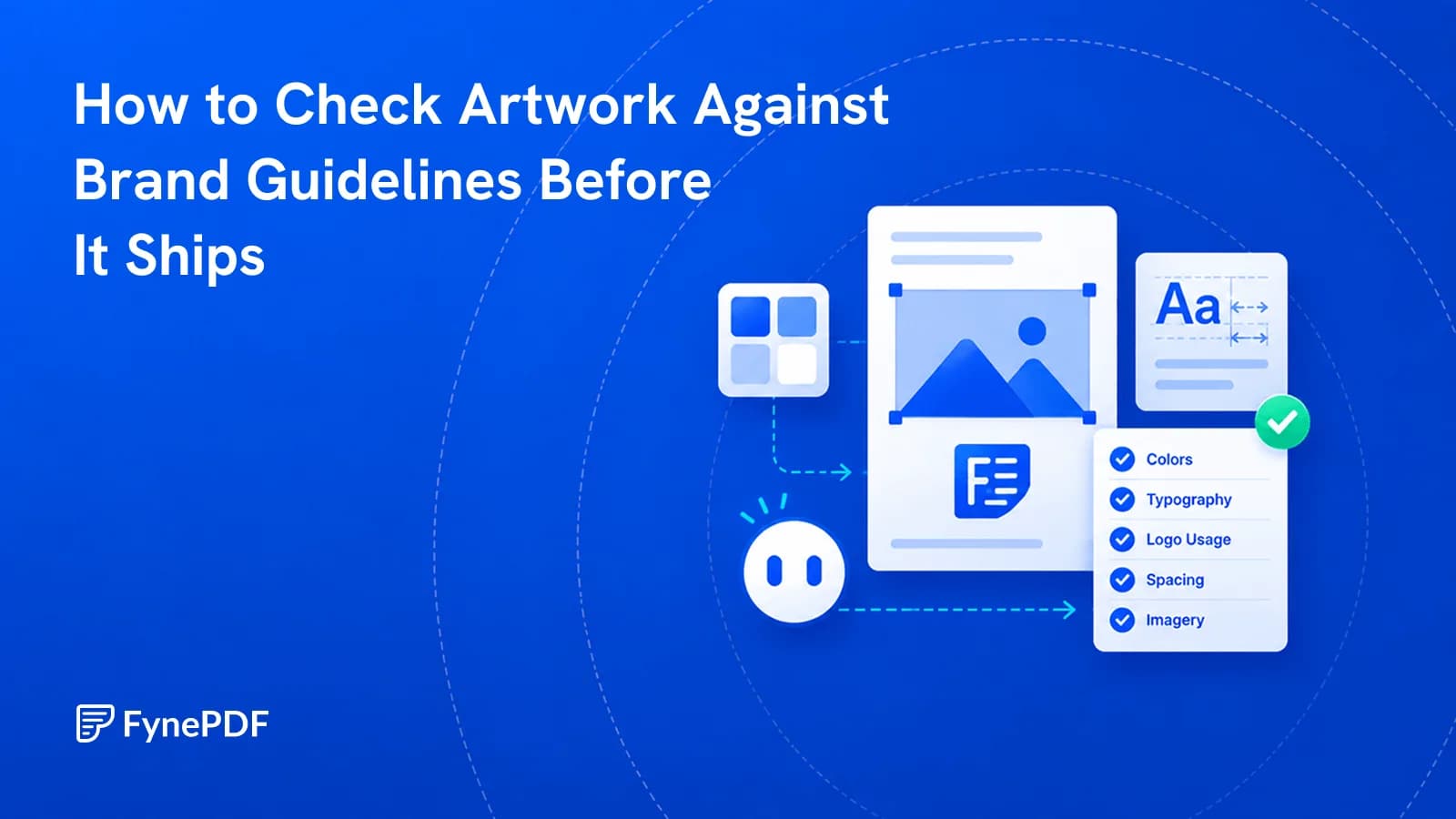
Wrong logo variant, near-miss colour, substituted font. These get artwork sent back.