
What PDF/A Is and Why an Archive Rejected Your File
Courts, journals and archives require it because ordinary PDFs can depend on external things.
 By Biraj Paudel, Founder of FynePDF4 min read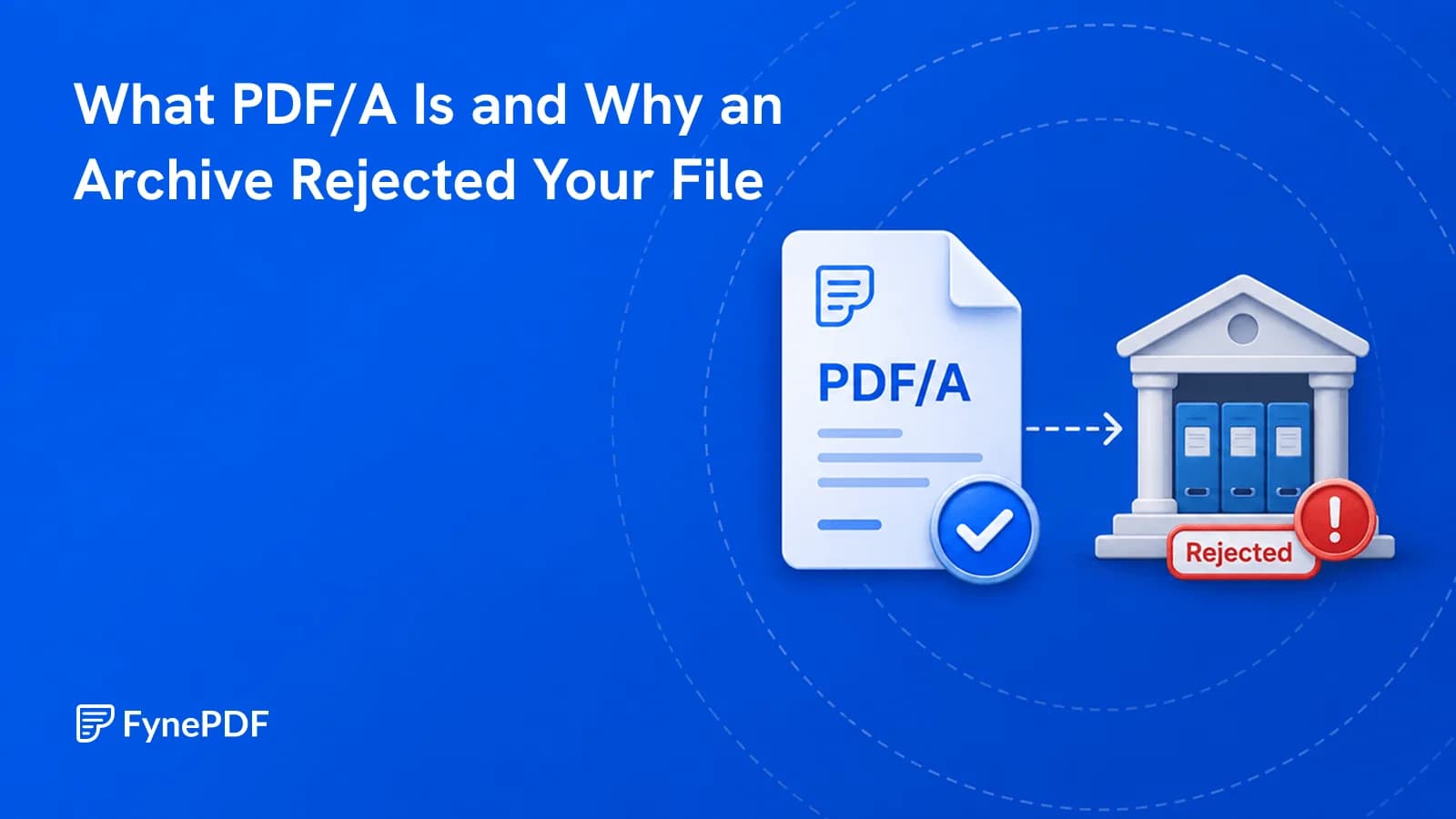
PDF/A is an archival version of PDF, standardised by ISO, that requires a document to be entirely self-contained. Fonts must be embedded, external references removed, and encryption and scripting are not permitted. The point is that the file will still display identically decades from now, on software nobody has written yet.
Ordinary PDFs can't promise that, which is why institutions demand the archival variant.
Why does a normal PDF fail?
Because it's allowed to depend on things outside itself, and those things go away.
A PDF can reference a font by name rather than embedding it. Today the reading system substitutes something close and it looks fine. In thirty years, on unfamiliar software, the substitution may be wildly different, and a legal document whose layout has shifted is a document whose page references no longer hold.
It can also contain encryption that no one retains the key for, scripts that depend on a runtime that no longer exists, links to online resources that have long since disappeared, and audio or video in codecs nobody supports.
PDF/A forbids all of it. Everything needed to render the document must be inside the file.
Who requires it?
Institutions with a legal or scholarly duty to preserve records:
- Courts and legal filing systems, where the document is evidence
- National and government archives, often by statute
- Academic journals and thesis repositories
- Regulatory submissions in finance, pharmaceuticals, and engineering
- Corporate records retention under compliance policy
- Long-term contract storage
If you've had a submission bounced with a message about format compliance, this is usually why. The rejection often just says "not PDF/A" without explaining what that means.
How do I convert to PDF/A?
- Open the PDF to PDF/A tool.
- Upload your document.
- Convert and download.
- Validate against the specific conformance level your institution requires.
Free accounts handle files up to 250MB. That last step matters, because PDF/A isn't a single standard.
Which conformance level do I need?
Ask the institution, and check their submission guidance before converting. The levels differ in what they guarantee:
| Level | Guarantees |
|---|---|
| PDF/A-1b | Visual appearance is preserved |
| PDF/A-1a | Appearance plus structure and text mapping, for accessibility |
| PDF/A-2 | Adds later PDF features, including JPEG 2000 and embedded files |
| PDF/A-3 | Adds arbitrary file attachments, used for invoicing standards |
Most archives accept 1b or 2b as a baseline. The a levels additionally require tagged structure so screen readers can navigate the document, which some public-sector bodies mandate for accessibility.
If the requirement is unstated, ask rather than guess. Converting to the wrong level means resubmitting.
What has to be removed?
Conversion strips anything the standard prohibits, which occasionally surprises people:
Encryption. PDF/A files cannot be password protected. If your document is protected, remove it with Unlock PDF first, and note that you can't add protection back afterwards without breaking compliance.
Scripts and interactive elements that depend on a runtime.
Links to external resources, since a URL that resolves today may not in future.
Transparency and some effects, depending on the level, which can subtly change how a designed document looks. Check the output against the original.
What about scanned documents?
A scan converts to PDF/A as page images, which satisfies the standard but preserves only the appearance, the text isn't searchable and isn't accessible to screen readers.
For archival purposes that's usually inadequate. Run OCR first to add a text layer, then convert. Many institutions require searchable text explicitly, and the a conformance levels effectively demand it.
Common questions
Will my document look different?
Appearance preservation is the entire point, and for ordinary text documents nothing visible changes. Documents relying on transparency or unusual effects can shift slightly. Compare before submitting.
Can I edit a PDF/A file afterwards?
Editing risks breaking compliance. Keep your working master separately and treat the PDF/A as a final archival output.
How do I check it's valid?
Validation tools exist for this, and institutions often specify which one they use. Converting and validating are separate steps, and a file that converted without error can still fail a stricter validator.
Is my document stored?
Files transfer over encrypted connections and are permanently deleted within 15 minutes of processing unless you save them to your library.
Convert for archiving
Confirm the required conformance level first, then upload to PDF to PDF/A and validate the output before submitting.
 PDF to PDF/A
 PDF to Excel