Advanced Export Options
Choose the exact ISO standard you need to meet strict institutional requirements.


Convert to ISO-standard PDF/A for long-term archiving.
Convert to PDF/A (ISO Standard)
No Watermark on Downloads
Four conformance levels
Convert to ISO-standard PDF/A for long-term archiving.

or drop your file here
Convert to PDF/A (ISO Standard)
No Watermark on Downloads
Four conformance levels
Choose the exact ISO standard you need to meet strict institutional requirements.
All fonts are embedded, so the file renders identically decades from now.
Run OCR PDF first so archived scans stay searchable for years to come.
Convert to PDF/A in three steps, no software to install, no account needed.
1
Drag and drop or select your document up to 100MB free, 1GB on Pro and 5GB on Premium.
2
Pick PDF/A-1a, 2b, 3b or 4. Fonts are embedded and non-archival features are removed.
3
Your newly validated, ISO-compliant PDF/A is ready to download and auto-deleted after 15 min.
Standard PDFs can break or lose formatting as software evolves. Here is why converting to PDF/A is essential for long-term storage and compliance.
Prepare legal records in an archival PDF format. Check the recipient's required PDF/A version and validate the file before submission.
Government agencies require PDF/A-1a to ensure archived public records meet strict long-term preservation and accessibility laws.
Future-proof your company's financial records and HR files so they can be opened on any software decades from now.
Securely archive patient histories, lab results, and medical reports in a standardized format that meets healthcare compliance guidelines.
Use the PDF/A-3b standard to securely attach raw, machine-readable data like XML or CSV files inside your visual billing invoices.
Ensure university research papers, digitized historical books, and thesis files remain accessible for future generations of scholars.
PDF/A comes in several conformance levels, and institutions usually specify exactly one. If you've been given a requirement, match it. If you're choosing for yourself, the differences come down to how old the receiving system is and what your document contains.
The accessibility level. Requires full document tagging and structure, and it's what public-sector accessibility rules usually mandate.
2b adds transparency, layers and JPEG2000. 3b additionally allows embedded files, so an invoice can carry its own XML.
The newest level, based on PDF 2.0. Choose it when the receiving system supports it; otherwise an earlier level is safer.
Guide
Convert
News
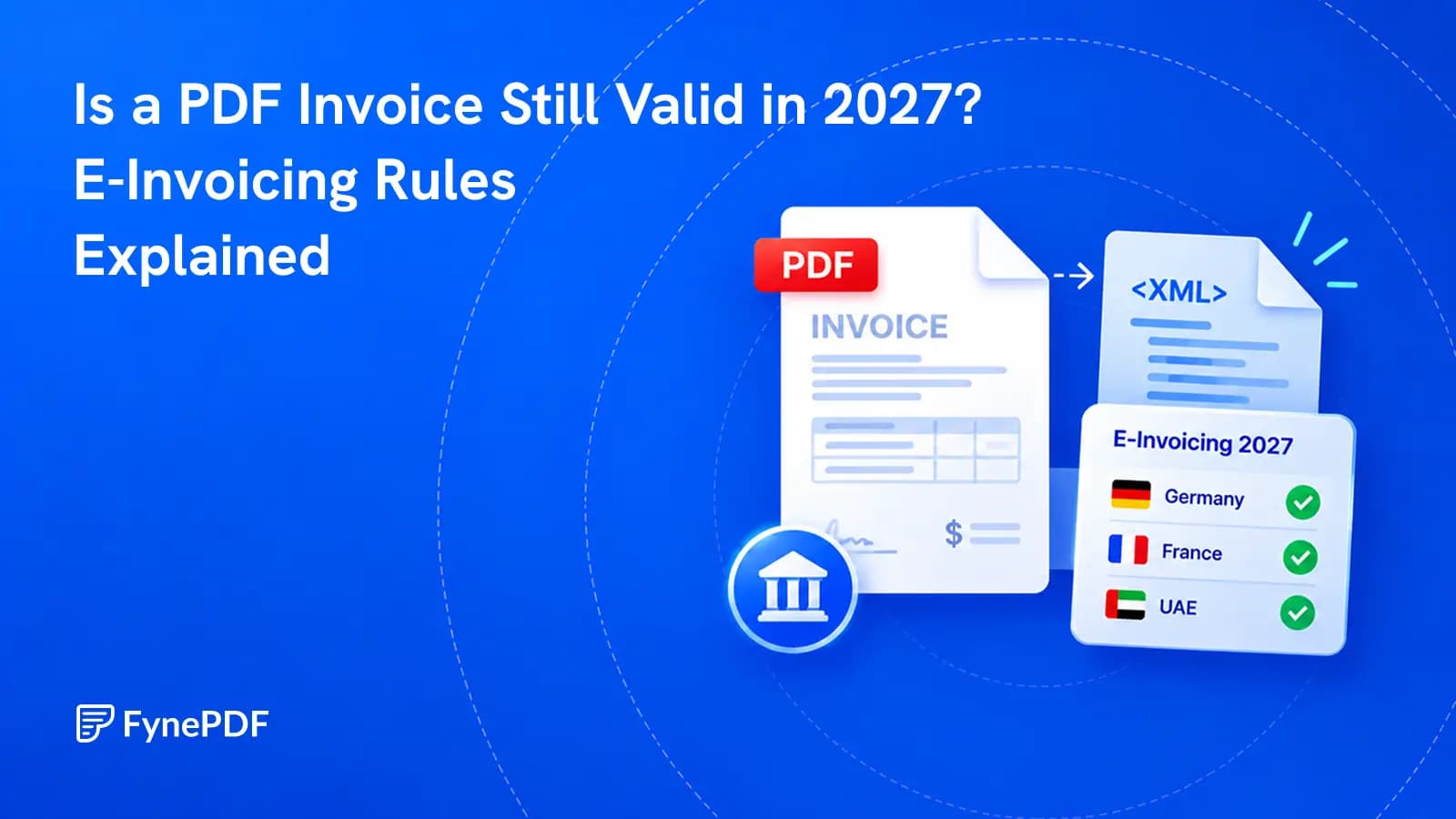
A PDF can still be readable and legally useful while failing a new e-invoicing requirement. The difference is structured data.
Guide
Convert
Secure
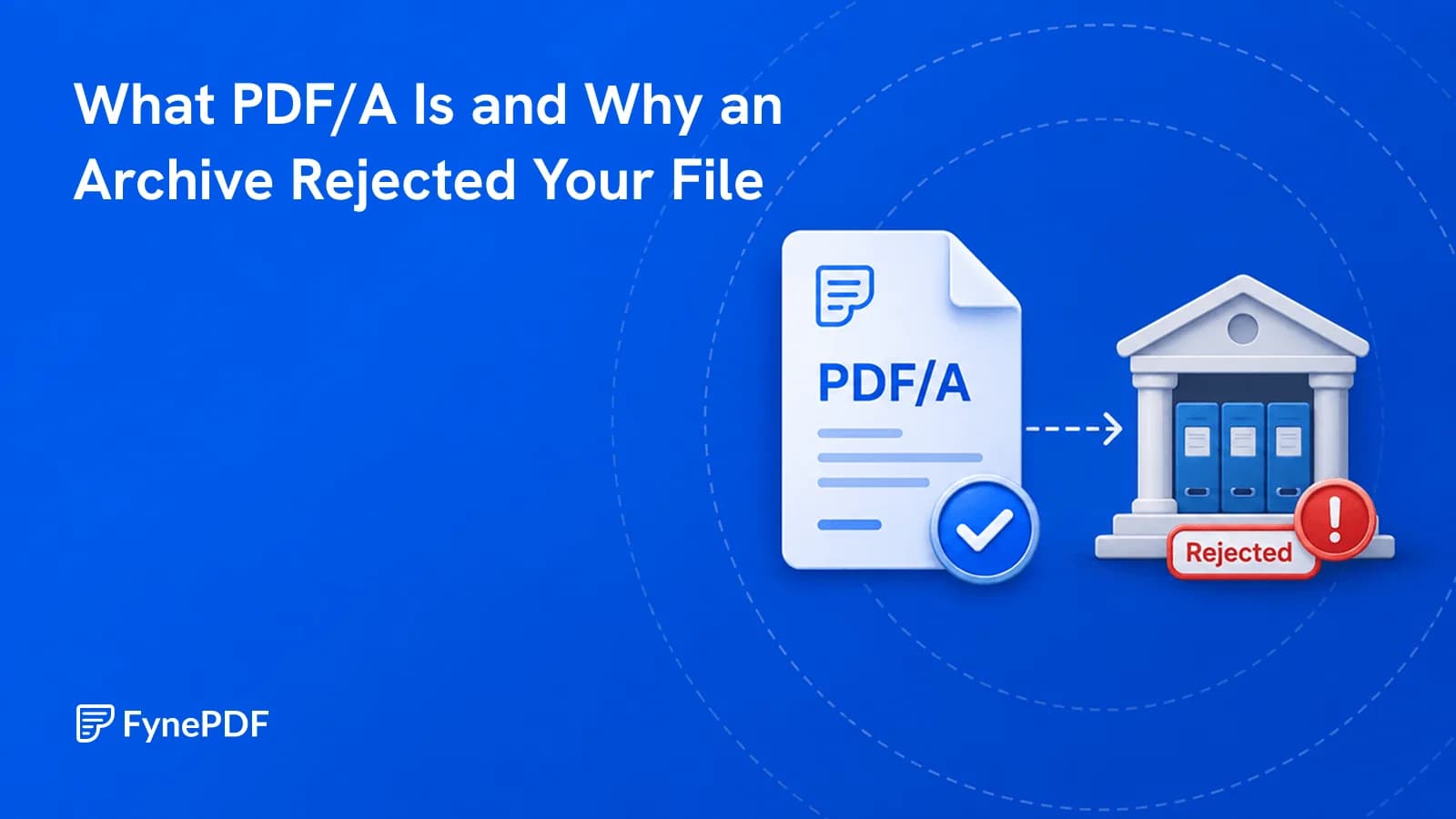
Courts, journals and archives require it because ordinary PDFs can depend on external things.

Guide
Convert
Productivity
Your 12-page report opened as 14 on their machine. Here's why, and how to stop it.