Guide
Agents
AI Tools
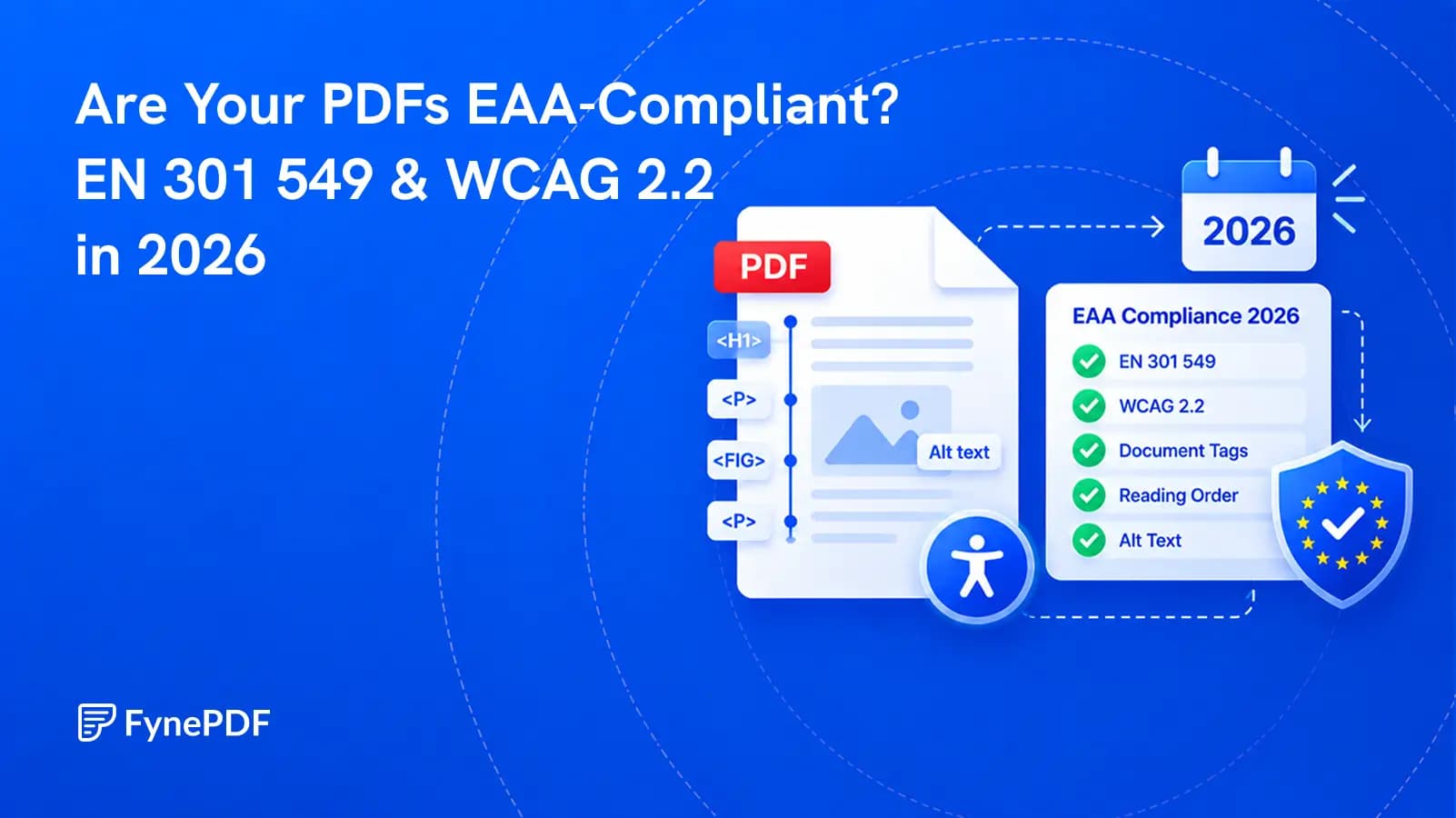
Why Your PDF Fails an Accessibility Check
A PDF that looks fine can be unreadable with a screen reader. Here's what's missing.


WCAG 2.2 & Section 508
Supports PDF, TXT and more
 Fyne Bot“No, text on pg. 3 fails to...”
or drop your file here
Explore possible document barriers and prepare checks for a formal accessibility audit.
Drop PDF brochures, financial reports or wireframes into the workspace.
The agent reads your heading order, image labelling and reading sequence.
Get a list of exactly which elements failed and how to fix each one.
Find areas to check before formal accessibility testing.
Use AI to guide a PDF accessibility review. Ask about headings, reading order, or figure descriptions, and turn possible barriers into a practical checklist for formal testing and remediation.
Review Image Descriptions
Find figures to check for useful alt text.
Review Contrast Risks
Identify areas for measured contrast checks.
Check Heading Order
Review heading levels and reading sequence.

 No. On page 4, "Revenue Breakdown" is styled as a third-level heading but follows a top-level one with nothing in between a skipped level, which breaks WCAG 1.3.1 (Info and Relationships). Screen readers use heading order to build a navigable outline.
 Use AI findings to guide checks of headings, reading order, and document descriptions.
Review possible WCAG or Section 508 issues in your PDF. Use the findings to plan formal testing and identify areas that need closer checks.
Understand possible accessibility barriers in plain language. Ask why a heading, reading sequence, or missing description needs attention.
Turn your accessibility review into a practical fix list. Save the conversation and share the suggested checks with your design or dev team.
Select text in your PDF to explain a term, summarize a passage, or ask a question. Explore the detail you need without retyping it into chat.
Click a page citation to open your PDF at the source. When a text match is found, the passage is highlighted so you can check the AI answer.
Download tables from AI answers as CSV files. Keep the rows and columns ready for Excel, Google Sheets, or your next document analysis.
Explore possible barriers and organize checks before a formal document audit.
Review possible reading-order, heading, and text-description issues in a PDF. Use the findings to plan checks with accessibility testing tools.
Organize potential document barriers into a review checklist. Ask what to inspect and confirm the findings through formal accessibility testing.
Review how a PDF explains images, links, and section headings. Gather practical revisions to discuss with your design and accessibility teams.
How your files are handled during and after your session.
Your documents are used for your session and are never used to train AI models.
TLS protects document transfers between your browser and FynePDF.
Your file is deleted within 24 hours of upload, unless you save it to your Library.
Read how we handle document data and how to contact us about access, export, or deletion.
Your PDF is processed to provide feedback for an accessibility review. FynePDF staff do not manually open or review your file contents.
AI features may send document content to the Google Gemini API to produce the output you request. Documents are not used to train AI models. Temporary files follow the deletion policy; saved documents follow the Library storage policy.
Read our full Security Policy.
Guide
Agents
AI Tools
A PDF that looks fine can be unreadable with a screen reader. Here's what's missing.
Guide
Agents
News
The standard changed in September 2026, but the legal reference has not changed yet. Here is what that means for PDF teams.
Guide
Agents
AI Tools
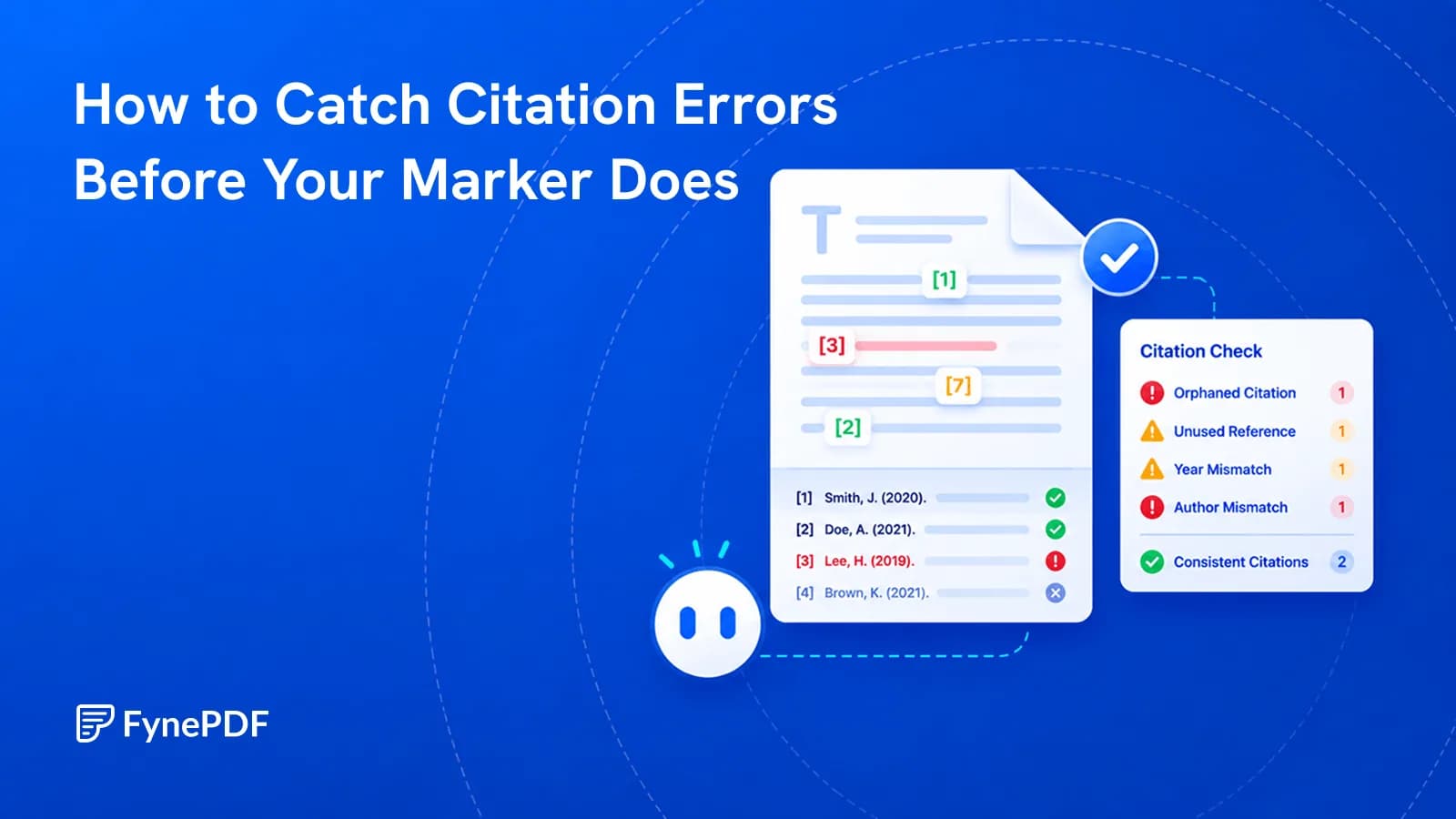
Mismatched dates and citations with no reference entry are what quietly cost marks.