
How to Check a Bid Answers Everything the RFP Asked
Bids fail on missed mandatory requirements far more often than on weak pricing.
 By Biraj Paudel, Founder of FynePDF4 min read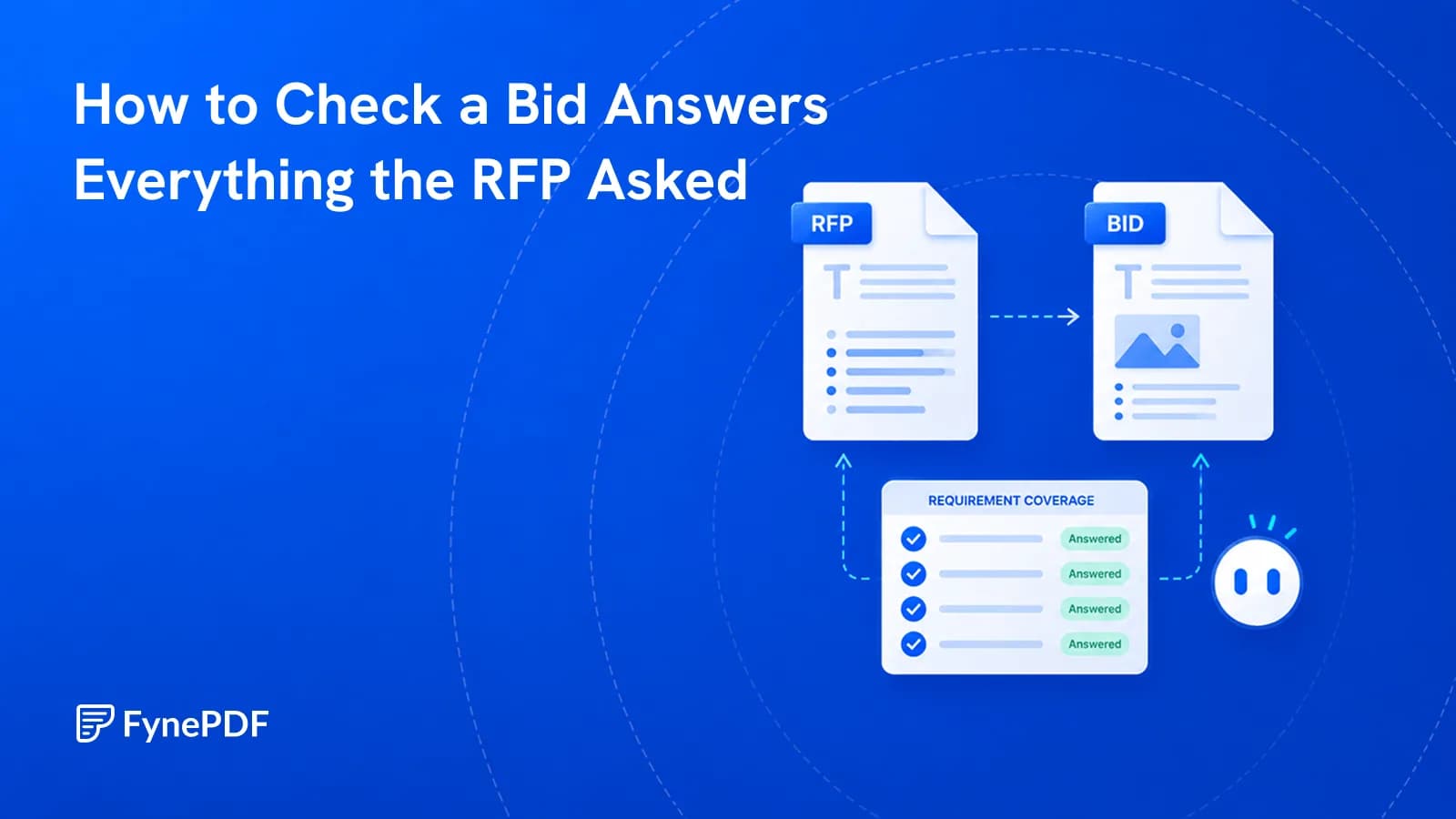
Bids are disqualified for administrative failures far more often than for losing on merit. A mandatory form left out, a page limit exceeded, a requirement addressed in passing rather than answered. Checking a response against the requirements before submission catches these while there is still time.
Coverage is checkable. Whether your answer is persuasive is a judgement, and that belongs to whoever knows the client.
What actually loses bids?
Mandatory requirements not addressed. Public procurement in particular often applies pass or fail gates before quality is scored at all. Miss one and the rest is never read.
Requirements buried in the body text. Not every requirement appears in the requirements section. Obligations get stated in the scope, the terms, and the appendices, and those are the ones that get missed.
Answers that discuss rather than answer. A requirement asking whether you hold a certification wants a yes or a no with evidence, not two paragraphs about your commitment to quality.
Format failures. Page limits, font sizes, file naming conventions, and separate-file requirements are usually stated precisely and enforced literally.
Missing forms. Declarations, insurance certificates, and signed undertakings that live in appendices and get forgotten.
How do I check a response?
- Open the Proposal Analyzer.
- Upload your response, and the RFP if you have it as a separate file.
- Review the coverage against the requirements.
- Fill the gaps, then have someone read it for quality.
Free includes an overview and one AI answer per document, with files up to 15MB and 50 pages. If your bid is a large bundle, Compress PDF will bring it under, or check sections separately.
What can be checked mechanically?
| Checkable | Needs a person |
|---|---|
| Every requirement has a corresponding answer | Whether the answer is convincing |
| Mandatory items are present | Whether pricing is competitive |
| Page and word limits | Whether the win themes land |
| Required forms are attached | Whether you should bid at all |
| Cross-references resolve | How the client will read it |
The right column is where bids are actually won. Coverage checking clears the administrative floor so that the quality of your answer is what gets assessed, rather than the submission being rejected before anyone reads it.
What about scoring weightings?
Worth reading closely, because effort rarely matches them. Where a criterion carries 40% of the marks and another carries 5%, they frequently receive similar attention because both look like one section.
Two things to check against the evaluation criteria:
Proportion. Is the space you have given each section roughly aligned with what it is worth?
Language. Evaluators often score against the words used in the criteria. Where the RFP asks about "business continuity," answering in terms of "resilience planning" makes the evaluator do translation work, and some will not.
How should I assemble the submission?
Formatting rules are enforced literally, so treat assembly as its own task rather than an afterthought.
Combine sections in the specified order with Merge PDF, and add continuous numbering with Add Page Numbers so the response can be referenced during evaluation. If the portal enforces a size cap, Compress PDF handles it, and check the result opens correctly before uploading.
Do not password protect a bid unless the RFP asks for it. Procurement portals commonly reject encrypted files.
Common questions
Can it tell me if I will win?
No, and treat anything claiming to with suspicion. Outcomes depend on competitors, relationships, pricing, and evaluator judgement, none of which is in your document.
Should I check before or after internal review?
Before. Coverage gaps are the expensive kind of problem to find late, and your reviewers should be spending their attention on argument quality rather than counting requirements.
What if the RFP is a scan?
Run OCR first so the requirements can be read. Verify the recognised text of any numbered requirement, since a misread reference makes the mapping wrong.
Is my bid stored?
Files transfer over encrypted connections and are permanently deleted within 15 minutes of processing unless you save them to your library.
Check your response
Upload it to the Proposal Analyzer, close every coverage gap, then hand it to a human reviewer for the argument.
 Resume Review
 Accessibility (WCAG) Checker
 Plagiarism & AI Detector