Guide
Agents
AI Tools
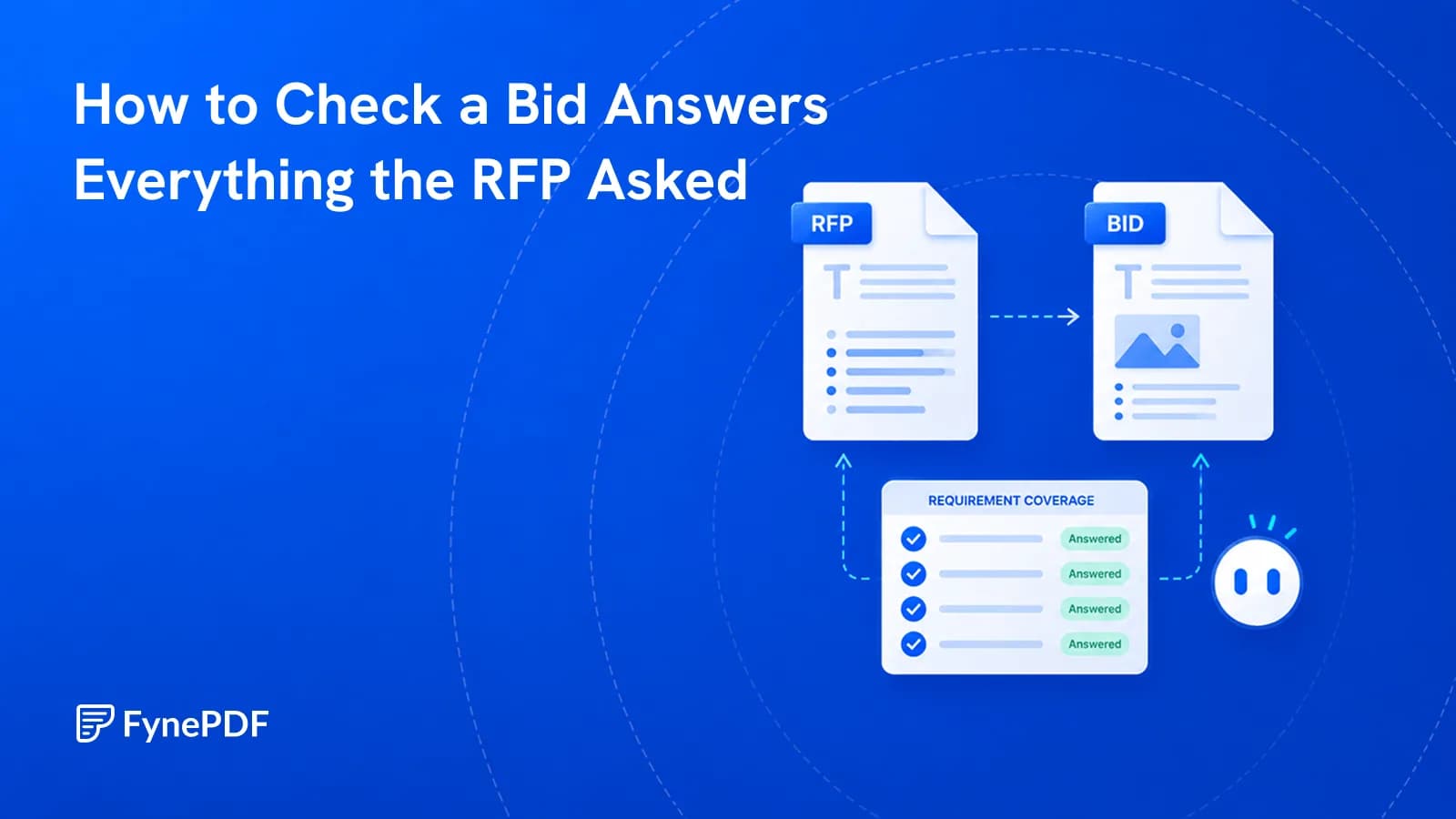
How to Check a Bid Answers Everything the RFP Asked
Bids fail on missed mandatory requirements far more often than on weak pricing.


Scope, Price & Timing Compared
Supports PDF, TXT and more
 Fyne Bot“Yes, a $2,500 onboarding...”
or drop your file here
Extract pricing, deliverables, exclusions, and questions to raise about the proposal.
Drop the agency pitch, SaaS RFP response, or grant application into our upload area.

The agent isolates the scope of work, pricing tables and delivery timelines.
Get deliverables, costs, extra fees and gaps in a summary you can forward.
Review costs, commitments, and what the offer excludes.
Analyze a vendor proposal or bid with questions about price, deadlines, deliverables, and scope. Check the source pages and export AI answer tables to keep the figures ready for your evaluation.
Review Costs and Dates
Extract fees, milestones, and deadlines.
Find Scope Limits
Check exclusions before agreeing to a bid.
Check RFP Requirements
Review how the bid addresses your brief.

 Based on the Pricing Schedule on page 14, yes. There is an extra cost not listed in their main summary table.
Review pricing, deliverables, deadlines, and scope in the vendor's own document.
Read pricing tables and ask about tiers, retainers, or extra fees. Review the figures alongside the scope and terms in the vendor proposal.
Ask each proposal the same questions about cost, timeline, and scope. Build clear review notes you can use when evaluating vendor bids.
Create an executive summary of a proposal's offer, costs, and open questions. Share the key points with your team before a vendor decision.
Select text in your PDF to explain a term, summarize a passage, or ask a question. Explore the detail you need without retyping it into chat.
Click a page citation to open your PDF at the source. When a text match is found, the passage is highlighted so you can check the AI answer.
Download tables from AI answers as CSV files. Keep the rows and columns ready for Excel, Google Sheets, or your next document analysis.
Extract scope, pricing, deliverables, and questions for your next review.
Extract a proposal's pricing, deliverables, and exclusions. Organize the details in a table and check page citations before discussing the bid.
Review your proposal for clear scope, assumptions, and client requirements. Ask which passages need more detail before sharing the next draft.
Summarize project budgets, requested funding, and proposed timelines. Use cited answers to prepare questions for a grant application review.
How your files are handled during and after your session.
Your documents are used for your session and are never used to train AI models.
TLS protects document transfers between your browser and FynePDF.
Your file is deleted within 24 hours of upload, unless you save it to your Library.
Read how we handle document data and how to contact us about access, export, or deletion.
Your proposal is processed to explain the scope, pricing, and terms you ask about. FynePDF staff do not manually open or review your file contents.
AI features may send document content to the Google Gemini API to produce the output you request. Documents are not used to train AI models. Temporary files follow the deletion policy; saved documents follow the Library storage policy.
Read our full Security Policy.
Guide
Agents
AI Tools
Bids fail on missed mandatory requirements far more often than on weak pricing.
Guide
AI Tools
Productivity
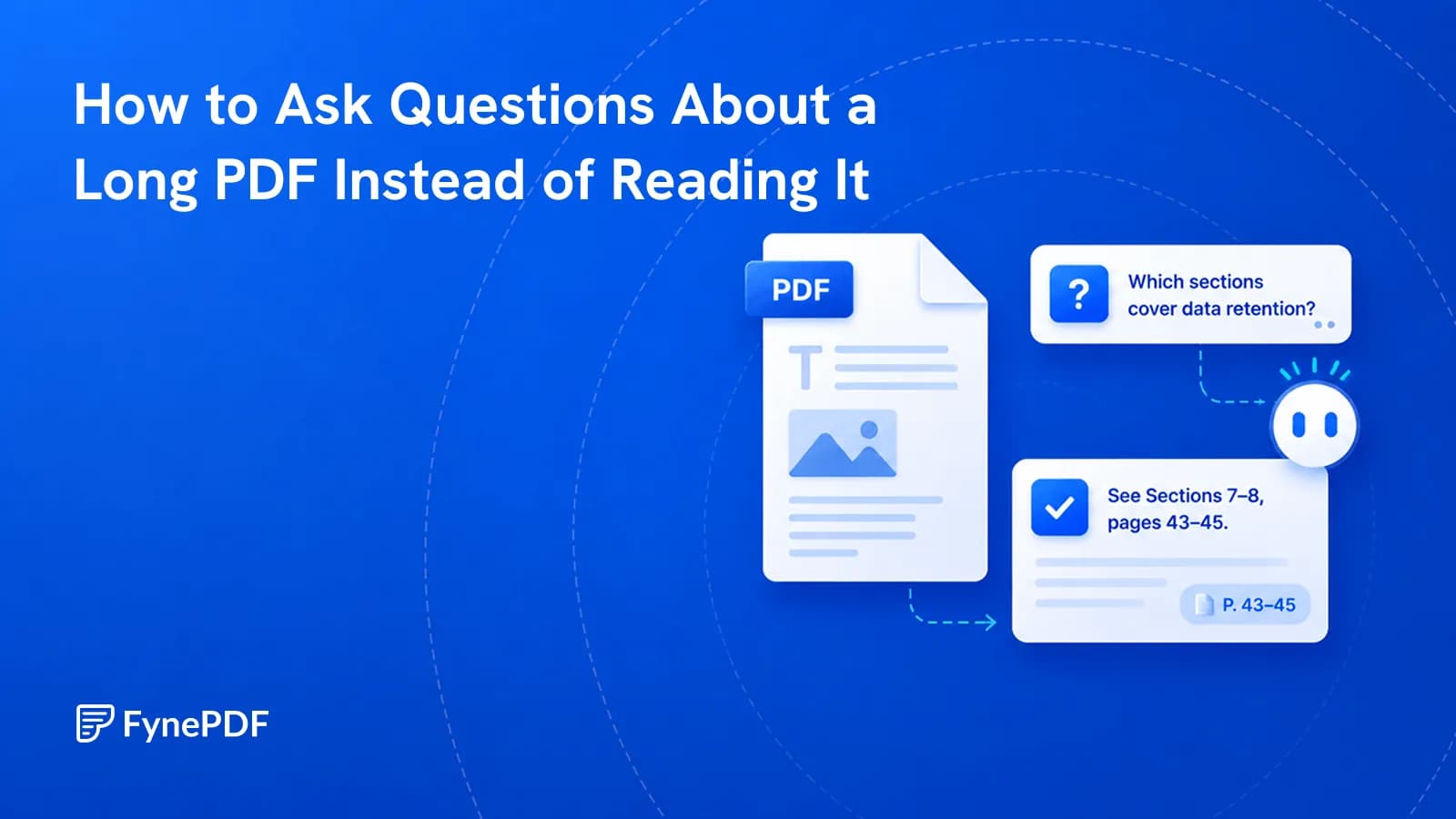
You need one clause from 200 pages. Query the document directly instead of skimming it.
Guide
AI Tools
News
Review a whole document set against the same questions, then verify every important finding at its source.