Guide
Agents
AI Tools
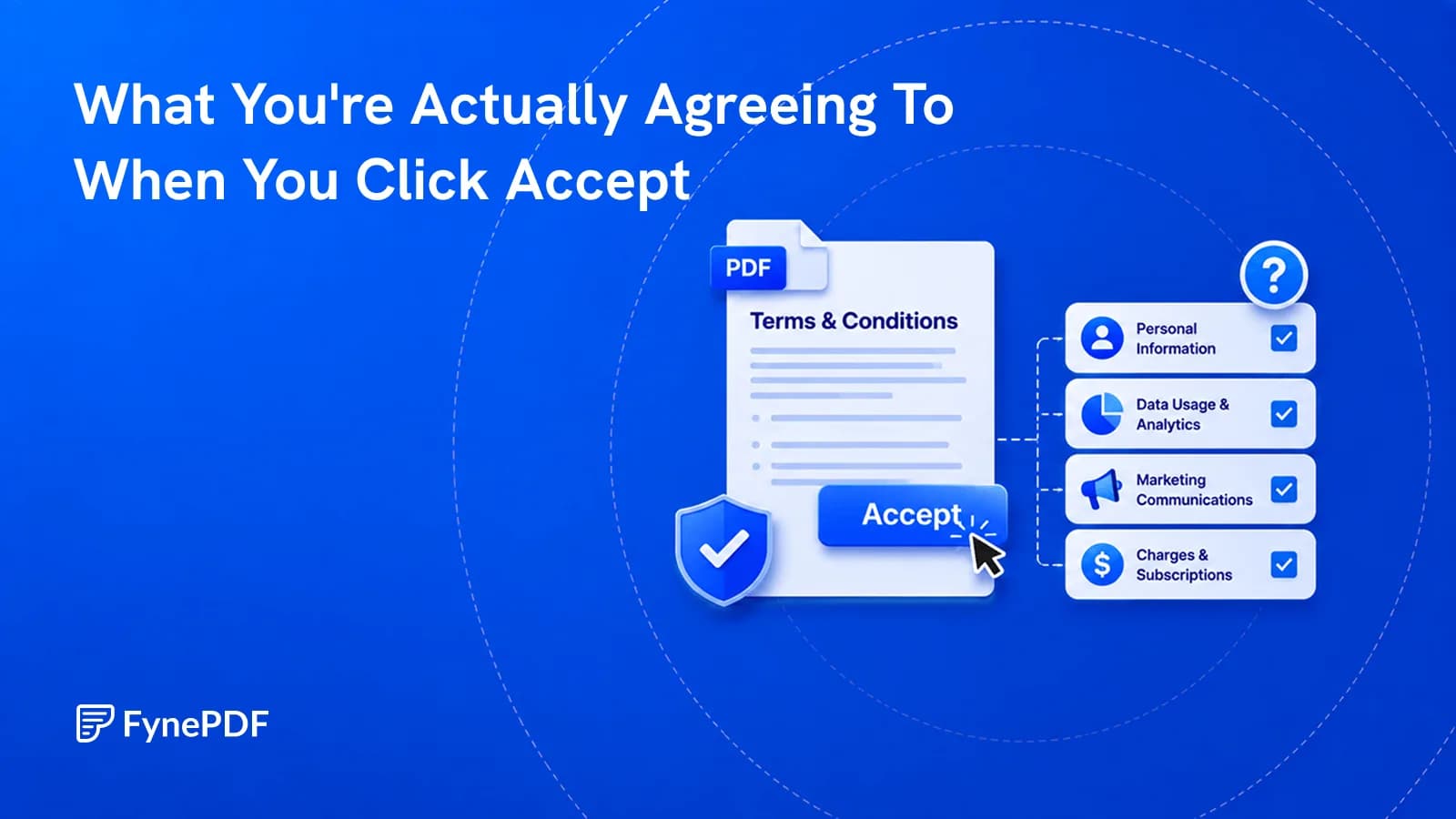
What You're Actually Agreeing To When You Click Accept
Nobody reads them, and the clauses that matter are buried deliberately. Here's what to check.


Find Hidden Red Flags
Supports PDF, TXT and more
 Fyne Bot“Section 6 allows sharing with
or drop your file here
Find data practices, renewal terms, and rights described in the document.

Paste the text straight in, or upload a PDF or .txt. No account needed.

The agent flags auto-renewals, risky clauses and data selling.
Read the simplified plain summary, ask specific questions and export the notes.
Understand data use, content rights, and dispute terms.
Summarize terms of service or a privacy policy from your PDF. Ask about data sharing, account rights, renewals, or arbitration, then read the original clauses behind the explanation before accepting an agreement.
Review Data Use
Find collection and sharing terms.
Check Content Rights
See what rights the policy claims.
Explain Policy Terms
Get a clear summary of dense wording.

 Based on Section 4.5, deleting your account does not immediately erase your personal information. Here is the breakdown:
 Review data use, renewal terms, and dispute clauses in clear, cited explanations.
Ask how a privacy policy describes data collection, sharing, and retention. Find the terms that affect your information and account rights.
Review auto-renewal, liability limits, and dispute clauses. Ask what each term means and where the agreement places obligations on you.
Read findings grouped by level of concern. Focus on the policy terms that deserve closer attention and check their wording in the PDF.
Select text in your PDF to explain a term, summarize a passage, or ask a question. Explore the detail you need without retyping it into chat.
Click a page citation to open your PDF at the source. When a text match is found, the passage is highlighted so you can check the AI answer.
Download tables from AI answers as CSV files. Keep the rows and columns ready for Excel, Google Sheets, or your next document analysis.
Review data practices, subscription terms, and rights described in a policy.
Read what a privacy policy says about data collection, tracking, and sharing. Ask focused questions and check the cited terms before signing up.
Review renewal terms, service commitments, and data handling in vendor policies. Prepare questions for your purchasing or legal team.
Find licensing and ownership terms in a platform agreement. Ask what the document says about your content and review the original clauses.
How your files are handled during and after your session.
Your documents are used for your session and are never used to train AI models.
TLS protects document transfers between your browser and FynePDF.
Your file is deleted within 24 hours of upload, unless you save it to your Library.
Read how we handle document data and how to contact us about access, export, or deletion.
Your terms or privacy policy document is processed to answer your questions about its wording. FynePDF staff do not manually open or review your file contents.
AI features may send document content to the Google Gemini API to produce the output you request. Documents are not used to train AI models. Temporary files follow the deletion policy; saved documents follow the Library storage policy.
Read our full Security Policy.
Guide
Agents
AI Tools
Nobody reads them, and the clauses that matter are buried deliberately. Here's what to check.
Guide
AI Tools
Productivity
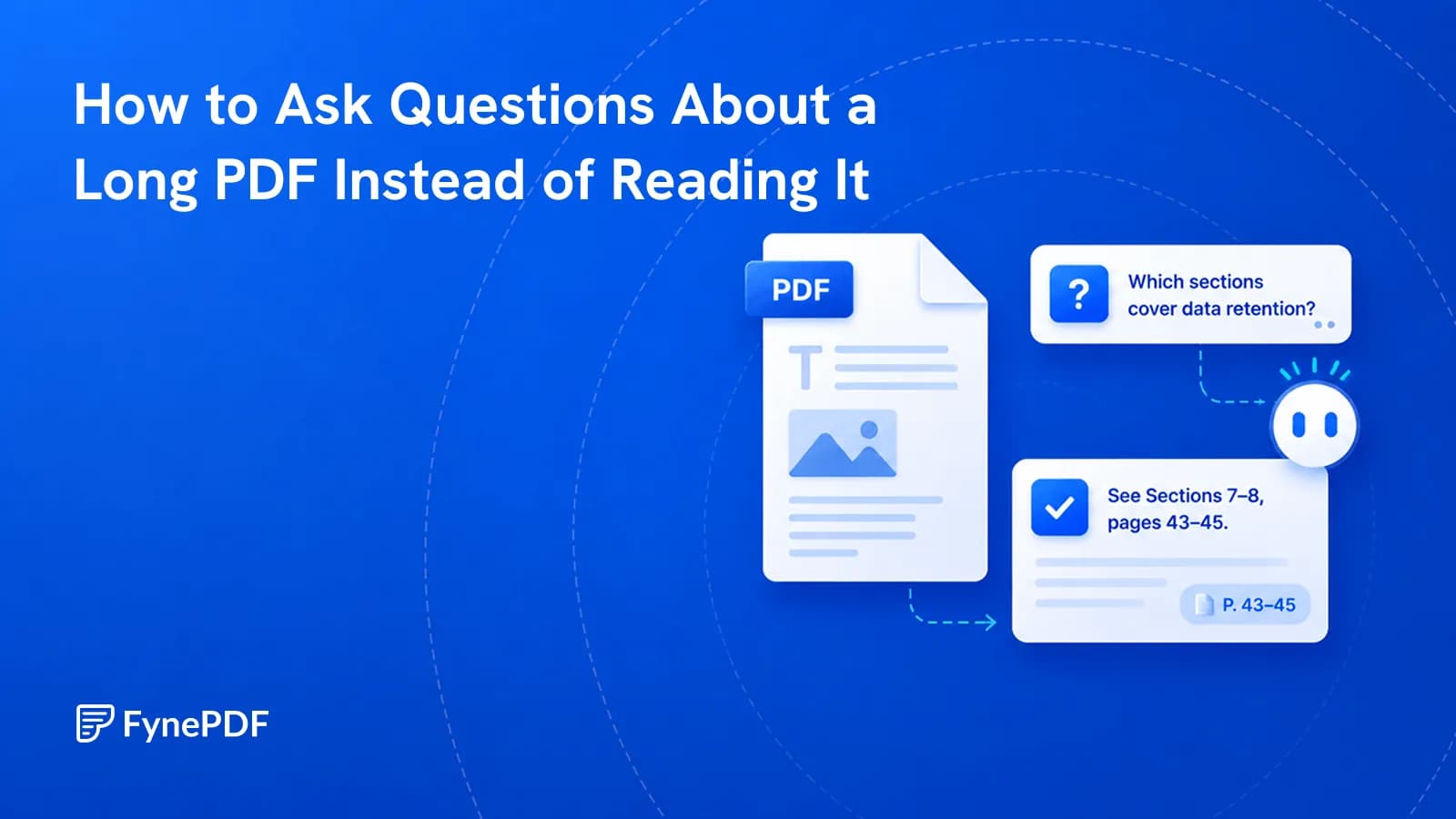
You need one clause from 200 pages. Query the document directly instead of skimming it.
Guide
AI Tools
News
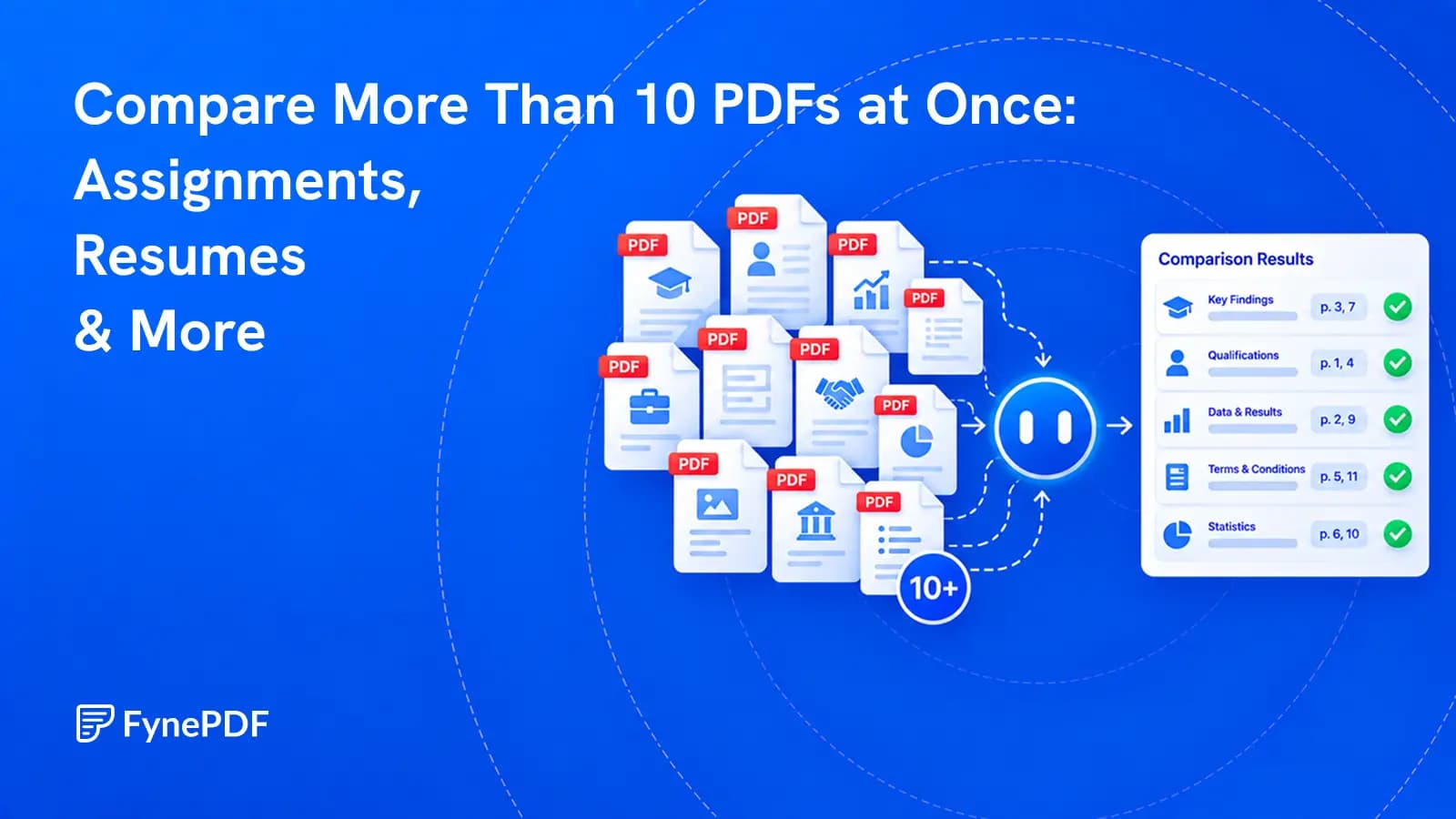
Review a whole document set against the same questions, then verify every important finding at its source.