
What You're Actually Agreeing To When You Click Accept
Nobody reads them, and the clauses that matter are buried deliberately. Here's what to check.
 By Biraj Paudel, Founder of FynePDF4 min read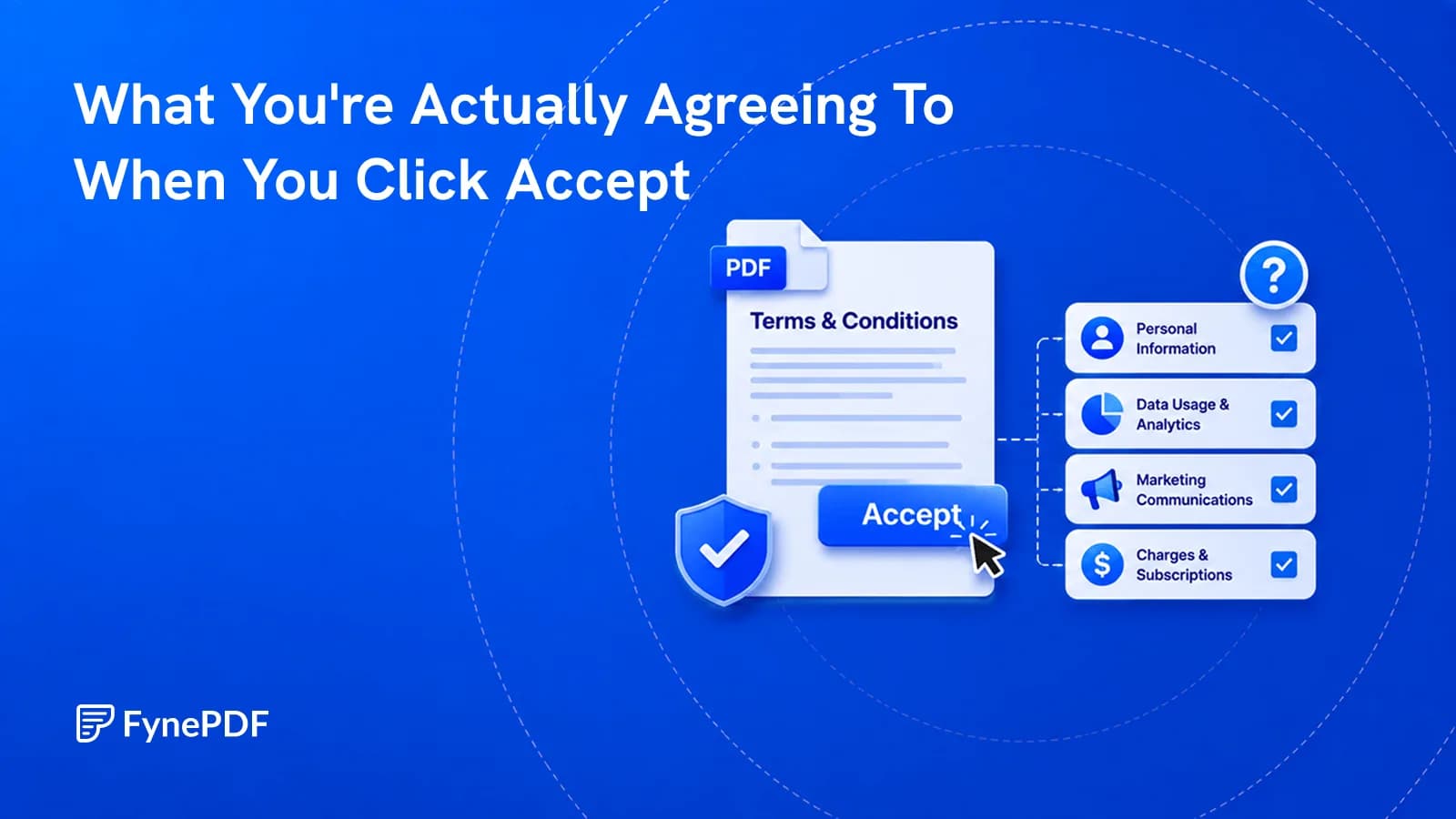
Terms of service are long because length discourages reading, and the clauses with real consequences sit in the middle where attention is lowest. Summarising a policy tells you what it covers in a minute, enough to decide whether the parts that affect you need reading properly.
The goal isn't to skip the document. It's to find out which paragraph you should actually read.
Which clauses actually matter?
Most of a policy is unremarkable boilerplate. A handful of provisions carry nearly all the consequence:
| Clause | Why it matters |
|---|---|
| Data sharing | Who else receives your information, and for what |
| Content licence | What rights you grant over things you upload |
| Unilateral change | Whether terms can be altered without your agreement |
| Arbitration and class action waiver | Whether you keep the right to sue or join a group claim |
| Auto-renewal | How and when you can actually cancel |
| Termination | Whether your data survives account closure |
| Governing law | Which country's courts apply if something goes wrong |
The content licence is the one people are most surprised by. Upload a photo, a document, or a piece of writing to a platform and you may have granted a broad, transferable, royalty-free licence over it. That's often necessary for the service to function. It can't display your photo without a licence to display it, but the scope varies enormously between providers.
How do I summarise a policy?
- Save the terms as a PDF, Webpage to PDF captures a live page.
- Open the ToS & Privacy Policy agent.
- Upload the document.
- Read the clauses the summary flags, in the original.
Free includes an overview and one AI answer per document, with files up to 15MB and 50 pages. Capturing the page as a PDF also gives you a dated record of what the terms said, which matters if they change later.
When is this worth doing?
Not for every app. It's worth the two minutes when the stakes are real:
- Anything you upload work to, a licence over your own creative output
- Services holding financial or health data
- Business tools your company depends on, where a termination clause has operational consequences
- Subscriptions with auto-renewal, particularly annual ones
- Anything replacing a service you already rely on. Compare rather than assume
- Employment and freelance platforms, where terms interact with your contracts
For a free game your child wants, this is disproportionate. For the platform holding your business records, it isn't.
How much should I trust the summary?
Treat it as a map, not a substitute for the territory. A summary compresses toward what's prominent, and legal drafting deliberately makes consequential clauses unremarkable, a single sentence creating an obligation looks structurally identical to a sentence about server maintenance.
Practical approach: use the summary to locate the clauses above, then read those clauses in the original text. That's a five-minute job rather than a forty-minute one, and it puts your attention where it belongs.
This isn't legal advice, and for anything with commercial consequence, a contract your business depends on, terms that conflict with an agreement you've already signed, a solicitor reading the actual document is what you need.
What about privacy policies specifically?
They answer a different question: not what you're agreeing to do, but what's being done with information about you. Look for what data is collected beyond the obvious, whether it's sold or shared with advertising partners, how long it's retained after you leave, whether it leaves your jurisdiction, and how you request deletion.
Data protection regimes in many countries give you rights the policy must honour regardless of what it says. If a policy appears to sign those away, that's worth a professional opinion rather than acceptance.
Common questions
Can I compare an old and new version?
Yes, and it's the better use of your time when a provider announces changes. Capture both versions and run Compare PDF to see exactly what moved.
The terms are spread across several linked pages. What then?
Capture each with Webpage to PDF and combine them with Merge PDF before summarising. Providers frequently split terms across documents, and the significant clause is often in the one you didn't open.
Is my document stored?
Files transfer over encrypted connections and are permanently deleted within 15 minutes of processing unless you save them to your library.
Find the clauses that matter
Capture the terms, run them through the ToS & Privacy Policy agent, then read the flagged clauses in full.
 Resume Review
 Accessibility (WCAG) Checker
 Plagiarism & AI Detector