Webpage to PDF
Capture a live page or upload an .html file, CSS, fonts and images all render.


Save any web page as a PDF.
Convert Webpages & HTML to PDF
No Watermark on Downloads
Full JavaScript rendering
Save any web page as a PDF.


Convert Webpages & HTML to PDF
No Watermark on Downloads
Full JavaScript rendering
Capture a live page or upload an .html file, CSS, fonts and images all render.
Render the page at desktop, tablet or mobile width, then set your page margins.
Capture job posts, rentals or product pages before they're edited or removed.
Save a web page as a PDF in three steps, no software to install, no account needed.
1
Paste a webpage URL, or upload a local .html file. Free plans cover 5 sites per day.
2
Pick desktop, tablet or mobile view, and choose no, small or large page margins.
3
Your PDF capture of the webpage is ready to download and auto-deleted after 15 min.
Websites change constantly and links go dead. Here is how turning dynamic web pages into static PDFs preserves digital content forever.
Upload local .html files and render them in desktop or mobile view to present responsive design progress to clients without hosting.
Securely document terms of service, public statements, or website copy as it appeared on a specific date for legal proceedings.
Save accessible web invoices and confirmations as PDFs for your records. Pages requiring a sign-in may need to be downloaded from the original site.
Render long-form articles or documentation using the 'Mobile' view to create a PDF you can read offline on your phone.
Websites change daily. Capture an offline PDF snapshot of a competitor's live landing page or pricing table before they update it.
Save a dashboard's page as HTML, upload it, and turn live reporting into a clean PDF for stakeholders.
FynePDF loads the page in a real browser, waits for it to finish rendering, and prints the result to PDF, so scripts run, images load and CSS applies exactly as they would for a visitor. What you get is the page as it appeared at that moment, not a raw HTML dump.
The whole page is captured top to bottom, not just what fits on screen, including content below the fold.
Desktop, tablet or mobile viewport. Responsive sites lay out differently at each, and the PDF reflects that.
Links stay clickable, but menus, forms, video and anything needing a click become fixed images of themselves.
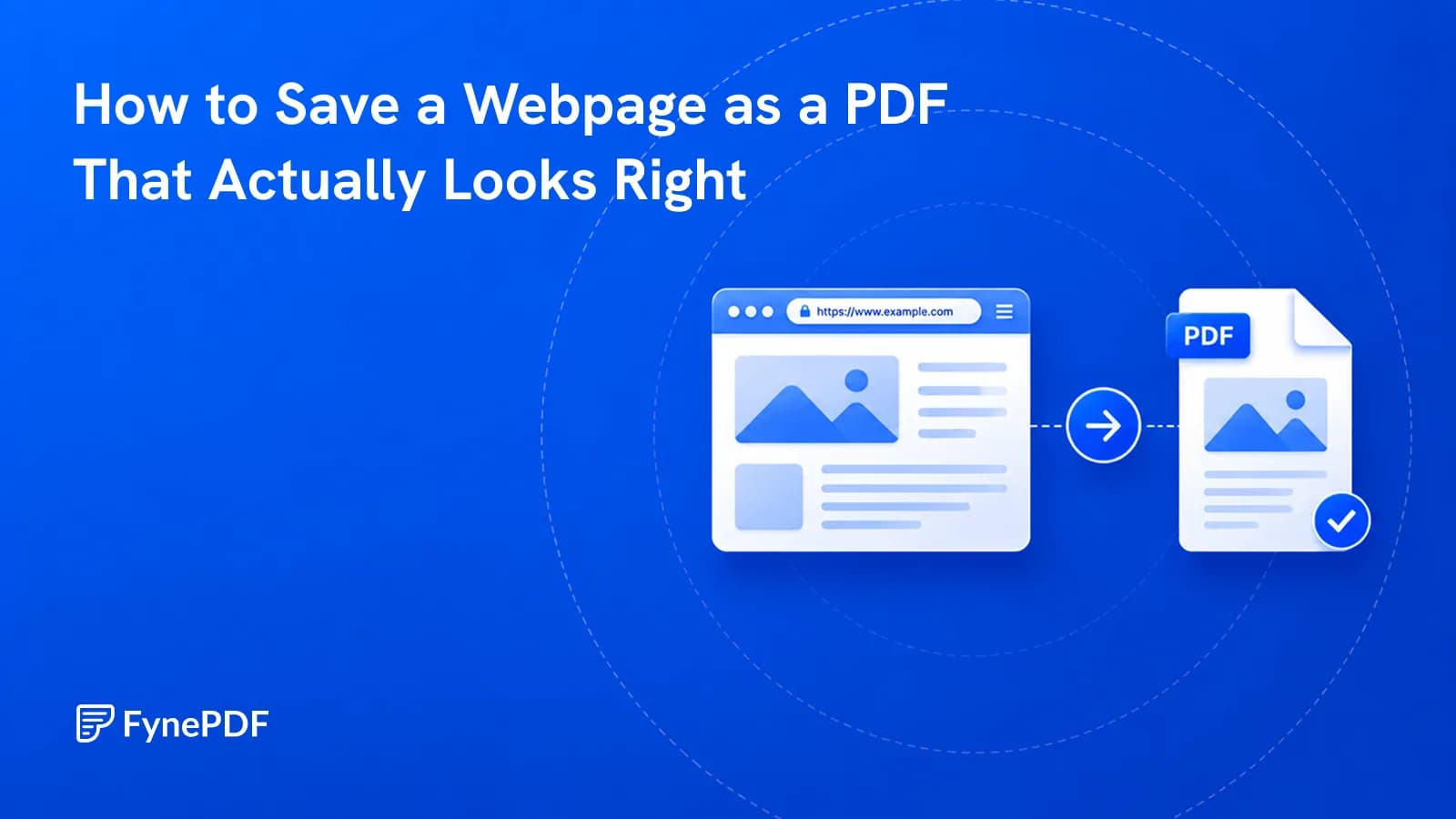
Guide
Convert
Productivity
Ctrl+P captures cookie banners and misses images. Here's how to archive a page properly.
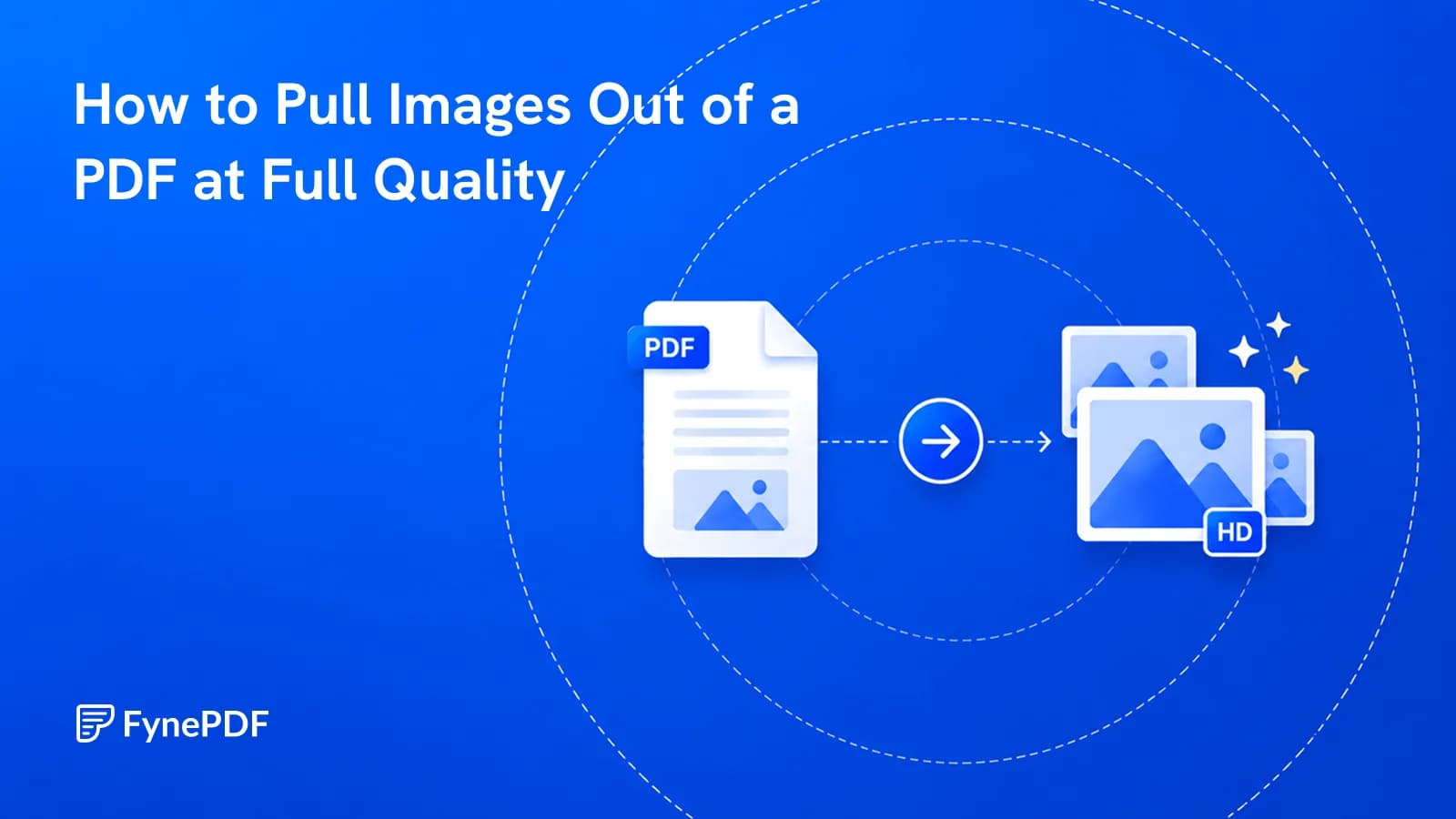
Guide
Convert
Productivity
Screenshotting caps a chart at your screen resolution. Extracting gets the real thing.
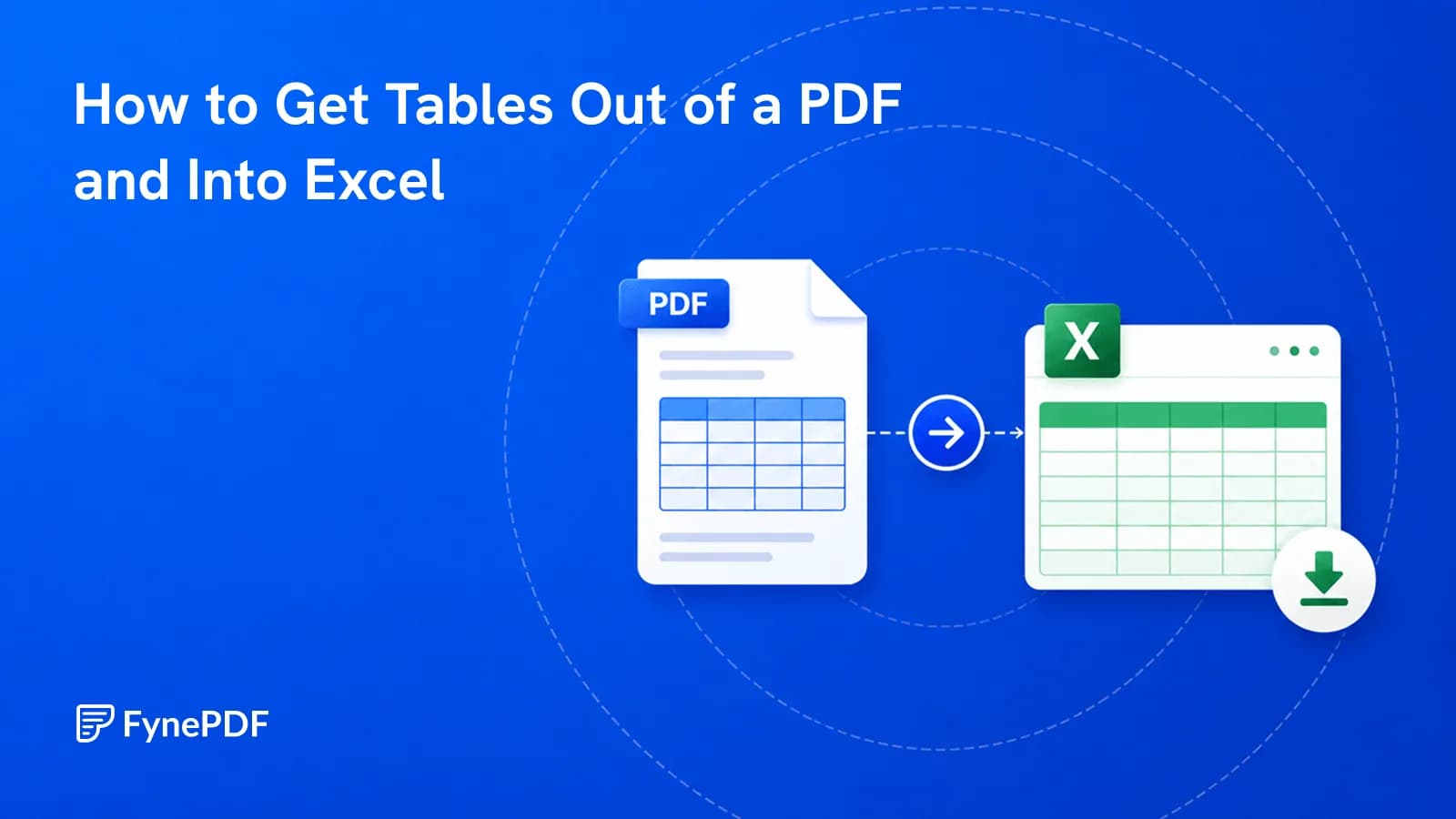
Guide
Convert
Productivity
Copy-paste dumps everything into one column. Here's how to get real rows and columns.