
How to Edit a PDF in Word Without Wrecking the Formatting
Conversions scramble layouts for a reason. Here's which documents survive and how to fix the rest.
 By Biraj Paudel, Founder of FynePDF3 min read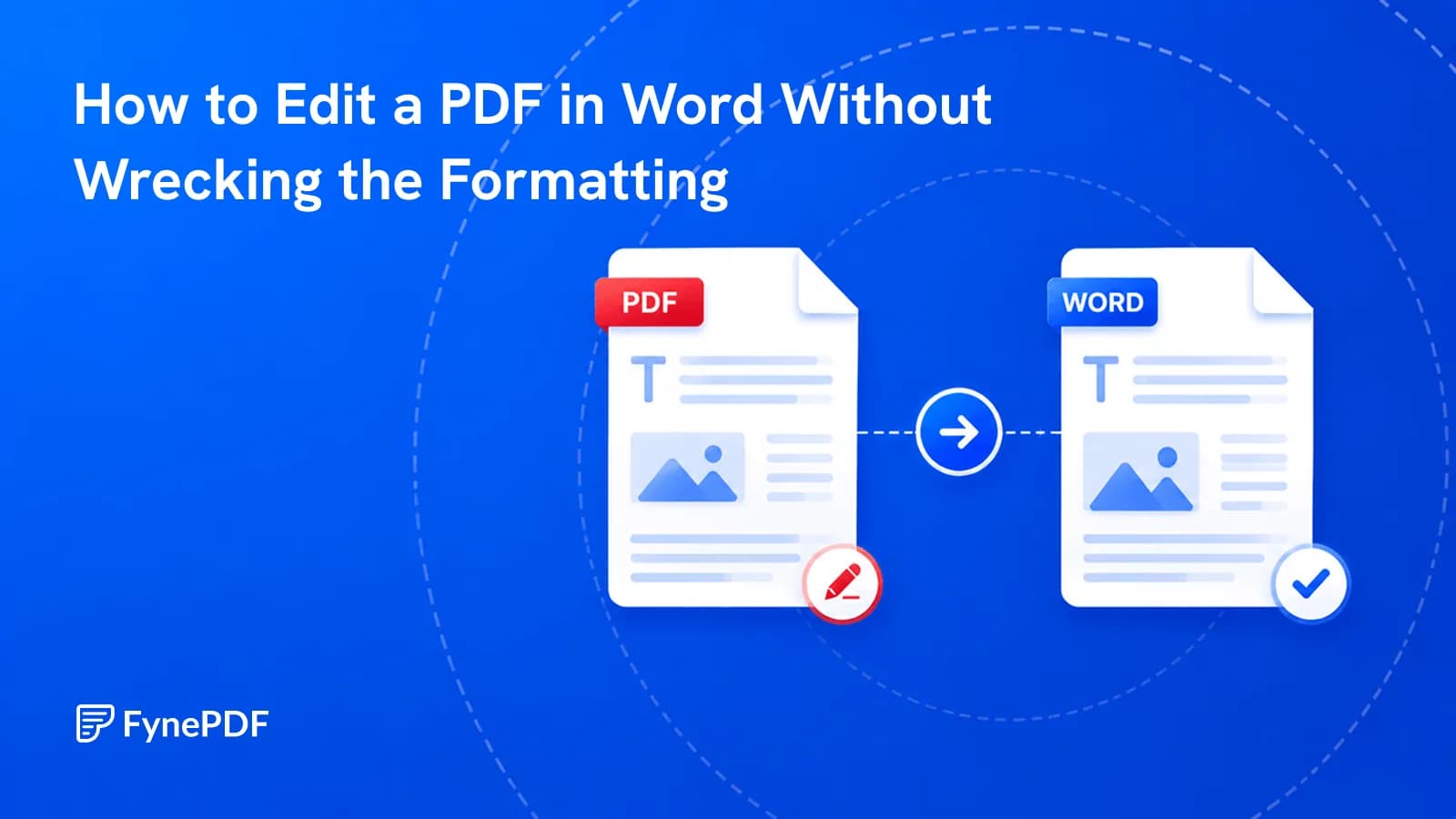
Converting a PDF to Word scrambles formatting because the two formats work in opposite ways. A PDF fixes every element at exact coordinates; Word flows text and reflows it whenever anything changes. Conversion has to translate fixed positions into flowing structure, and where the original relied on precise placement, that translation guesses.
Knowing which documents convert cleanly saves the frustration of expecting the impossible.
Which PDFs convert well?
Text-led documents with simple structure. Reports, letters, contracts, essays, and articles come through close to intact because their layout is mostly sequential, a paragraph follows a paragraph, and Word handles that natively.
Design-led documents don't. Brochures, magazine spreads, annual reports with pull quotes and sidebars, anything laid out in InDesign. These depend on exact positioning that has no flowing equivalent. Expect text boxes scattered across the page rather than a document you can edit.
How do I convert a PDF to Word?
- Open the PDF to Word tool.
- Upload your file.
- Convert and download the
.docx. - Turn on formatting marks in Word before editing.
That last step is the one people skip and regret. Ctrl+Shift+8 reveals section breaks, text boxes, and manual line breaks, so you can see the structure you're editing instead of fighting it blind.
What breaks, and what to do about it
| Problem | Fix |
|---|---|
| Text trapped in floating boxes | Cut the contents, paste into the body, delete the box |
| Line breaks mid-sentence | Find and replace manual breaks (^l) with spaces |
| Fonts substituted | Select all, apply one font, then restyle headings |
| Tables misaligned | Rebuild small tables; large ones via PDF to Excel |
| Images out of position | Set wrapping to In Line with Text and reposition |
| Headers repeating in body text | Delete manually; they were page furniture, not content |
For heavily broken conversions, there's a faster route than repairing: select all in the converted file, paste as unformatted text into a clean document, and restyle. Ten minutes of styling usually beats an hour of untangling.
What if the PDF is scanned?
You'll get a Word document containing a picture of a page, not editable text. Run OCR first to add a text layer, then convert.
Proofread scanned conversions properly. OCR errors that survive into Word look like ordinary typos, and the ones in numbers are easy to miss and expensive to keep.
Do I actually need Word?
Often not, and the alternative is usually faster. If the goal is a small change rather than a rewrite, editing the PDF directly avoids the whole conversion round trip:
- Adding comments or notes → Annotate PDF
- Signing or filling a form → Sign PDF
- Removing pages → Delete Pages
- Reordering pages → Organize Pages
- Removing sensitive text → Redact PDF
Converting to Word makes sense when you're genuinely rewriting the content. For a signature or a date change, it's a long way round.
Common questions
Will the fonts stay the same?
Only if they're installed on your machine. PDFs embed fonts; Word links to them. A font your system doesn't have gets substituted, which shifts line breaks and page counts. Applying one consistent font across the document is usually cleaner than chasing the original.
Can I convert a password-protected PDF?
Remove the protection first with Unlock PDF using your password, then convert.
How do I get back to PDF afterwards?
Word to PDF once you've finished editing. Check the page count against the original. Reflowed content frequently changes it.
Is my document safe during conversion?
Files transfer over encrypted connections and are permanently deleted within 15 minutes of processing unless you save them to your library.
Convert your document
Upload your PDF to PDF to Word, then turn on formatting marks before you start editing. You'll see what you're working with.
 OCR PDF
 Word to PDF
 Flatten PDF