
How to Summarize a Long PDF Without Missing What Matters
A summary tells you what a document covers, not what it commits you to.
 By Biraj Paudel, Founder of FynePDF4 min read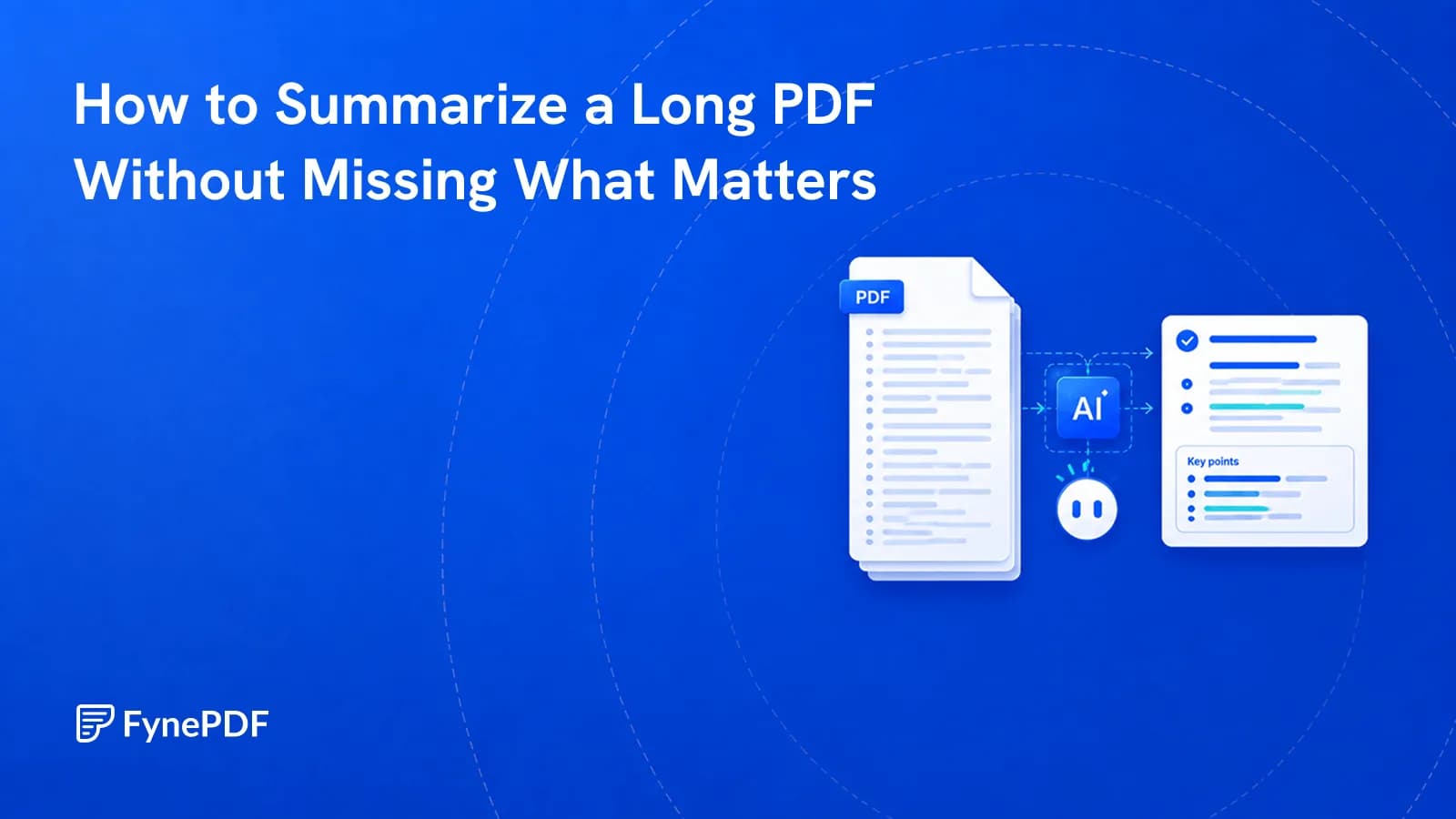
To summarize a PDF, upload it and generate a condensed version covering the document's main points. Summarising is reliable for understanding what a document is about and unreliable for catching the specific clause that affects you, because it compresses toward what is prominent rather than what is consequential.
Those two things are frequently not the same, and knowing the difference is what makes summaries useful instead of dangerous.
What does a summary actually give you?
Orientation. After reading one you know the document's subject, its structure, its main arguments, and roughly where things are. That's genuinely valuable when you're facing a 90-page report and need to decide whether it's worth your afternoon.
What it doesn't give you is the exception buried in clause 14.3. Summarisation works by identifying what's central and discarding what's peripheral, and a single sentence creating an obligation is, structurally, peripheral. It appears once, briefly, in a document about something else. That's precisely the thing summaries drop.
When is summarising the right tool?
| Situation | Good fit |
|---|---|
| Triaging which of six reports to read | Yes |
| Getting oriented before a meeting | Yes |
| Understanding an unfamiliar field's paper | Yes |
| Recalling a document you read months ago | Yes |
| Checking whether you're liable for something | No |
| Confirming a deadline or an amount | No |
| Reviewing anything before signing it | No |
The pattern: summaries are excellent for deciding what deserves your attention and poor for anything where a missed detail has consequences.
How do I summarize a PDF?
- Open Summarize.
- Upload your document.
- Generate the summary.
- Use it to decide which sections you now need to read properly.
- To keep it, ask "give me this chat as a PDF". Run the card that appears to save the summary and any follow-up answers as a formatted PDF.
Free accounts handle up to 50 pages and files up to 15MB. Longer documents need a paid plan, or you can process the relevant portion by pulling those pages out with Extract Pages first, which is often better practice anyway, since a summary of the section you care about is more useful than a summary of everything.
Why is my summary vague or wrong?
Three usual causes, in order of frequency.
The document is a scan. No text layer means nothing to summarise, and you'll get either an error or something generic. Try selecting a word, if you get a box over the whole page instead of a highlighted word, run OCR first.
The document covers too much. A 300-page compliance manual summarised in a few paragraphs necessarily flattens into generalities. Extract the chapter you need and summarise that.
The important content is in tables or figures. Numerical relationships in a PDF table are visually implied rather than structurally recorded, so they summarise poorly. Pull those out with PDF to Excel and read them directly.
How should I verify a summary?
Spot-check three claims against the document. Pick the ones that would change your decision, a figure, a date, an obligation, and find them in the original.
If all three hold, the summary is probably a fair representation and you can proceed to read the sections it pointed you to. If any one is wrong, stop treating the summary as reliable for that document and read it yourself. Two minutes of checking is cheap relative to acting on a misreading.
Bear in mind that a summary reads as authoritative regardless of accuracy. Fluent prose is not evidence of correctness, and there's no visual difference between a summary that's right and one that isn't.
What should I use instead for specific questions?
If you already know what you're looking for, don't summarise. Ask. Chat with Doc lets you query the document directly and cite the page, which is both faster and checkable.
Roughly: summarising answers "what is this?", querying answers "what does it say about X?", and comparing answers "what changed?", Compare PDF handles that third one.
Common questions
Can I control how long the summary is?
Shorter summaries drop more, and what they drop is exactly the specific detail. If you want brevity, get it by narrowing the input. Summarise one chapter rather than compressing the whole document harder.
Does it work on research papers?
Well, generally, because academic papers have conventional structure and an abstract-like logic the summary can follow. Methodology limitations and statistical caveats are the parts that get compressed away, and in research those are frequently the parts that matter.
Can I summarize a document in another language?
Standard printed text in widely used languages handles reasonably. Accuracy drops with mixed scripts on a page and with specialised terminology, so verify more carefully than usual.
Is my document kept afterwards?
Files transfer over encrypted connections and are permanently deleted within 15 minutes of processing unless you save them to your library.
Summarize your document
Upload it to Summarize, then spot-check three claims against the original before you rely on any of it.
 Parse PDF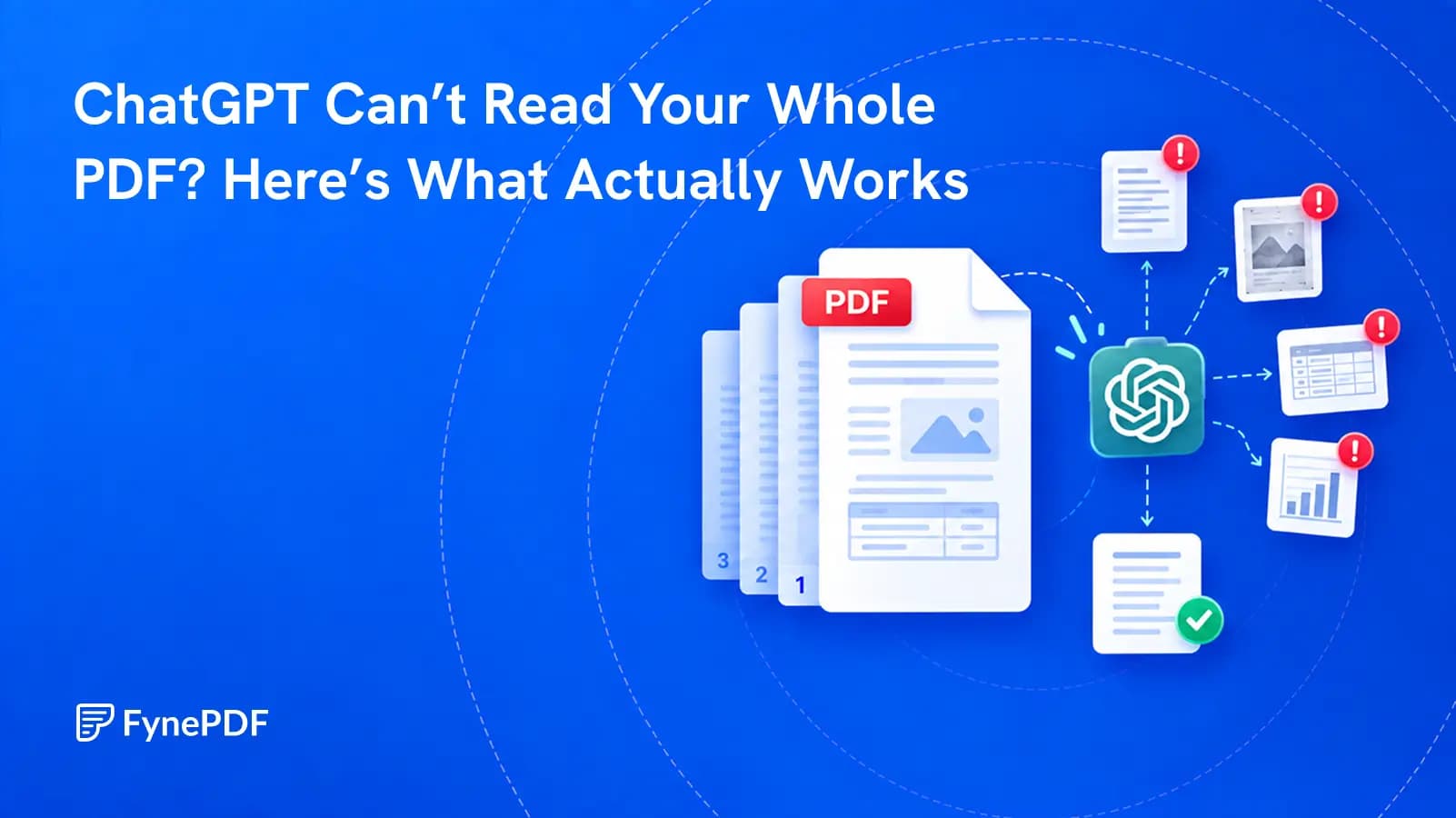
 Chat with PDF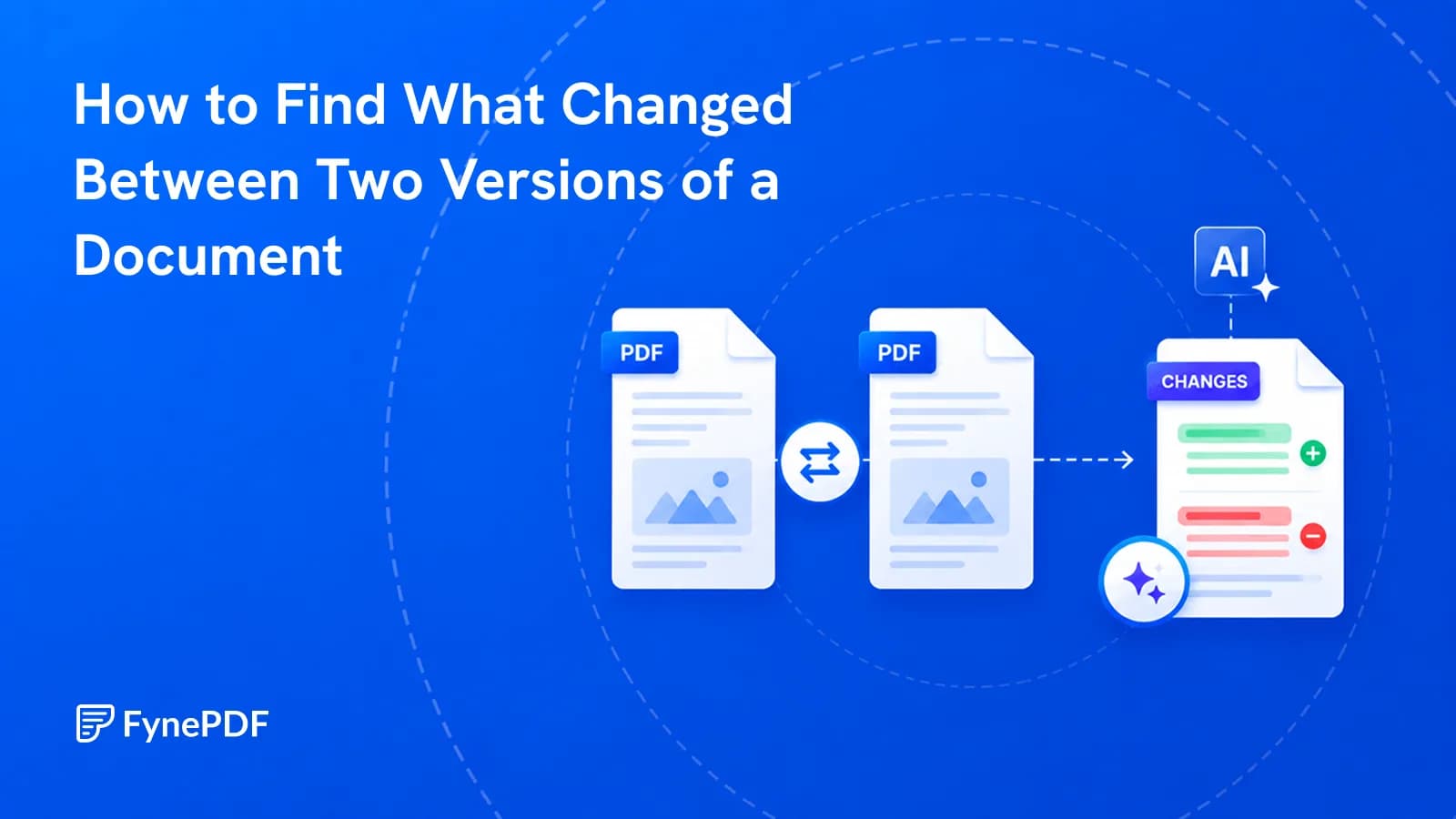
 Compare PDF