
How to Find What Changed Between Two Versions of a Document
A contract came back edited with no track changes. Here's how to find every difference.
 By Biraj Paudel, Founder of FynePDF4 min read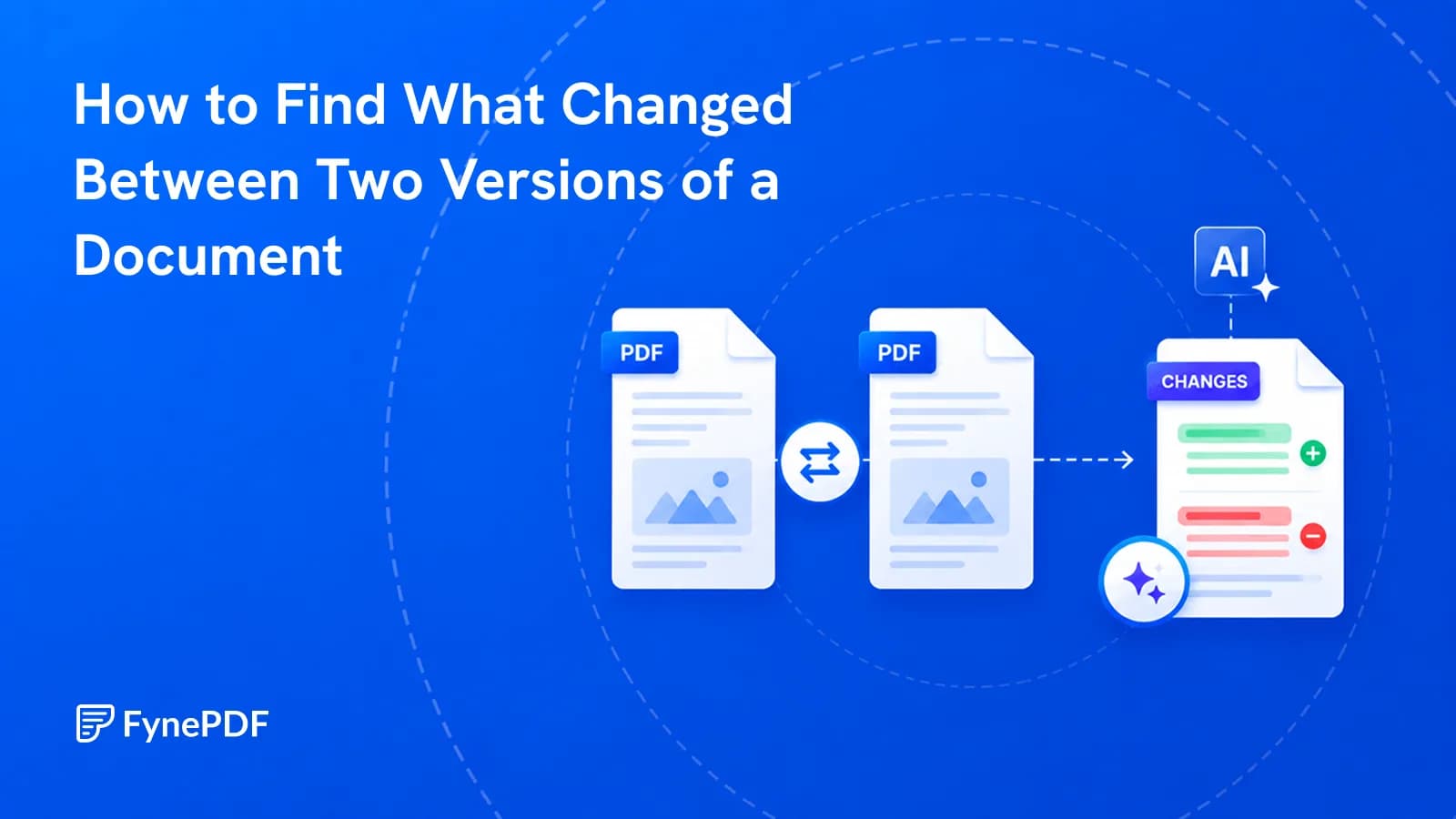
To find what changed between two documents, upload both versions and compare them directly. Differences in wording, inserted clauses, and deletions are surfaced side by side. This works when track changes was never enabled, which is the situation that causes the problem in the first place.
Reading two versions in parallel is how people usually attempt this, and it's how single-word changes get missed.
Why is manual comparison unreliable?
Because the changes that matter are the ones designed not to look like changes. "Shall" becoming "may" converts an obligation into an option and adds no visible length to the paragraph. "Thirty days" becoming "thirty business days" extends a deadline by nearly two weeks and reads almost identically. A removed sentence leaves no gap.
Your eye reads what it expects. On the second pass through a document you already know, it skims, which is precisely when substituted words slip past. This isn't carelessness; it's how reading works.
What situations need this most?
- Contracts returned by the other side with edits and no markup
- Policy documents reissued with a new version number and no changelog
- Regulatory filings where you need to confirm exactly what was amended
- Terms of service updates where the notification says "minor changes"
- Reports where a figure moved and you need to know which one
- Rebuilt documents after a file was recreated rather than edited
The common thread is a document you've already reviewed once, returned to you as a fresh file with no record of what happened in between.
How do I compare two PDFs?
- Open Compare PDF.
- Upload both versions.
- Review the differences.
- Check each substantive change against the original text.
There is no file-count cap. Compare sets can total 15MB on Free, 100MB on Professional or 250MB on Premium, within your AI allowance. Each PDF must fit your plan's page limit. Free includes an overview and one AI answer per document; paid plans let you continue. Use Extract Pages to compare specific sections.
Which changes matter most?
Not all differences carry equal weight, and a comparison will show you all of them. Triage in this order:
| Change type | Why it matters |
|---|---|
| Modal verbs, shall, will, may, must | Converts obligations into options |
| Numbers, dates, durations | Deadlines, amounts, notice periods |
| Named parties | Shifts who carries a liability |
| Deleted clauses | The absence is easy to overlook entirely |
| Defined terms | Redefining a term changes every use of it |
| Cross-references | A renumbered clause can point somewhere new |
Formatting differences, repagination, and font changes will also appear. They rarely matter, but they add noise, which is why working through the substantive categories first is worth the discipline.
Why does it show everything as changed?
Usually because one version is a scan. If a document was printed, signed, and rescanned, it contains images rather than text, so there's nothing to compare against the digital original. Run OCR on the scanned version first.
The other common cause is a layout shift. If the second version reflowed because a font substituted or a margin changed, text can appear on different pages, and a position-sensitive comparison flags a great deal that hasn't actually changed. The wording comparison is still valid; the noise is what increases.
What if the versions are Word files?
Convert both to PDF with Word to PDF and compare those. Word's own compare feature is good when both files are .docx and you have them, but it fails in the common case: the other side sent a PDF.
Converting both to a single format also removes a subtle problem, which is that the same .docx can render differently on two machines depending on installed fonts. Comparing PDFs compares what both parties actually see.
Common questions
Can I compare more than two versions?
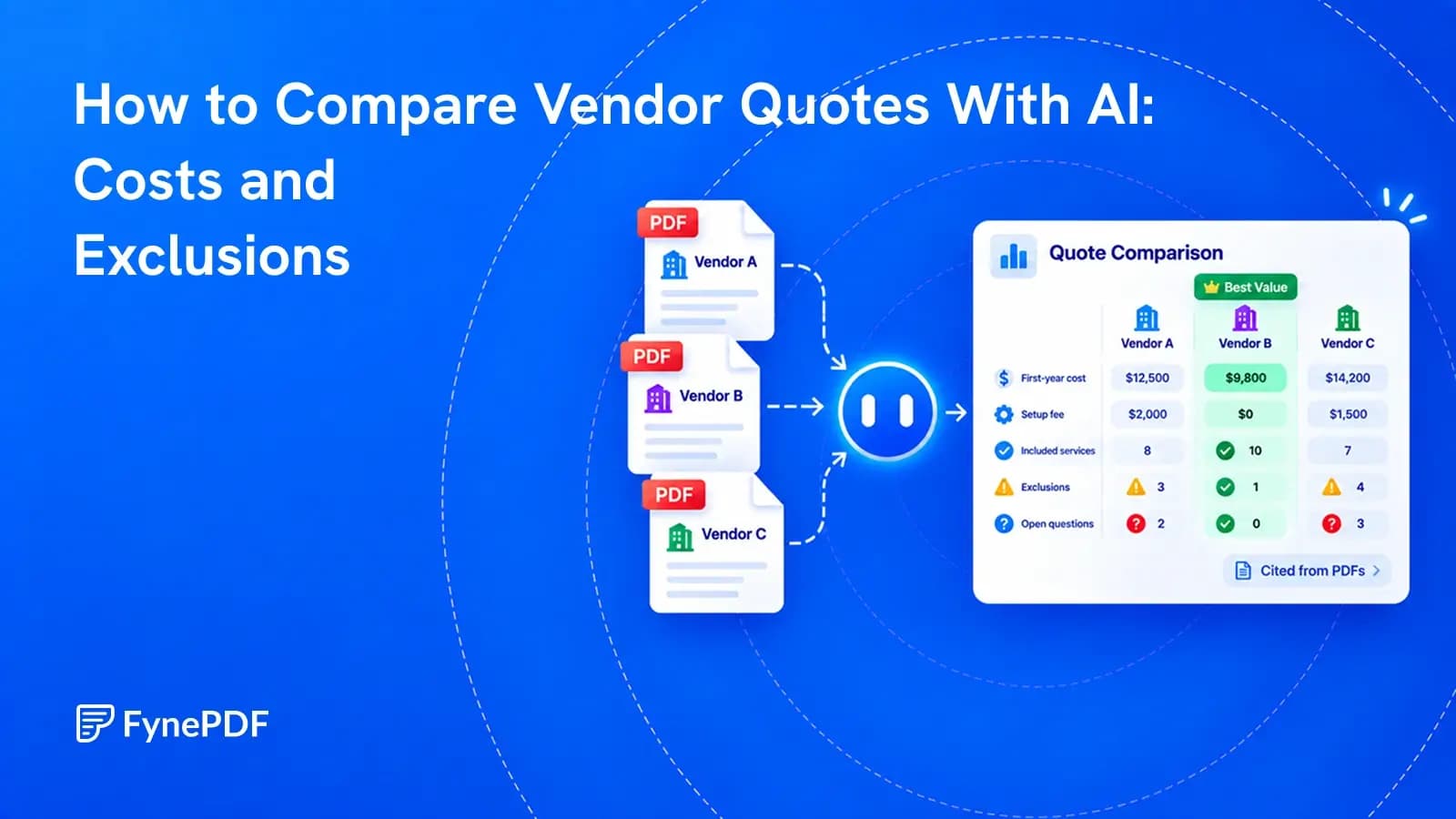
Compare them in pairs. Version 1 against 2, then 2 against 3. Comparing the first against the last hides the intermediate history, which is often where you find out when a change was introduced and by whom.
Will it catch a deleted clause?
Yes, and deletions deserve more attention than insertions. Something added is visible and gets scrutinised. Something removed leaves nothing behind, so reviewers read past the gap without registering it.
Does it work on scanned contracts?
Only after OCR, and with more caution afterwards. Recognition errors produce differences that aren't real, so verify anything flagged in a scanned document against the page image before you raise it with the other side.
Are both files kept?
Files transfer over encrypted connections and are permanently deleted within 15 minutes of processing unless you save them to your library.
Compare your versions
Upload both files to Compare PDF and work through the modal verbs and numbers first. Those are where the consequential changes hide.
 Compare PDF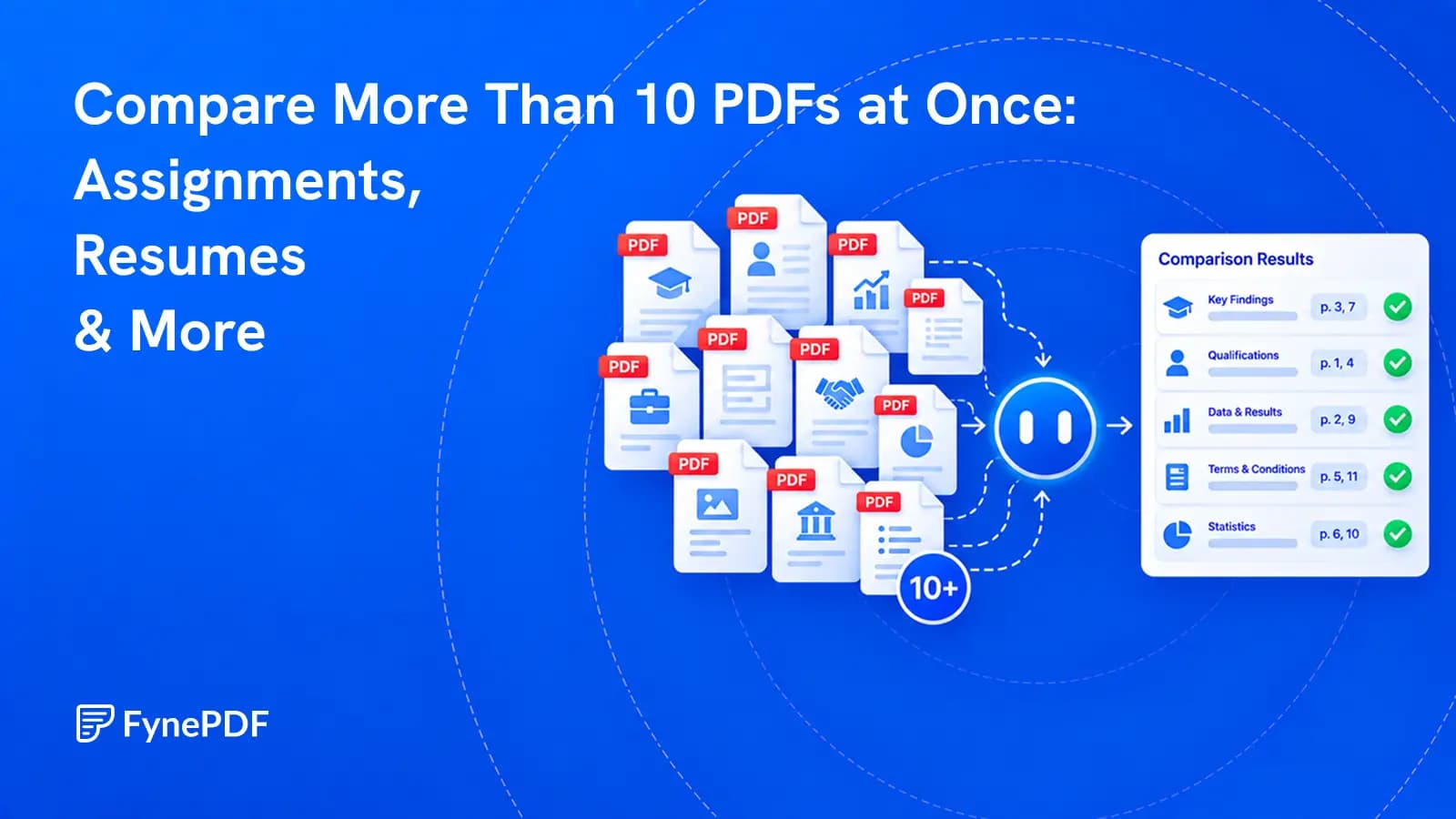
 Parse PDF