
How to Fix a Sideways PDF So It Stays Fixed
You rotated it, saved it, and it opened sideways again. Here's why that happens.
 By Biraj Paudel, Founder of FynePDF3 min read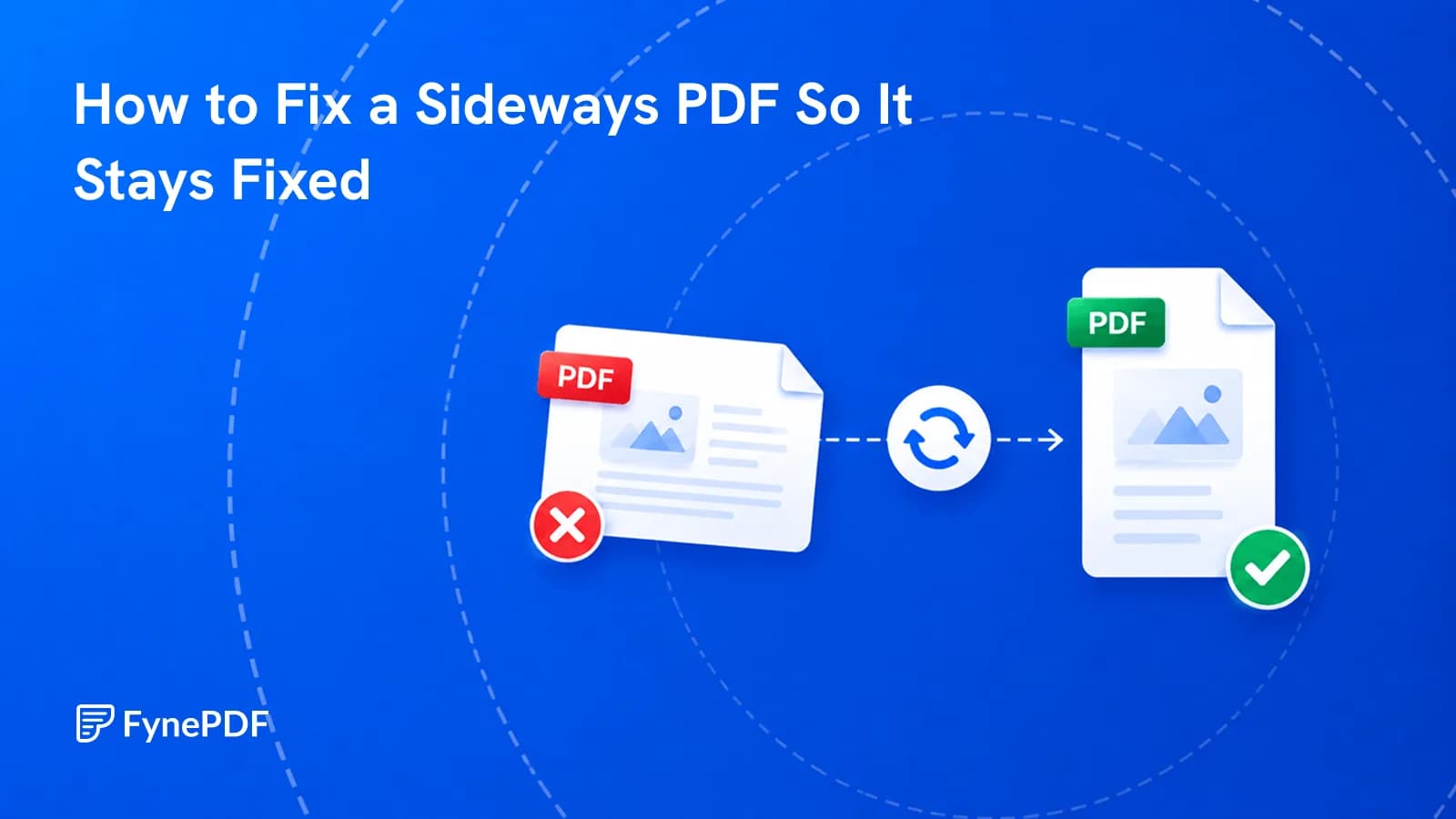
A PDF reverts to sideways because most viewers store rotation as an instruction attached to the page rather than changing the page itself. Software that reads the instruction shows it upright; software that ignores it shows the original orientation. Applying the rotation to the file permanently removes the ambiguity.
This is why rotating in one reader appears to work and then fails everywhere else.
Why doesn't my rotation stick?
PDF pages carry a rotation value, an instruction saying "display this ninety degrees clockwise." Rotating in a viewer usually just sets that value. The underlying page content is untouched.
Well-behaved readers honour it. Others don't, and printers are particularly inconsistent: a document that looks correct on screen can emerge from the printer sideways because the print path read the page content and skipped the instruction.
You also see this when a file passes through a system that rebuilds it. Some upload portals, email gateways, and conversion steps discard the rotation value, and the pages revert.
How do I rotate a PDF permanently?
- Open the Rotate PDF tool.
- Upload the document.
- Rotate the affected pages to the correct orientation.
- Download the corrected file.
Free accounts handle files up to 600MB. Check the output in a different application than the one you'd normally use, if it holds in two unrelated viewers, the rotation is real rather than an instruction.
Which pages actually need rotating?
Rarely all of them, and this is where people create new problems. Scanned documents commonly mix orientations: portrait text pages, a landscape table halfway through, an appendix scanned upside down because it went into the feeder the wrong way.
Rotating everything ninety degrees fixes the sideways pages and breaks the correct ones. Work page by page from the thumbnails.
Common patterns worth recognising:
- Every page sideways, the whole document was fed in rotated
- Alternating pages upside down. Double-sided scanning with the stack flipped the wrong way
- One or two pages off. Sheets that went in individually
- Landscape tables in a portrait document, often correct as-is, depending on how it's read
Should I rotate before or after other operations?
Before, generally. Rotation makes thumbnails readable, and every other page-level operation is easier when you can see what you're working with.
| Task | Order |
|---|---|
| Reordering pages | Rotate first, so Organize Pages thumbnails are legible |
| Removing pages | Rotate first, to identify the right ones |
| Running OCR | Rotate first, OCR accuracy drops sharply on rotated text |
| Compressing | Either order |
| Merging | Rotate each source file before combining |
The OCR case is the one that costs real accuracy. Text recognition expects horizontal lines of characters, and a sideways page produces poor results or none at all.
What if the page is skewed rather than rotated?
Rotation handles ninety-degree increments. A page scanned at a slight angle, three or four degrees off. Is a different problem, caused by the sheet drifting in the feeder.
There's no rotation setting that fixes it, and mild skew usually doesn't need fixing. If it's severe enough to affect readability or OCR accuracy, rescanning with the sheet aligned properly is the reliable answer.
Common questions
Will rotating reduce quality?
No. The page content is unchanged, a 300 DPI scan stays a 300 DPI scan. Only the orientation is different.
Can I rotate a password-protected PDF?
Remove the protection first with Unlock PDF using your password, rotate, then reapply protection with Protect PDF if needed.
Why did the pages rotate back after I emailed them?
Some mail gateways and portals rebuild attachments, discarding rotation instructions in the process. Applying rotation to the file rather than as an instruction is what prevents this.
Is my document stored?
Files transfer over encrypted connections and are permanently deleted within 15 minutes of processing unless you save them to your library.
Fix the orientation
Open Rotate PDF, correct the affected pages, then check the result in a second viewer before you send it anywhere.
 Organize PDF Pages
 Flatten PDF
 Extract PDF Pages