
How to Remove Pages From a PDF Before You Share It
Internal notes on page 9 shouldn't reach the client. Here's how to remove them.
 By Biraj Paudel, Founder of FynePDF4 min read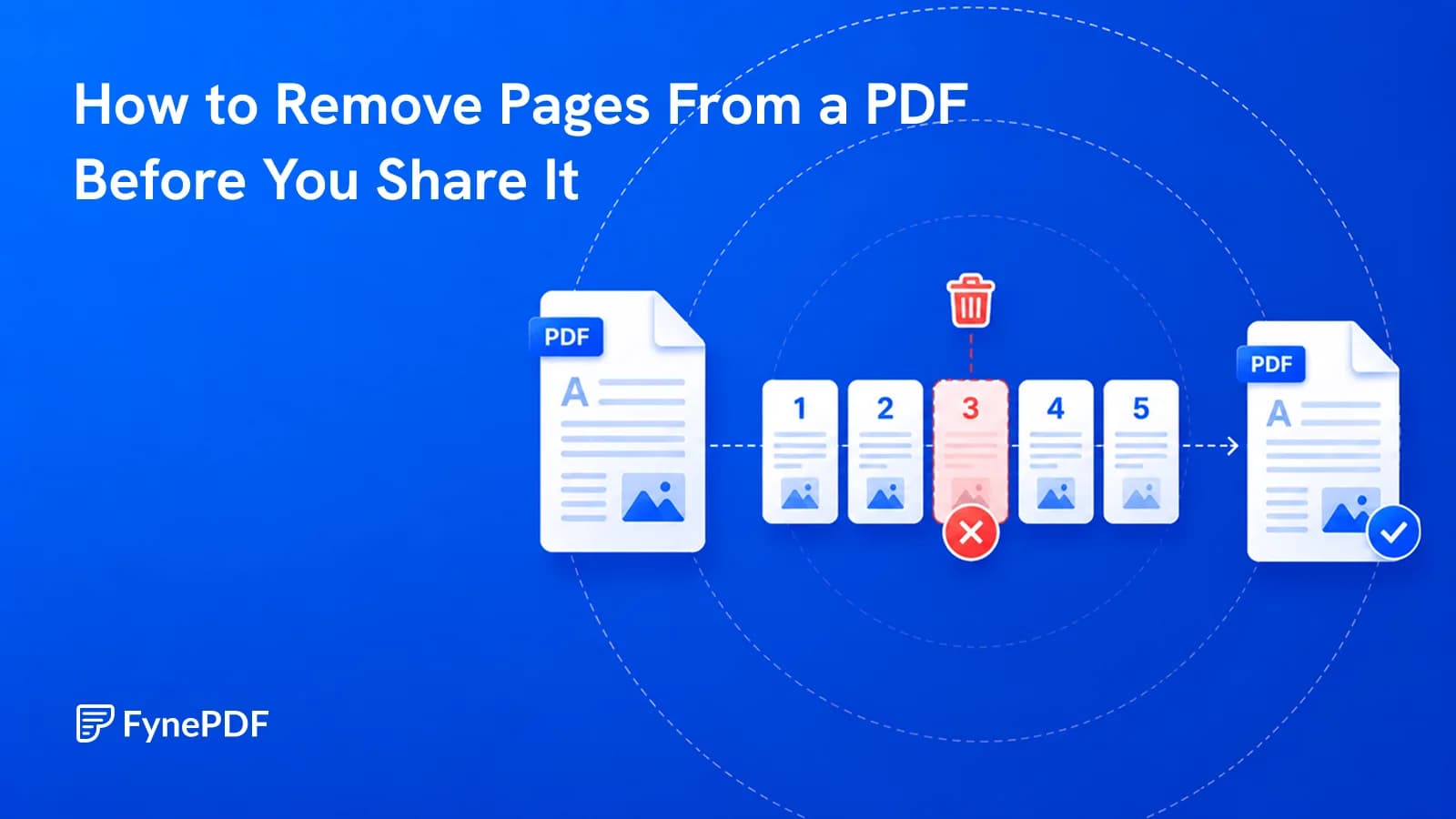
To remove pages from a PDF, upload the file, select the pages to delete, and download the result. The pages are gone from the new file entirely, not hidden. This is the right tool when whole pages shouldn't reach the recipient, such as internal notes appended to a report.
Removing a page removes everything on it. Removing something from within a page is a different operation.
When should I delete pages?
The recurring cases are more about audience than about tidiness:
- Internal pages appended to a client document. Margin notes, pricing workings, reviewer comments
- Blank pages from a scanner picking up the reverse of single-sided originals
- Cover sheets and fax headers that served their purpose in transit
- Duplicated pages from a double-feed during scanning
- Sections irrelevant to this recipient. Sending a contractor only the pages that concern them
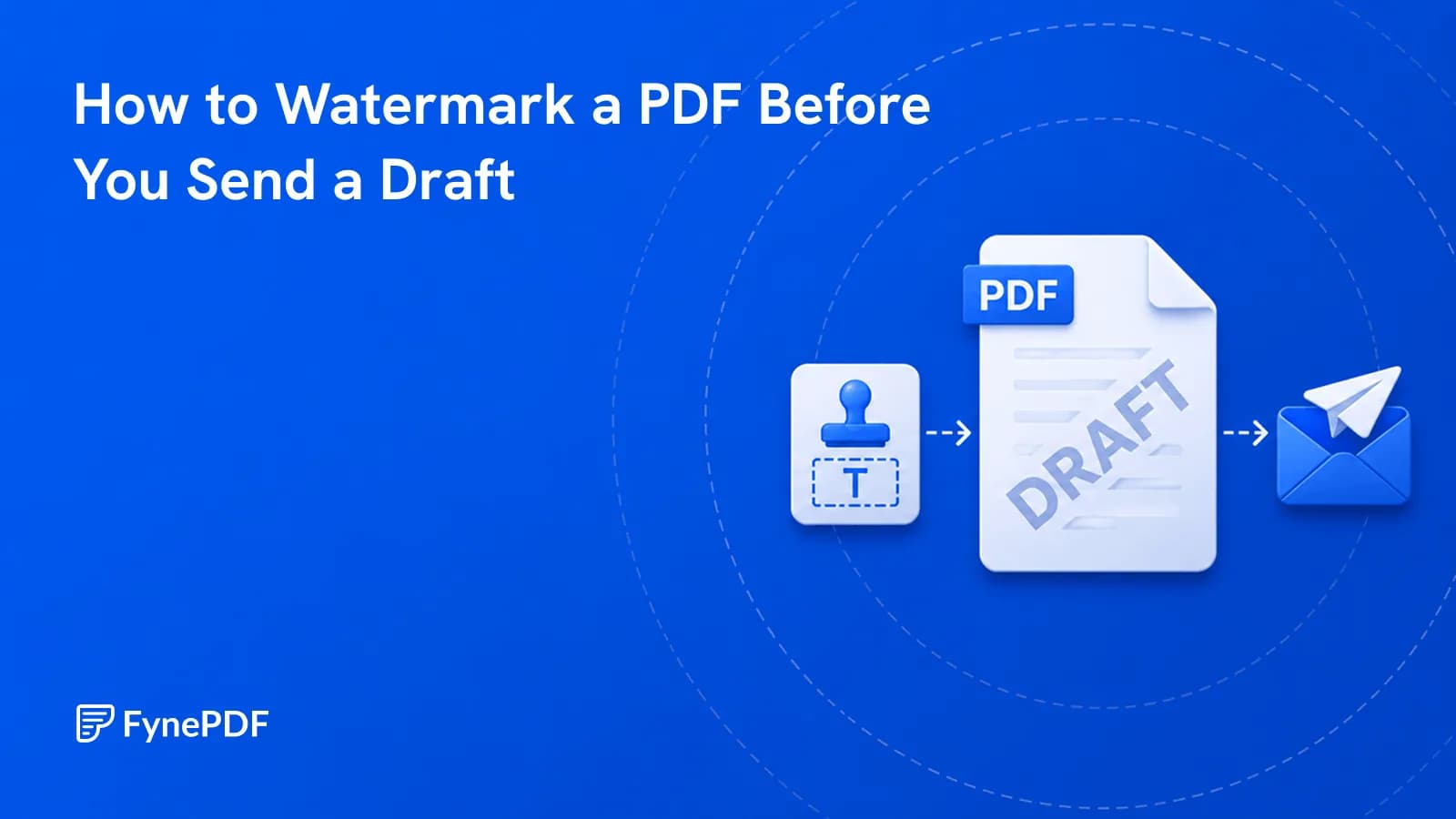
- Draft pages left in a final document
That first one is the consequential one. A proposal with an internal cost breakdown on the last page is a document that should never leave the building in that form.
How do I delete pages?
- Open the Delete Pages tool.
- Upload the document.
- Select the pages to remove.
- Download the new file.
Free accounts handle files up to 600MB. Your original is unchanged. You're producing a new version without those pages, so a mistake costs nothing but a re-run.
What deleting does and doesn't remove
This distinction matters more than it appears:
| Goal | Tool |
|---|---|
| A whole page shouldn't exist | Delete Pages |
| Specific text on a page must go | Redact PDF |
| Keep only certain pages | Extract Pages |
| Pages are in the wrong order | Organize Pages |
Deleting page 9 removes everything on page 9. If the sensitive information is one paragraph on page 4 and the rest of that page is needed, deleting the page is the wrong operation. That's redaction, and drawing a black box over it does not remove the text from the file.
What survives after deleting?
More than people assume, and it's worth checking before sending anything sensitive.
Bookmarks pointing to deleted pages may remain in the navigation panel, sometimes still displaying their original titles. A bookmark reading "Internal Pricing Notes" is informative even when the page is gone.
Document metadata is untouched. Author, original filename, creating software, and sometimes a title that describes content no longer present.
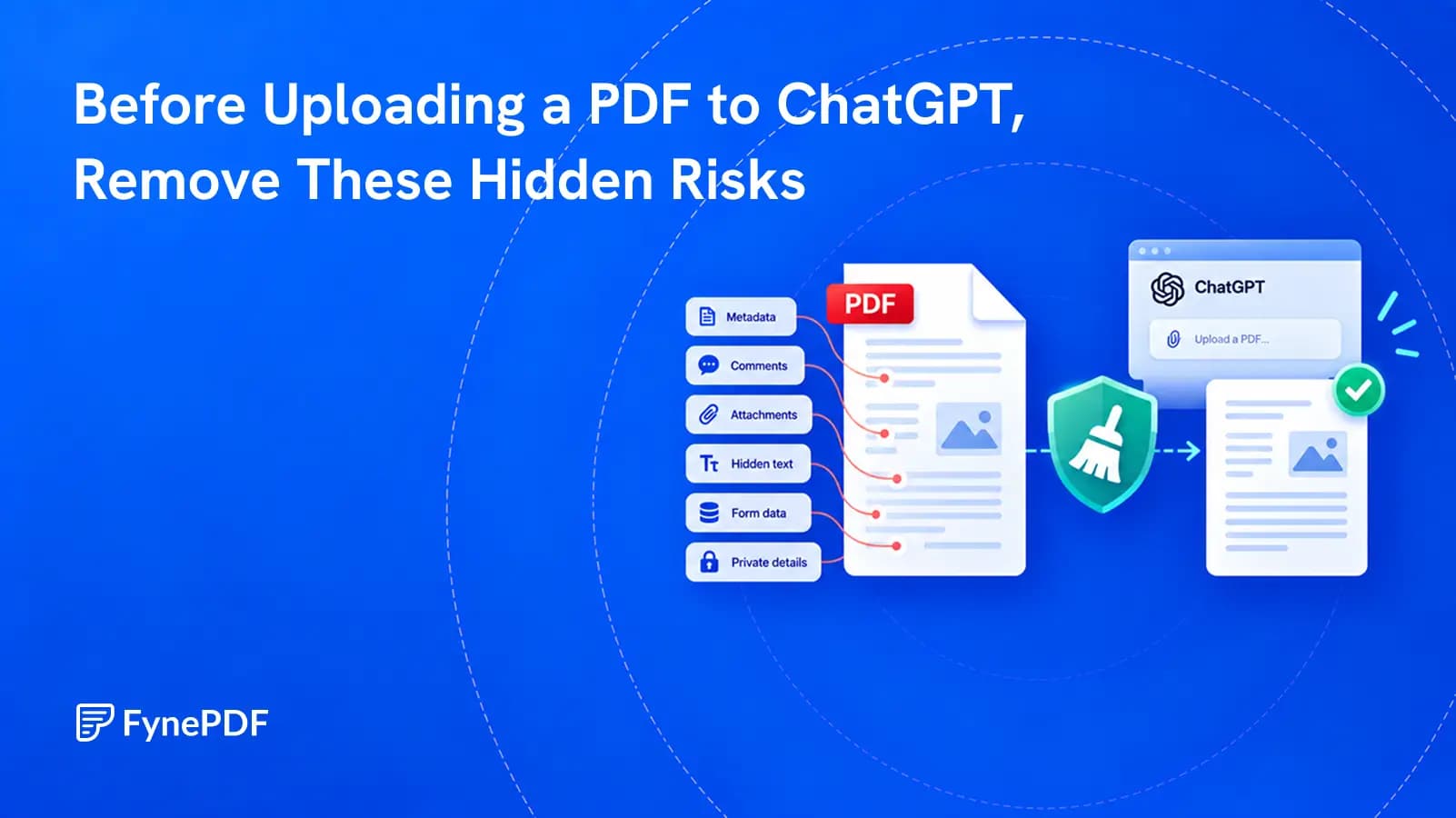
Attachments embedded in the PDF are stored at document level rather than page level and aren't affected by page deletion.
Page numbering printed on the pages themselves doesn't renumber. Delete pages 8 and 9 from a 20-page document and it jumps from 7 to 10, which tells the recipient exactly how many pages were removed and where. If that matters, Add Page Numbers will renumber the result.
Smart Edit can do both in one request. “Delete the last page, then add page numbers at the bottom” opens it with that request ready for your file, and it lists both steps for you to check before anything runs.
Running Flatten PDF afterwards collapses form fields and annotations into the page content, which closes another gap.
How do I check I removed the right ones?
Open the output and read the pages either side of each deletion. A document that jumps mid-sentence from one topic to another usually means the wrong page went, and this is much easier to catch before sending than after.
Confirm the page count too. A 20-page document with three pages removed should be 17. If it isn't, the selection wasn't what you thought.
Common questions
Can I get a deleted page back?
Not from the new file, but your original is untouched. Keep it until you've confirmed the output is correct, which is a good reason not to overwrite the source.
Can I delete pages from a password-protected PDF?
Remove the protection first with Unlock PDF using your password, delete the pages, then reapply protection with Protect PDF if needed.
What if I want to keep only a few pages?
Use Extract Pages instead. Selecting five pages to keep is faster and less error-prone than selecting ninety-five to remove.
Will the file get smaller?
Usually, roughly in proportion to what you removed, more if the deleted pages carried images. If you need it substantially smaller, Compress PDF afterwards will do more than deletion alone.
Remove your pages
Open Delete Pages, select what shouldn't be there, and check the bookmarks and metadata before sending.
 Add Watermark
 Redact PDF