
Why Your Scanned Document Is in the Wrong Order
Double-sided scanning gives you all the odd pages, then all the even ones. Here's the fix.
 By Biraj Paudel, Founder of FynePDF4 min read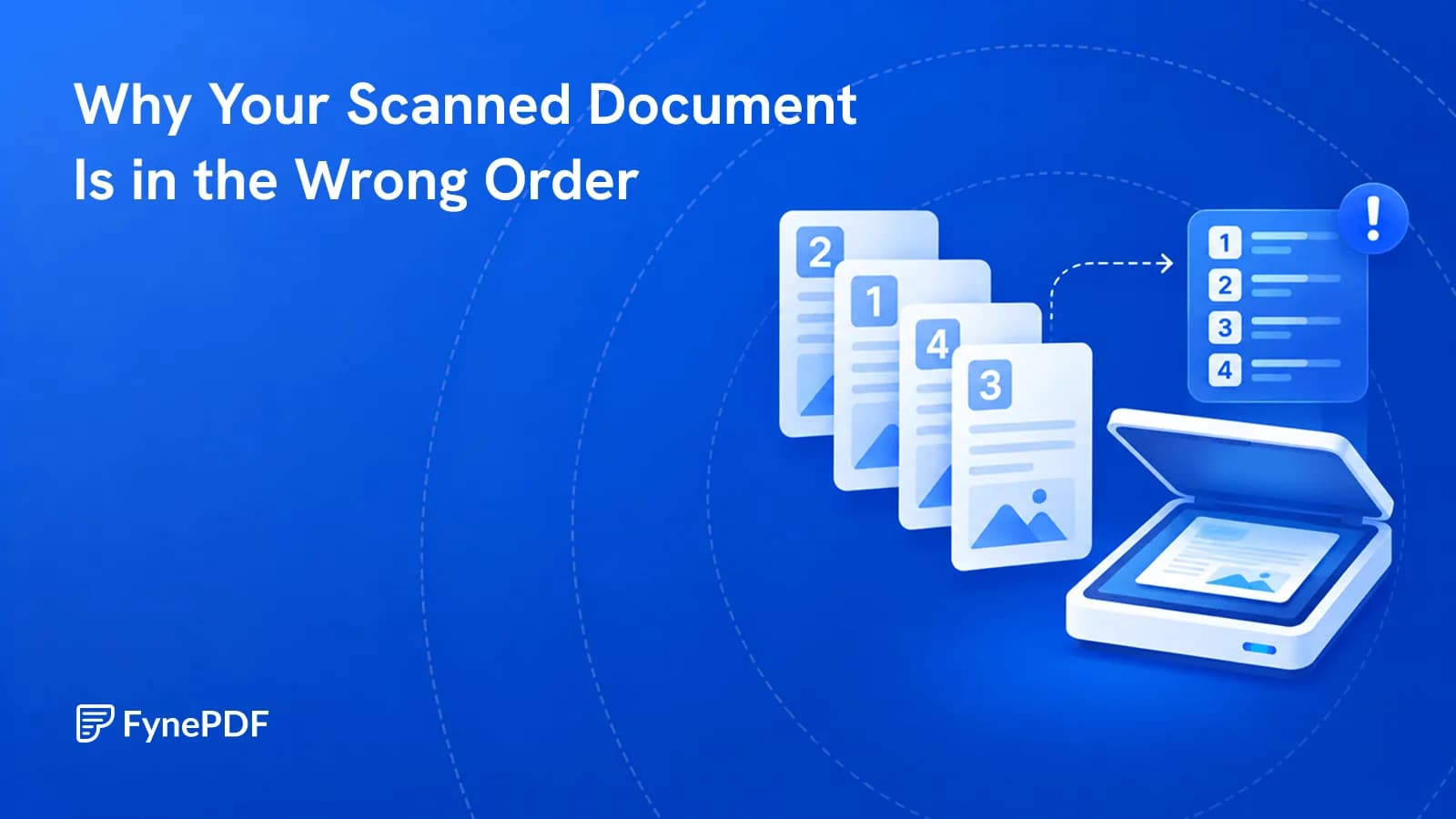
Scanned documents come out in the wrong order because most sheet-fed scanners without duplex support scan one side of every page first, then the other. You get pages 1, 3, 5, 7 followed by 8, 6, 4, 2, the reverse order of the second pass. Reordering fixes it in one step.
Once you recognise the pattern, it's obvious. Before that, it looks like the scanner malfunctioned.
Why does the order come out like that?
Feed a twenty-page double-sided document through a single-sided scanner and it captures the front of each sheet: pages 1, 3, 5, and so on to 19. You then flip the whole stack and feed it again, which captures the backs, but the stack is now reversed, so it scans page 20 first, then 18, then 16, down to 2.
The result is a PDF with the odd pages ascending followed by the even pages descending. Nothing is missing and nothing is damaged. The sequence is simply the mechanical consequence of how the sheets travelled.
Other common ordering problems:
- Reversed documents where the output feeder stacks face-up
- Scattered single scans combined in the order the files happened to sort
- Merged files where the source PDFs were added in the wrong sequence
- Inserted pages dropped at the end rather than in position
How do I reorder pages?
- Open the Organize Pages tool.
- Upload the document.
- Drag the page thumbnails into the correct order.
- Download the reordered file.
Free accounts handle files up to 600MB, which covers even long scanned archives.
Working from thumbnails matters here. On a document with sequential content it's obvious where each page belongs; on forms or statements that look alike, it's worth zooming in to check rather than trusting position.
What should I check before reordering?
Two things, and they save re-runs:
Orientation. Scanned pages are often sideways or upside down, and reordering doesn't correct that. Run Rotate PDF first so the thumbnails are readable while you're sequencing. Trying to order pages you can't read is how mistakes happen.
Duplicates and blanks. Double-sided scanning of a document with blank reverse sides produces blank pages throughout. Double-feeds produce duplicates. Remove both with Delete Pages before ordering, so you're arranging only real pages.
How do I verify the order is right?
Printed page numbers are the reliable check where they exist. Scroll through and confirm they ascend without gaps. Documents without them need content checks instead:
| Document type | What to check |
|---|---|
| Contracts | Clause numbers run in sequence |
| Statements | Dates ascend; closing balance carries to the next opening |
| Reports | Section headings follow the contents page |
| Correspondence | Dates and reply chains make sense |
| Forms | Field numbering is continuous |
Bank statements have the most useful built-in check: each page's closing balance should equal the next page's opening balance. If it doesn't, a page is out of place or missing.
What if pages are missing entirely?
Reordering can't recover what wasn't scanned, and a missing page in a signed document is a real problem rather than a cosmetic one.
Count the pages in the PDF against the physical original. If the counts differ, rescan the missing sheets and add them with Merge PDF, then reorder. Double-feeds are the usual cause, two sheets travelling through together, so one is never captured.
Should I do anything else while I'm here?
If the document is a scan, it contains images rather than text, so it can't be searched. Running OCR afterwards adds a text layer and makes the document usable for everything else. Searching, quoting, converting, and redacting properly.
Scans are also large. A 40-page double-sided scan can easily exceed email limits, so Compress PDF is usually the last step before sending.
Both fit in one request: “Make the text searchable, then compress it” opens Smart Edit with it ready, and shows the two steps before running them.
Common questions
Can I reorder without dragging every page?
For the odd-then-even-reversed pattern, dragging is still the practical route, but you're interleaving two known sequences rather than solving a puzzle. Work from the end of the second group backwards and it goes quickly.
Will reordering affect quality?
No. Pages are moved, not re-encoded. A 300 DPI scan stays a 300 DPI scan.
Can I reorder a protected PDF?
Remove the protection first with Unlock PDF, reorder, then reapply it with Protect PDF if needed.
Is my scan stored afterwards?
Files transfer over encrypted connections and are permanently deleted within 15 minutes of processing unless you save them to your library.
Fix the order
Rotate and remove blanks first, then open Organize Pages and sequence from readable thumbnails.
 Flatten PDF
 Extract PDF Pages
 Repair PDF