
How to Combine Multiple PDFs Into One File
Twelve attachments look disorganised and break upload portals. Merge them into one ordered file.
 By Biraj Paudel, Founder of FynePDF3 min read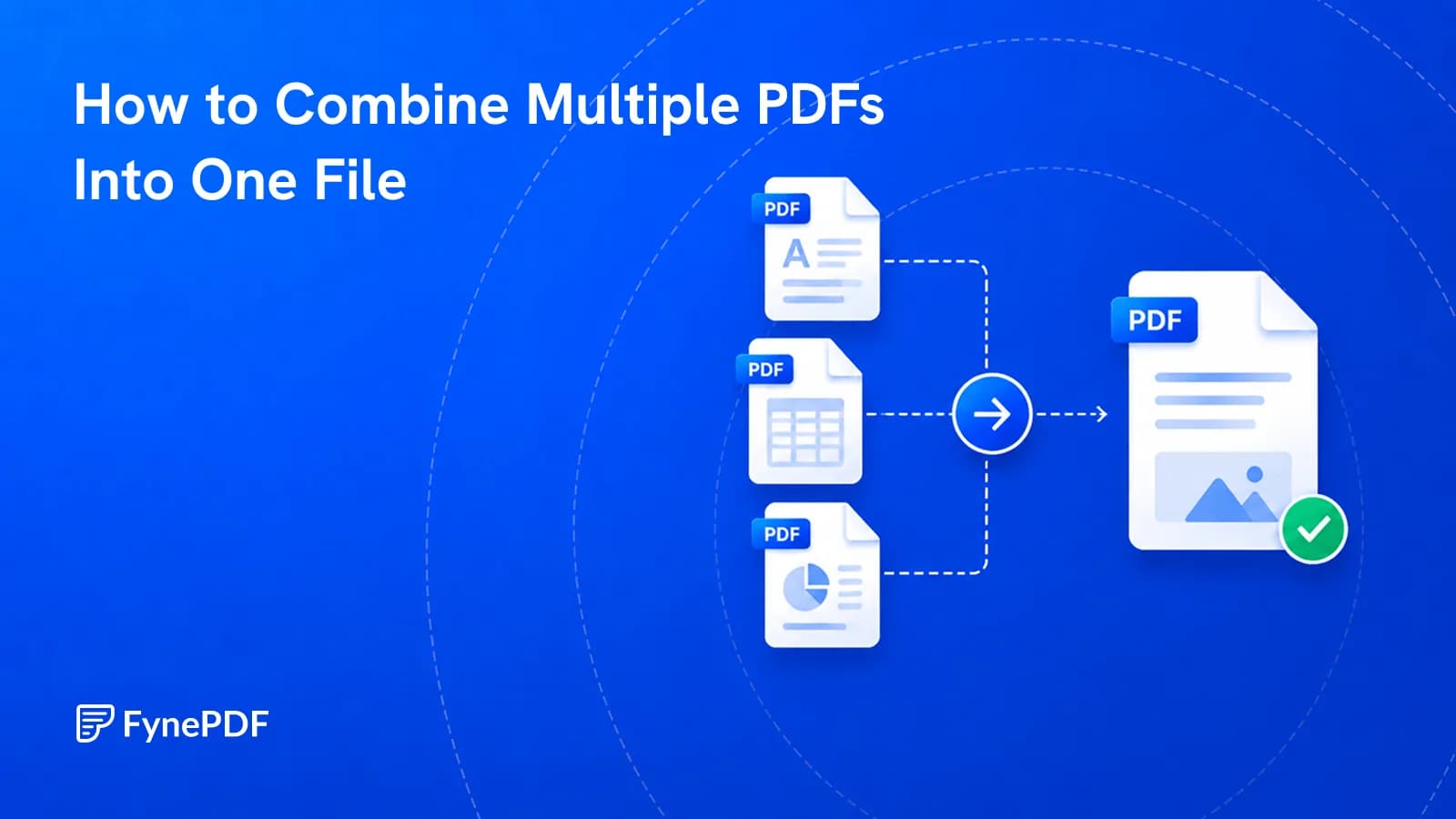
To combine multiple PDFs into one file, upload them together, drag them into the order you want, and merge. The output is a single document with continuous page numbering. Order is set before merging, not after, so arrange the files correctly on the upload screen.
That last point causes most of the rework. Merging is instant; fixing the order afterwards means splitting and starting over.
Why do portals reject multiple attachments?
Most document upload systems accept one file per evidence category, not one file per page. USCIS, court e-filing systems, and university submission portals all expect a single consolidated PDF per item. Uploading twelve separate scans into a field built for one document either fails outright or gets your submission returned.
Email has the same problem in a softer form. Twelve attachments hit the recipient's 25MB cap faster than one merged file of the same total size, because each attachment carries its own encoding overhead.
What order will the pages come out in?
The order you set on the upload screen, not alphabetical and not upload order. This trips people up when filenames like scan1.pdf, scan10.pdf, scan2.pdf sort in a way no human expects.
Before merging, check three things:
- File sequence. Drag the tiles into reading order
- Page orientation, a sideways scan stays sideways after merging
- Duplicates, the same page uploaded twice will appear twice
How do I merge PDFs?
- Open the Merge PDF tool.
- Upload every file you want combined.
- Drag the tiles into the correct order.
- Merge and download the single file.
No account needed to run it, and free users can work with files up to 600MB, well above the 25MB ceiling most free browser tools impose.
Can I merge files that aren't PDFs?
Not directly. Word documents, spreadsheets, and images have to become PDFs first, otherwise formatting decisions get made for you. Convert them, check the output, then merge:
| Source file | Convert with |
|---|---|
| Word (.docx) | Word to PDF |
| Excel (.xlsx) | Excel to PDF |
| PowerPoint (.pptx) | PowerPoint to PDF |
| Photos or scans (.jpg, .png) | Image to PDF |
| A live webpage | Webpage to PDF |
Converting first also lets you catch layout breaks before they're buried inside a 200-page merged document.
What happens to the file size?
The merged file is roughly the sum of its parts, sometimes slightly smaller because shared fonts and resources get stored once instead of repeatedly. Merging is not a compression step.
If you're combining scans, expect the total to climb fast, ten scanned pages at 300 DPI can approach 30MB on their own. Merge first, then run the result through Compress PDF to get under whatever limit you're facing.
Common questions
Will merging change the quality of my pages?
No. Merging copies each page's existing content into a new container without re-encoding images or rasterising text. A 300 DPI scan stays a 300 DPI scan. Quality only changes if you deliberately compress afterwards.
Can I merge password-protected PDFs?
Not while the protection is active. Remove it with Unlock PDF using the password you already have, merge the files, then reapply protection with Protect PDF if the recipient needs it.
How do I merge only some pages from each file?
Extract the pages you want first with Extract Pages, which produces a smaller PDF containing just your selection. Then merge those extracts. Doing it in that order avoids building a bloated file and cutting it down afterwards.
Is it safe to merge confidential files?
Files transfer over encrypted connections and are permanently deleted within 15 minutes of processing unless you save them to your library. For contracts, medical records, and financial statements, that deletion window is the guarantee worth knowing.
Combine your files now
Open the Merge PDF tool, drop your files in, and set the order before you merge. One document, continuous pages, ready to attach.
 Organize PDF Pages
 Flatten PDF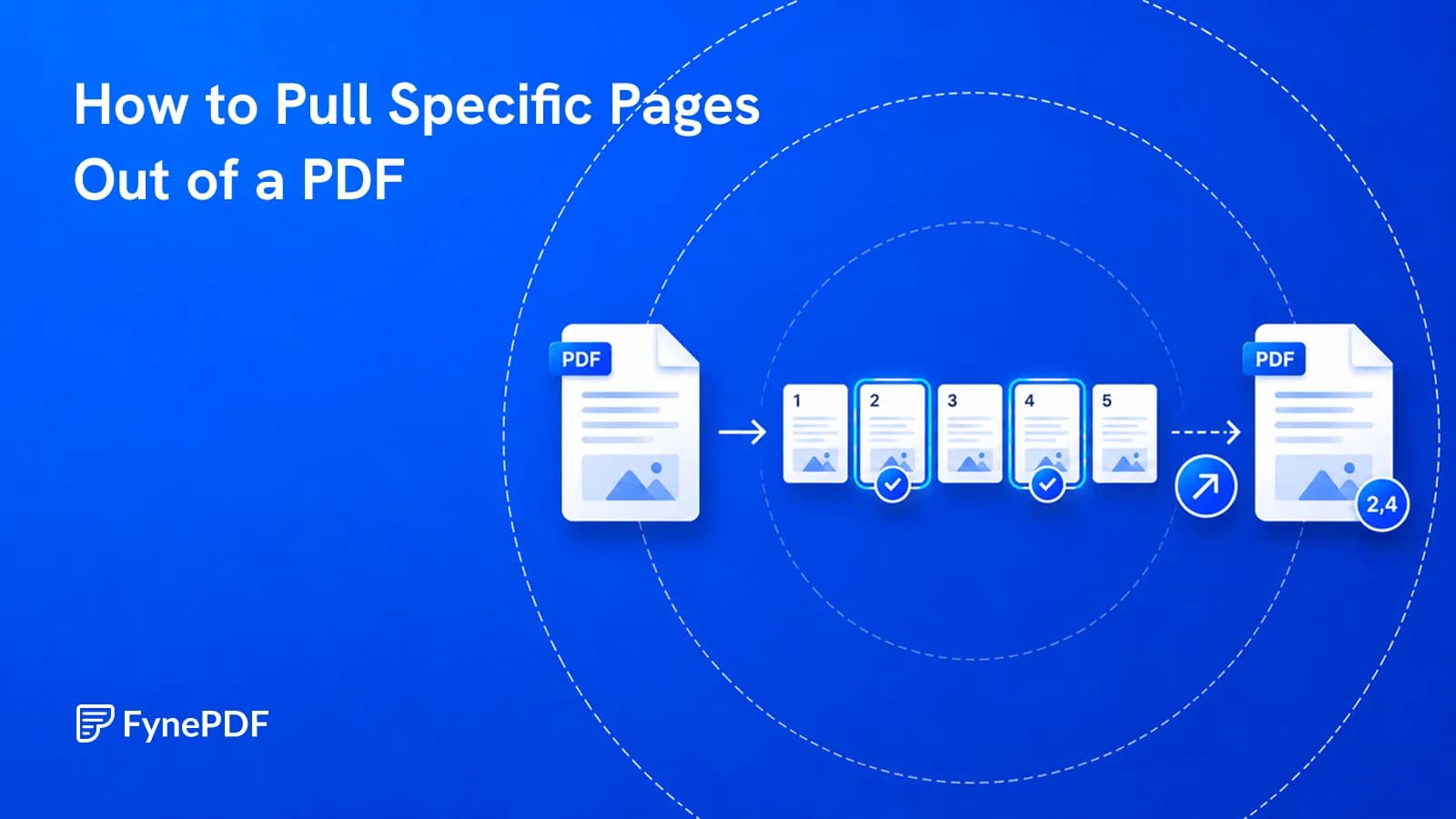
 Extract PDF Pages