
How to Add Page Numbers to a PDF After the Fact
Merged bundles and extracted sections arrive unnumbered. Here's how to fix that.
 By Biraj Paudel, Founder of FynePDF4 min read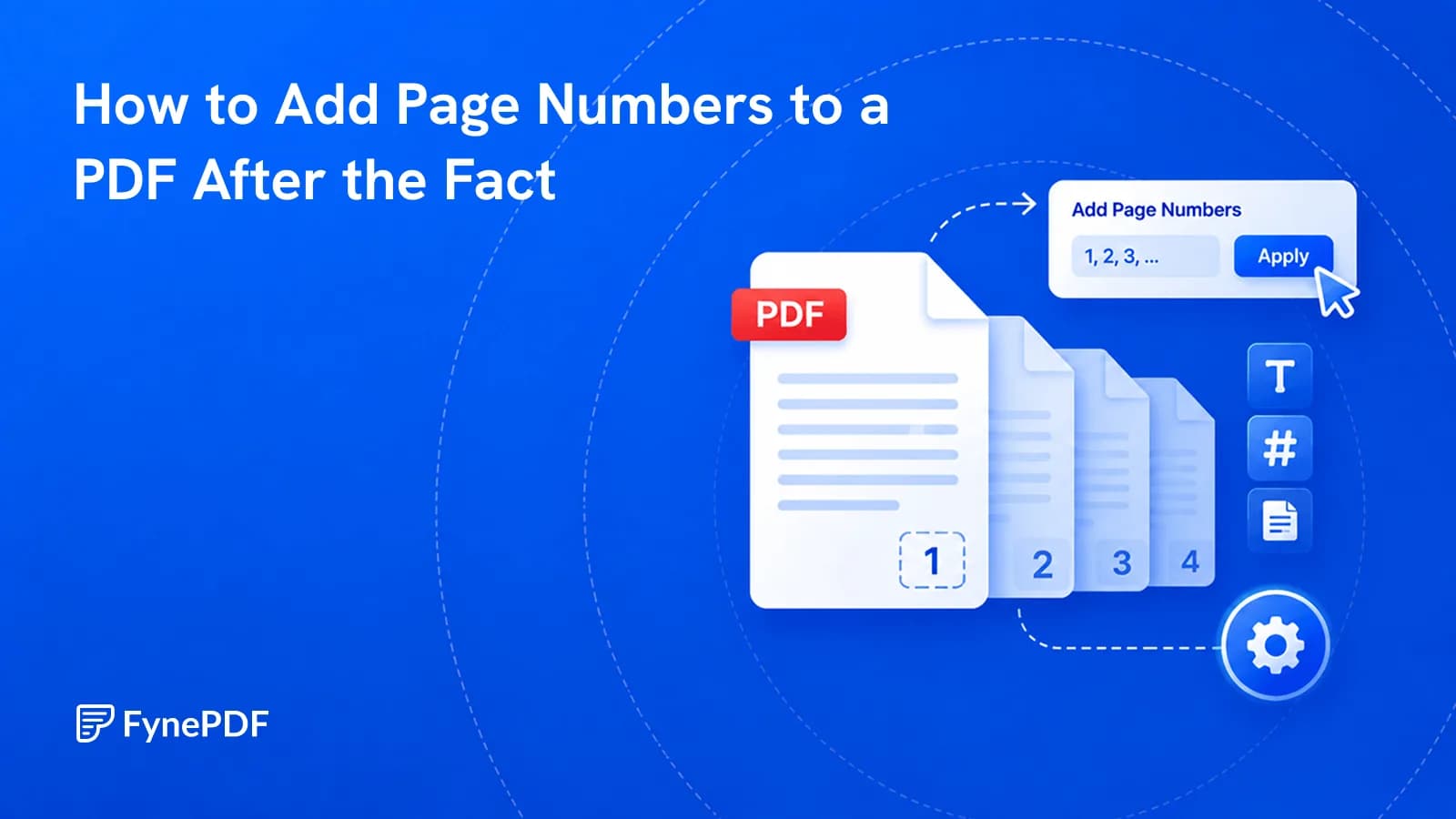
To add page numbers to a PDF, upload the file, choose where the numbers should sit, and download the numbered version. This matters most for documents assembled from several sources. Merged bundles, scanned sets, and extracted sections all arrive without continuous numbering.
Without it, nobody can point at anything. "The clause about termination" is a search; "page 47" is an instruction.
When do documents lose their numbering?
Numbering breaks whenever a document's page sequence changes after it was created:
- Merged files. Each source restarts at one, so a combined bundle has five page ones
- Scanned documents, the paper original may have been numbered, but a scan of loose sheets often isn't
- Extracted sections. Pages 47 to 62 keep their original numbers and start at 47
- Documents with pages removed. Printed numbers jump where pages were deleted
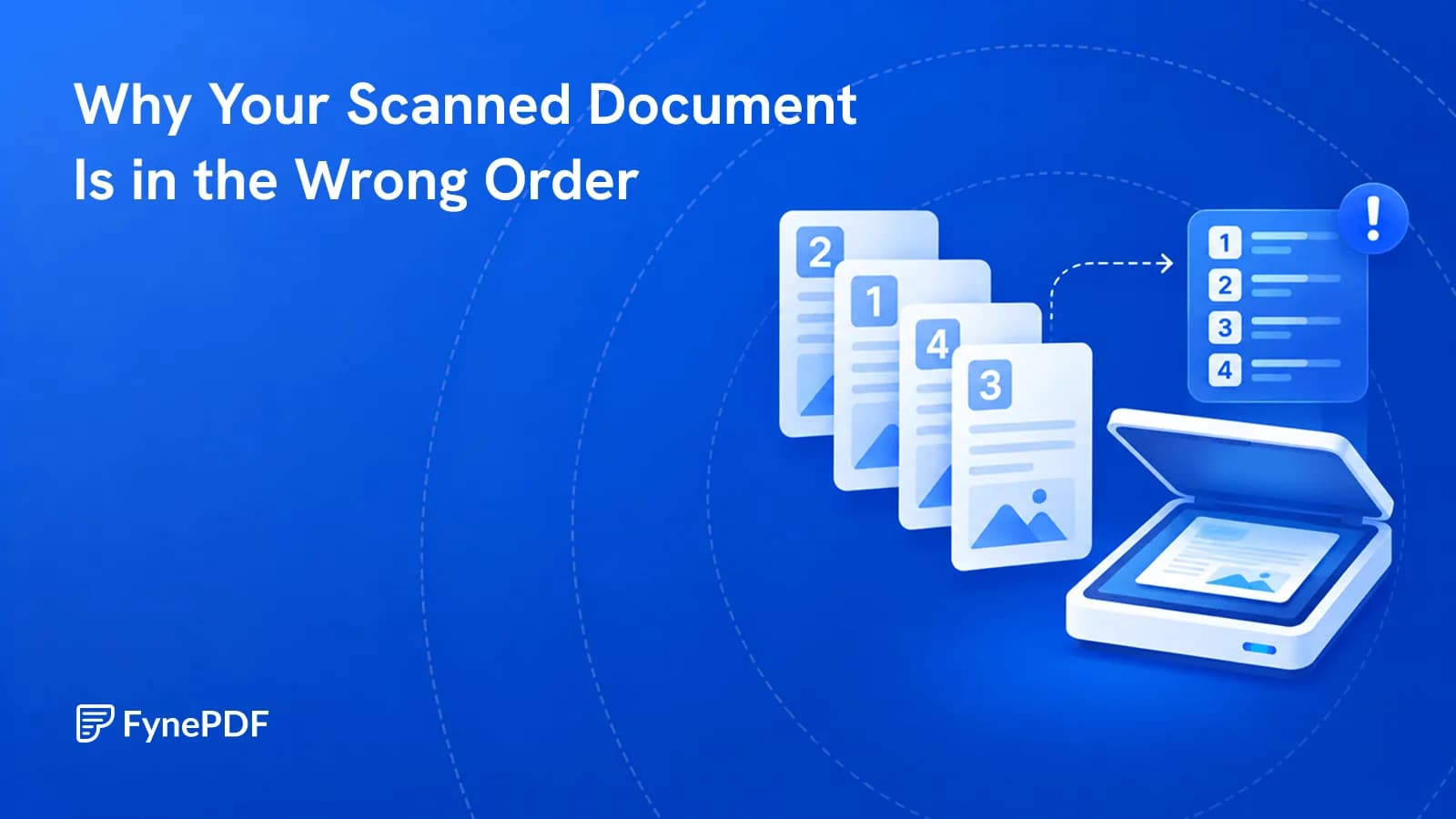
- Reordered scans, the printed numbers no longer match physical order
- Exhibit bundles assembled from separate documents
The merged case is the most common and the most disruptive, because a fifty-page bundle with five separate numbering sequences is genuinely hard to navigate.
How do I add page numbers?
- Open the Add Page Numbers tool.
- Upload the document.
- Choose the position and starting number.
- Download the numbered file.
Free accounts handle files up to 600MB.
Where should the numbers go?
Position sounds trivial and isn't, because the wrong choice puts numbers on top of existing content:
| Position | Suits |
|---|---|
| Bottom centre | General documents, most conventional |
| Bottom right | Documents that will be bound on the left |
| Top right | Where footers already carry other information |
| Bottom left | Less common; useful when the right side is occupied |
Check a few pages before committing, especially in scanned documents. A scan of a numbered original may already have numbers in the bottom centre, and adding another produces two conflicting numbers on the same page.
What about legal exhibit numbering?
Court bundles and disclosure sets typically need continuous numbering across the whole bundle, so any page can be cited unambiguously in a filing or in oral argument.
The workflow is: assemble everything with Merge PDF in final order first, then number once across the completed bundle. Numbering before merging produces exactly the problem you're trying to solve.
Set the numbering after the order is final. Renumbering a bundle that has already been cited in a filing causes considerably more trouble than the original inconsistency.
Should I number before or after other steps?
Last, or very close to it. Numbering reflects page order and page count, so any operation that changes either invalidates it.
The usual sequence for an assembled document:
- Rotate so every page is upright
- Organize Pages to set the final order
- Delete Pages to remove blanks and duplicates
- Merge if combining sources
- Add page numbers
- Compress if it needs to fit a limit
Compressing after numbering is fine. It doesn't change page order. Everything above numbering does.
Smart Edit runs a sequence like this from one sentence. “Add page numbers at the bottom, skipping the cover page, then compress it” opens it with that request ready for your file; it lists the steps in order, and nothing changes until you press Run.
Common questions
Can I start at a number other than one?
Yes, which is what you want for a document that continues a sequence, a second volume starting at 201, or an appendix following a numbered report.
Will the numbers cover my content?
They're placed in the margin area, but documents with very tight margins or existing footers can conflict. Check several pages of the output rather than only the first.
Can I number a scanned document?
Yes. Numbering is added as page content and doesn't require a text layer. If you also want the document searchable, run OCR. Separately, and either before or after.
Can I remove the numbers afterwards?
Not from the numbered file, since they become part of the page. Keep the original if there's a chance the order will change again.
Is my document stored?
Files transfer over encrypted connections and are permanently deleted within 15 minutes of processing unless you save them to your library.
Number your document
Get the page order final first, then open Add Page Numbers and check a few pages of the output before circulating it.
 Organize PDF Pages
 Flatten PDF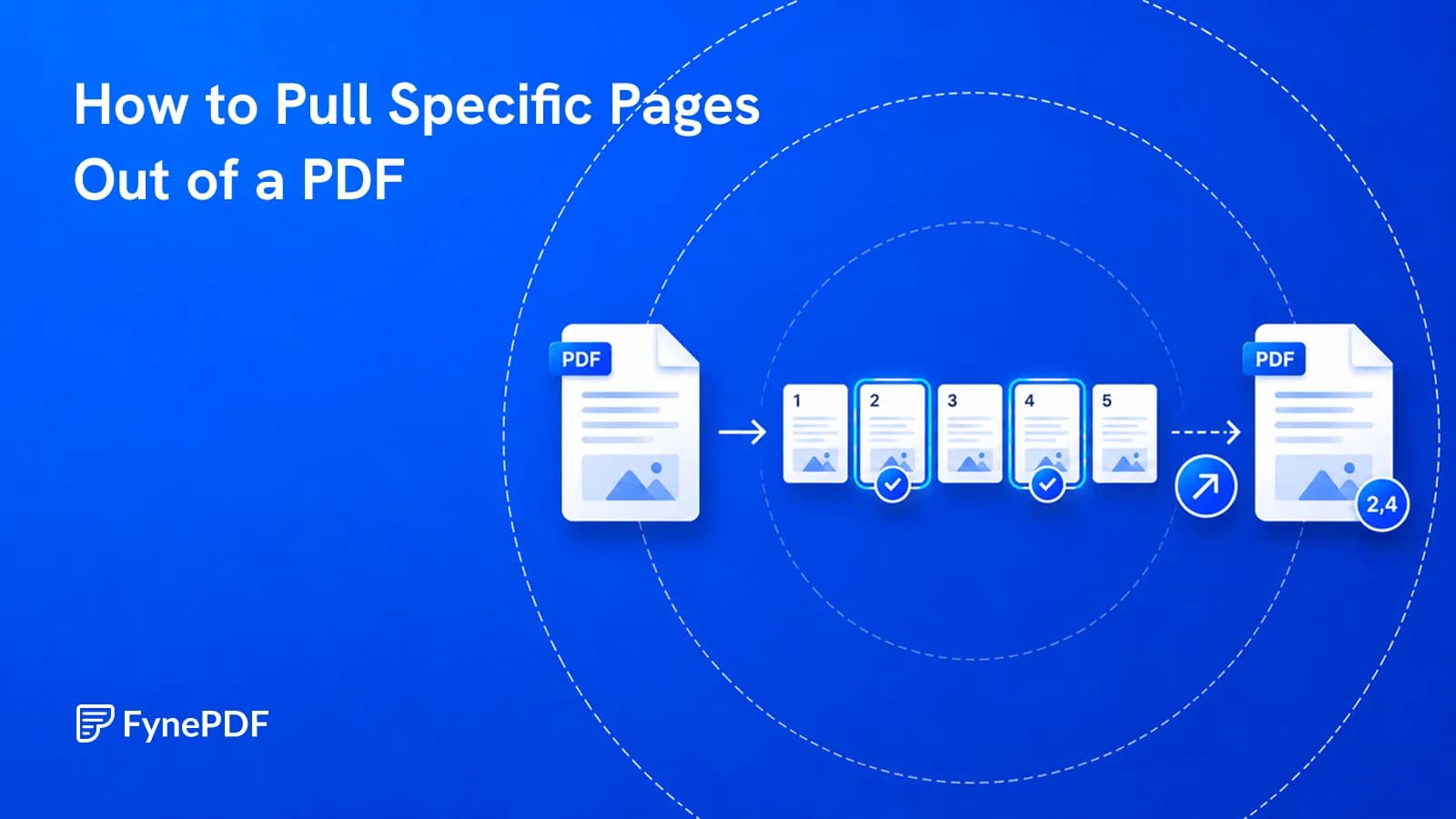
 Extract PDF Pages