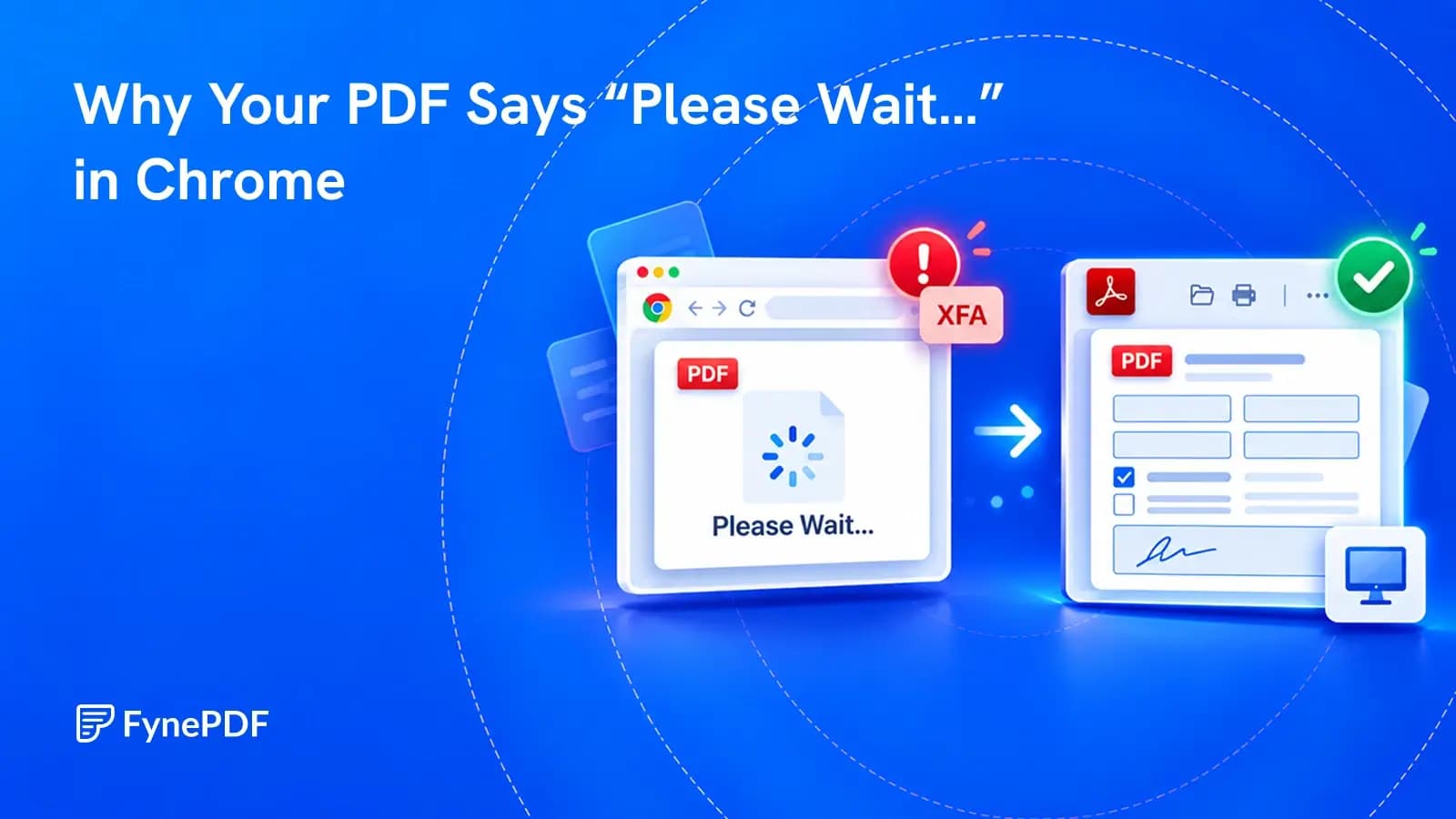
Why Your PDF Says “Please Wait…” in Chrome
The message may be a compatibility page inside the PDF, not a download that needs more time.

Change the text and pictures in a PDF, mark it up and fill it in, without starting over.
The message may be a compatibility page inside the PDF, not a download that needs more time.
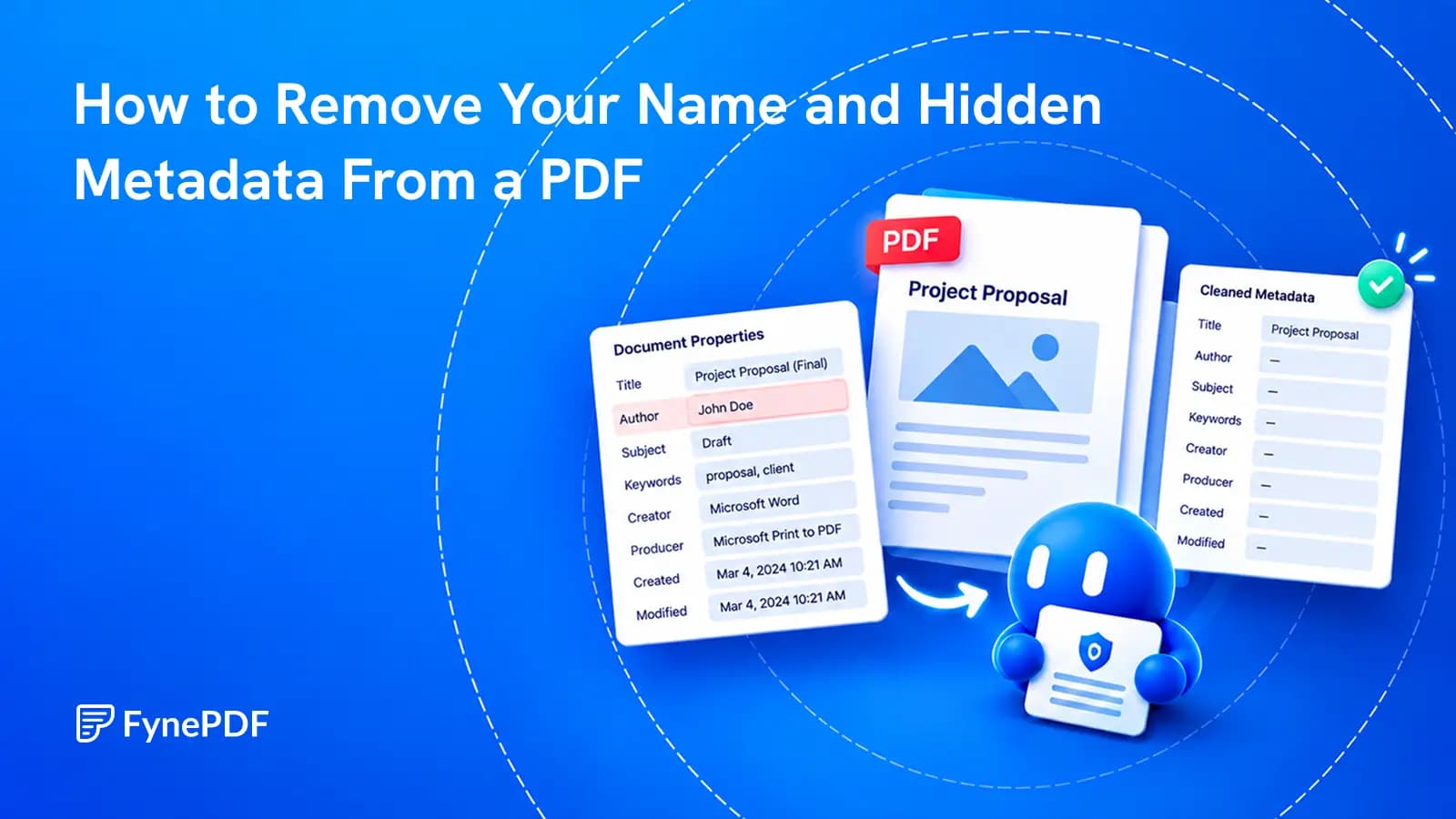
A clean-looking page can still carry an author's name, an old template title or details about the software that created it.
Edit PDF Metadata ·
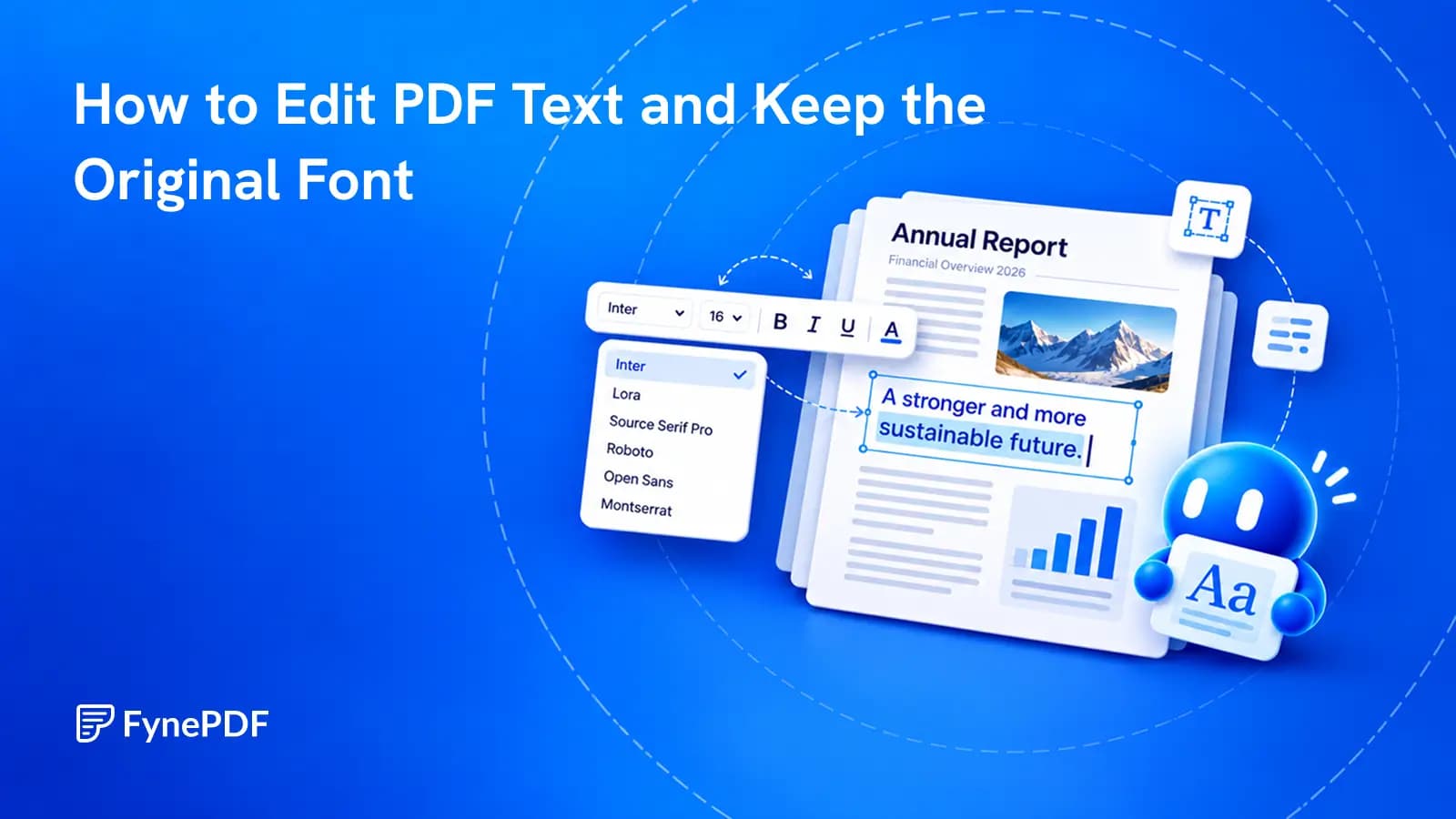
Change the words already in the document, then check the details that make the edit look like it belongs.
Edit PDF ·
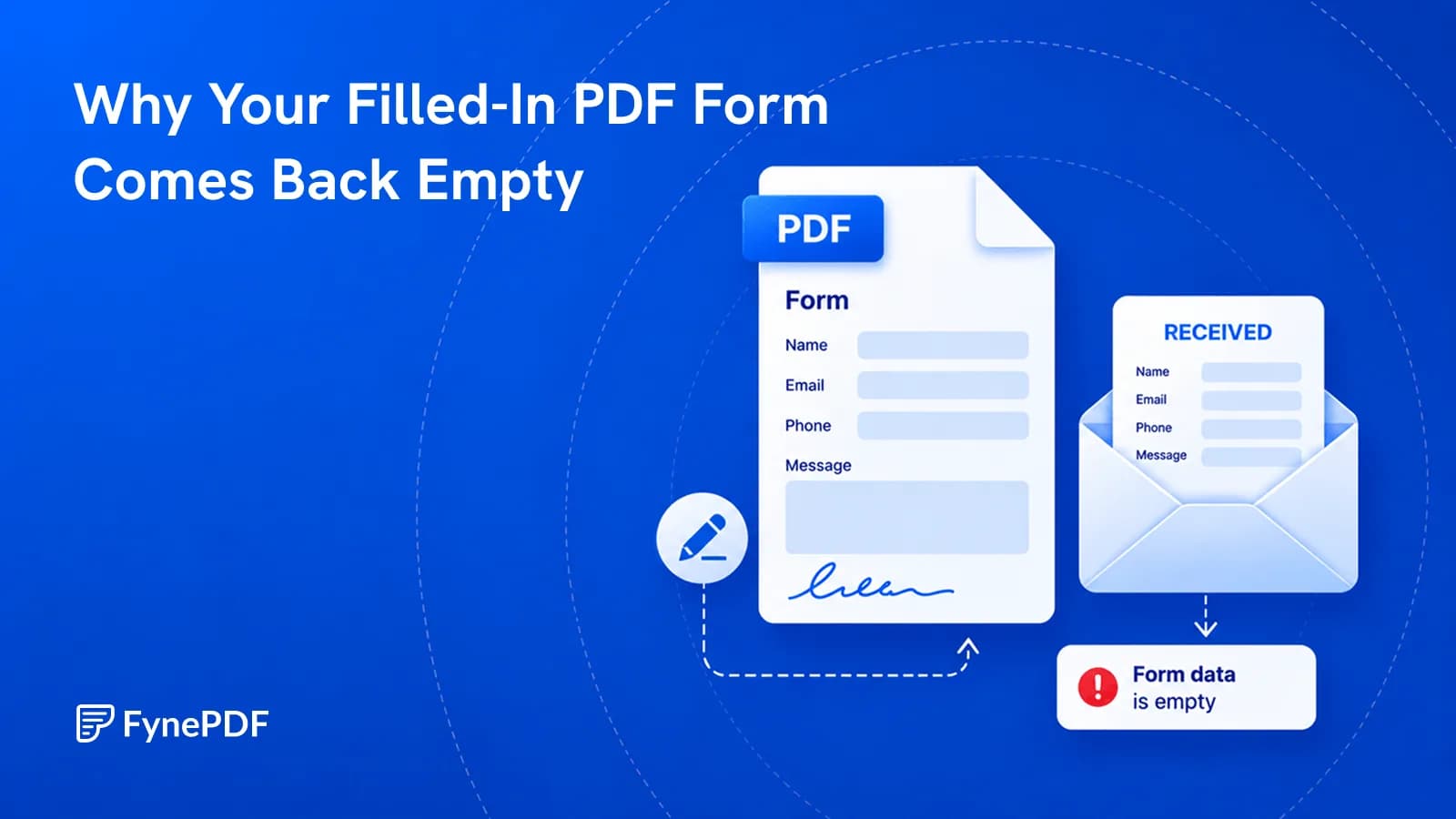
You typed everything in and they see blank boxes. Here's what actually went wrong.
Flatten PDF ·
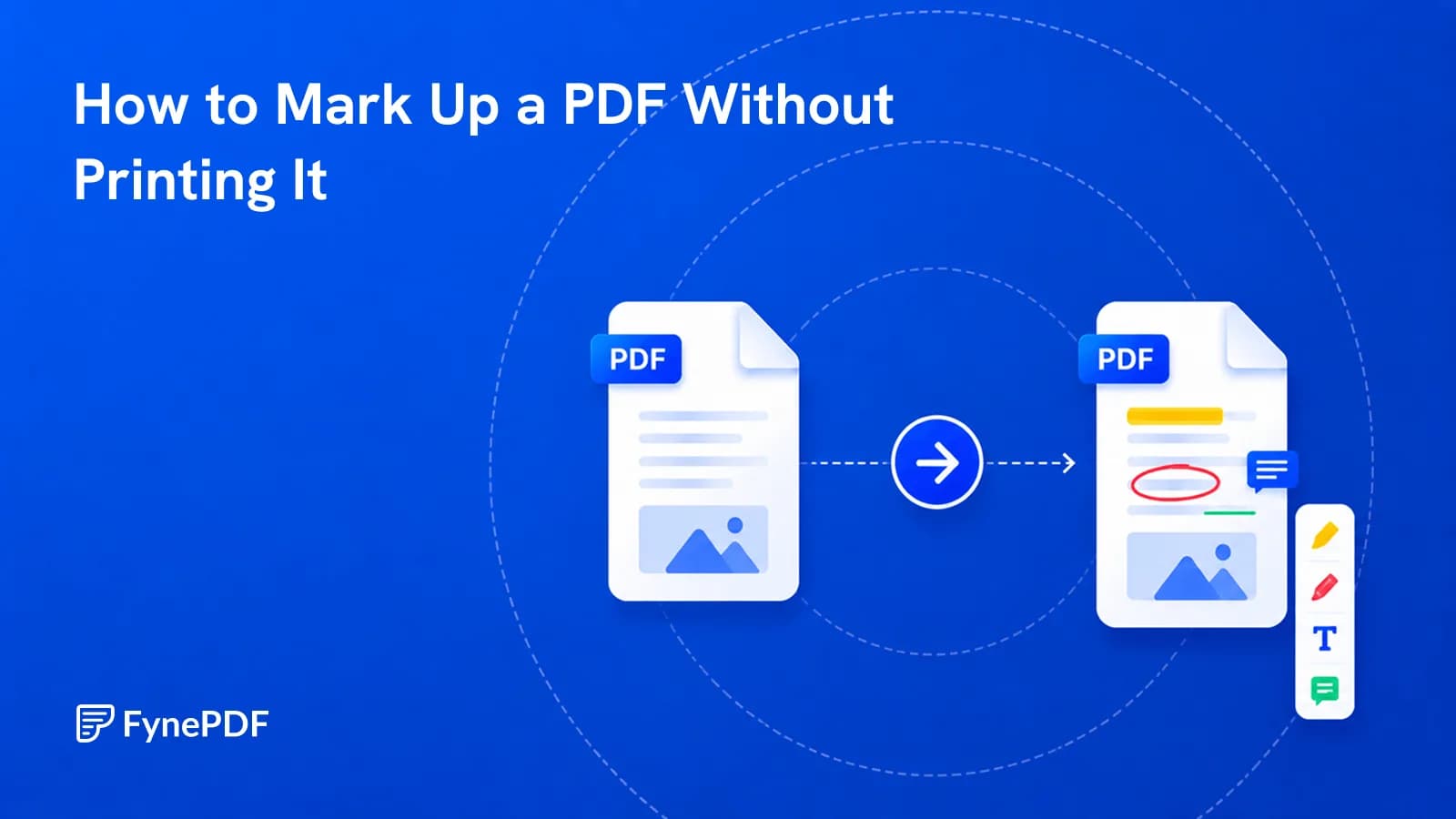
Print, scribble, scan, email wastes an hour and produces a worse file. Mark it up directly.
Annotate PDF ·
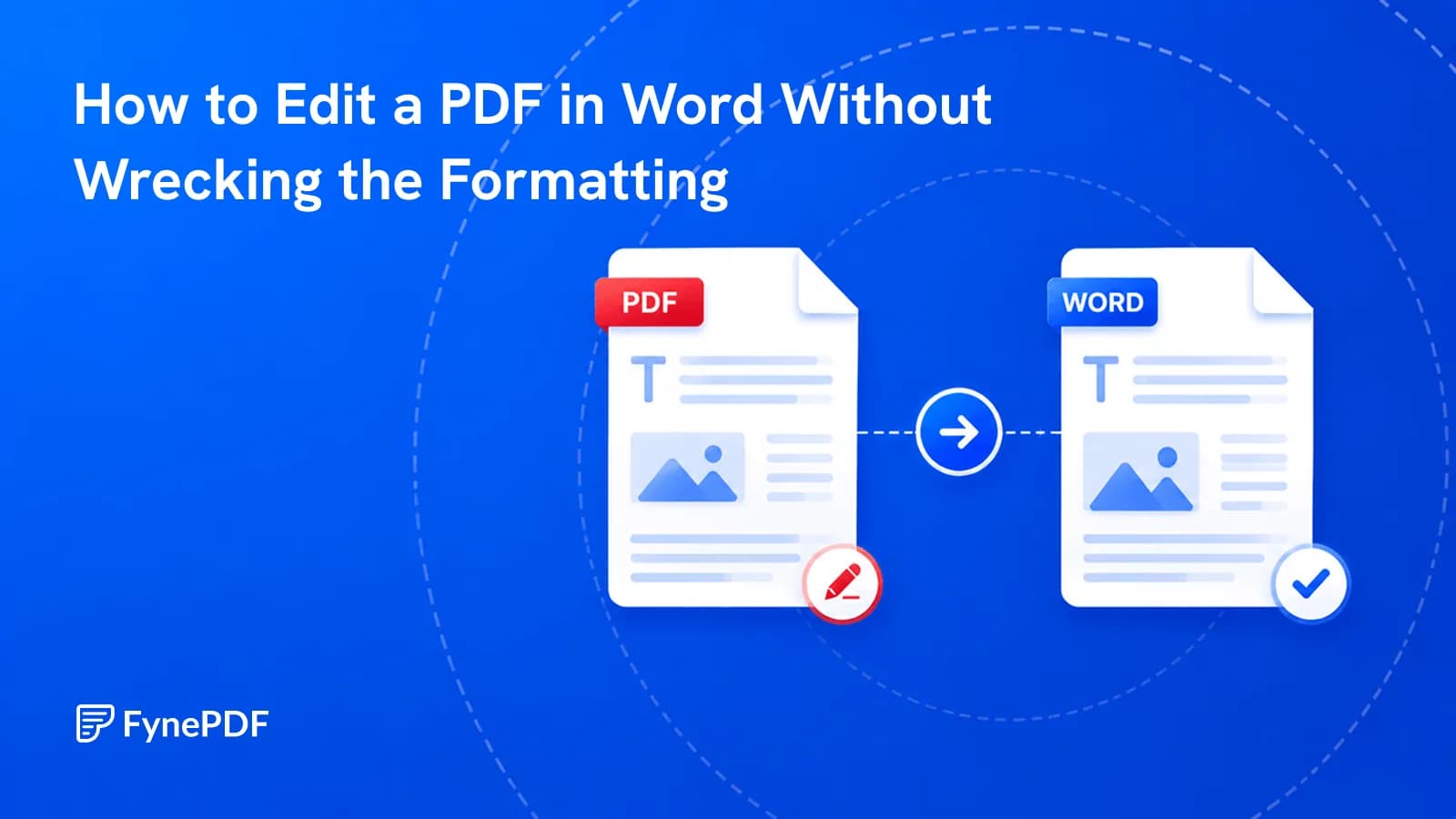
Conversions scramble layouts for a reason. Here's which documents survive and how to fix the rest.
PDF to Word ·
Every tip in our guides works in FynePDF: merge, compress, convert and sign PDFs, or ask AI about your documents. Free to start.
 Edit PDF Metadata
 Edit PDF
 Flatten PDF
 Annotate PDF
 PDF to Word