


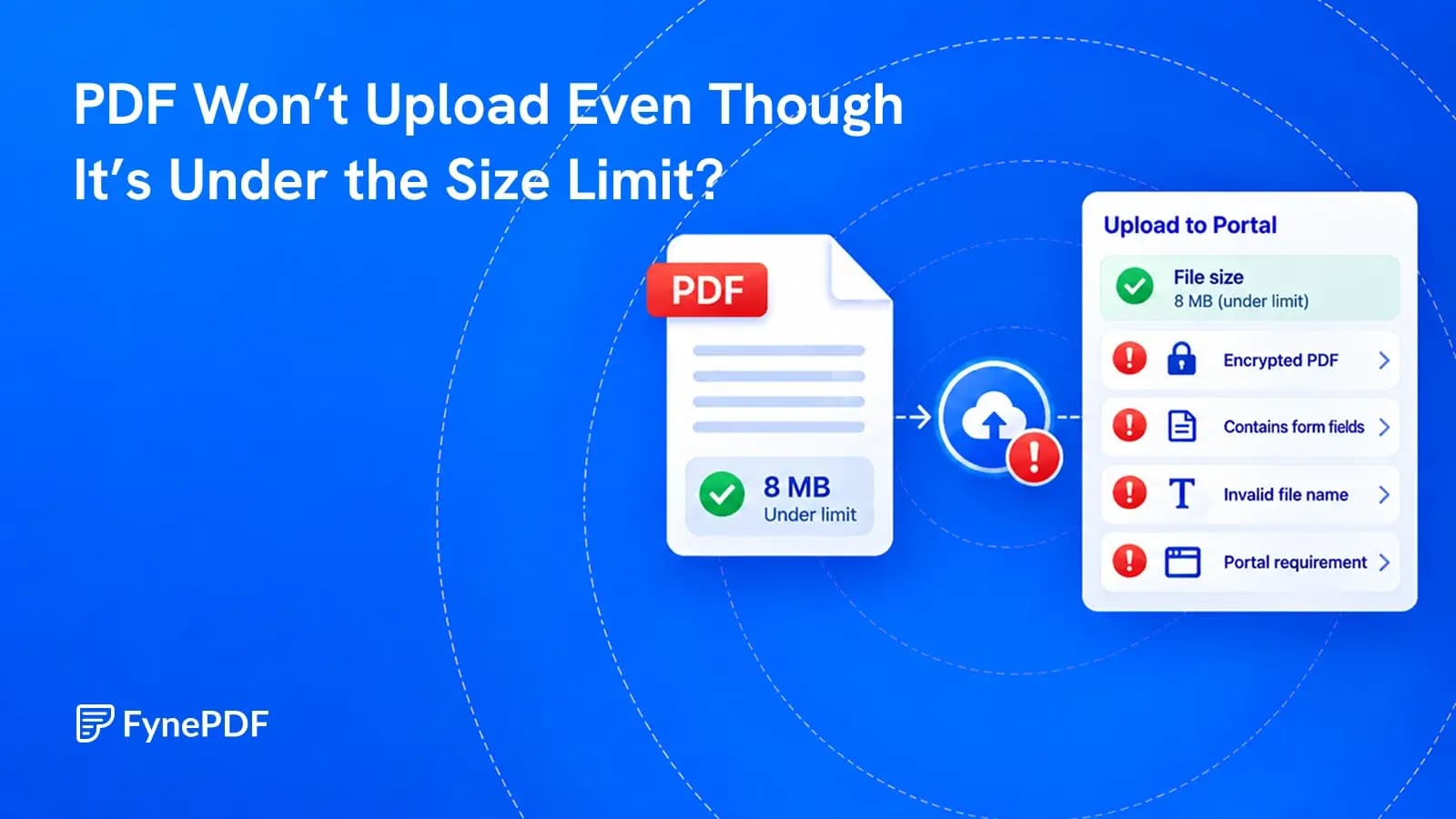
PDF Won’t Upload Even Though It’s Under the Size Limit?
File size is only one of the checks an upload portal can make. Find the failed check before changing the document.

26 October 2026 · By Biraj Paudel, Founder of FynePDF
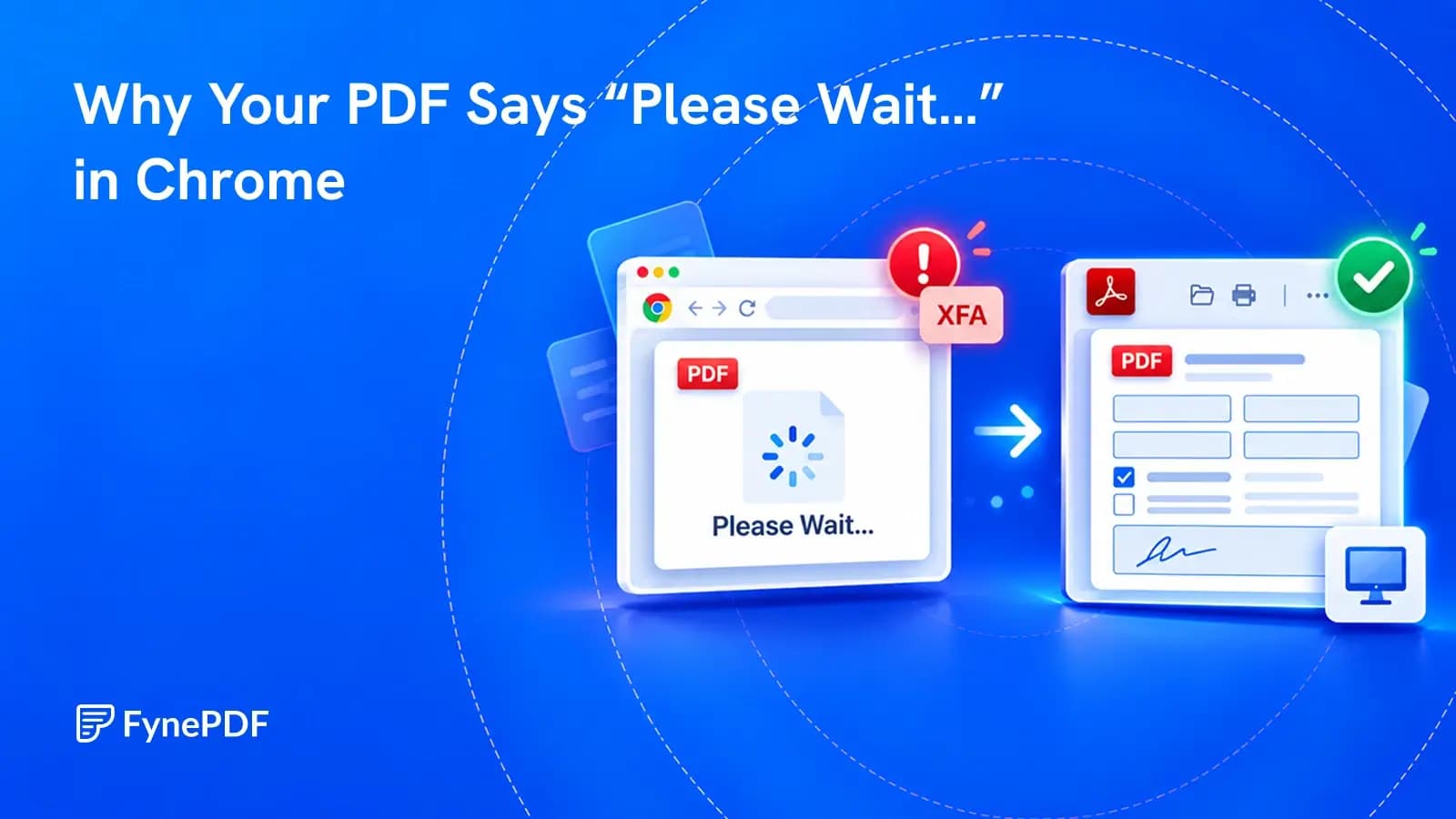
The message may be a compatibility page inside the PDF, not a download that needs more time.
You open a form in Chrome and see “Please wait…” where the document should be. You wait, refresh and try again. Nothing changes.
That message is often a fallback page stored inside the PDF. It can appear when the viewer cannot display the form's contents, particularly with certain XFA forms. Waiting longer does not fix a compatibility problem.
Download the original PDF from its official source, then open the saved file in the desktop reader recommended by the organization that issued it. For many of these forms, that means Adobe Acrobat Reader. Opening the file in another browser tab is not the same as opening it in the desktop application.
XFA stands for XML Forms Architecture. It is a way of building PDF forms that can include features such as changing layouts, calculations and structured form data.
An ordinary PDF page is mostly a fixed arrangement of content. An XFA form can need a viewer to interpret additional form instructions before the real document appears.
Support varies by viewer, version and form. It is too broad to say that no browser can ever display an XFA form. But a browser may still fail to display the particular form you have, even while opening other PDFs without trouble.
Adobe documents this compatibility issue in its guidance on XFA forms in Chrome and Firefox. The issuer's instructions remain the best guide for the specific document.
Start with the organization's official download page. If the PDF arrived in an unexpected email, verify the sender before opening it or following instructions inside it.
Using File > Open avoids a common loop: double-clicking a PDF that your computer sends straight back to Chrome.
On a managed work computer, use your approved software or ask IT for help. Obtain any required reader through its official website or your organization's software portal, not from a pop-up promising to fix the file.
The Illinois Department of Revenue's PDF troubleshooting page gives similar download-and-open guidance for its forms. It also warns that browser use can affect filled-in form data. A form that appears on screen is not necessarily a form that will save correctly.
Once the form works, enter a small amount of information and save a working copy. Close that copy and reopen it in the same compatible application.
Do the fields still contain what you entered? Are all expected pages present? Do any totals or additional sections display correctly?
This small check is worth doing before completing a long application. At the end, repeat it with the finished file. Keep the untouched original separately so you can start again if something goes wrong.
Do not assume that a visible signature box is equivalent to a valid digital signature, or that typing a name satisfies the issuer's signing requirements. Follow the document's own instructions.
If the form opens but saved answers disappear, the next problem is different. Our guide to filled-in PDF forms coming back empty covers that situation.
Check the simple explanations before changing the document:
| Check | Why it matters |
|---|---|
| Confirm the file came from the official current form page | An old saved copy may no longer be supported or accepted |
| Download the PDF again | The first download may be incomplete or may contain an error page |
| Check the reader and version against the issuer's requirements | Not every desktop or mobile reader supports the same form features |
| Open the file from inside the application | The operating system may still be sending it to a browser |
| Ask the issuer for an alternative | They may provide an accessible form, an HTML application or another approved route |
If the source PDF is damaged, no viewer setting can supply the missing content. Ask for a fresh copy. If a form requires software you cannot use, ask the issuer how to complete it instead of guessing at a conversion method.
Printing the browser's fallback page to PDF may produce a new document containing only “Please wait…”. It does not recover the form hiding behind that message.
Converting the file to Word is also a poor first fix for an official application. Even if some text survives, you may lose fields, calculations, validation, machine-readable information or a required layout.
Flattening a correctly displayed, completed form can create a static copy, but it removes interactivity. Whether that copy is acceptable depends on the recipient. Do not flatten, re-export or otherwise rewrite a digitally signed document without checking the requirements, because changes can affect the signature.
For this problem, compatibility comes before conversion. Open the form in the right application and use the issuer's submission method.
Not necessarily. If the same message appears immediately every time, it may be content in the PDF rather than a loading indicator. Downloading the original and trying the required desktop reader helps distinguish the two.
It will not add support for a form feature the viewer cannot handle. A fresh download can help if your saved copy is incomplete or outdated, but repeated cache clearing is not the main solution to an XFA compatibility problem.
Only if the issuer supports that workflow and the mobile application handles the form correctly. Do not assume a mobile reader supports everything the desktop version does. Use an approved alternative when it does not.
No. A compatibility message is not evidence of malware, and it is not proof of safety either. Judge the source separately. An unexpected attachment that asks you to install software or disable protection deserves caution, regardless of how its first page looks.
Try it yourself
File size is only one of the checks an upload portal can make. Find the failed check before changing the document.
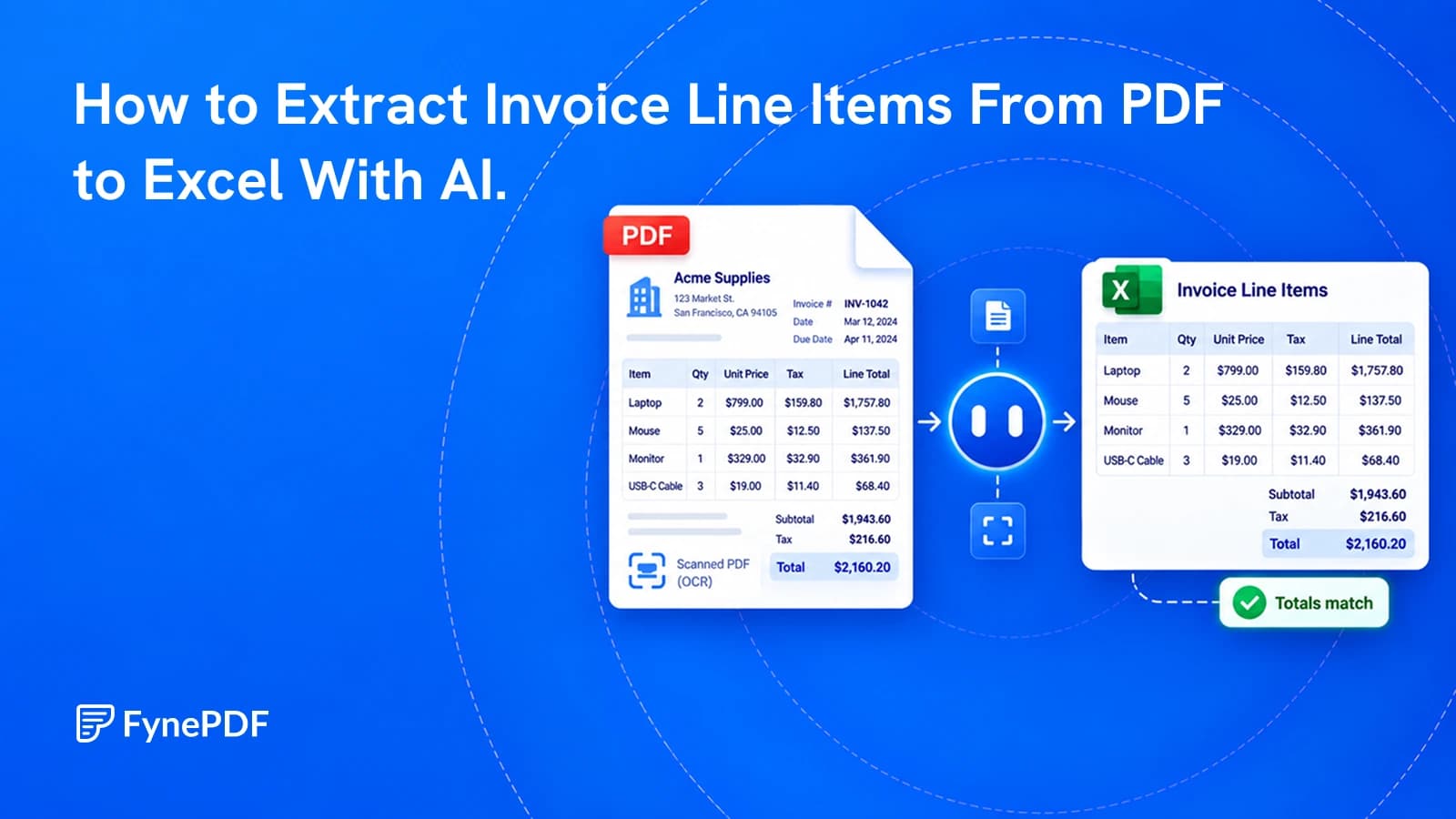
Get a spreadsheet you can check and use, not just a copy of the invoice's layout.
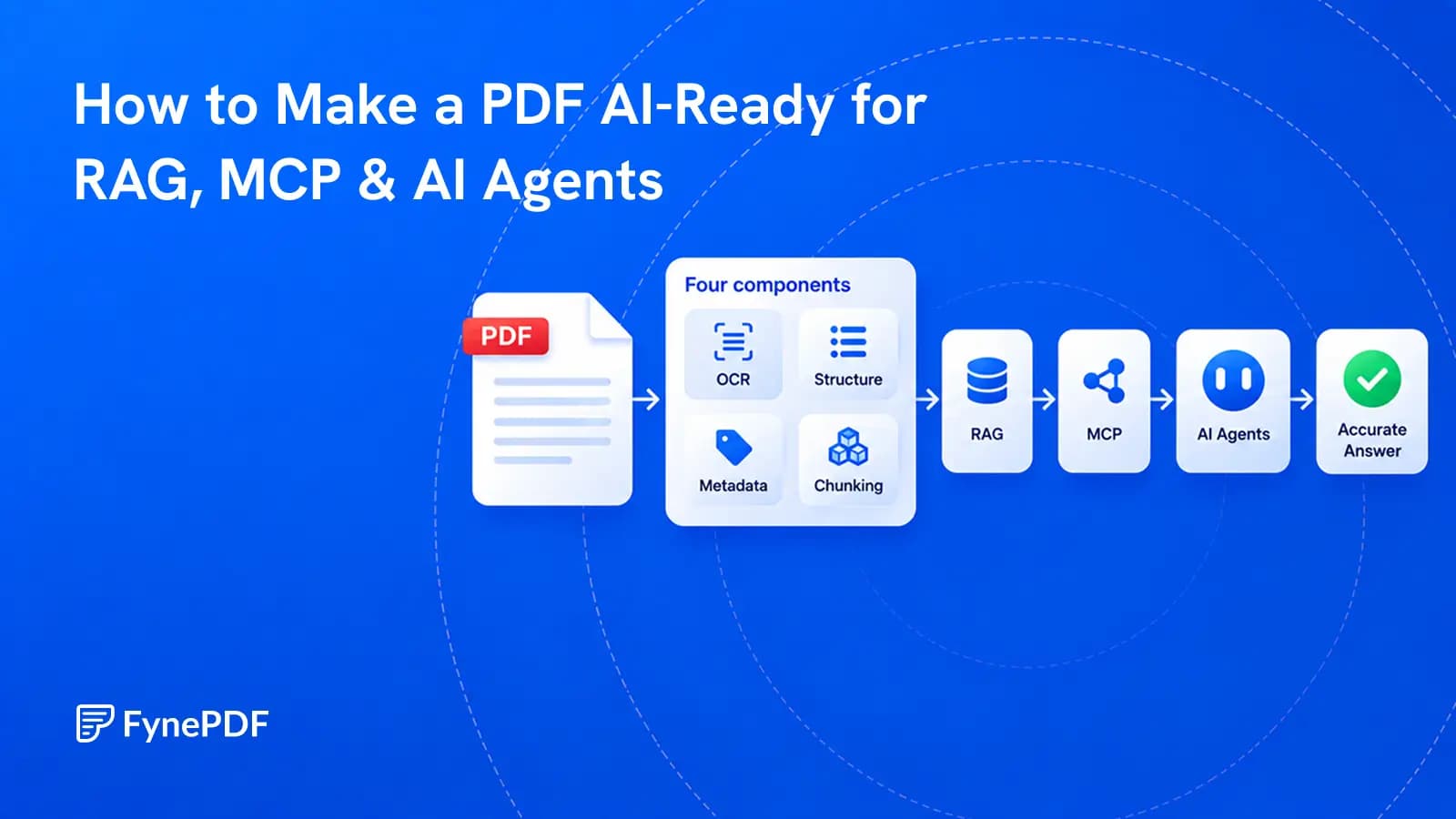
A PDF becomes useful to AI when its text, structure, sources, permissions, and versions can be trusted.