Remove Hidden Metadata
Strip author names, software and dates, including XMP data, before you share.


Edit or remove a PDF's title, author, keywords and dates.
or drop your file here
Edit or Remove PDF Metadata
No sign-up required
Pages stay untouched
Strip author names, software and dates, including XMP data, before you share.
Change the title, author, subject, keywords and dates. Pages stay untouched.
Files are encrypted with 256-bit TLS and deleted 15 minutes after your task.
Edit or remove PDF metadata in three steps, no software, no account needed.
1
Drag and drop or select your PDF up to 600MB free and 5GB on Pro and Premium.
2
Change the title, author and other fields, or remove all metadata in one click.
3
Download your updated PDF straight away. Files are deleted after 15 min.
Every PDF carries details you never typed into it. Here is where editing or removing that metadata protects your privacy and makes documents easier to find.
Strip author names, company details and editing software from PDFs before you send them to clients or post them online.
Search engines often show a PDF's title in results. Set a clear title and subject so your documents look right and get found.
Consistent titles, authors and keywords make PDFs easier to find in document management systems and desktop search.
Replace 'Untitled' or a stray template name with a proper title and your company as author before you deliver a report.
Set the title and author metadata universities and journals ask for, without re-exporting the file from your editor.
Remove the original author, creation dates and drafting software before you file or disclose documents.
Every PDF carries document properties alongside its pages: a title, an author, the app that made it and when. FynePDF reads them straight from your file, then either rewrites them with your changes or strips them out, leaving the pages themselves exactly as they were.
The current title, author, subject, keywords, creator, producer and dates appear as soon as you upload.
Change any field, clear the ones you don't want, or remove all metadata, including hidden XMP data.
Only the metadata is rewritten. Text, images, links and layout come out exactly as they went in.
Guide
Convert
Productivity
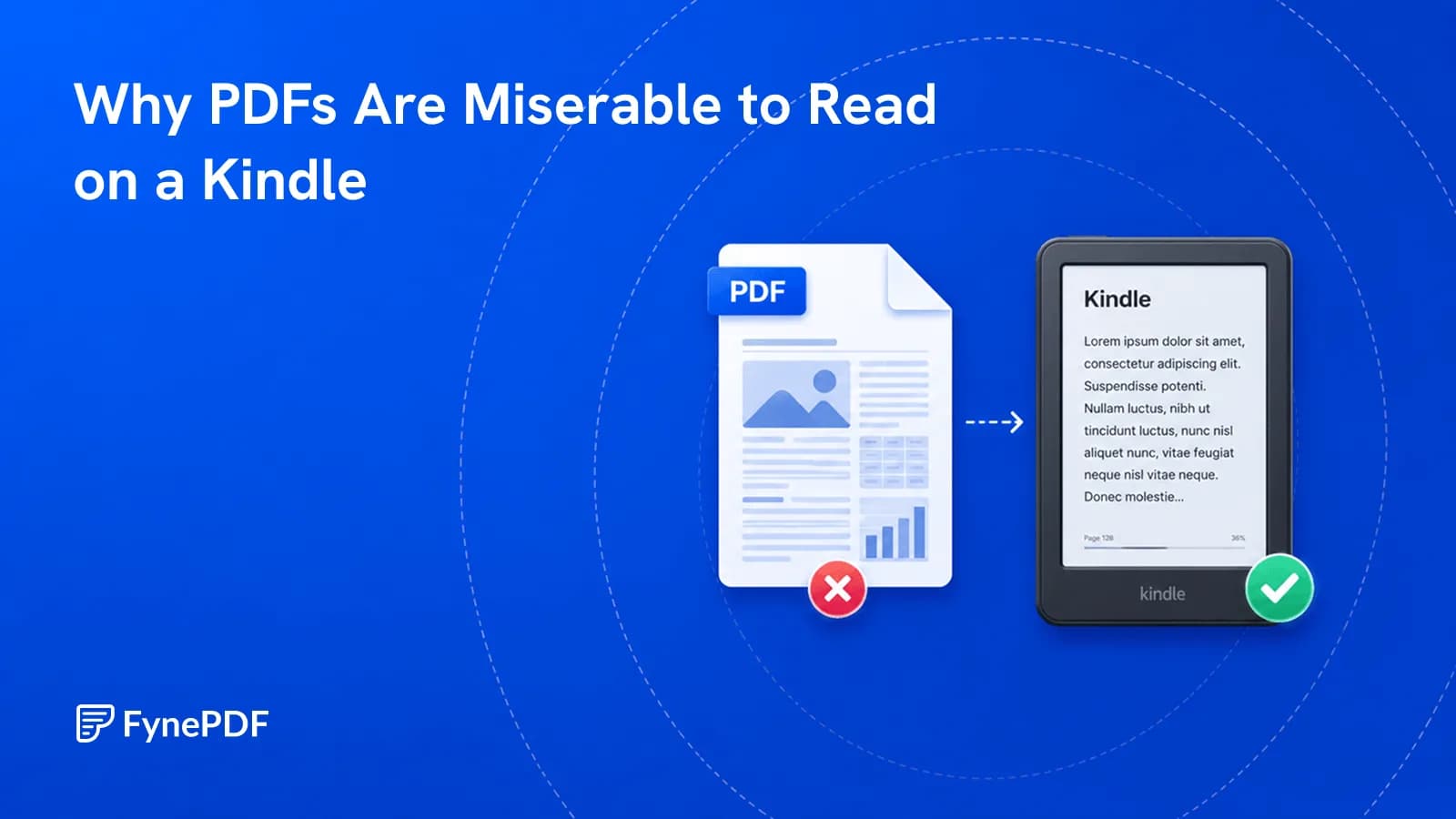
PDFs have fixed pages. E-readers want text that reflows to the screen.
Guide
Optimize
Productivity
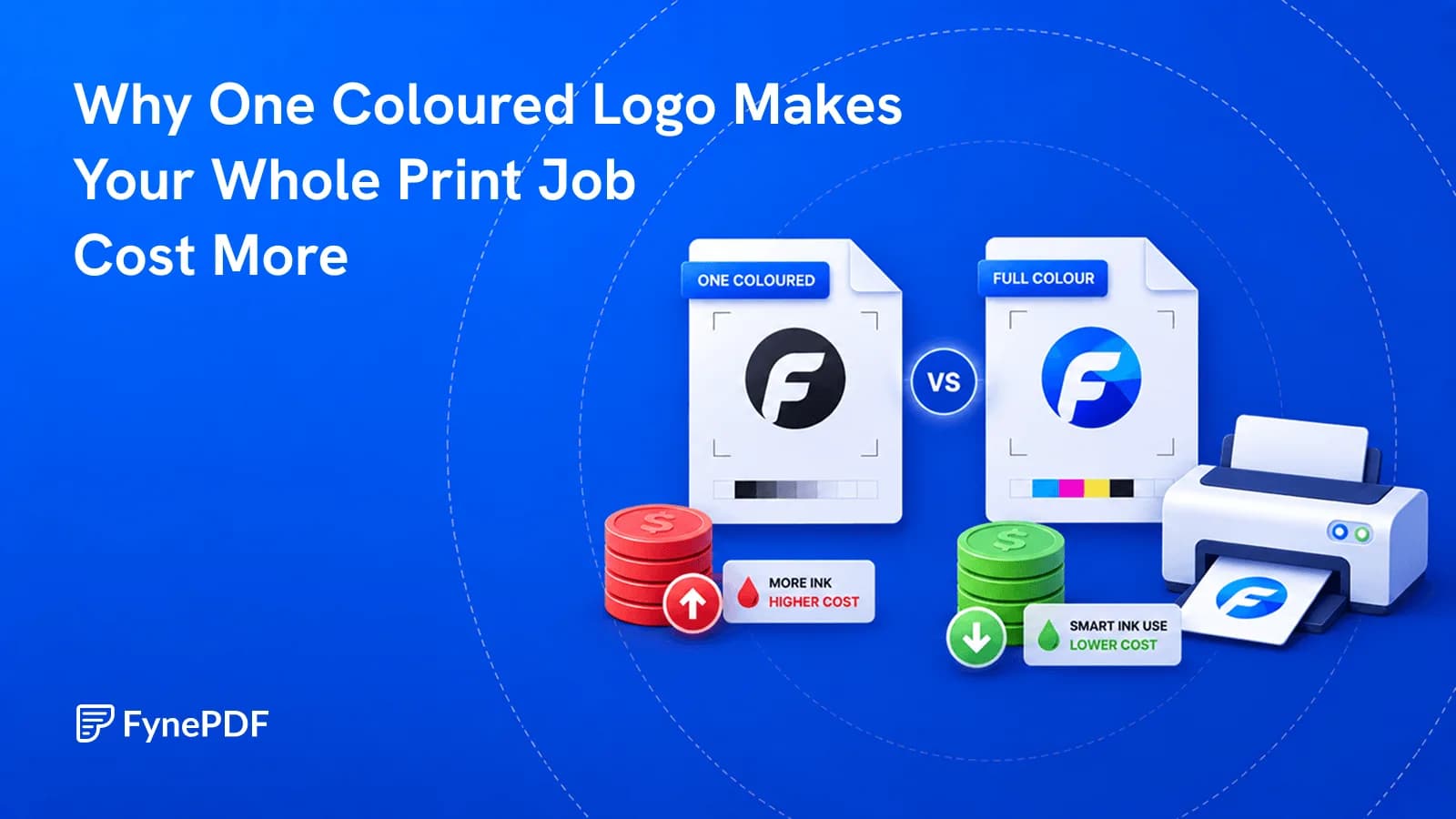
A page counts as colour even if the only colour on it is a footer logo.
Guide
Agents
AI Tools
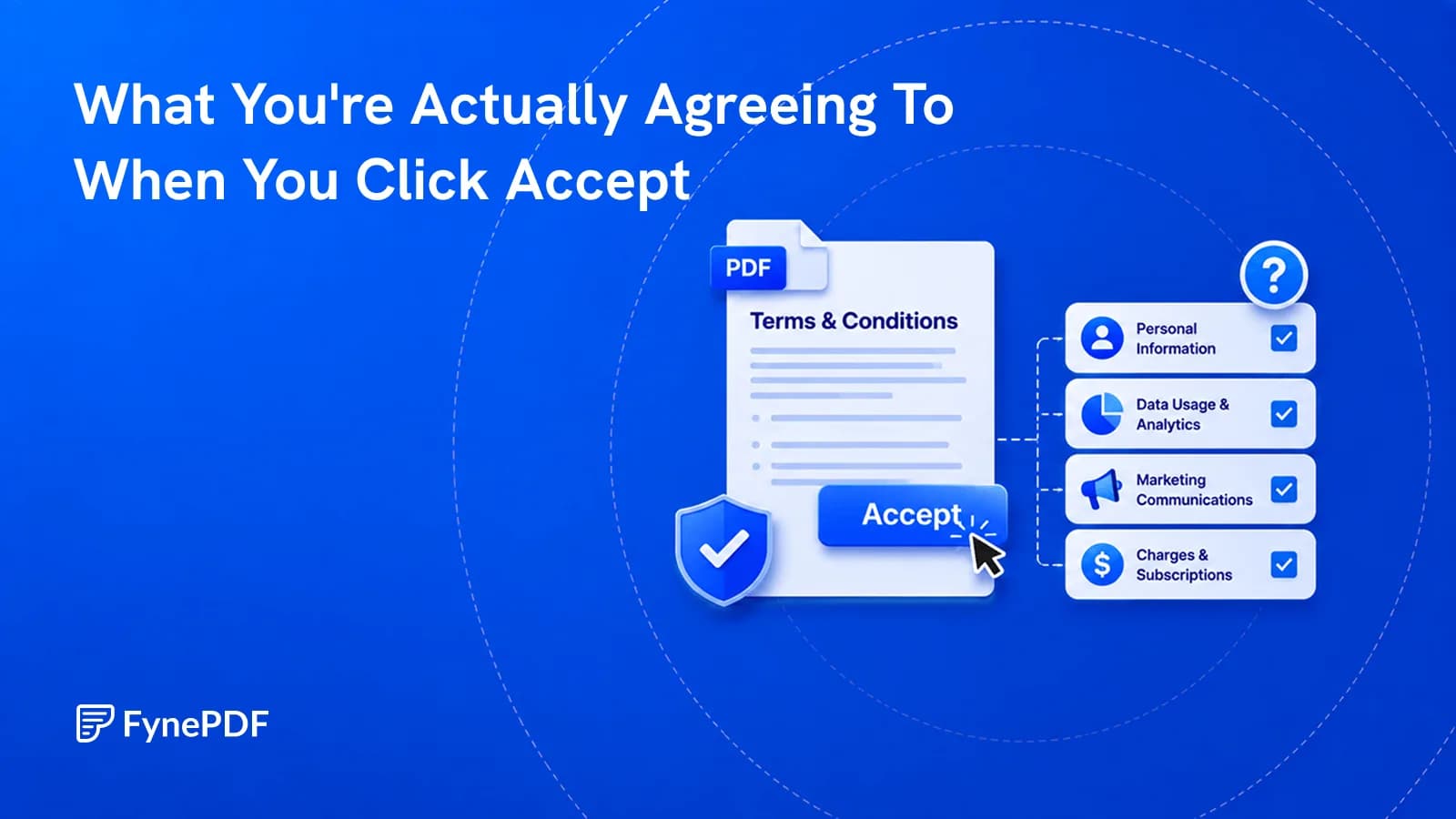
Nobody reads them, and the clauses that matter are buried deliberately. Here's what to check.
Edit or remove a PDF's title, author, keywords and dates.
or drop your file here
Edit or Remove PDF Metadata
No sign-up required
Pages stay untouched
Strip author names, software and dates, including XMP data, before you share.
Change the title, author, subject, keywords and dates. Pages stay untouched.
Files are encrypted with 256-bit TLS and deleted 15 minutes after your task.
Edit or remove PDF metadata in three steps, no software, no account needed.
1
Drag and drop or select your PDF up to 600MB free and 5GB on Pro and Premium.
2
Change the title, author and other fields, or remove all metadata in one click.
3
Download your updated PDF straight away. Files are deleted after 15 min.
Every PDF carries details you never typed into it. Here is where editing or removing that metadata protects your privacy and makes documents easier to find.
Strip author names, company details and editing software from PDFs before you send them to clients or post them online.
Search engines often show a PDF's title in results. Set a clear title and subject so your documents look right and get found.
Consistent titles, authors and keywords make PDFs easier to find in document management systems and desktop search.
Replace 'Untitled' or a stray template name with a proper title and your company as author before you deliver a report.
Set the title and author metadata universities and journals ask for, without re-exporting the file from your editor.
Remove the original author, creation dates and drafting software before you file or disclose documents.
Every PDF carries document properties alongside its pages: a title, an author, the app that made it and when. FynePDF reads them straight from your file, then either rewrites them with your changes or strips them out, leaving the pages themselves exactly as they were.
The current title, author, subject, keywords, creator, producer and dates appear as soon as you upload.
Change any field, clear the ones you don't want, or remove all metadata, including hidden XMP data.
Only the metadata is rewritten. Text, images, links and layout come out exactly as they went in.
Guide
Convert
Productivity
PDFs have fixed pages. E-readers want text that reflows to the screen.
Guide
Optimize
Productivity
A page counts as colour even if the only colour on it is a footer logo.
Guide
Agents
AI Tools
Nobody reads them, and the clauses that matter are buried deliberately. Here's what to check.