
How to Turn Bank Statement PDFs Into Usable Data
Twelve statements, no CSV option. Here's how to extract transactions and check the totals.
 By Biraj Paudel, Founder of FynePDF4 min read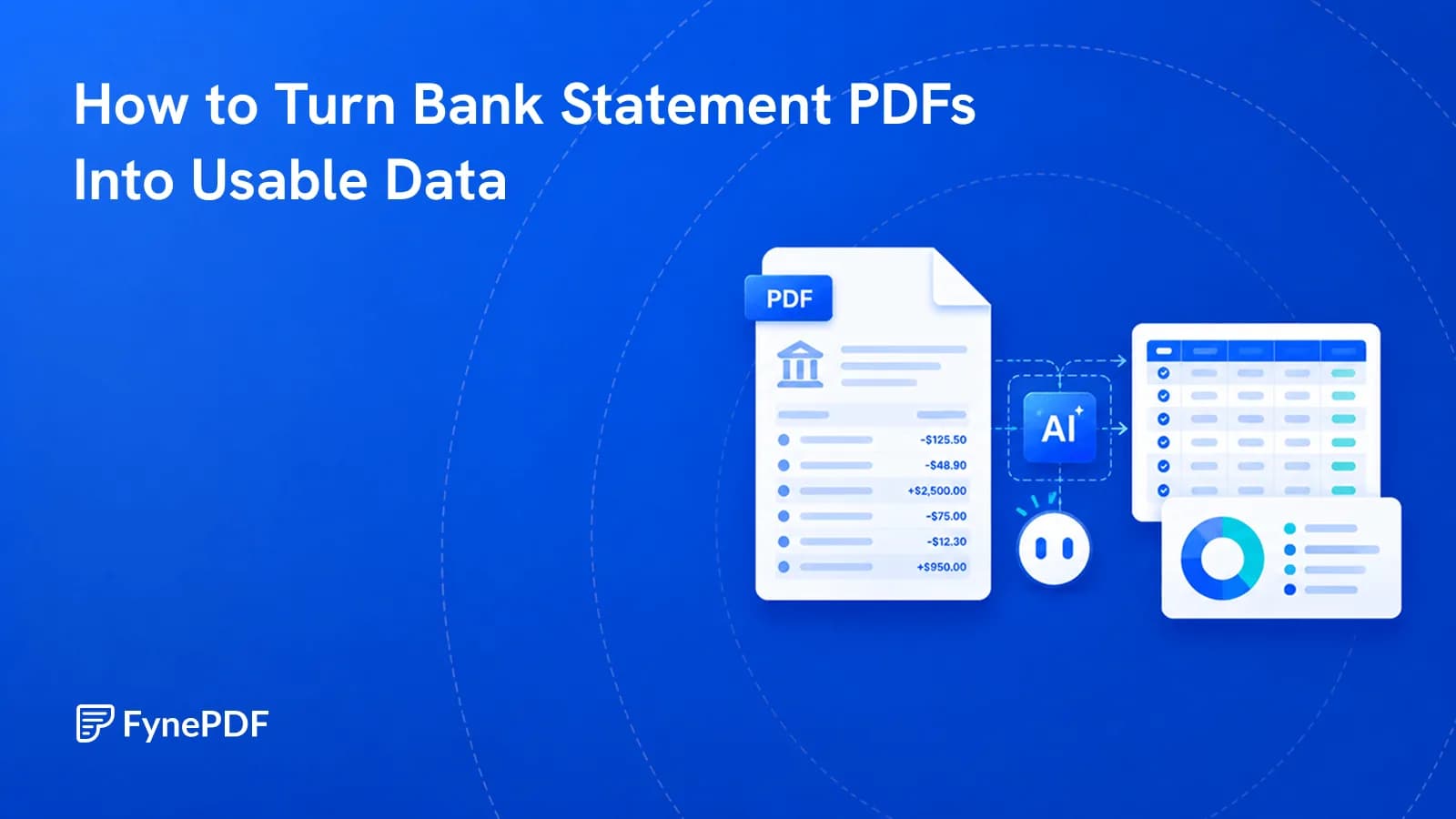
To turn bank statement PDFs into usable data, upload them and extract the transaction rows into a structured format you can sort, filter, and total. Banks often provide only PDFs beyond a short recent window, which is why this comes up during loan applications, tax preparation, and bookkeeping catch-ups.
The extraction is the quick part. Verifying it is what makes the output trustworthy.
Why don't banks just give me a CSV?
Most do, for the last 90 days, or 12 months if you're fortunate. Beyond that window, the archive is PDF only. That's exactly the period people need when a lender asks for two years of history or an accountant is reconstructing a year that was never properly recorded.
The PDF itself makes this harder than it should be. A statement looks like a table, but a PDF stores text by position on the page with no underlying grid. There are no rows or columns in the file, only text that happens to line up. Copy-pasting into a spreadsheet collapses everything into one column, which is why it never works no matter how carefully you select.
How do I extract the transactions?
- Open the Bank Statement Analysis agent.
- Upload your statement.
- Review the extracted transactions.
- Check the totals against the statement before using anything.
Free includes an overview and one AI answer per document, with files up to 15MB and 50 pages. Statements are usually well under that; a year of them merged together may not be.
For a straight table dump without any analysis, PDF to Excel is the more direct route.
In between, “Export the transactions to Excel, checked against the statement” opens Smart Edit with that request ready. It builds one Transactions sheet and checks it against the totals printed on the statement, so you know whether the figures add up before you use them.
What has to be verified, every time?
This is financial data, so treat extraction as a draft until checked. Four things, about three minutes:
| Check | Why |
|---|---|
| Closing balance | Should match the statement exactly, the strongest single check |
| Transaction count | 47 rows on the statement means 47 rows extracted |
| Negative values | Parentheses notation often survives as text and won't sum |
| Date format | Regional formats misparse; 03/04 is ambiguous by design |
The closing balance check is the one that catches nearly everything. If the extracted transactions total to the printed closing balance, individual rows are almost certainly correct. If they don't, something is missing or duplicated, and you need to find it before proceeding.
Why did my statement come out empty?
Because it's a scan. Statements you photographed, or received by post and scanned, contain images of pages rather than text, so there's nothing to extract.
Check by trying to select a single transaction line. If you get a rectangular box over the whole page instead of highlighted text, run OCR first.
Be more careful with scanned statements afterwards. OCR errors in numbers are the dangerous kind: a 1 read as a 7, or a lost decimal point, produces a spreadsheet that looks perfectly reasonable and is wrong. The closing balance check catches these, which is why it isn't optional here.
What about multiple months?
Two workable approaches, and the choice depends on your bank.
Process each statement separately and combine the spreadsheets afterwards. More steps, but each closing balance is verifiable against its own statement, which makes errors easy to localise.
Or merge the PDFs first with Merge PDF and process once. Faster, but watch the file size limit, and watch for repeated header rows. Statements reprint their column headers on every page, and those get captured as data. Sorting on a header value finds and removes them in one pass.
Common questions
Is it safe to upload my bank statements?
Files transfer over encrypted connections and are permanently deleted within 15 minutes of processing unless you save them to your library. Nothing is retained or read. For financial documents that deletion window is the guarantee that matters, and it's worth confirming with any service you use.
Can it categorise my spending?
Extraction gives you the transaction rows; categorisation is a judgement about what each one means, and merchant names are frequently ambiguous. Treat suggested categories as a starting point to review rather than a finished ledger, particularly for anything going into a tax return.
What if my statement is password protected?
Bank statements often arrive encrypted. Remove the protection with Unlock PDF using the password your bank provided. It's usually a documented formula based on your account number or date of birth, given in the covering email.
Can I use the output for a loan application?
Lenders normally require original statements from the bank, not extracted data. Use extraction to understand and prepare your own figures, and submit the original PDFs where they're asked for.
Extract your statements
Upload to the Bank Statement Analysis agent, then check the closing balance before you use a single figure.
 Bank Statement Analysis
 Resume Review
 Accessibility (WCAG) Checker