Guide
Agents
AI Tools
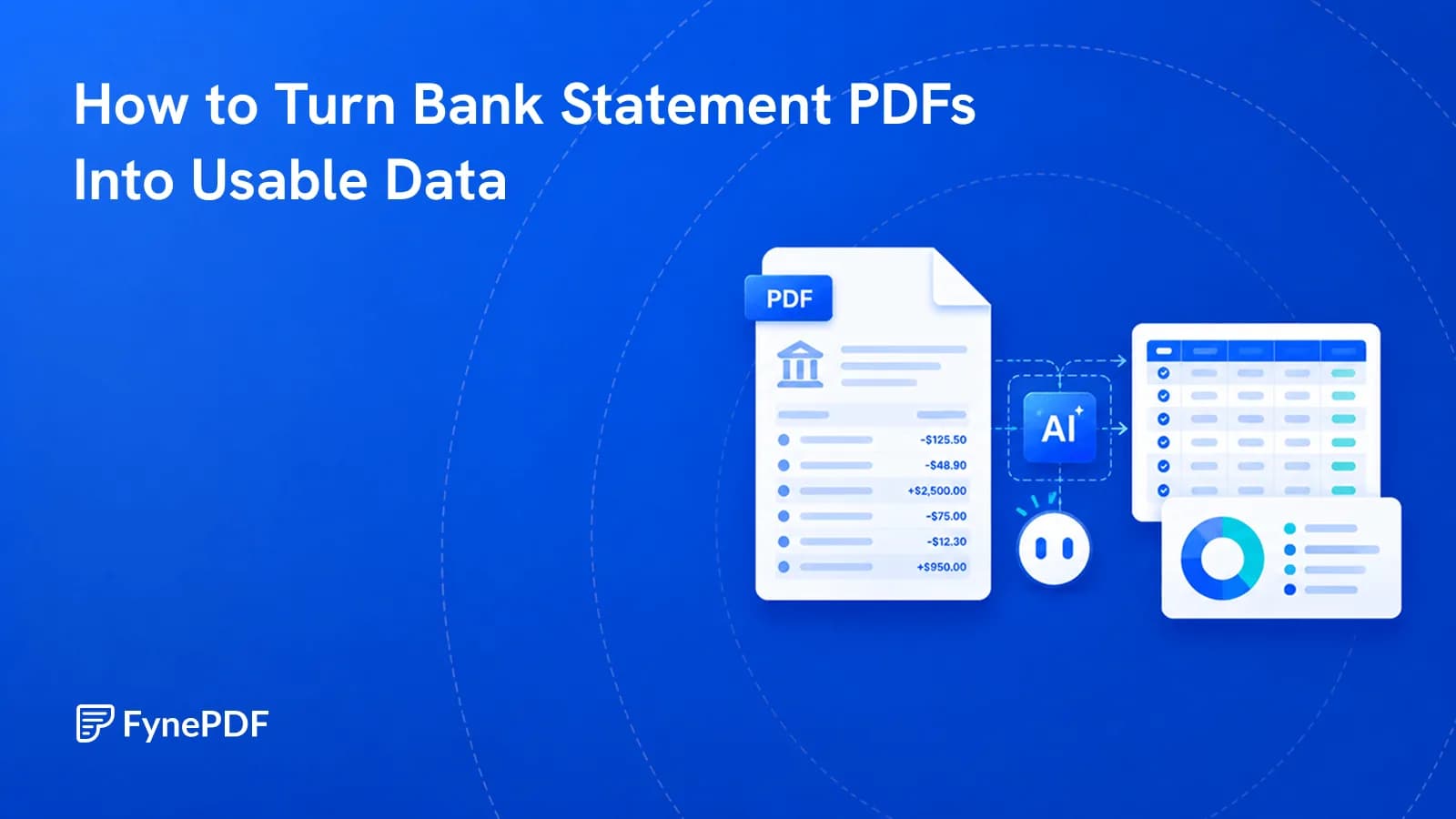
How to Turn Bank Statement PDFs Into Usable Data
Twelve statements, no CSV option. Here's how to extract transactions and check the totals.


Spending & Subscription Insights
Supports PDF, TXT and more
 Fyne Bot“You spent 1200$ on SaaS”
or drop your file here
Review transactions, spending categories, and recurring charges from your statement.
Drop in your PDF statements, up to 15MB free and 250MB on Premium plans.
The agent reads the tables, identifies merchants and sorts them into categories.
Chat with your financial data, download it as a .txt file, or save the session.
Ask about spending, fees, and recurring payments.
Analyze a PDF bank statement with questions about transactions, subscriptions, and spending categories. Check the original figures through page citations and export tables from AI answers for your spreadsheet.
Find Recurring Charges
Review subscriptions and statement fees.
Categorize Spending
Group transactions by expense category.
Keep Your Review
Save the chat or download it as text.

 Based on the uploaded statement, here is the high-level summary for Q2:
Review spending, question unusual charges, and check the figures in your PDF.
Group bank statement transactions by spending category. Ask about travel, meals, or software costs and review the totals in context.
Look for duplicate payments, recurring fees, or large transactions. Ask the AI to explain a charge and verify it in your bank statement.
Follow page citations back to your bank statement. Review the original amounts, dates, and transaction details before using an answer.
Select text in your PDF to explain a term, summarize a passage, or ask a question. Explore the detail you need without retyping it into chat.
Click a page citation to open your PDF at the source. When a text match is found, the passage is highlighted so you can check the AI answer.
Download tables from AI answers as CSV files. Keep the rows and columns ready for Excel, Google Sheets, or your next document analysis.
Review transactions, spending categories, and recurring charges in your bank statement.
Group business expenses from your bank statement and review recurring charges. Export AI tables as CSV to prepare your bookkeeping records.
Find vendor payments and review monthly spending in your bank statement. Ask about cash flow and check the source before using a figure.
Extract transaction details into a table for reconciliation. Download the CSV and check amounts, dates, and categories against the PDF.
How your files are handled during and after your session.
Your documents are used for your session and are never used to train AI models.
TLS protects document transfers between your browser and FynePDF.
Your file is deleted within 24 hours of upload, unless you save it to your Library.
Read how we handle document data and how to contact us about access, export, or deletion.
Your statement is processed to explain the transactions and figures you ask about. FynePDF staff do not manually open or review your file contents.
AI features may send document content to the Google Gemini API to produce the output you request. Documents are not used to train AI models. Temporary files follow the deletion policy; saved documents follow the Library storage policy.
Read our full Security Policy.
Guide
Agents
AI Tools
Twelve statements, no CSV option. Here's how to extract transactions and check the totals.
Guide
Secure
News
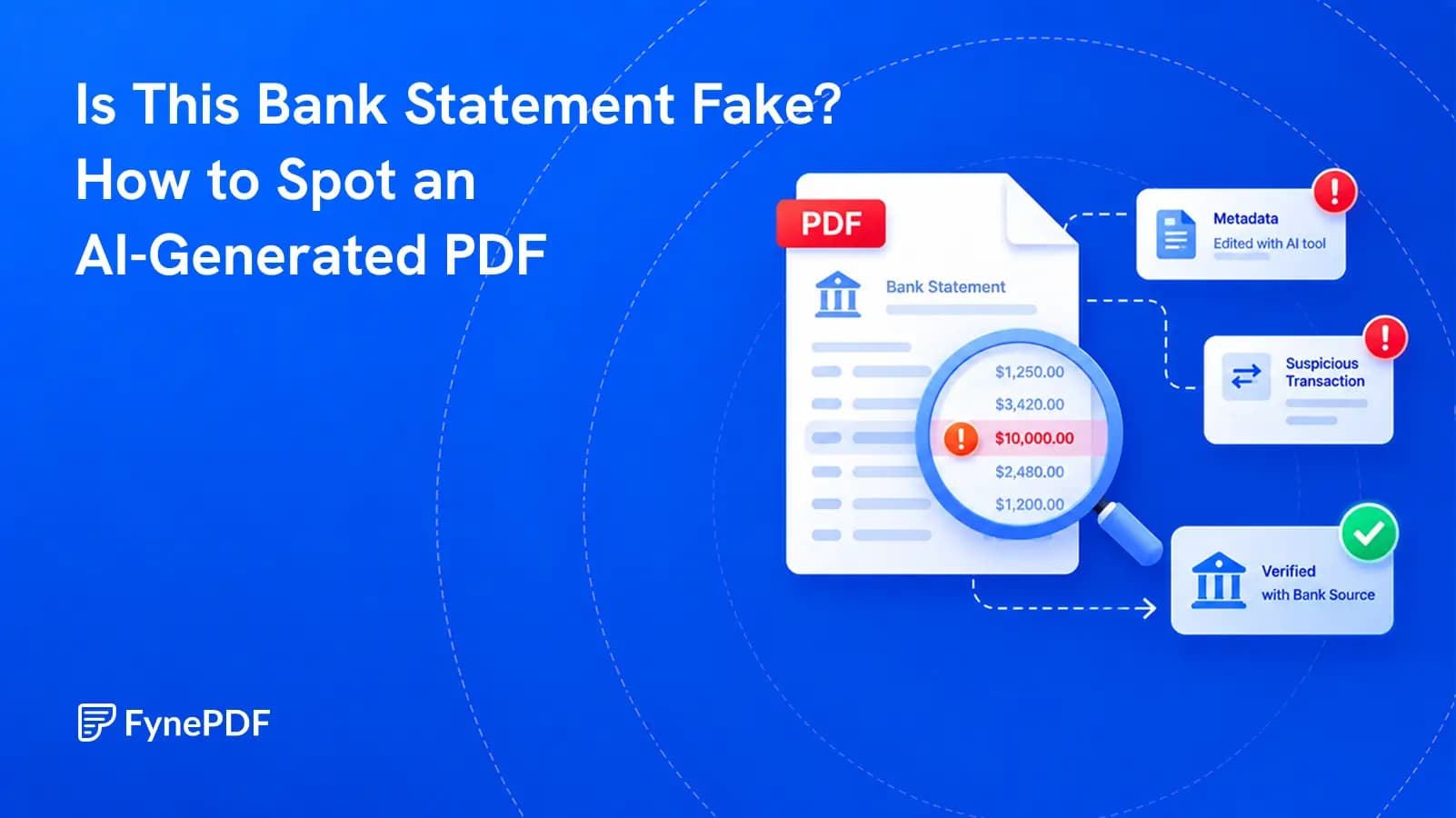
AI can copy a bank's design in seconds. The safest check is not how the PDF looks, but whether its claims match a trusted source.
Guide
AI Tools
Productivity
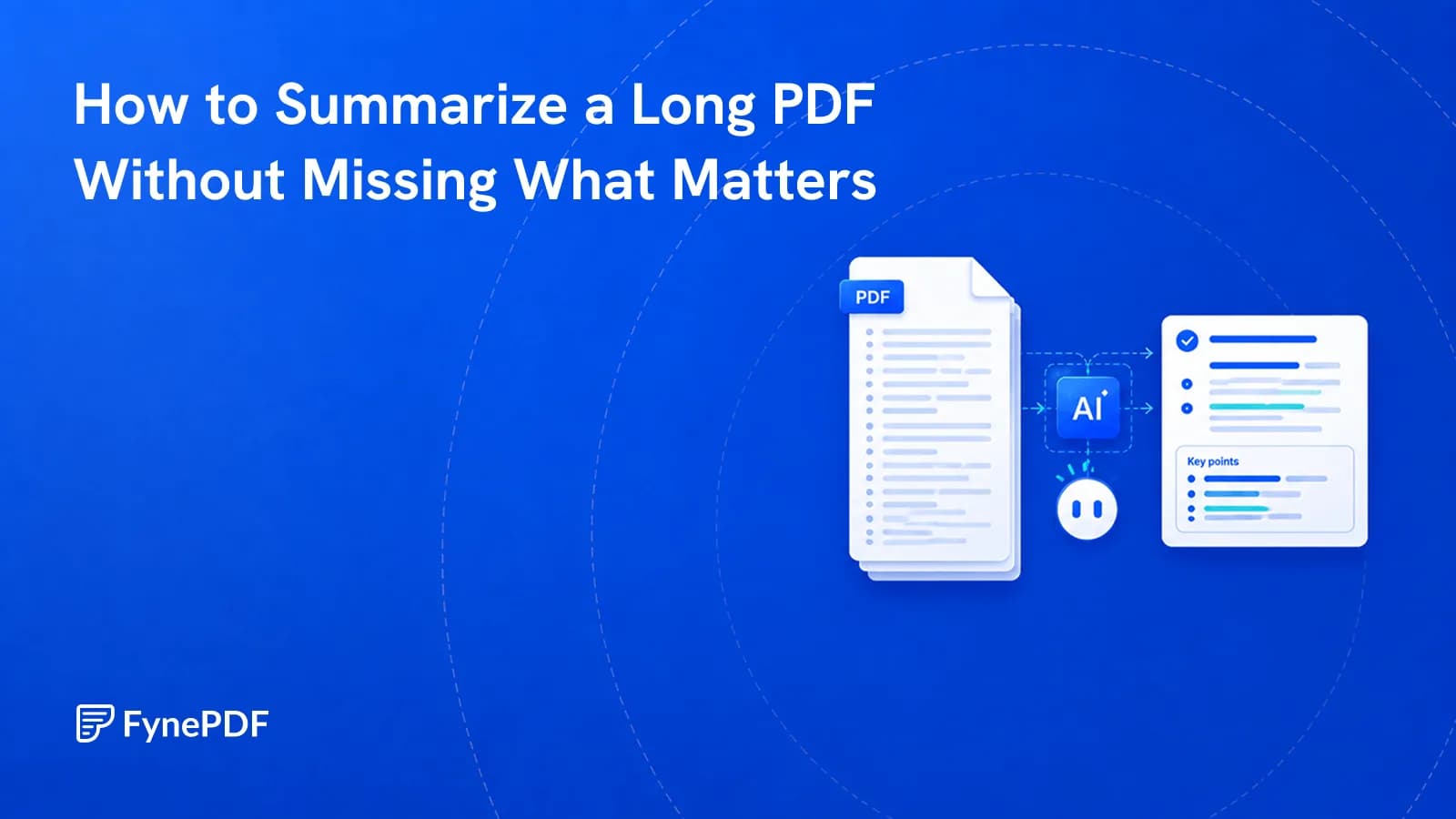
A summary tells you what a document covers, not what it commits you to.