


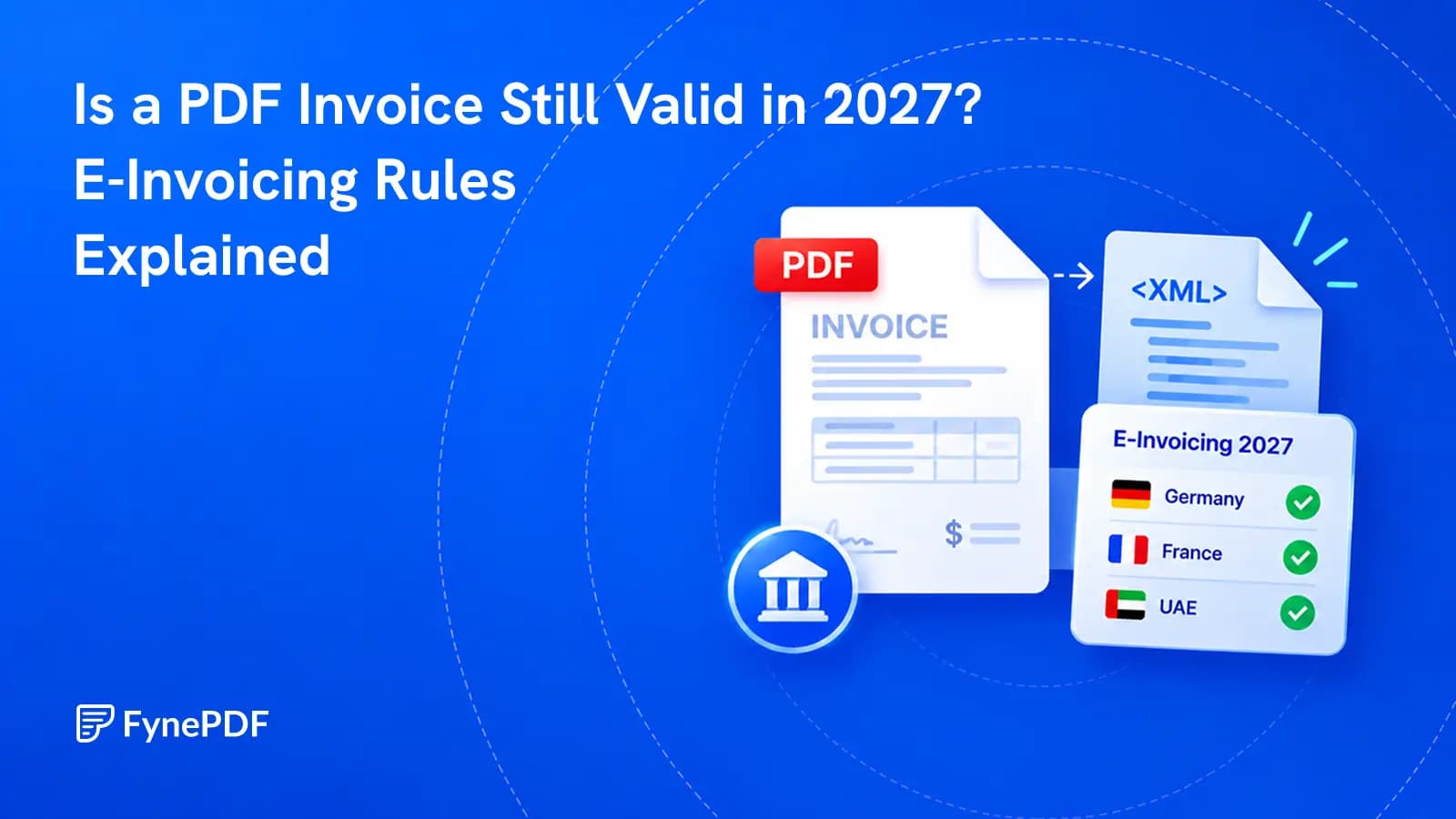
Is a PDF Invoice Still Valid in 2027? E-Invoicing Rules Explained
A PDF can still be readable and legally useful while failing a new e-invoicing requirement. The difference is structured data.

24 September 2026 · By Biraj Paudel, Founder of FynePDF
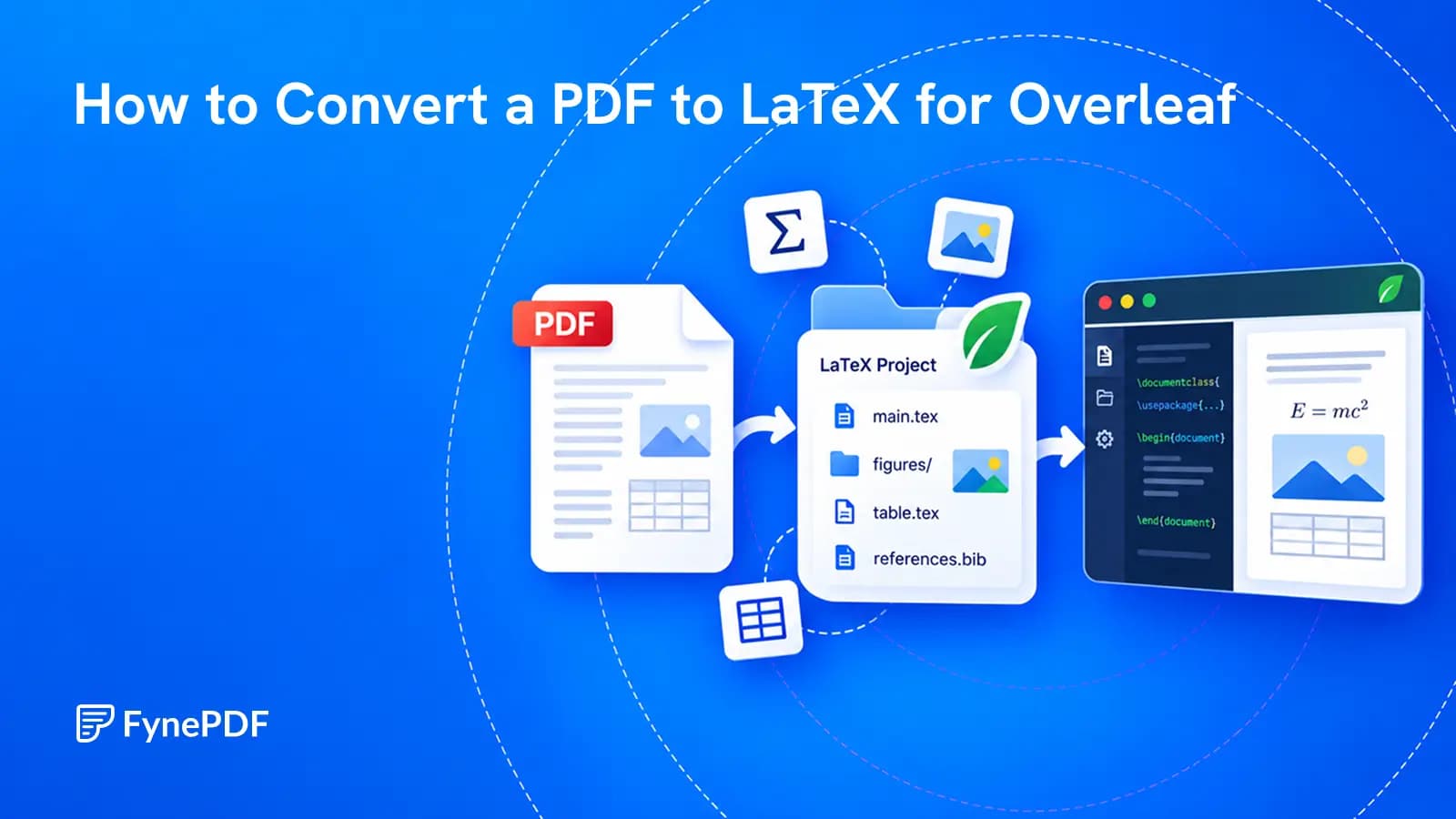
Recover a working source project from a finished PDF, with realistic expectations about what conversion can restore.
You have the final PDF of a paper or report, but not the source files. Uploading it to Overleaf gives you a PDF in the project, not the editable paragraphs, equations and figure commands that produced it.
To edit the document as LaTeX, first convert its contents into .tex source. Keep any extracted images with that source, upload the resulting project to Overleaf, compile it and compare the result with the original.
Think of this as rebuilding a working document, not recovering the author's exact project. A PDF does not reliably preserve the original macro names, comments, bibliography database or folder structure. Even a useful conversion needs review.
If the original source might still exist, look for a project ZIP, an old Overleaf project, a repository or a copy held by a collaborator. An intact source project usually saves more work than reconstructing the published output.
If the PDF is your only usable copy, test whether you can select its text. Image-only scans need OCR before text-based conversion. A scan with recognized text may still contain OCR mistakes, so inspect names, numbers and symbols before treating that text as reliable.
Choose a representative section for your first attempt. A page of plain prose tells you little about how a later page containing a table and a formula will convert.
Only process material you are allowed to upload and reuse. Conversion does not change the document's copyright, confidentiality or publication permissions.
FynePDF PDF to LaTeX offers two output approaches. The important choice is what you intend to change next.
| Your next task | Start with | Why |
|---|---|---|
| Rewrite a report or update lecture notes | LaTeX document output | Sections and paragraphs are more useful than fixed page coordinates |
| Recover editable drawing paths from a vector diagram | TikZ-oriented output | The drawing can be represented as editable paths rather than a screenshot |
| Preserve a poster or one-page design | TikZ page output | Positioned content prioritizes the original arrangement |
| Rebuild a paper with substantial mathematics | A reviewed LaTeX reconstruction workflow | Complete equation structure needs special attention |
In document mode, FynePDF turns recognized text structure into sections, paragraphs, lists and simple tables, with vector figures represented through TikZ. In page-oriented TikZ mode, each page becomes a positioned drawing.
That choice is the tool's most useful distinction. A document that is easy to rewrite and a page that closely follows the old design are not always the same output. Choose for the task rather than assuming .tex means everything will behave like ordinary prose.
The result may be a .tex file or a ZIP containing source and image assets. If you receive a ZIP, keep its structure intact. Uploading only the text file can leave image references pointing to files that are no longer present.
Before importing, look at the filenames. Identify the main source and the folders it uses. Keep an untouched copy of the conversion so you can distinguish conversion issues from changes you make later.
For a fictional twelve-page training guide with four photographs and two diagrams, a successful first result is not simply twelve pages of output. It is a source project in which the four photos are available, the diagrams remain usable and the text can be revised sensibly.
If a diagram is actually a screenshot inside the PDF, do not expect the conversion to recover vector paths that were never present. Likewise, editable drawing paths do not recover the original spreadsheet data behind a chart.
For a project ZIP, use New Project > Upload Project from the Overleaf dashboard and select the archive. Overleaf extracts its files and preserves the included folder structure. Its official project upload guide describes this process and current upload limits.
If your download contains only a .tex file, add it to an Overleaf project and make sure the intended source is selected as the main document. Avoid leaving a starter file as the main document and mistaking its output for your conversion.
Click Recompile. If the result is not right, read the first useful error rather than changing several settings at once.
Use the compiler appropriate to the source. FynePDF recommends LuaLaTeX or XeLaTeX for non-Latin scripts; check the fonts and packages required by the actual file. Overleaf's compiler settings documentation explains where to select the compiler.
FynePDF converts common Greek letters and symbols to LaTeX commands, but its current tool page does not promise full mathematical reconstruction. Fractions, integrals and aligned equations can arrive as text that you need to rebuild in math mode.
For example, seeing the characters “a + b” above “2” on the original page does not tell you whether the source contains a proper fraction or separately positioned text. A file that compiles can still represent the expression incorrectly.
Reconstruct the expression from the source PDF, then compare the rendered result. Overleaf's mathematical expressions guide explains inline and display math for that step.
Check equation numbers and references as well as the symbols. If the paper is mostly complex mathematics, allow for a dedicated math-recognition or manual typesetting workflow. Use the converter for the content it can recover, not as evidence that every formula has been understood.
A document-mode conversion may paginate differently after reconstruction. Start with completeness and meaning before adjusting margins to force the old page count.
Review the section sequence, tables, captions, footnotes, special characters and every expression containing important numbers. Check that a table's values remain under the correct headings, not simply that the table looks tidy.
References need their own pass. A visible bibliography is not necessarily a recovered .bib database, and printed citation numbers are not necessarily working citation commands. Rebuild those connections where the new project needs them.
For documents with two columns, inspect the transition from one column to the next. Our guide to two-column PDF text in the wrong order explains a common extraction problem that can carry into later edits.
After the first clean compilation, change one ordinary sentence and compile again. Then make one small figure or table adjustment. This gives you an early test of whether the recovered structure suits the work you plan to do.
If prose is scattered across positioned drawing commands, reconsider whether you chose the right mode. If a poster's layout falls apart after substantial text changes, a source redesign may be more sensible than forcing the old geometry to fit.
Keep a copy of the working project, including its assets, alongside the finished PDF. The next revision should start from that source rather than another round of recovery.
No. Treat the output as reconstructed source. Original custom commands, comments, source files and bibliography records may not be recoverable from the final PDF.
.tex file?The conversion may need accompanying image files. Import the complete package so the source can find those assets.
No. Compilation shows that the source can produce output. Compare that output with the original to check whether the words, values, equations and figures are correct.
Try it yourself
A PDF can still be readable and legally useful while failing a new e-invoicing requirement. The difference is structured data.

Your 12-page report opened as 14 on their machine. Here's why, and how to stop it.
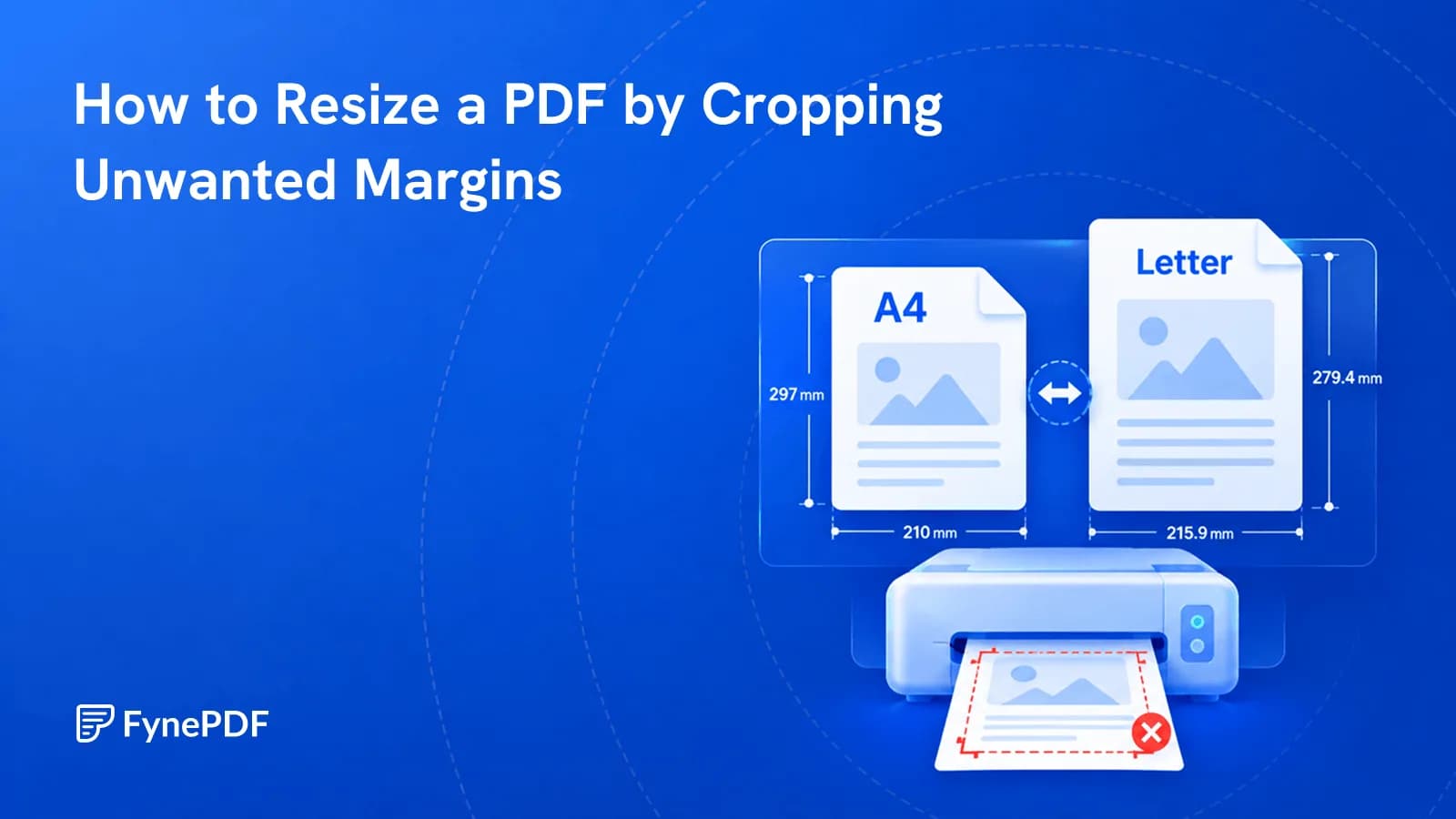
Cropping removes unnecessary margins so your PDF fits the page better when printing or sharing.