Compilable LaTeX Source
Headings, lists and tables become clean .tex that compiles in Overleaf or pdflatex.


Convert any PDF into editable LaTeX or TikZ source.


or drop your file here
Convert PDF to LaTeX (.tex)
LaTeX or TikZ output
No sign-up required
Headings, lists and tables become clean .tex that compiles in Overleaf or pdflatex.
Charts and diagrams become editable TikZ paths, not flattened screenshots.
Files are encrypted with 256-bit TLS and deleted 15 minutes after your task.
Convert a PDF to LaTeX or TikZ in three steps, no software, no account needed.
1
Drag and drop or select your PDF up to 100MB free, 1GB on Pro and 5GB on Premium.
2
Pick an editable LaTeX document, or TikZ pages that keep the exact original layout.
3
Get a .tex file, or a .zip with images, ready for Overleaf. Deleted after 15 min.
A PDF is the end of the LaTeX pipeline, not the start. Here is where recovering editable .tex and TikZ source saves you from retyping it.
Lost the .tex behind your thesis or paper? Rebuild editable source from the final PDF instead of retyping every chapter.
Turn a vector chart or diagram from a PDF into TikZ code you can restyle to match your paper's fonts and colours.
Convert old lecture notes, handouts and problem sets into LaTeX so you can edit, renumber and recompile them each term.
Bring PDF reports, CVs and articles into Overleaf as .tex, then collaborate and track changes like any LaTeX project.
Simple PDF tables come out as tabular environments, ready to edit instead of copying numbers across cell by cell.
TikZ mode reproduces each page as positioned text and graphics, ideal for posters, slides, forms and one-page designs.
FynePDF reads the text and the vector drawing of every page, then writes them back out as LaTeX. Text becomes sections, paragraphs and lists, drawings become TikZ paths, and embedded images are saved alongside, so you get source you can edit and recompile, not a screenshot of the page.
Headings, paragraphs, lists and simple tables become LaTeX sections, itemize and tabular.
Lines, curves, fills and colours in charts and diagrams convert to editable TikZ paths.
Equations arrive as text to retype in math mode. Scanned pages need OCR PDF first.
Guide
Convert
Optimize
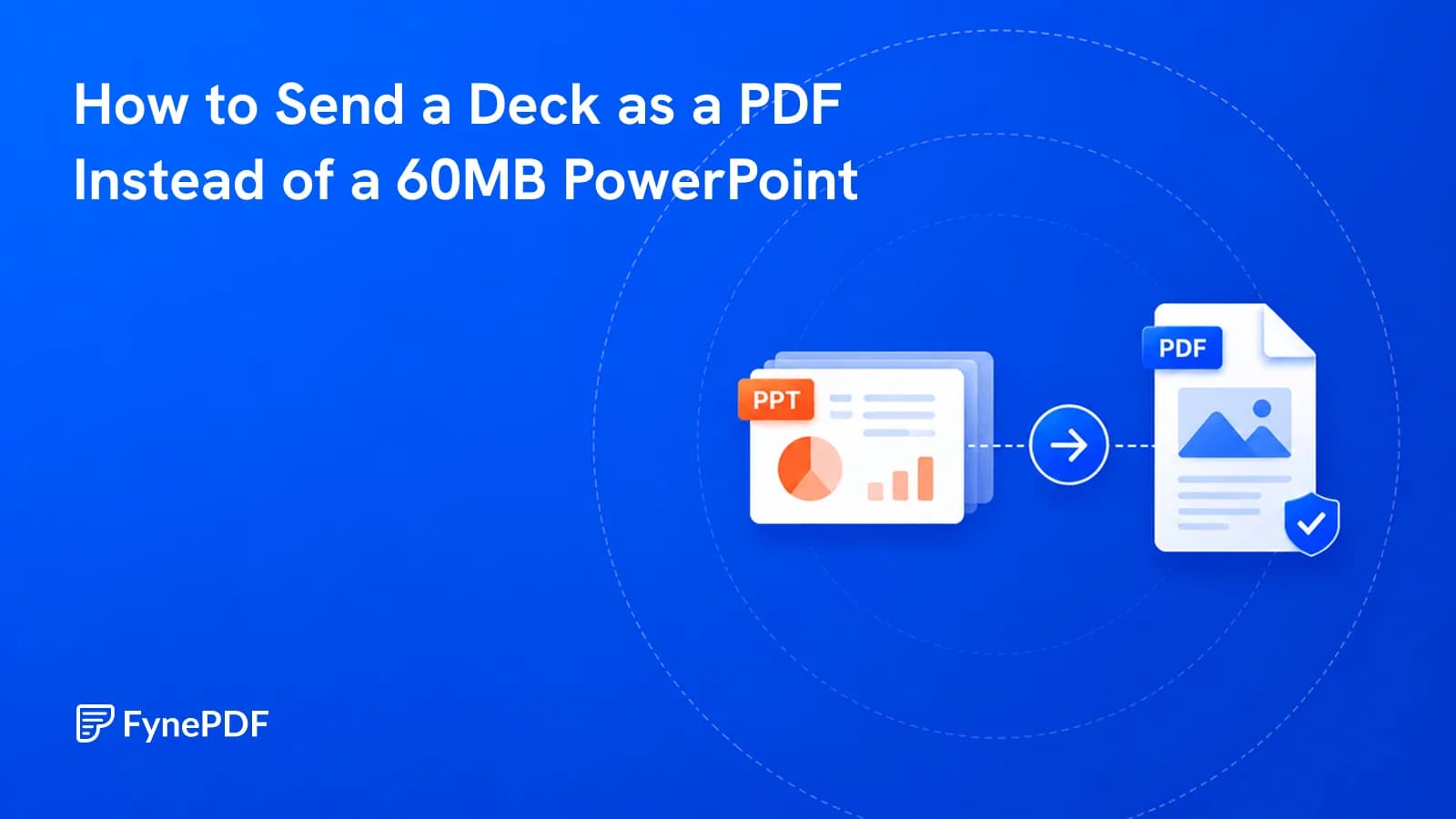
The deck bounced off their mail server and the fonts were wrong anyway. Send a PDF.
Guide
Convert
Productivity
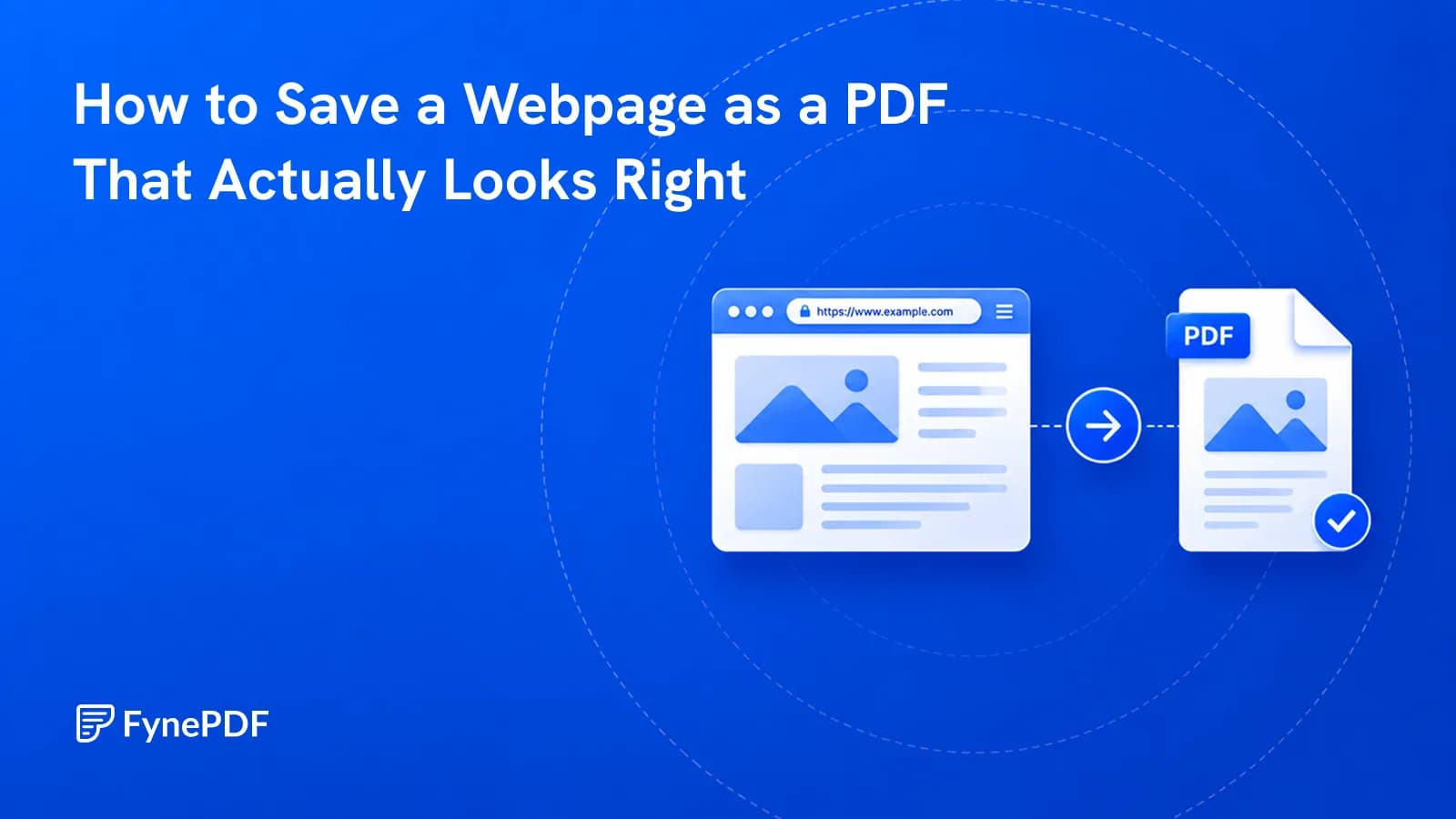
Ctrl+P captures cookie banners and misses images. Here's how to archive a page properly.
Guide
Convert
Productivity
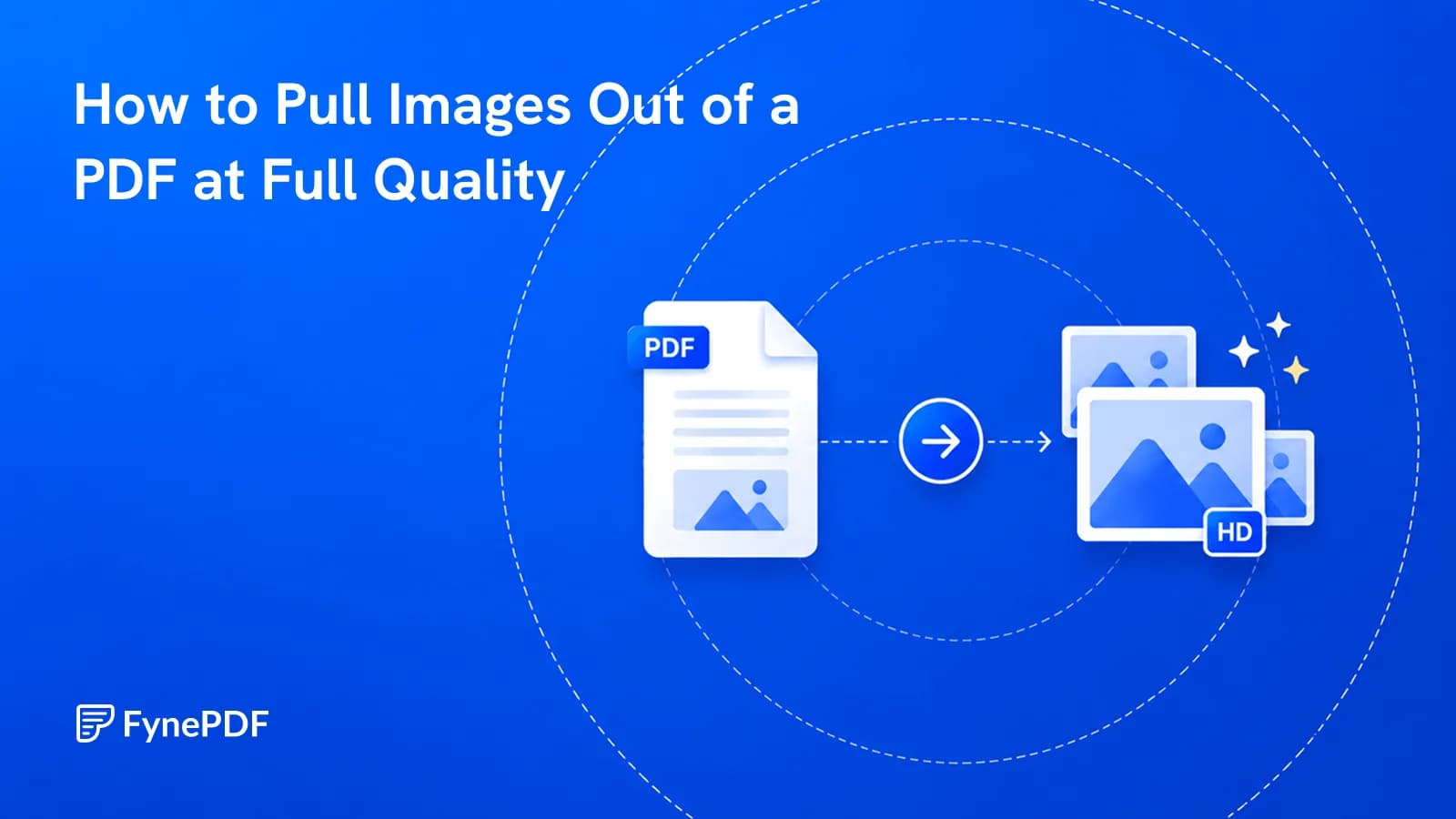
Screenshotting caps a chart at your screen resolution. Extracting gets the real thing.
Convert any PDF into editable LaTeX or TikZ source.
or drop your file here
Convert PDF to LaTeX (.tex)
LaTeX or TikZ output
No sign-up required
Headings, lists and tables become clean .tex that compiles in Overleaf or pdflatex.
Charts and diagrams become editable TikZ paths, not flattened screenshots.
Files are encrypted with 256-bit TLS and deleted 15 minutes after your task.
Convert a PDF to LaTeX or TikZ in three steps, no software, no account needed.
1
Drag and drop or select your PDF up to 100MB free, 1GB on Pro and 5GB on Premium.
2
Pick an editable LaTeX document, or TikZ pages that keep the exact original layout.
3
Get a .tex file, or a .zip with images, ready for Overleaf. Deleted after 15 min.
A PDF is the end of the LaTeX pipeline, not the start. Here is where recovering editable .tex and TikZ source saves you from retyping it.
Lost the .tex behind your thesis or paper? Rebuild editable source from the final PDF instead of retyping every chapter.
Turn a vector chart or diagram from a PDF into TikZ code you can restyle to match your paper's fonts and colours.
Convert old lecture notes, handouts and problem sets into LaTeX so you can edit, renumber and recompile them each term.
Bring PDF reports, CVs and articles into Overleaf as .tex, then collaborate and track changes like any LaTeX project.
Simple PDF tables come out as tabular environments, ready to edit instead of copying numbers across cell by cell.
TikZ mode reproduces each page as positioned text and graphics, ideal for posters, slides, forms and one-page designs.
FynePDF reads the text and the vector drawing of every page, then writes them back out as LaTeX. Text becomes sections, paragraphs and lists, drawings become TikZ paths, and embedded images are saved alongside, so you get source you can edit and recompile, not a screenshot of the page.
Headings, paragraphs, lists and simple tables become LaTeX sections, itemize and tabular.
Lines, curves, fills and colours in charts and diagrams convert to editable TikZ paths.
Equations arrive as text to retype in math mode. Scanned pages need OCR PDF first.
Guide
Convert
Optimize
The deck bounced off their mail server and the fonts were wrong anyway. Send a PDF.
Guide
Convert
Productivity
Ctrl+P captures cookie banners and misses images. Here's how to archive a page properly.
Guide
Convert
Productivity
Screenshotting caps a chart at your screen resolution. Extracting gets the real thing.