Guide
Agents
AI Tools
How to Check a Legal Document Before You Sign It
Blank schedules and unsigned pages are what actually void agreements. Catch them first.


Comprehensive Risk Check
Supports PDF, TXT and more
 Fyne Bot“Yes, Section 4 limits you...”
or drop your file here
Find obligations, unusual terms, and cited clauses to discuss during your review.
Drop your contract. Personal legal data is encrypted and processed privately.
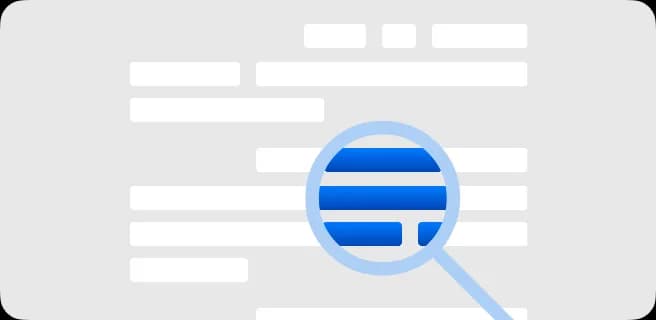
The agent parses legal text, finds key obligations and cross-checks terms.
Get actionable feedback, clarify confusing terms, and export your risk assessment.
Find obligations and ask about the wording behind them.
Use AI contract review to find obligations, deadlines, and unusual terms in your PDF. Ask what a clause says, follow the source reference, and prepare specific questions to discuss with your legal adviser.
Review Contract Risks
Find unusual terms and potential liabilities.
Find Key Obligations
Identify duties, deadlines, and conditions.
Explain Legal Terms
Understand clauses in plain language.

 Section 7 sets out what the other side can do if you disclose confidential information. Here is the clause and what it means:
Explore obligations, unusual clauses, and possible risks with source references.
Find the contract's governing law and dispute terms. Ask what the wording says about courts, jurisdiction, and where a dispute is heard.
Review potential risks in an NDA, lease, or agreement. Use ranked findings to decide which obligations or unusual terms to examine first.
Trace a contract finding to its source page. Read the original clause and ask about its wording before discussing it with your legal adviser.
Select text in your PDF to explain a term, summarize a passage, or ask a question. Explore the detail you need without retyping it into chat.
Click a page citation to open your PDF at the source. When a text match is found, the passage is highlighted so you can check the AI answer.
Download tables from AI answers as CSV files. Keep the rows and columns ready for Excel, Google Sheets, or your next document analysis.
Find terms to review and questions to raise about your agreement.
Review payment terms, ownership clauses, and obligations in a contract. Find passages to discuss with the other party or your legal adviser.
Read lease terms about deposits, notice periods, and responsibilities. Ask for explanations and open the cited pages to check the wording.
Summarize employment terms, notice rules, and restrictions. Use cited explanations to prepare questions before a contract review or signing.
How your files are handled during and after your session.
Your documents are used for your session and are never used to train AI models.
TLS protects document transfers between your browser and FynePDF.
Your file is deleted within 24 hours of upload, unless you save it to your Library.
Read how we handle document data and how to contact us about access, export, or deletion.
Your agreement is processed to explain its terms and provide the review you request. FynePDF staff do not manually open or review your file contents.
AI features may send document content to the Google Gemini API to produce the output you request. Documents are not used to train AI models. Temporary files follow the deletion policy; saved documents follow the Library storage policy.
Read our full Security Policy.
Guide
Agents
AI Tools
Blank schedules and unsigned pages are what actually void agreements. Catch them first.
Guide
Agents
AI Tools
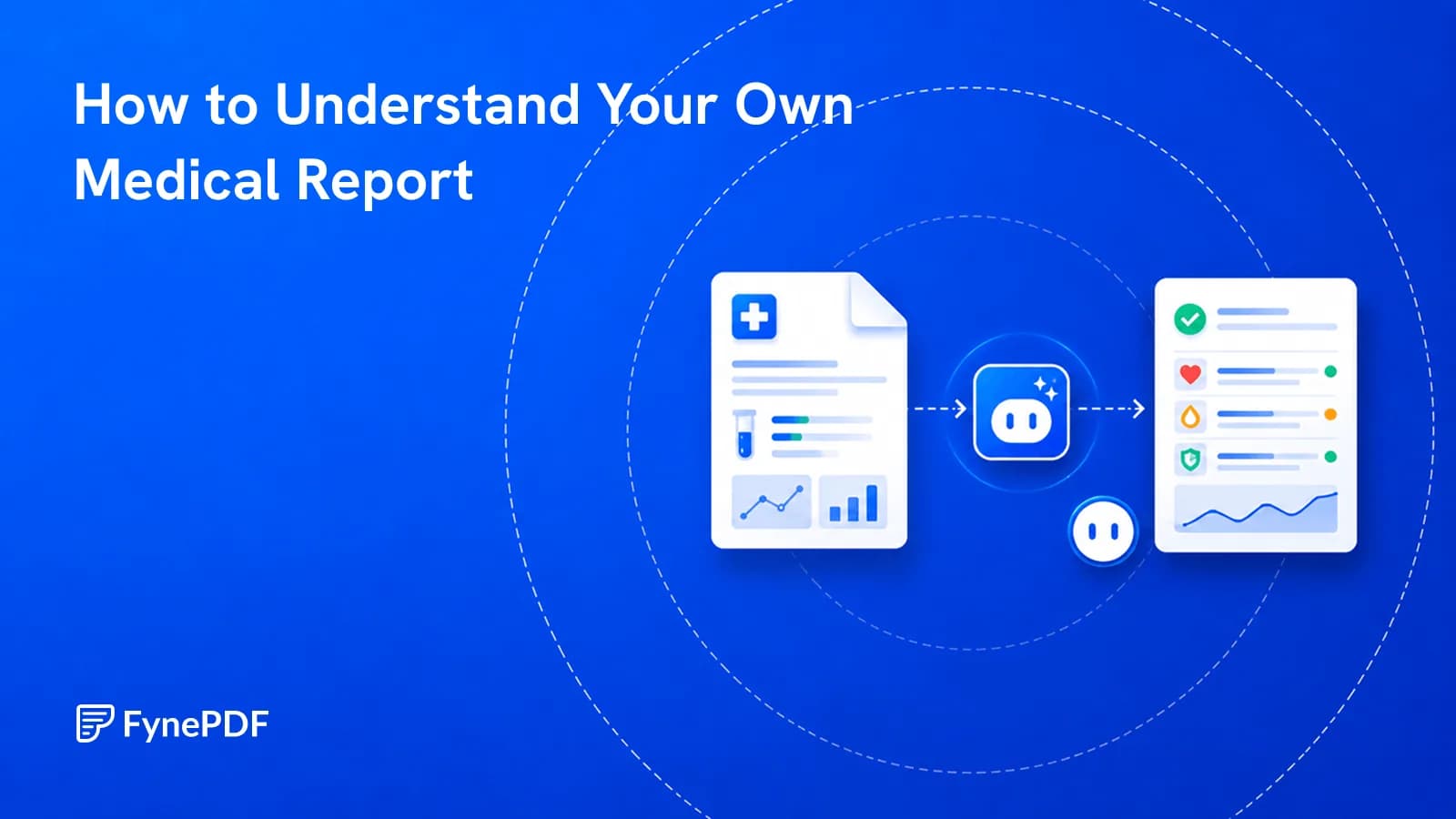
Results arrive before your appointment, written for clinicians rather than for you.
Guide
AI Tools
Productivity
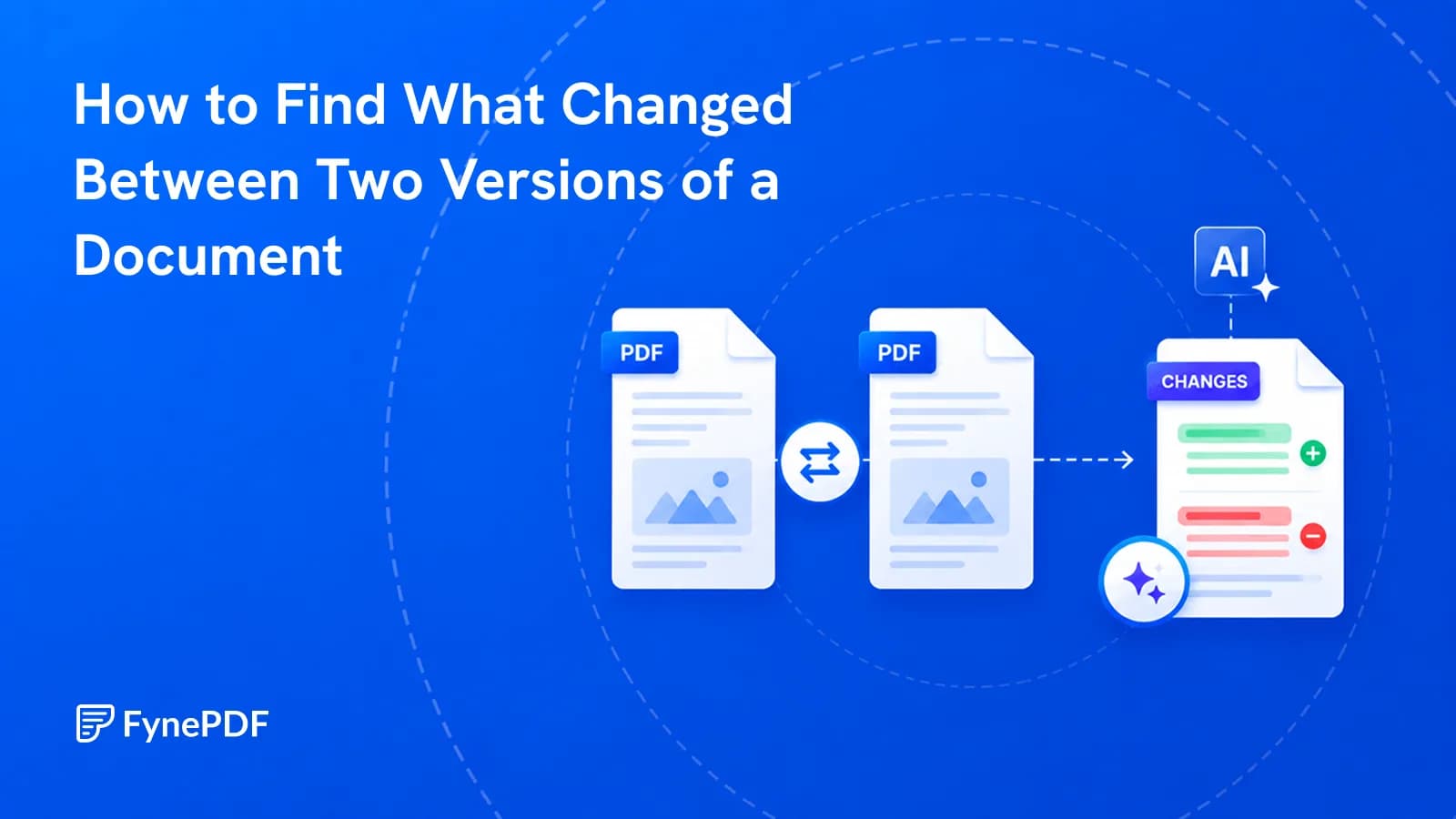
A contract came back edited with no track changes. Here's how to find every difference.