Guide
Agents
AI Tools
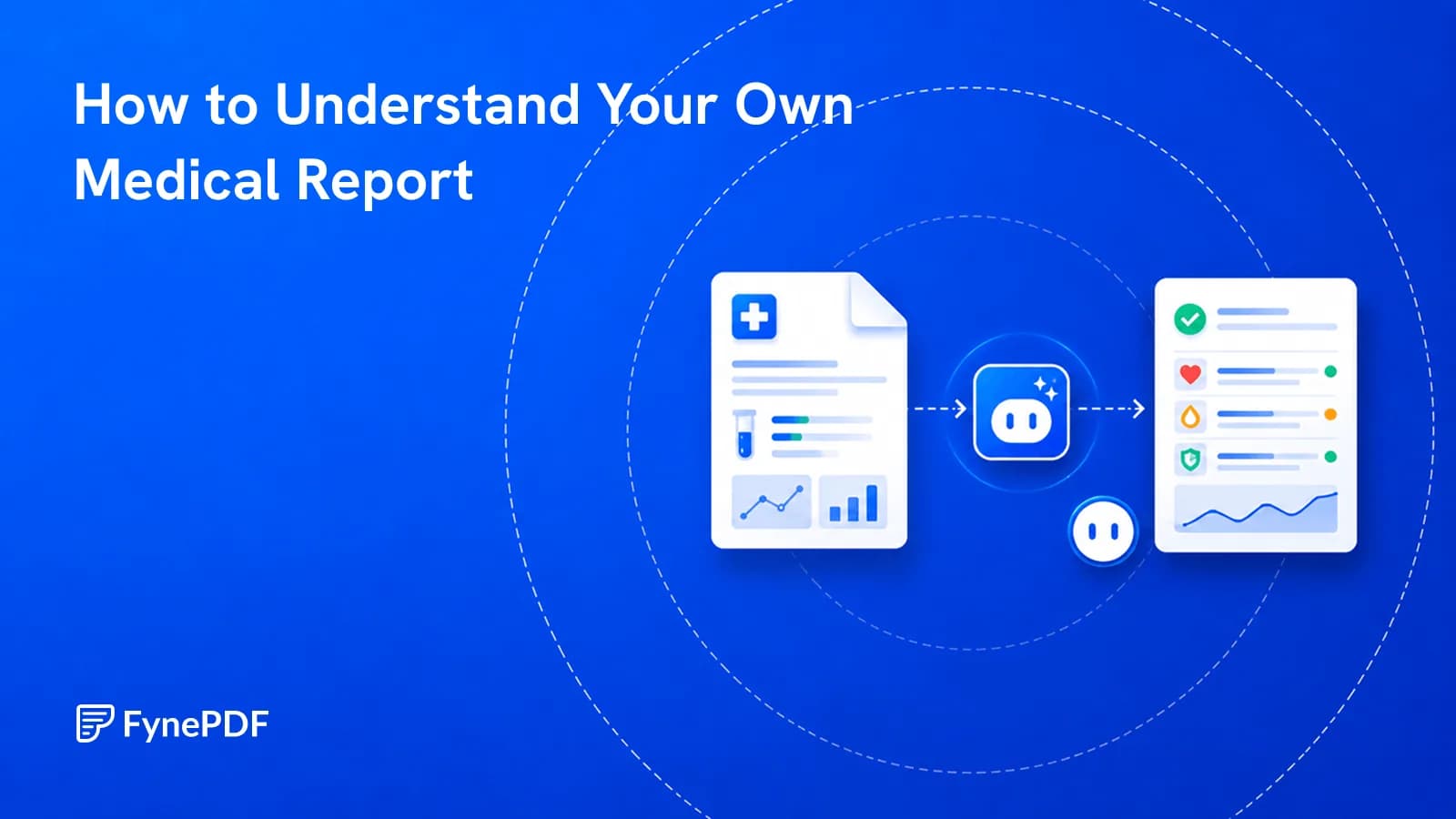
How to Understand Your Own Medical Report
Results arrive before your appointment, written for clinicians rather than for you.


Plain-English Lab Results
Supports PDF, TXT and more
 Fyne Bot“ALT is a liver enzyme. Yours...”
or drop your file here
Read explanations of the report and prepare questions for your clinician.

Drop your report. It's encrypted in processing and never used to train AI.

The agent explains acronyms and lab results against their reference ranges.
Ask follow-up questions and prepare a list of topics for your doctor.
Understand the terms and prepare useful questions.
Get plain-language explanations of a medical report's terms, units, and reference ranges. Ask about a selected passage and prepare questions for your clinician while keeping the original report in view.
Explain Lab Values
Read results with their units and ranges.
Understand Clinical Notes
Clarify medical terms and abbreviations.
Prepare for Your Visit
List questions to discuss with your doctor.

 Your result sits inside the reference range printed on the report
Explore lab values, clinical terms, and questions to bring to your next appointment.
Understand the medical words and abbreviations in your report. Use the explanations to prepare questions for a clinician, not a diagnosis.
Ask about a result alongside the units and reference range printed in your PDF. Review the report's wording before discussing it with a doctor.
Turn unfamiliar results or clinical notes into questions for your appointment. Keep the original report handy to discuss with your clinician.
Select text in your PDF to explain a term, summarize a passage, or ask a question. Explore the detail you need without retyping it into chat.
Click a page citation to open your PDF at the source. When a text match is found, the passage is highlighted so you can check the AI answer.
Download tables from AI answers as CSV files. Keep the rows and columns ready for Excel, Google Sheets, or your next document analysis.
Explore medical terms and prepare questions for a conversation with your clinician.
Ask about medical terms and values listed in your report. Follow page citations to check the details and prepare questions for your clinician.
Read a discharge summary in plain language and clarify unfamiliar terms. Gather questions about the document for the person's care team.
Explain terminology in an uploaded report using plain language. Check the original wording and prepare discussion points for the clinical team.
How your files are handled during and after your session.
Your documents are used for your session and are never used to train AI models.
TLS protects document transfers between your browser and FynePDF.
Your file is deleted within 24 hours of upload, unless you save it to your Library.
Read how we handle document data and how to contact us about access, export, or deletion.
Your report is processed to explain the medical terms and listed values you ask about. FynePDF staff do not manually open or review your file contents.
AI features may send document content to the Google Gemini API to produce the output you request. Documents are not used to train AI models. Temporary files follow the deletion policy; saved documents follow the Library storage policy.
Read our full Security Policy.
Guide
Agents
AI Tools
Results arrive before your appointment, written for clinicians rather than for you.
Guide
Agents
AI Tools
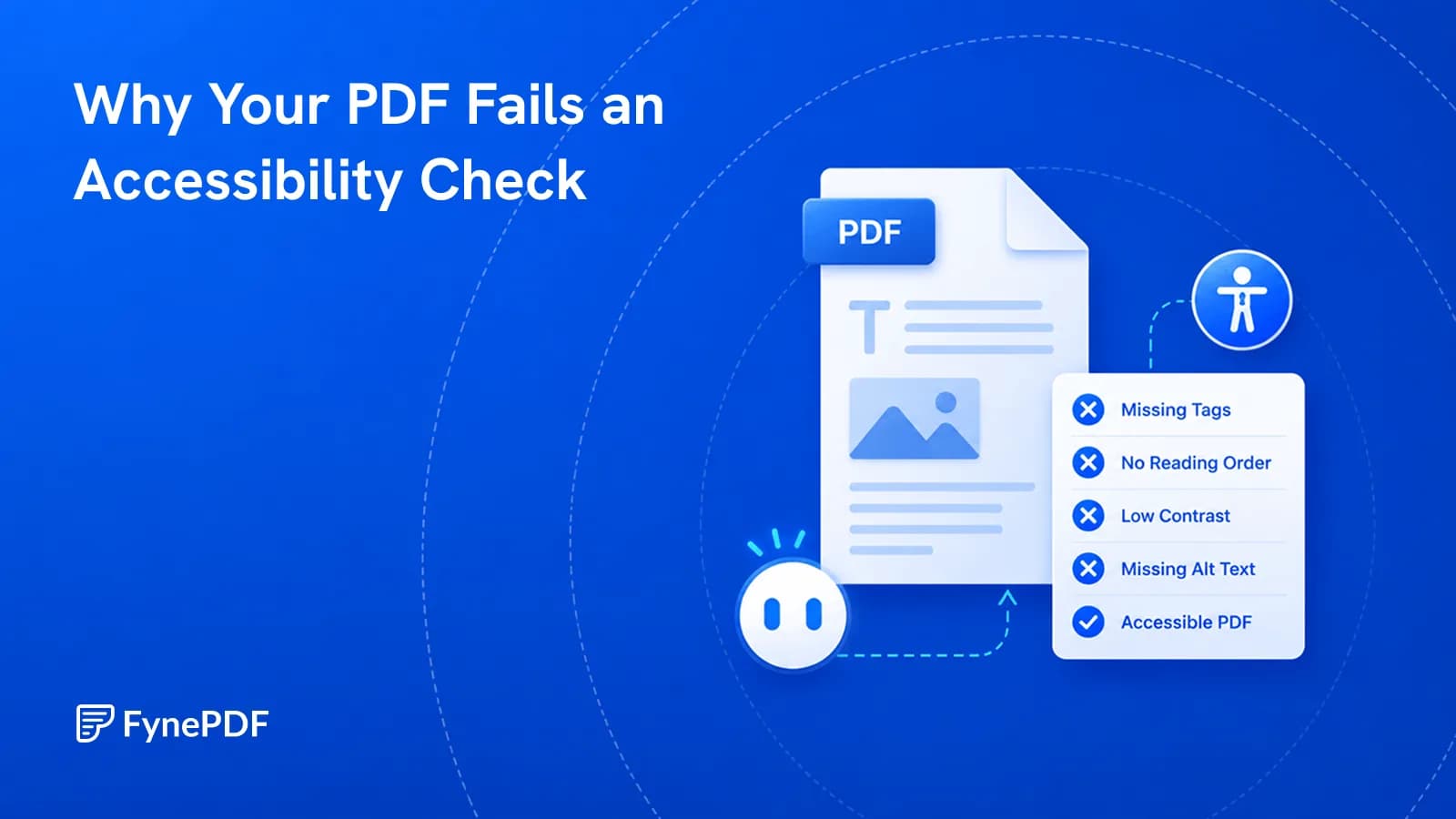
A PDF that looks fine can be unreadable with a screen reader. Here's what's missing.
Guide
Agents
AI Tools
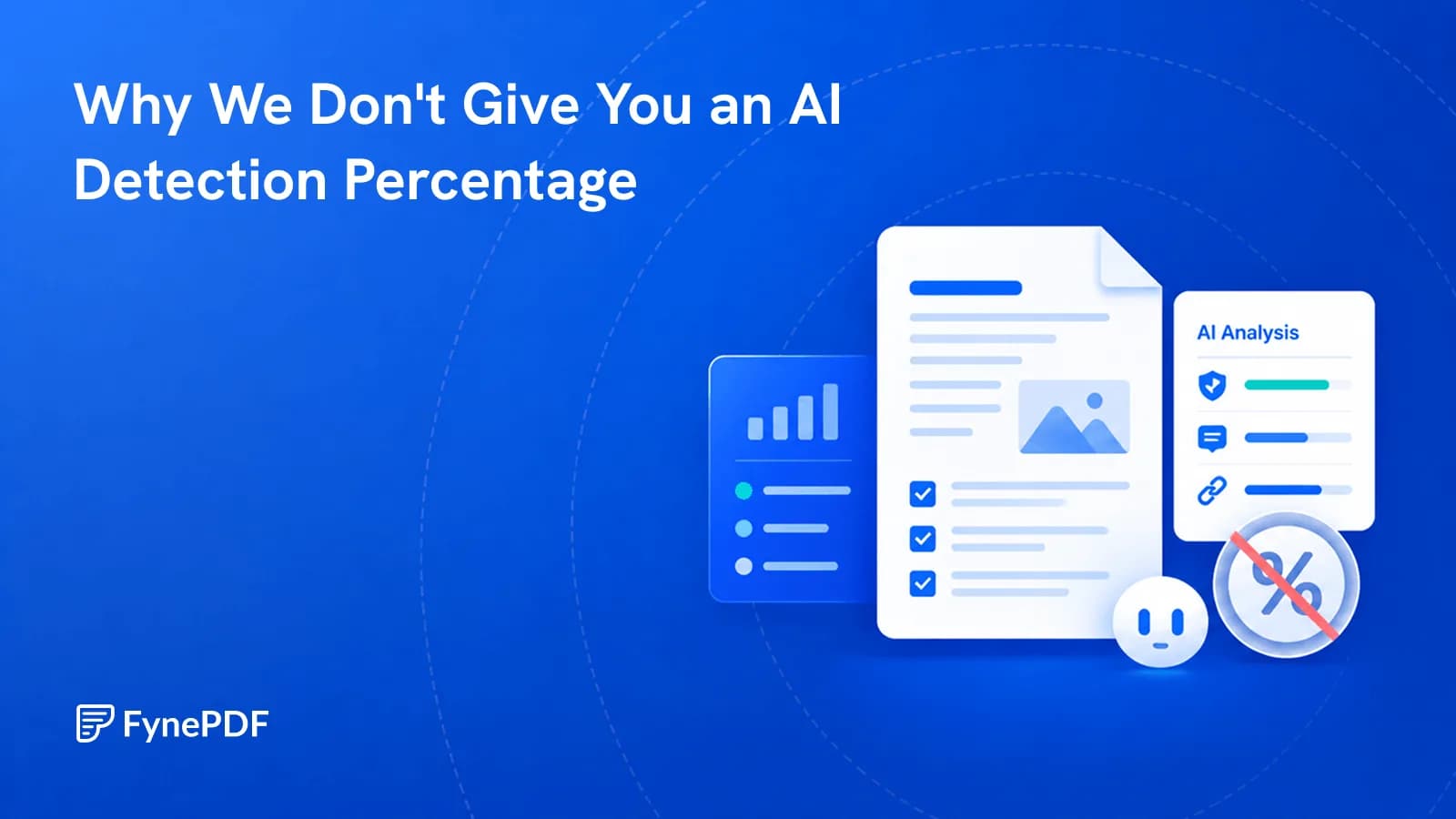
Percentages get treated as proof and used against people. We tell you what we found instead.