Guide
Agents
AI Tools
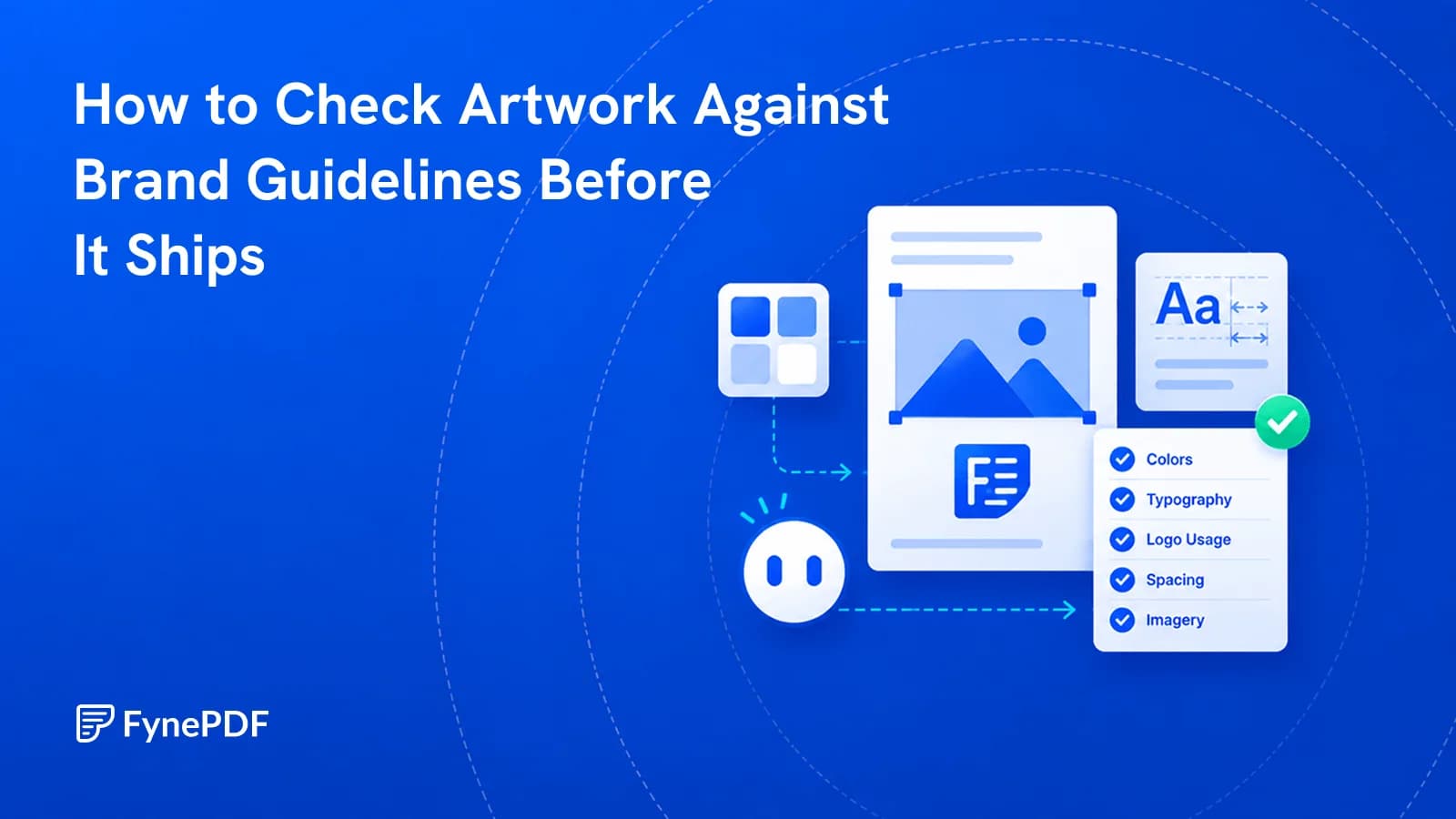
How to Check Artwork Against Brand Guidelines Before It Ships
Wrong logo variant, near-miss colour, substituted font. These get artwork sent back.


Tone, Color & Logo Checks
Supports PDF, TXT and more
 Fyne Bot“Yes, your guide requires m..”
or drop your file here
Review tone, terminology, and messaging against the brand rules you share.
Paste your tone rules and banned terms straight into the chat. Nothing is stored.
Upload the draft. The agent reads it against the rules you just gave it.
Get every off-brand line flagged with a rewrite, then copy the corrected text.
Check the draft against the brand rules you provide.
Review a PDF draft against your brand guidelines. Add tone rules, approved terminology, and messaging requirements to the chat, then ask for specific passages that need attention before the copy is published.
Review Brand Voice
Check the tone against your guidelines.
Check Approved Terms
Find wording that breaks your brand rules.
Align the Message
Review the claims your draft emphasizes.

 I found a tone violation. Your style guide mandates a "professional, authoritative, yet approachable" voice, and explicitly bans the phrase "Hey guys." Here is a suggested rewrite:
 Add your guidelines to check tone, approved terms, and messaging in the same session.
Add your brand guidelines and ask whether the draft matches your tone. Review wording that feels too formal, too casual, or off-brand.
Provide approved product names and terms to avoid. Ask the agent to flag inconsistent wording and suggest changes that follow your rules.
Check agency or freelance work against the brand rules you provide. Review the flagged passages and agree on changes before publishing.
Select text in your PDF to explain a term, summarize a passage, or ask a question. Explore the detail you need without retyping it into chat.
Click a page citation to open your PDF at the source. When a text match is found, the passage is highlighted so you can check the AI answer.
Download tables from AI answers as CSV files. Keep the rows and columns ready for Excel, Google Sheets, or your next document analysis.
Review tone, terminology, and messaging against the guidelines you provide.
Review product descriptions and tone in a marketing draft. Share the relevant brand rules and ask where the wording needs closer attention.
Check a client draft against the voice and terminology you provide. Explore suggested edits and decide which changes fit the intended audience.
Review local copy for consistent product names and messaging. Identify passages to discuss with your team before approving the draft.
How your files are handled during and after your session.
Your documents are used for your session and are never used to train AI models.
TLS protects document transfers between your browser and FynePDF.
Your file is deleted within 24 hours of upload, unless you save it to your Library.
Read how we handle document data and how to contact us about access, export, or deletion.
Your draft is processed to review wording against the brand rules you provide. FynePDF staff do not manually open or review your file contents.
AI features may send document content to the Google Gemini API to produce the output you request. Documents are not used to train AI models. Temporary files follow the deletion policy; saved documents follow the Library storage policy.
Read our full Security Policy.
Guide
Agents
AI Tools
Wrong logo variant, near-miss colour, substituted font. These get artwork sent back.
Guide
AI Tools
Productivity
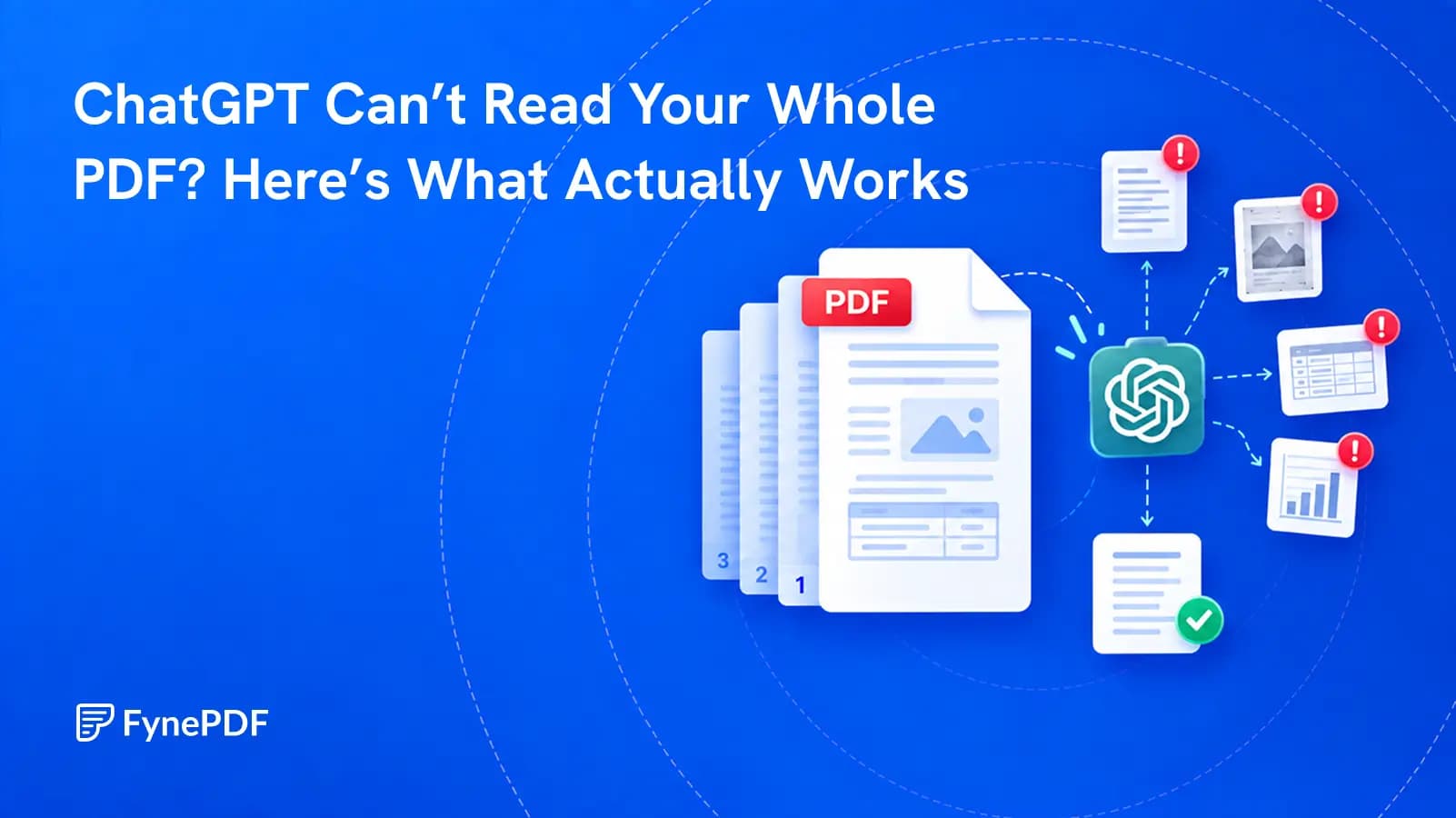
A successful upload does not prove that every page, table, or footnote was understood. Test the file before you trust the answer.
Guide
Agents
News
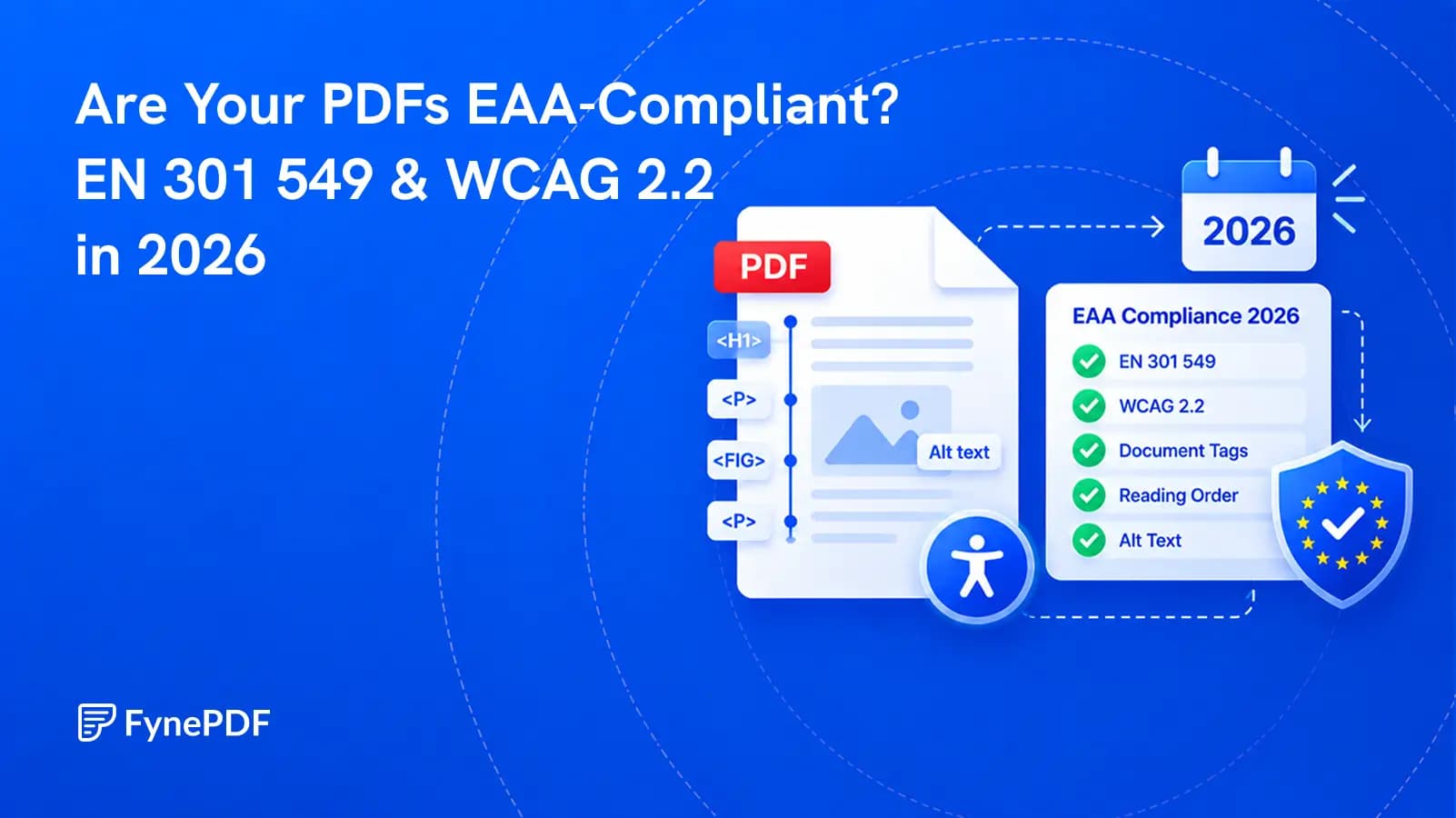
The standard changed in September 2026, but the legal reference has not changed yet. Here is what that means for PDF teams.