Custom Text & Logos
Type a text stamp with your own size, color and opacity, or upload a logo image.


Add a text stamp or your logo to a PDF, like DRAFT or CONFIDENTIAL.
or drop your file here
Type a text stamp with your own size, color and opacity, or upload a logo image.
Works in any browser on Mac, Windows, Linux, iPhone and Android. No install.
Mark free ebook or course previews as SAMPLE before you share them.
Watermark a PDF in three steps, no software to install, no account needed.
1
Drag and drop or select your document up to 600MB on the free plan and 5GB on paid.
2
Type a text stamp or upload an image, then set the opacity, size and color to suit.
3
Your watermarked PDF is ready to download immediately after processing in your browser.
Got a stack of PDFs? Watermark them all with a workflow
Adding a watermark or stamp ensures your files are used correctly and your ownership is undeniably clear. Here is why stamping your PDFs matters.
Stamp your company's transparent logo across client proposals, whitepapers, and pitch decks to ensure you get credited.
Overlay a prominent copyright notice or your name across creative assets, photography, and original research before releasing them.
Add large, clear 'DRAFT,' 'APPROVED,' or 'VOID' text stamps so your team always knows a document's exact status at a glance.
Clearly mark HR policies, proprietary blueprints, or financial files with a 'INTERNAL ONLY' or 'CONFIDENTIAL' watermark.
Watermark your thesis, unpublished research papers, or original course materials to safeguard your intellectual property.
Apply bold 'PAID,' 'COPY,' or 'OVERDUE' stamps directly onto client invoices and receipts to maintain clear accounting records.
FynePDF draws your watermark into each page's content, so it becomes part of the document rather than a comment or annotation that can be toggled off. It appears the same in every PDF reader, prints with the page, and stays in place when the file is shared.
Type a stamp and set its size, color and opacity, or upload a logo and set how transparent it sits over the page.
One watermark covers the whole document, so a hundred-page report is stamped as quickly as a single page.
A watermark makes ownership and status obvious. Use Protect PDF to control who can open the file.
Guide
Secure
Organize
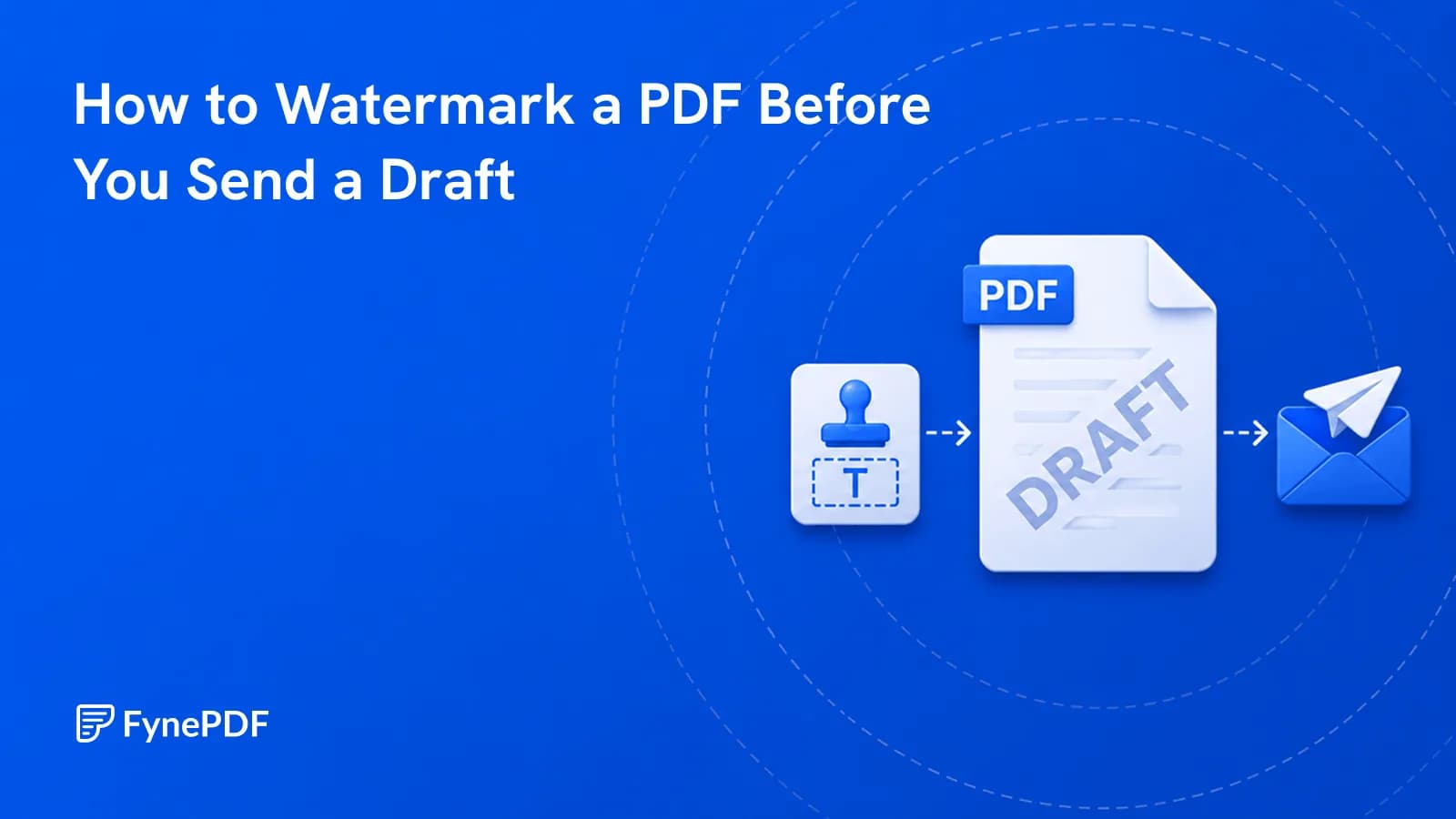
A draft with no DRAFT mark eventually gets treated as final. Here's how to prevent that.
Guide
Convert
Productivity
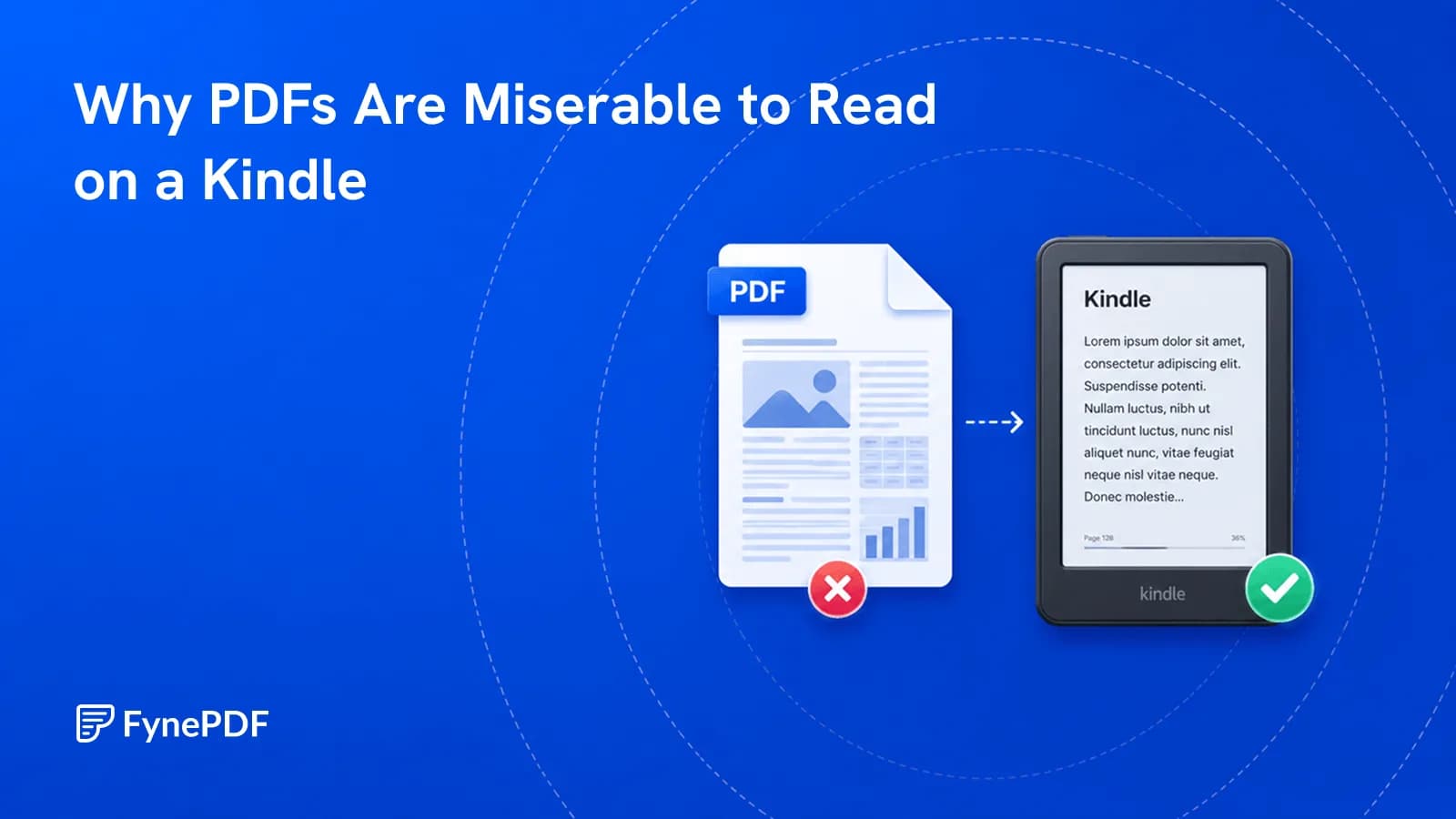
PDFs have fixed pages. E-readers want text that reflows to the screen.
Guide
Optimize
Productivity
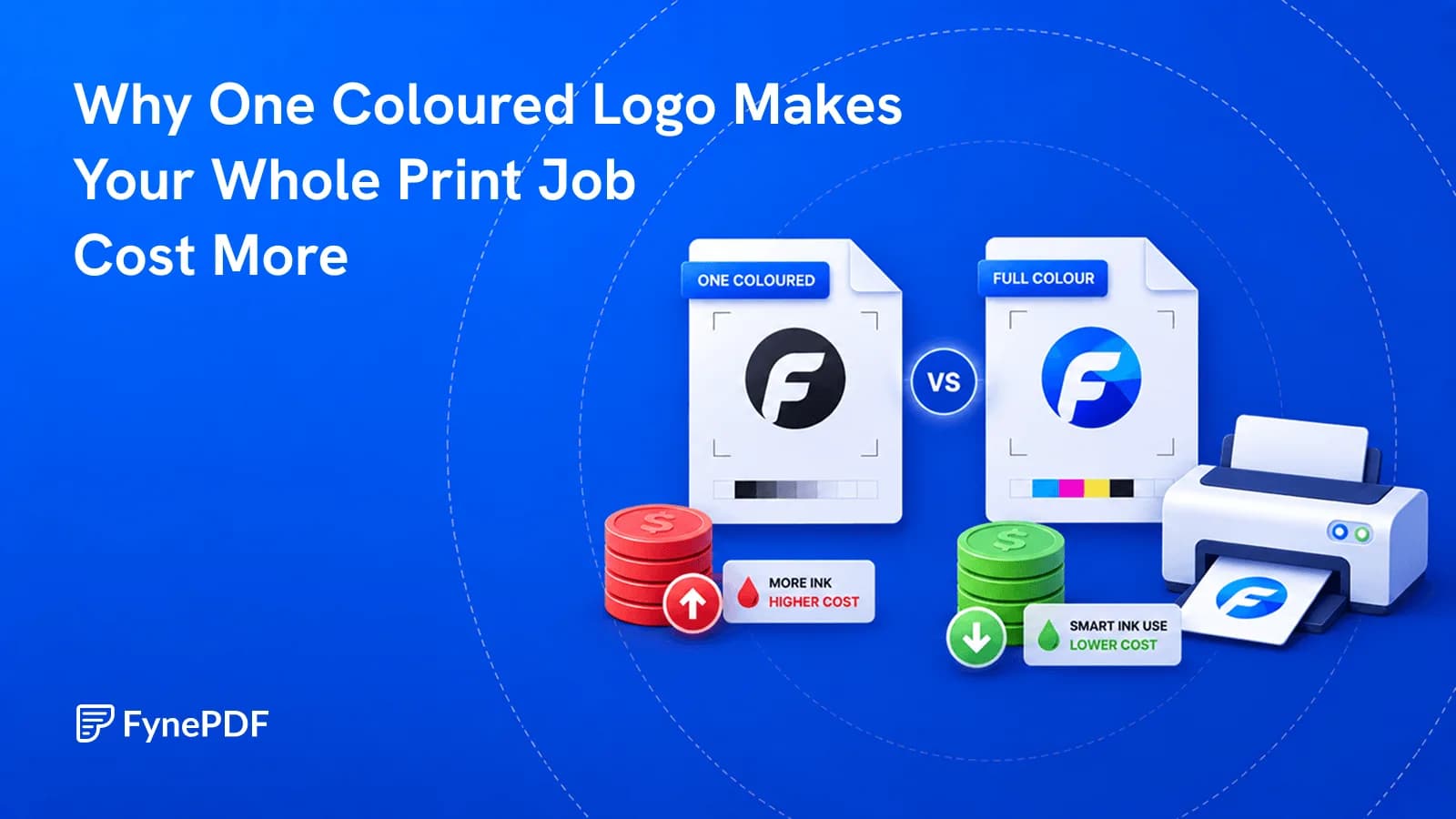
A page counts as colour even if the only colour on it is a footer logo.


