Permanent Password Removal
Enter the correct password just once to permanently strip the encryption.


Remove a PDF password you already know, so the file opens without asking.
or drop your file here
Enter the correct password just once to permanently strip the encryption.
Works in any browser on Mac, Windows, Linux, iPhone and Android.
Unlocked scanned statements can go through OCR PDF to become searchable.
Remove a PDF password in three steps, no software to install, no account needed.
1
Drag and drop or select your protected file up to 600MB on the free plan and 5GB on paid.
2
Type in the document's original password to verify you have access and remove the password restrictions.
3
Your newly unlocked, password-free PDF is ready to download immediately and auto-deleted after 15 min.
Constantly typing passwords slows down your workflow. Here is how removing PDF encryption makes managing, sharing, and storing your files drastically easier.
Remove passwords from old tax returns, payslips, or legal documents before storing them in your long-term personal archive.
Unlock a secured document once so your entire team or department can safely and easily access the file.
Remove the password to lift these restrictions and easily print your event tickets, invoices, assignments, or forms.
You cannot merge, split, or extract pages from a locked PDF. Unlock your file first before editing it.
Unlock your documents so you can easily import them into your automated accounting software or share them with your accountant.
Avoid the daily hassle of typing complex, case-sensitive passwords on your mobile every time you want to view a document.
A locked PDF has its contents encrypted, so the password is what decrypts them. FynePDF uses the password you enter to decrypt the document, then rebuilds it without encryption, producing a normal PDF that opens anywhere without prompting. The password is used once and discarded.
FynePDF can't open a file you don't have the password for. The encryption is real, and it can't be bypassed.
The downloaded copy has no encryption at all. Your original locked file stays as it was unless you replace it.
Text, images, form fields and signatures all come through untouched. Only the encryption layer is removed.
Guide
Secure
Productivity
Retyping a password every time gets old. Here's how to lift protection you applied.
Guide
Convert
Productivity
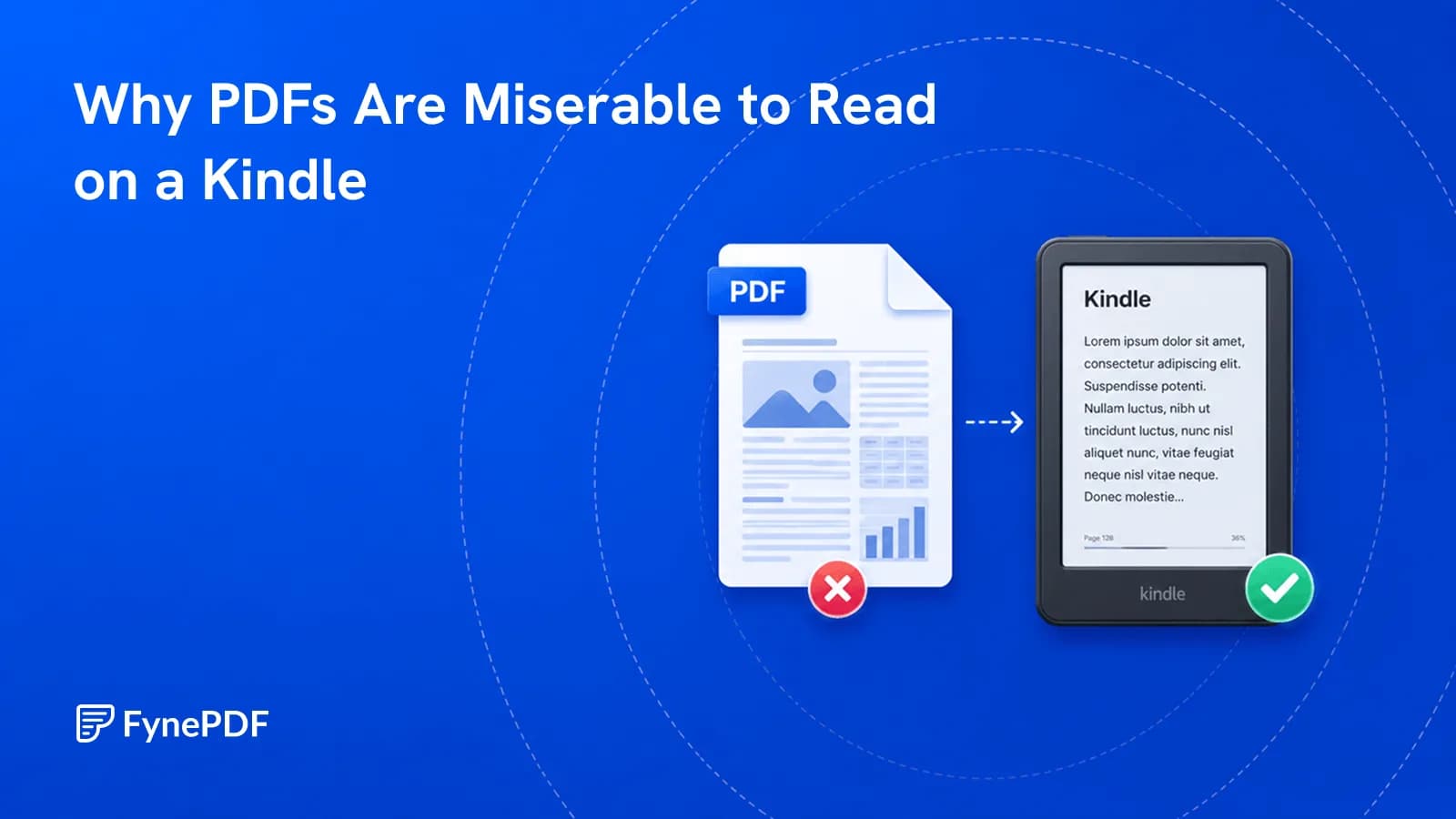
PDFs have fixed pages. E-readers want text that reflows to the screen.
Guide
Optimize
Productivity
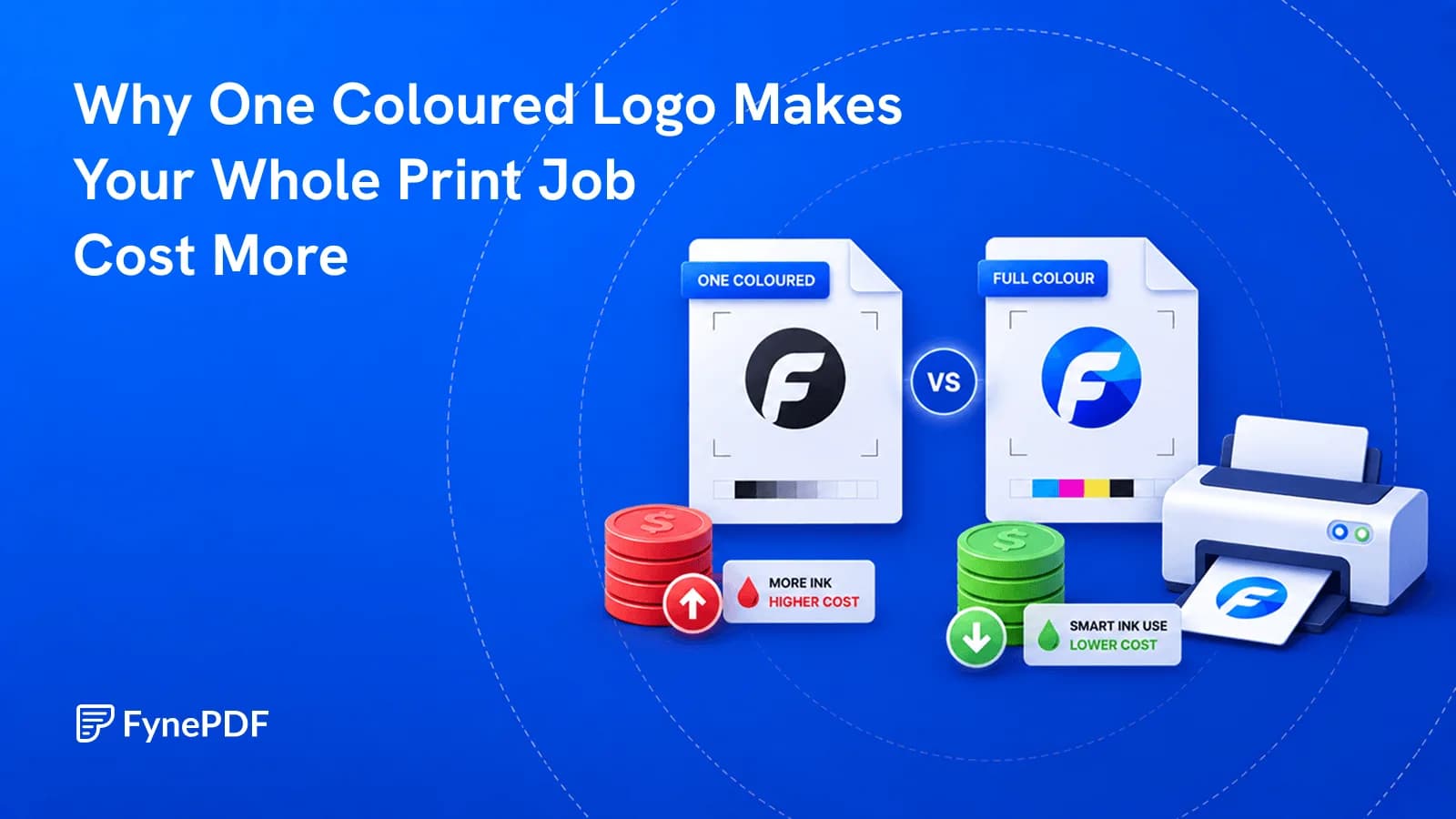
A page counts as colour even if the only colour on it is a footer logo.


