fynepdf logo

Summarize PDF

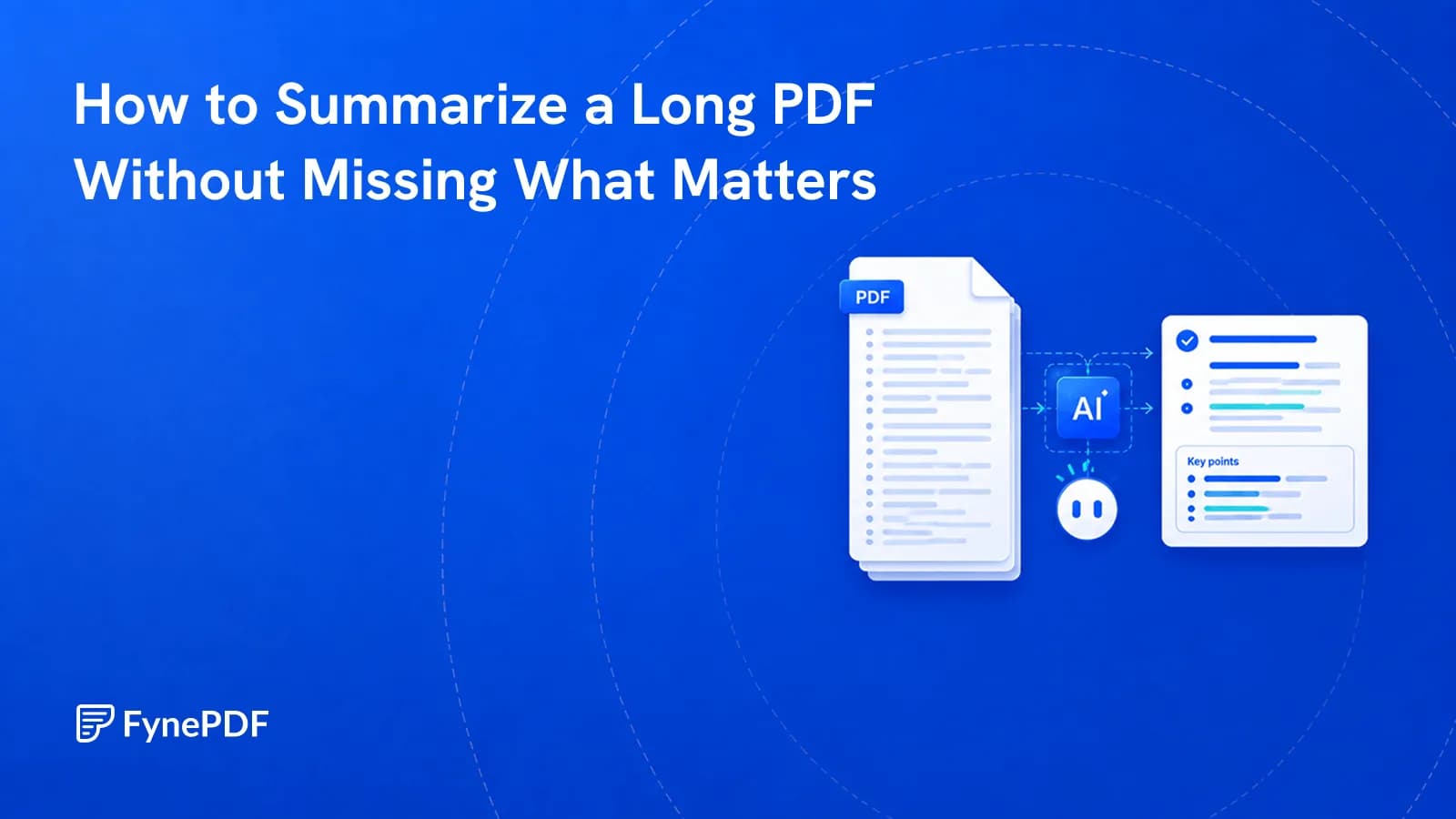
Summarize long PDFs into key points, decisions and figures, cited by page.

  • Ask follow-ups on any point
  • Supports PDF, TXT and more
YouAI Avatar
AI Avatar

or drop your file here

File upload

Summarize a PDF in 3 Steps

Start with the key takeaways, then get the full summary in the format you need.

Add a long document

Drop in a report, paper or contract. Scanned PDFs are read with OCR.

Takeaways first

See what it is, what it covers, who it's for and the key points first.

Your summary, your format

Ask for an executive summary, bullets or chapter by chapter, cited by page.

Summaries You Can Explore

Start with the main ideas. Ask about the details.

Summarize a PDF report, article, or study into clear main points. Then ask follow-up questions, explain a selected passage, or return to the source pages to understand the findings in context.

Executive Summaries

Condense reports into clear main points.

Key Takeaways

Pull out the findings that matter.

Save Your Summary

Keep the session or download the chat.

file-icon
Annual_Report_2026.pdf84 Pages Extracted
AIHere is the executive TL;DR of the 84-page report:
  • Revenue Growth: Overall revenue increased by 18% YoY, primarily driven by expansion in the APAC market.
  • Cost Reduction: Operational expenses decreased by 5% due to the successful integration of new automation tools in Q2.
  • Future Outlook: The company plans to heavily pivot towards renewable energy sectors for the upcoming fiscal year.
Copy

Turn a PDF summary into understanding.

Start with the main ideas, then explore the passages and data that matter.

Explain, Summarize, Ask

Select text in your PDF to explain a term, summarize a passage, or ask a question. Explore the detail you need without retyping it into chat.

Highlighted Sources

Click a page citation to open your PDF at the source. When a text match is found, the passage is highlighted so you can check the AI answer.

Export Tables as CSV

Download tables from AI answers as CSV files. Keep the rows and columns ready for Excel, Google Sheets, or your next document analysis.

Summaries for Daily Reading

Find the main points, then explore the details that matter to your work.

Students & Researchers

Summarize research papers and lecture notes into key ideas. Explore methods, findings, and unfamiliar terms with cited follow-up answers.

Legal Professionals

Summarize agreements and case documents into key terms and obligations. Open the cited pages to check the wording before your review.

Business & Finance

Review the main figures, decisions, and risks in a business report. Ask for a focused summary you can share with colleagues in plain text.

Document Privacy

How your files are handled during and after your session.

No AI Training

Your documents are used for your session and are never used to train AI models.

Encrypted Transfers

TLS protects document transfers between your browser and FynePDF.

Auto-Deletion

Your file is deleted within 24 hours of upload, unless you save it to your Library.

Privacy Policy

Read how we handle document data and how to contact us about access, export, or deletion.

Your report or paper is processed to produce the summary and follow-up answers you request. FynePDF staff do not manually open or review your file contents.

AI features may send document content to the Google Gemini API to produce the output you request. Documents are not used to train AI models. Temporary files follow the deletion policy; saved documents follow the Library storage policy.
Read our full Security Policy.

Frequently Asked Questions

Is Summarize PDF free?

Yes. Read a document overview without signing in, then try one AI answer by typing a question, choosing a suggestion, or running the analysis. Each new upload gets one answer, shared across tools and agents. A paid plan unlocks further interactions within its AI allowance.

How accurate is the summary?

The AI is instructed to summarize the uploaded document and tie its findings to source pages. It can still miss context, misread a scan, or summarize a detail incorrectly. Follow citations and compare important figures, terms, and conclusions with the original PDF before using the summary.

What summary formats can I get?

Choose an executive summary, bullet points, a Q&A breakdown, an outline, or a chapter-by-chapter walkthrough, and narrow the focus to something specific like financial figures or contractual obligations.

Can it summarize scanned PDFs?

Yes. Scanned PDFs are prepared with OCR so the summarizer can read their text. Results depend on scan clarity, layout, and language. Check cited passages against the original scan, especially for figures, dates, and small print.

What are the document size limits?

Free supports files up to 15MB and 50 pages, Professional up to 100MB and 2,000 pages, and Premium up to 250MB and 3,000 pages. The shared AI processing allowance is 15MB per day on Free, 2.5GB per month on Professional, and 5GB per month on Premium. Free includes document overviews plus one AI answer per document across tools and agents. Uploads also follow your task limits.

Should I use Summarize or Chat with PDF?

Summarize when you want the whole document reduced, you haven't read it, and you need to know what's in it before deciding whether to. Chat with PDF when you already know roughly what's in there and need one specific thing out of it: a clause, a figure, a date. A common pattern is to summarize first to get your bearings, then switch to chat to pull the details, since the same document works in both. Chat also cites the page for every answer, which matters when you need to quote or verify.

How long does it take to summarize a long PDF?

Seconds for most documents. A 40-page report is typically summarized before you've finished reading the first line of the output; a 2,000-page document on Professional takes proportionally longer but still finishes in well under a minute. Scanned documents take a little longer than digital ones because the text has to be recognised before it can be condensed. Nothing needs to be installed and nothing is queued, processing starts the moment the upload finishes.

Can I trust an AI summary of a legal or financial document?

As a first pass, yes; as a substitute for reading the parts that matter, no. Strict grounding means the summary won't contain claims your document doesn't make, which removes the main failure mode of general AI summarizers. What a summary can't do is judge which omission is significant to you, a clause that reads as boilerplate in general may be the one that matters in your situation. Use the summary to find the sections worth your attention, then read those sections. For contracts specifically, Chat with PDF will cite the exact page for anything you need to quote.

Can I summarize several documents into one summary?

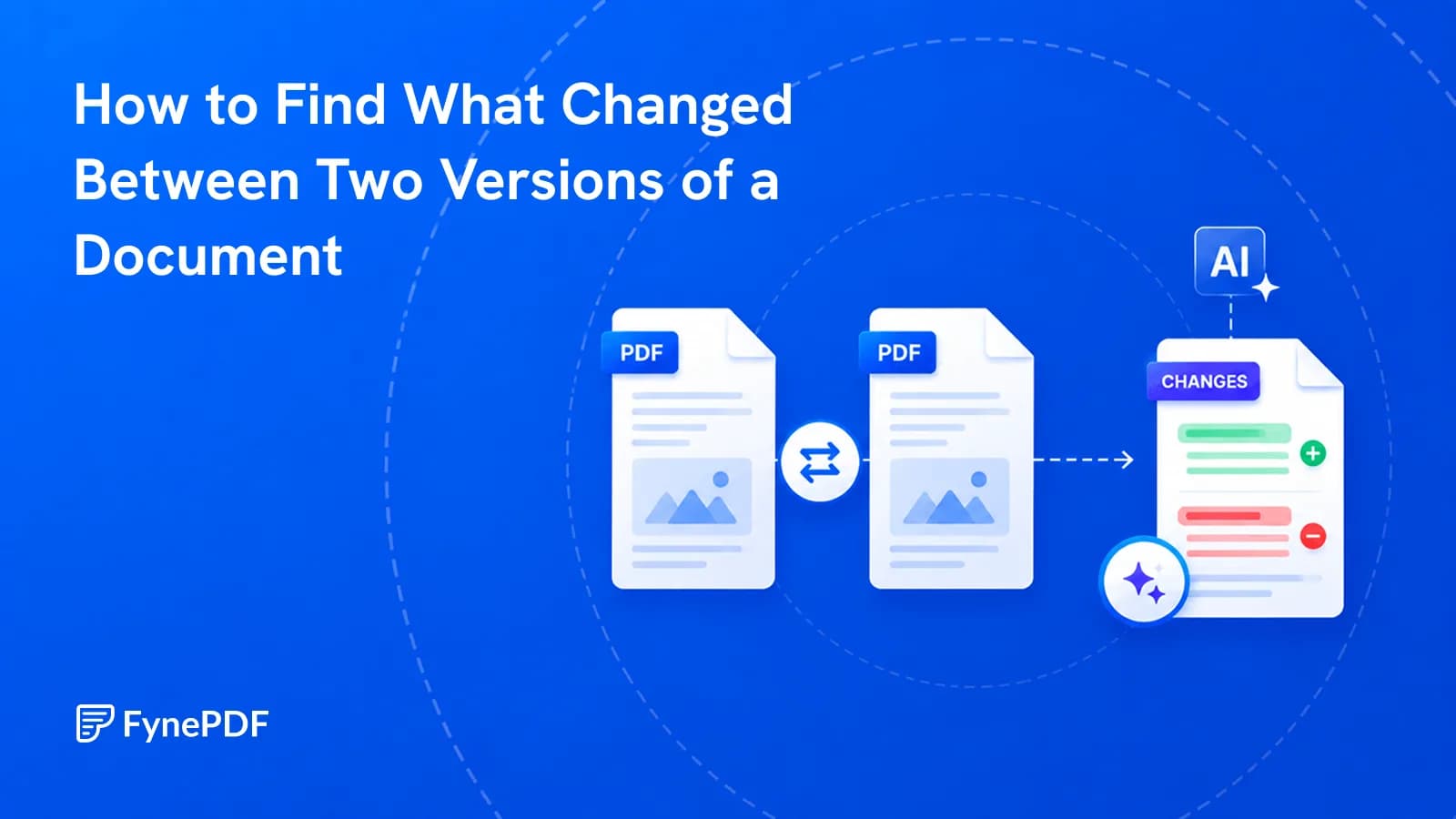
Use Compare PDF to review several documents together. There is no file-count cap: sets can total 15MB on Free, 100MB on Professional or 250MB on Premium, within your AI allowance. Each PDF must fit the plan's page limit. Starting Compare counts one task for the set; uploading its files does not spend separate comparison tasks.