fynepdf logo

Split PDF

Divide a large PDF into smaller files you can send and share separately.

  • Pick pages or every N pages
  • No watermark on downloads

or drop your file here

File upload

Split Your Way

Click between pages, type ranges like 1-3, 4-10, or split every few pages or by size.

Split on Any Device

Works in any browser on Mac, Windows, Linux, iPhone and Android. No install.

Split Long Files for AI Tools

Many AI tools limit pages per upload; split long PDFs into parts that fit.

Three Steps to a Divided PDF

Split a PDF online in three steps, no software to install, no account needed.

1

Upload your PDF

Drag and drop or select your large file up to 600MB on the free plan and 5GB on paid.

2

Choose how to split

Click the split icon between pages, type ranges like 1-3, 4-10, split every few pages, or keep each under a size.

3

Download the Result

Download your split PDFs together as a ZIP file and auto-deleted after 15 min.

Break Down Your Largest Documents.

Huge files are hard to share and frustrating to navigate. Here is how dividing massive documents makes your data fast, usable, and easy to distribute.

Bypass Email Limits

Split huge documents into smaller, bite-sized files to ensure your attachments send successfully every time.

Targeted Team Distribution

Split the master document by department and send only the relevant sections to marketing, sales, and engineering.

Separating Bulk Invoices

When your accounting software exports an entire month's worth of invoices as one giant PDF, split the file to email out privately.

Filing Legal Exhibits

Court portals, government systems, and legal databases often require specific sizes or single uploads, separate it into individual files.

Breaking Down Textbooks

Separate a heavy 800-page digital textbook into distinct, manageable chapters. This makes the files load much faster.

Organizing Scanned Batches

When you feed a stack of mails, receipts, and letters through a physical scanner, it creates a mega-file. Split them for proper filing.

How PDF splitting works

FynePDF splits a PDF by copying the page objects between each of your split points into a new document, along with the fonts, images and resources those pages depend on. Nothing is re-rendered or re-compressed, so every output file matches the original in quality, splitting a 300 DPI scan gives you 300 DPI files.

Split points

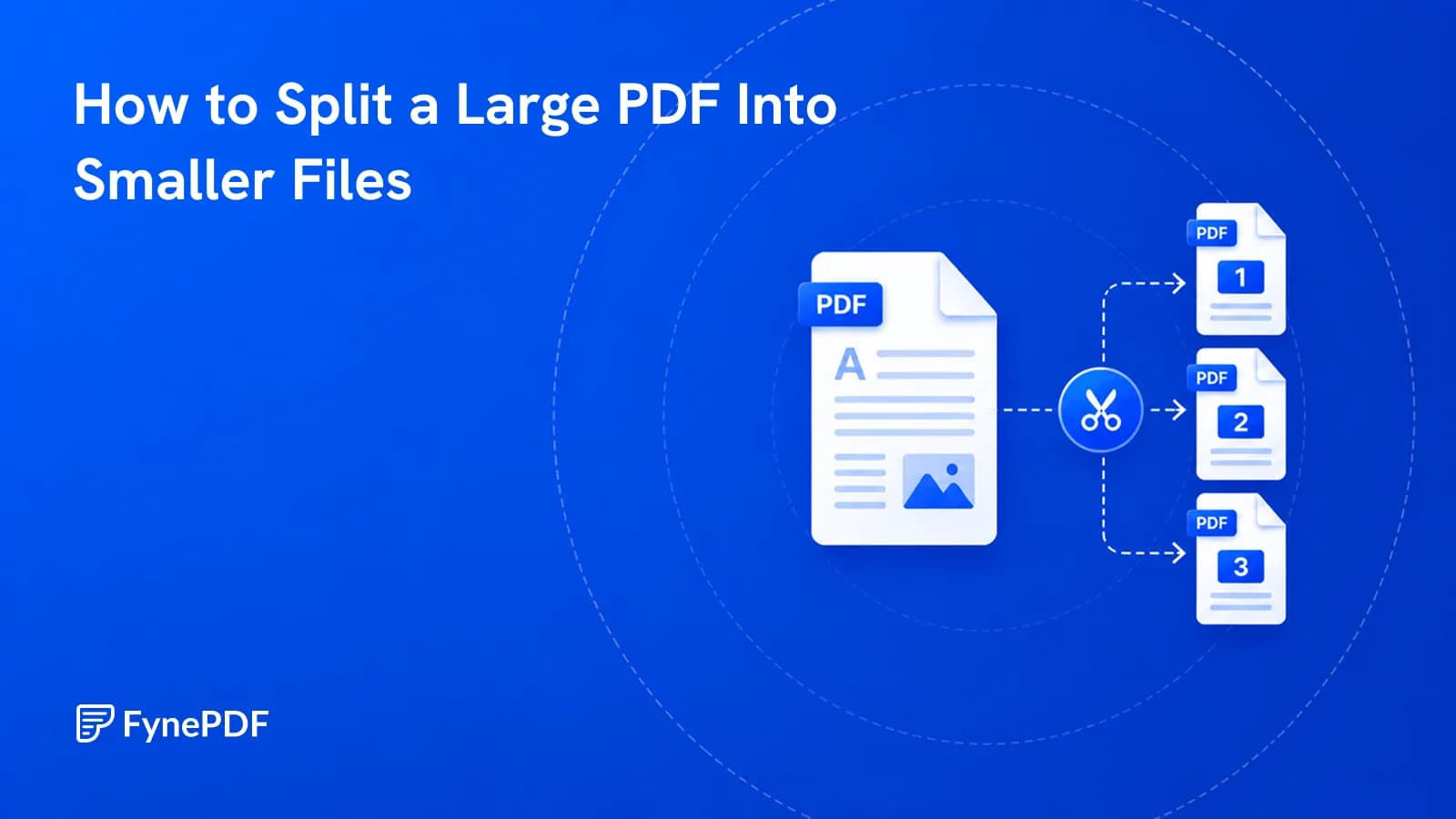
Click between pages to place a marker, or split every few pages. Each section becomes its own PDF file.

Nothing is re-compressed

Pages are copied, not rebuilt. Text stays selectable, images keep their resolution, and quality is unchanged.

Delivered as a ZIP

All your split files arrive in a single ZIP download, named after your file and their pages, in order.
After splitting your PDF

Frequently Asked Questions

Can I split a PDF by specific page ranges or just extract single pages?

Both. Click the scissors between pages on a visual preview, or type the parts, like 1-3, 4-10, and each section downloads as its own PDF inside a ZIP, named after your file and its pages. Every few pages makes equal parts. If you only want a few pages and don't need the rest as separate files, Extract PDF Pages is faster.

Will splitting affect the links or fillable forms in my PDF?

Splitting preserves fillable form fields and the content of every page exactly. Internal links pointing to a page that's now in a different file will no longer resolve, since the destination isn't in that document anymore, external web links are unaffected. Nothing is re-compressed, so text stays selectable and images keep their resolution.

Is the Split PDF tool free to use online?

Yes, FynePDF's Split PDF tool is free and requires no sign-up. Free accounts split files up to 600MB, with 10 tasks and 600MB of processing a day. Professional and Premium both raise the limit to 5GB with unlimited daily splits.

Is it safe to use Split PDF on FynePDF? Are my files secure?

File transfers use TLS encryption. Cloud-processed files are automatically deleted within 15 minutes after processing completes, unless you choose to save them to your Library. Documents are not used to train AI models. Read the Privacy Policy for storage and processing details.

Can I use the Split PDF tool on Mac, Windows, or mobile?

Yes. FynePDF's PDF splitter works directly from your browser, so it works on Mac, Windows, Linux, ChromeOS, iPhone and Android with no app to install. The ZIP of split files downloads to Files on iOS or Downloads on Android.

How do I split a PDF into individual pages?

In Split PDF, choose Every few pages and tap Every page, you'll get one PDF per page in a single ZIP, each named after your file and its page. A split makes up to 500 files, so for longer documents put two or more pages in each part.

How do I split a large PDF to send by email?

In Split PDF, choose By size and pick 25MB for Gmail or 20MB for Outlook: each file is made as large as fits under it, in page order. A page bigger than the limit on its own gets its own file, so run that one through Compress PDF, which reduces most files by 40โ€“70%.

What's the difference between splitting, extracting and organizing pages?

Splitting breaks one PDF into several separate files. Extracting copies specific pages into a new document and leaves the original intact. Organizing reorders, rotates, deletes and inserts pages, returning one edited file. Use Split when you need several documents, Extract when you want specific pages kept, and Organize when you want one file with several changes made.

Why are my split files larger than I expected?

Split files don't add up to the size of the original, because each new document carries its own copy of the fonts, images and resources its pages need. A 10MB PDF split into five parts might produce five 3MB files rather than five 2MB ones. Run them through Compress PDF if size matters.