Smart & Manual Redaction
Select text, draw an area, redact every match, or describe it to the AI.


Black out names, numbers and other private details in a PDF for good.
or drop your file here
Select text, draw an area, redact every match, or describe it to the AI.
Works in any browser on Mac, Windows, Linux, iPhone and Android.
Remove names and account numbers before a document goes into a chatbot.
Redact a PDF in three steps, no software to install, no account needed.
1
Drag and drop or select your confidential document up to 600MB, or 15MB for AI redaction.
2
Select text, draw boxes, search for terms, or type a prompt and let the AI find them.
3
Your permanently redacted, secure PDF is ready to download immediately and auto-deleted after 15 min.
Drawing a black box over text in a basic editor doesn't actually delete the hidden data. Here is how true digital redaction protects your privacy.
Permanently scrub Personally Identifiable Information (PII) like Social Security numbers and home addresses from court filings.
Use an AI prompt to detect and blackout all bank account numbers, credit card details, and balances across financial reports.
Remove patient names, dates and identifiers from records before sharing them with third parties.
Redact specific pricing tiers, vendor margins, or proprietary trade secrets from master business contracts before using them.
Don't just redact text. Draw redaction boxes entirely over photos, digital signatures, or confidential charts to erase the visual data.
Automate massive government or corporate document releases by prompting the AI to find and censor specific classified keywords.
Drawing a black rectangle over text in a PDF viewer hides it visually while leaving the words in the file, where anyone can select, copy or extract them. FynePDF removes the content itself, text is deleted from the file's content stream, and for images the pixels underneath are decoded, blanked and re-saved. What's gone is gone.
Redacted words are removed from the file, not covered. They can't be selected, copied, searched or recovered.
The image is decoded, the targeted pixels are replaced with blank values, and the file is re-saved without them.
Undo, redo, or remove any redaction while you're working. Nothing is final until you download.
Guide
Secure
AI Tools
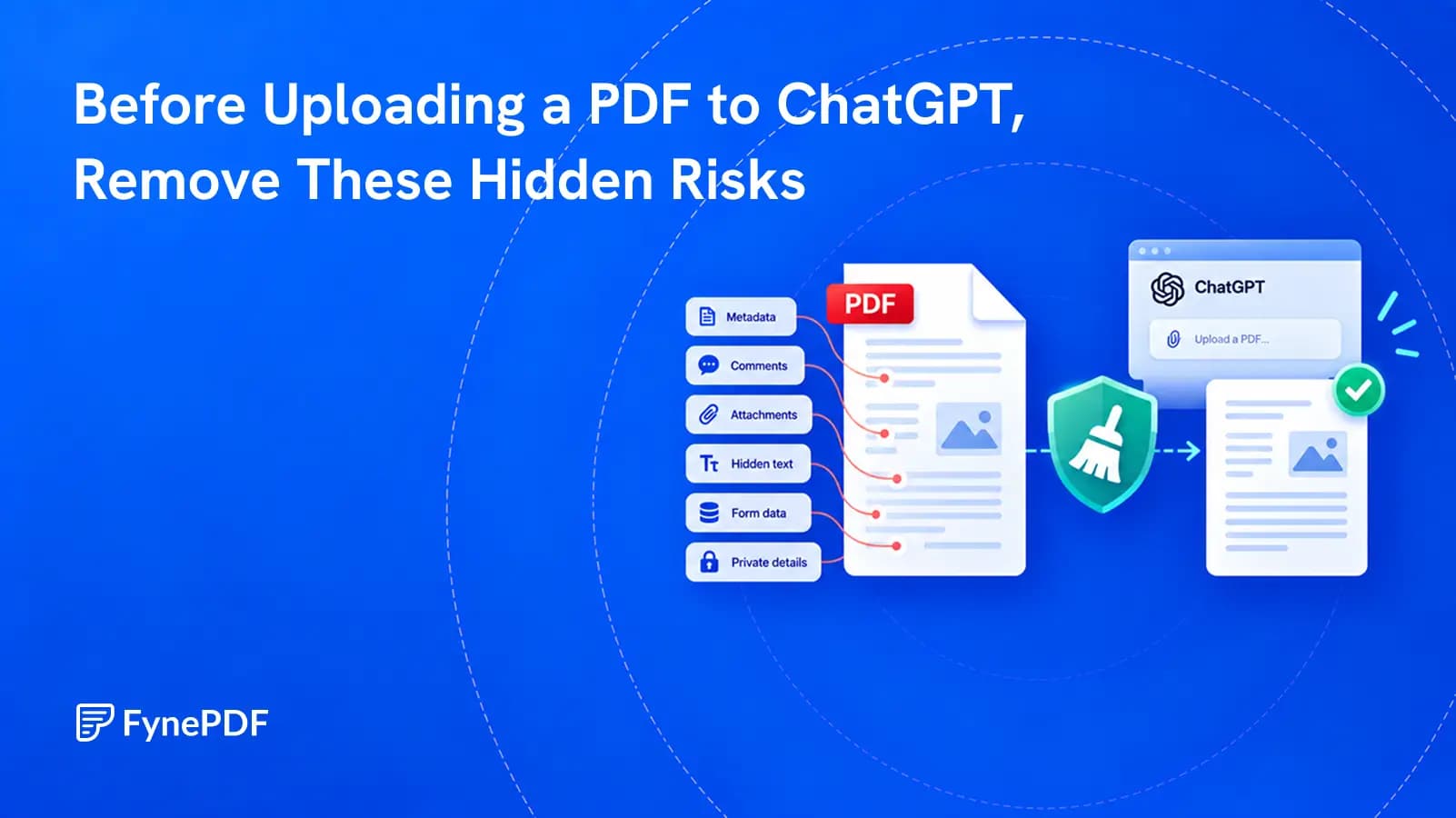
A PDF can reveal more than the pages you see. Make a clean working copy before you share it with an AI service.
Guide
Secure
Productivity
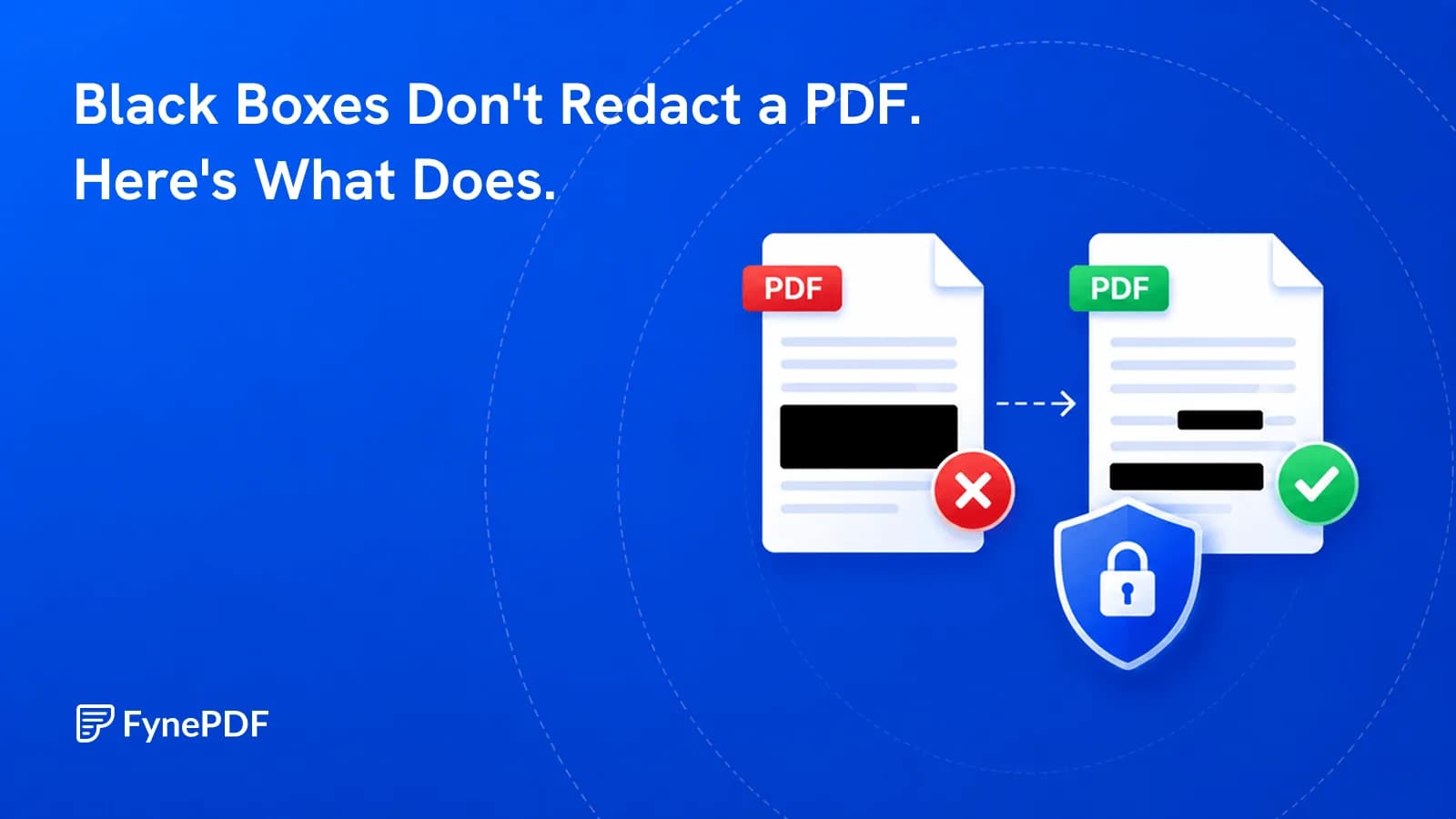
A black rectangle hides text on screen but leaves it in the file, copyable in seconds.
Guide
Agents
AI Tools
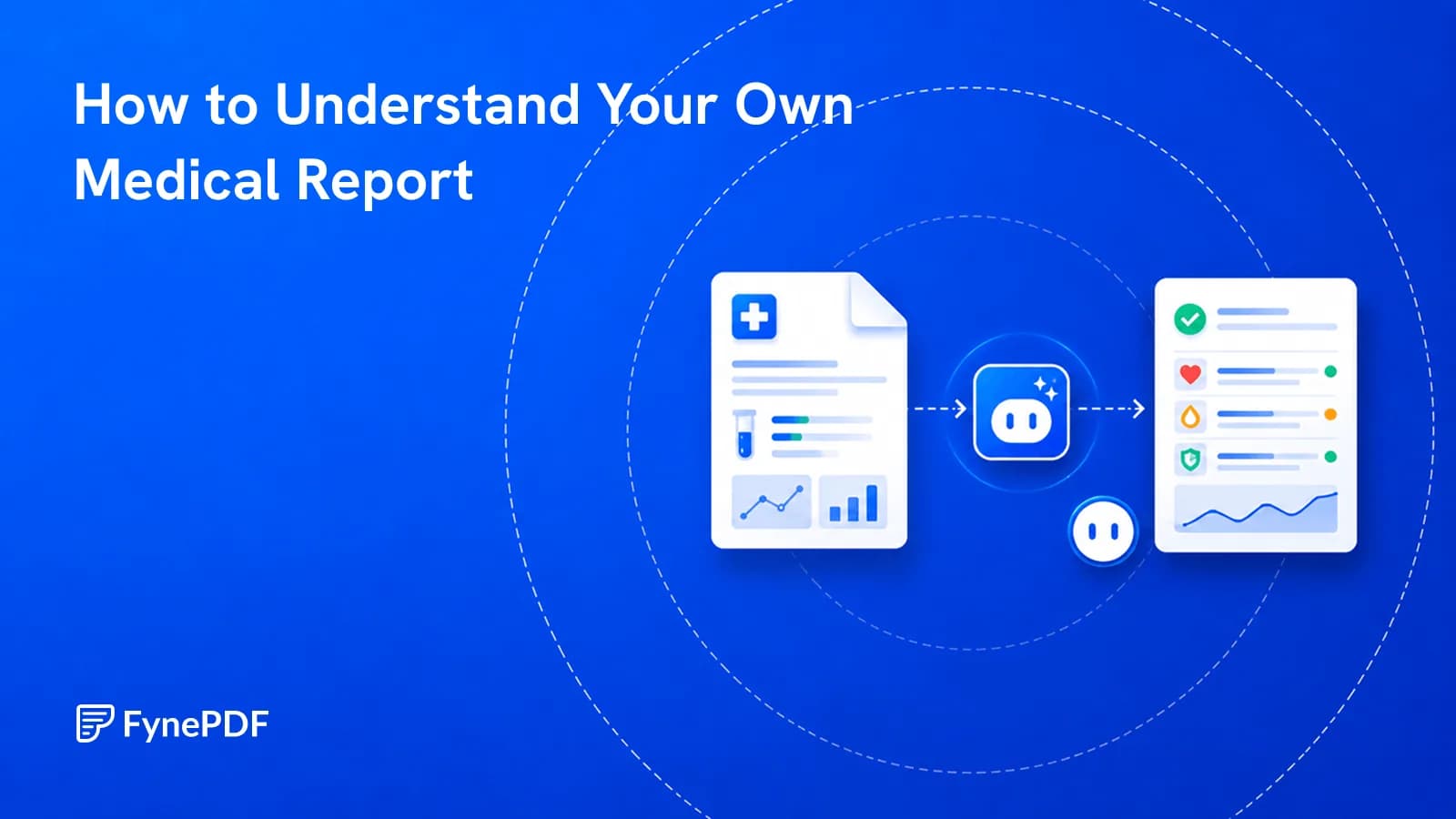
Results arrive before your appointment, written for clinicians rather than for you.


