Reorder, Rotate and Insert
Drag to reorder, rotate or delete any page, type a range like 2, 5, 8-12, or insert PDF.


Rearrange PDF pages and add pages from another file, all in one place.
or drop your file here
Drag to reorder, rotate or delete any page, type a range like 2, 5, 8-12, or insert PDF.
Works in any browser on Mac, Windows, Linux, iPhone and Android.
Put a bid's cover letter, forms and appendices in the order the tender asks.
Rearrange a PDF online in three steps, no software to install, no account needed.
1
Drag and drop or select one or multiple files up to 600MB on the free plan and 5GB on premium.
2
View every page as a thumbnail. Drag to reorder, delete what you don't need, and insert pages from another PDF.
3
Your newly organized PDF is ready to download immediately and auto-deleted after 15 min.
Got a stack of PDFs? Reorder them all with a workflow
Managing scattered files and messy pages leads to lost data and frustrated clients. Here's where organizing your documents pays off.
Easily delete accidental blank sheets, remove blurry pages, and drag to reorder pages that fed through the machine out of sequence.
Drop a signed page, a corrected invoice, or a late appendix straight into the middle of an existing PDF.
Delete whole pages containing SSNs or confidential data before forwarding. To hide text within a page, use Redact PDF.
Pull together the key financial charts, graphs and summary pages into a digestible brief for stakeholders.
Instead of regenerating the entire file from scratch, just drag and drop the pages back into their correct chronological order.
Delete outdated slides, extract your best-performing pitch pages, and reorder the flow to match the specific audience.
FynePDF renders every page of your PDF as a thumbnail, then rebuilds the file from whatever arrangement you set. Reordering, rotating, deleting and inserting all happen at the page-object level, so nothing is re-rendered or re-compressed, the pages you keep come through byte-identical to the original.
Drag any page to a new position. The rest shift automatically and page numbering runs continuously in output.
Remove pages you don't need. Deleted pages are gone from the downloaded file, not hidden, gone forever.
Add another PDF at any position: start, end, or between two pages. Both documents keep their original quality.
Guide
Organize
Productivity
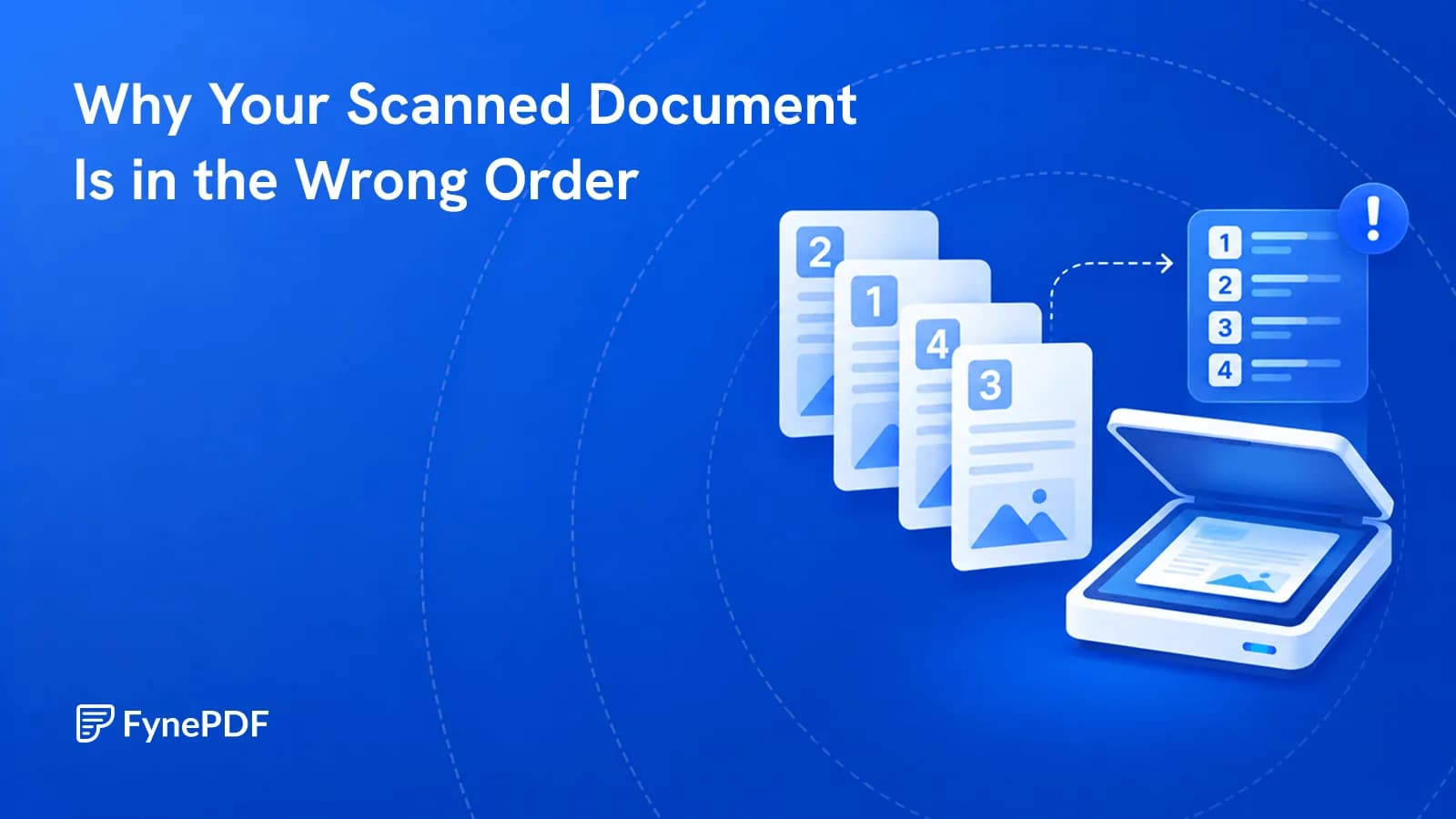
Double-sided scanning gives you all the odd pages, then all the even ones. Here's the fix.
Guide
Convert
Optimize
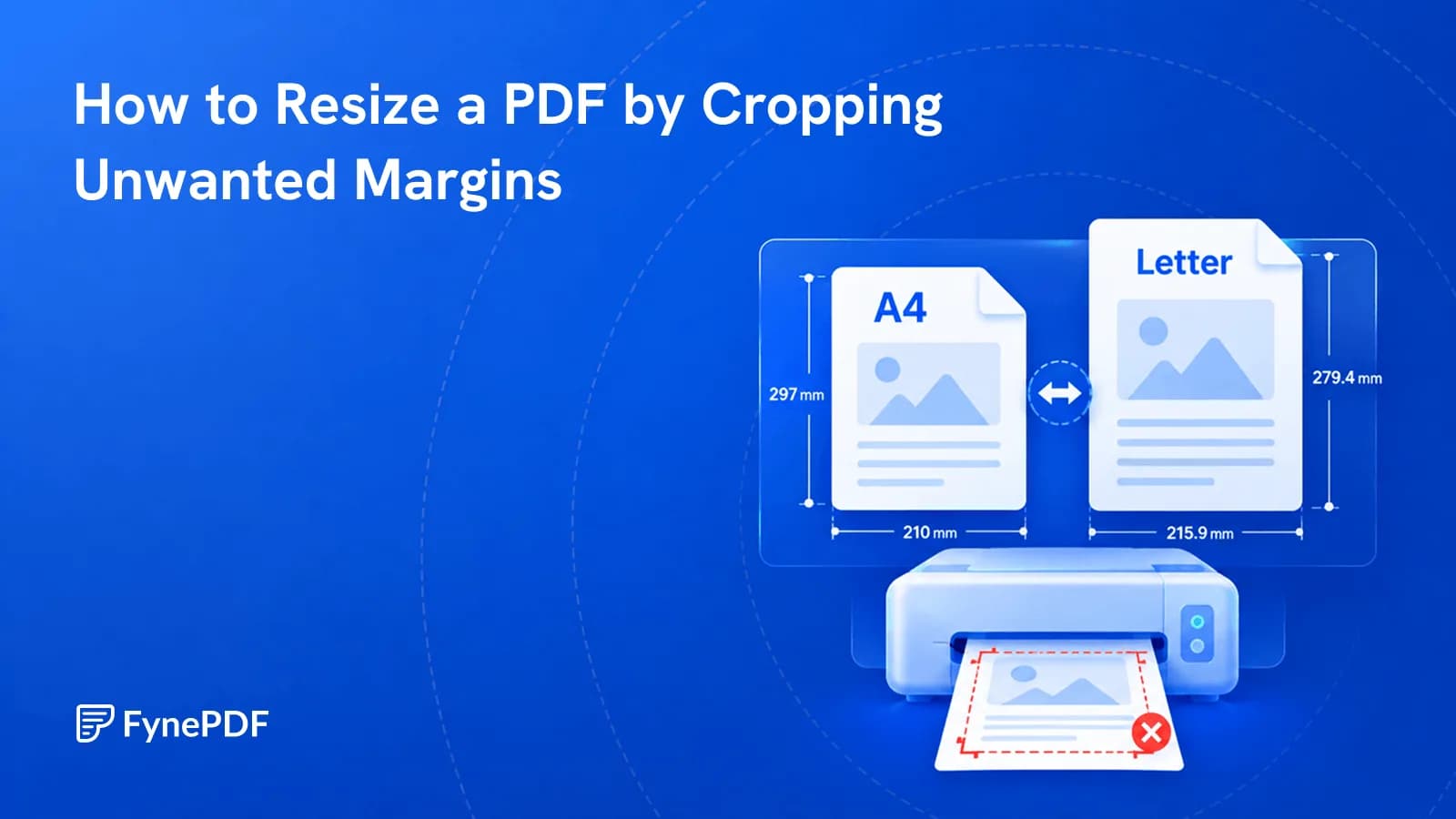
Cropping removes unnecessary margins so your PDF fits the page better when printing or sharing.

Guide
Agents
AI Tools
Percentages get treated as proof and used against people. We tell you what we found instead.


