Select Pages to Remove
Type a range like 2, 5, 8-12 or click pages directly. Everything else stays untouched.


Remove unwanted pages from a PDF, from a single page to whole sections.
or drop your file here
Type a range like 2, 5, 8-12 or click pages directly. Everything else stays untouched.
Works in any browser on Mac, Windows, Linux, iPhone and Android. No install.
Remove ad inserts and promo pages from downloaded reports and magazines.
Delete pages from a PDF in three steps, no software to install, no account needed.
1
Drag and drop or select your document up to 600MB on the free plan and 5GB on paid.
2
View every page as a thumbnail. Delete pages one by one, type a range like 2, 5, 8-12, or select the blank pages.
3
Your newly trimmed PDF is ready to download immediately and auto-deleted after 15 min.
Got a stack of PDFs? Delete the same pages from all of them with a workflow
Sending bloated files with unnecessary pages looks unprofessional and wastes time. Here is how deleting unwanted pages creates a cleaner, more focused document.
Physical scanners are notorious for feeding through the blank backs of double-sided papers. Quickly spot, and delete those pages.
Delete whole pages containing SSNs or confidential info before forwarding. To hide text within a page, use Redact PDF.
Instead of rebuilding the entire file from scratch, simply delete the pages featuring discontinued items or obsolete policies.
Highlight and delete the extra filler slides, appendices, and lengthy case studies you simply don't have time to cover.
If you downloaded a massive legal agreement or manual, easily delete the endless pages of generic terms, conditions, and glossaries.
Delete the massive appendices and focus strictly on the core chapters you need to read for your exams.
FynePDF rebuilds your PDF without the pages you selected, keeping every remaining page byte-identical to the original. Nothing is re-rendered or re-compressed, so text stays selectable and images keep their resolution. Deleted pages are removed from the file entirely, so nothing can be recovered from the downloaded document.
Remove pages by clicking thumbnails, or type a range like 2, 5, 8-12 to delete many at once.
Remaining pages keep their original quality, fonts and annotations. Only the pages you chose are removed.
Deleted pages aren't concealed in the file. They're absent from the download and can't be extracted from it.
Guide
Organize
Secure
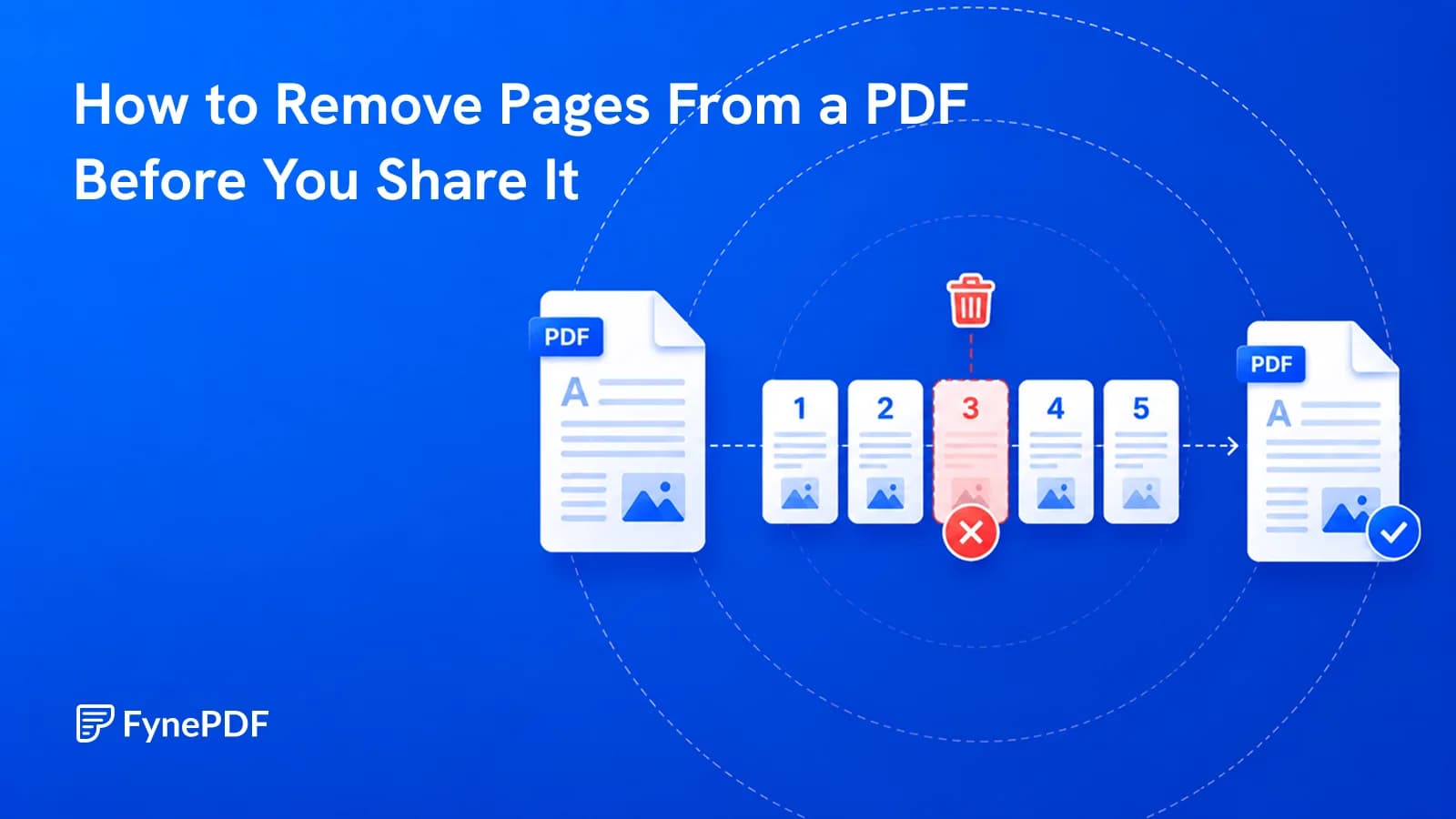
Internal notes on page 9 shouldn't reach the client. Here's how to remove them.

Guide
Productivity
From incomplete downloads to outdated viewers, most PDFs that refuse to open fall into a handful of fixable categories.
Guide
Productivity
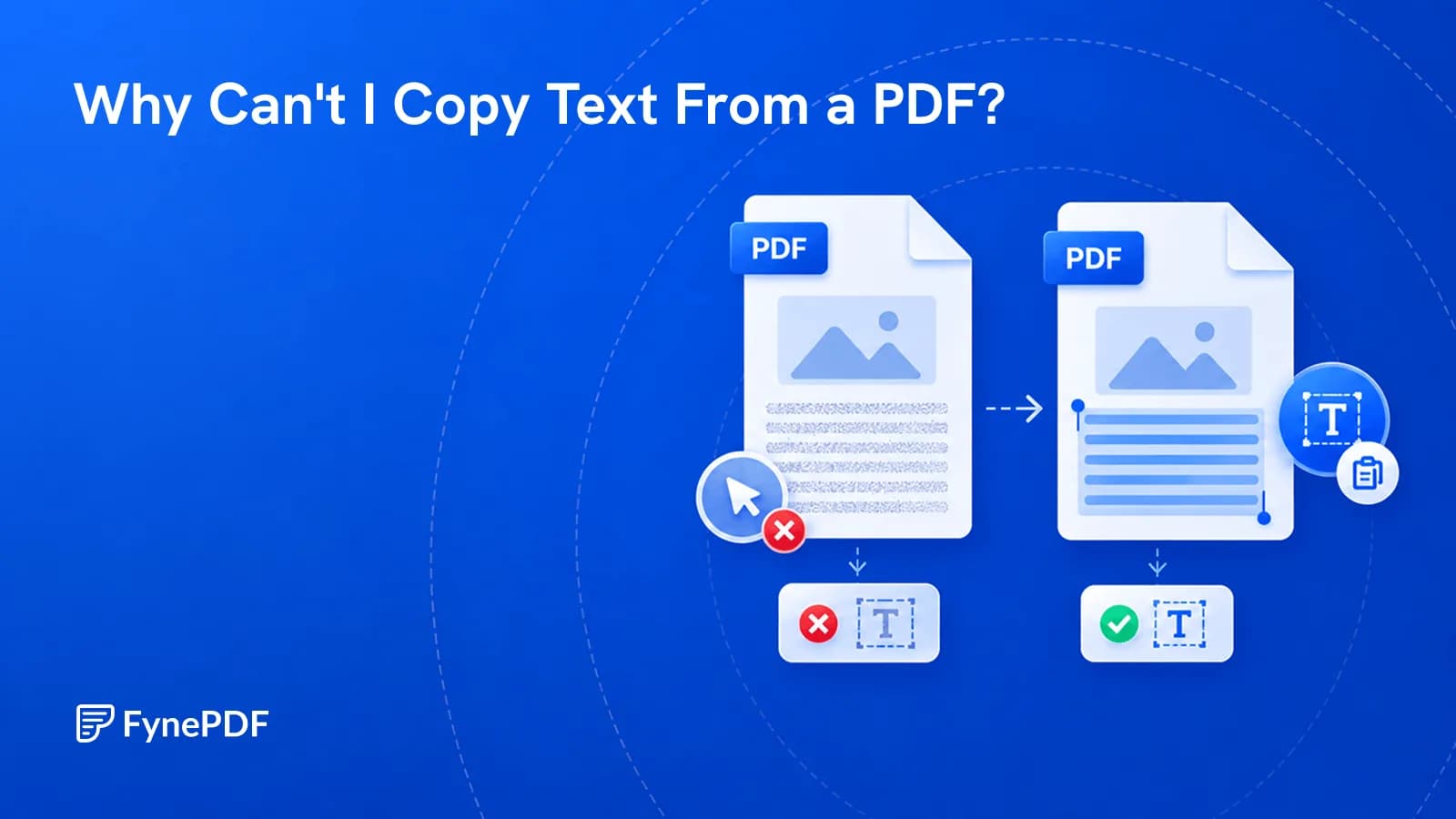
Scanned pages, copy restrictions, and bad encoding all block copying. Here's how to tell which one you have and make the text selectable.


