fynepdf logo

Compress PDF

Make PDF files smaller to email, upload or submit through online forms.

  • Text stays sharp
  • No watermark on downloads

or drop your file here

File upload

Choose Your Target Size

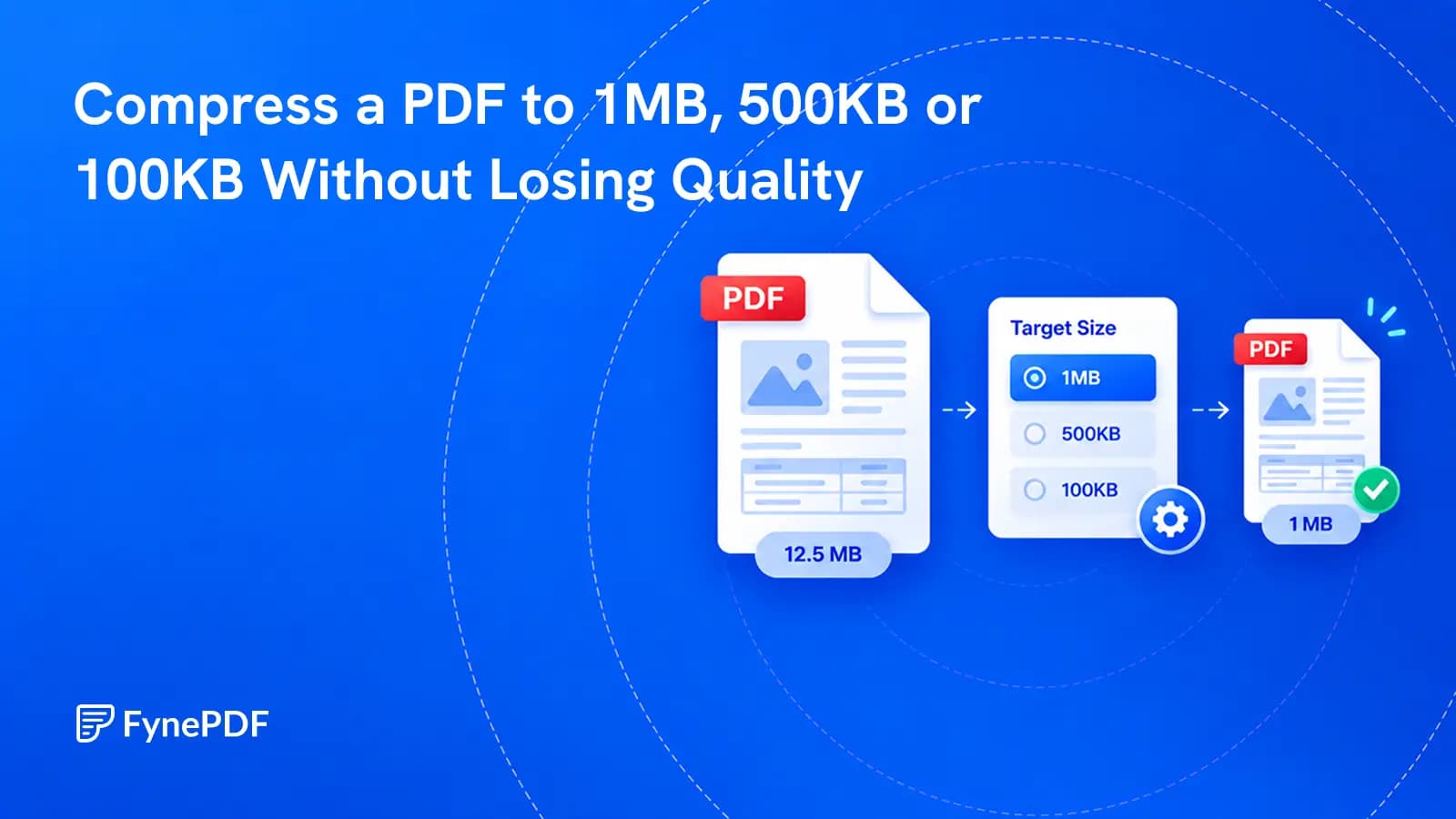
Aim for 10MB, 1MB, 500KB or 100KB, or any size your upload limit needs.

Compress PDF on Any Device

Works in any browser on Mac, Windows, Linux, iPhone and Android. No install.

Fit AI Tool Upload Caps

Many AI chat tools cap file sizes; compress big PDFs so they upload.

Three steps to a lighter PDF

Reduce PDF file size with a compression level or target size in three steps.

1

Upload your PDF

Drag and drop or select one or more PDFs up to 600MB on the free plan and 5GB on paid plans.

2

Choose a level or size

Pick Light, Medium or Heavy for a quick result, or set a target size such as 10MB, 1MB, 500KB or 100KB.

3

Download the Result

Check the final file size and percentage saved, review the result, then download your smaller PDF securely.

Got a stack of PDFs? Compress them all with a workflow

Smaller PDFs for Everyday Work

Large PDFs cause friction everywhere, email limits, slow uploads, storage costs, slow load times. Here's where compression pays off.

Email Attachments

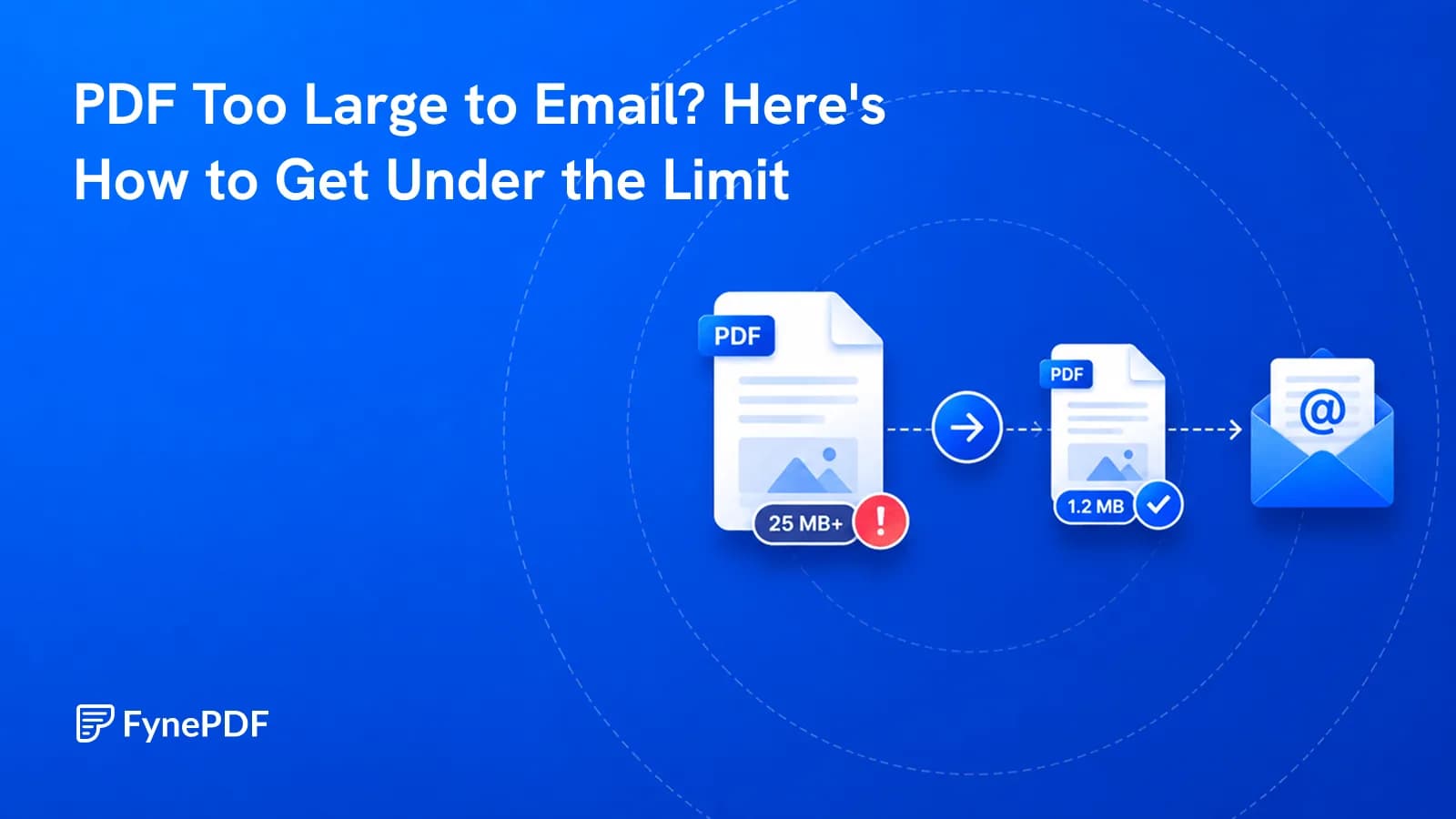
Target 10MB or 1MB for smaller PDF attachments. Check your email provider's total size limit.

Cloud Storage

Cut storage costs and sync times on Google Drive, Dropbox, and OneDrive. More files, same quota.

Web & Downloads

PDF brochures, whitepapers, and ebooks load faster and reduce bounce rates when compressed for web.

Job Applications

Compress your PDF resume toward 1MB or 500KB, then check its size against the portal limit.

Government & Legal Portals

Need a PDF under 100KB or 500KB? Set your target, then check the final size before submitting your document.

Long-term Archiving

Reduce storage footprint of large document archives without losing readability or searchability.

How PDF compression works

FynePDF reduces PDF file size by optimizing embedded images and removing redundant data. Choose Light, Medium or Heavy, or enter a target file size for your upload limit. Smaller targets may reduce image quality. The final size depends on your PDF's content, so some files may not reach the requested size.

Light

Images resampled to 200 DPI. Best when you'll print the file or need images near-original.

Medium

Images resampled to 150 DPI. The balanced choice for email and everyday sharing.

Heavy

Stronger image compression for smaller files. Best for web uploads when image detail matters less.
After compressing your PDF

Frequently Asked Questions

How much can FynePDF reduce my file size? Is there a quality loss?

The reduction depends on your PDF's images, page count and existing compression. Image-heavy PDFs often have more room to shrink than text-only files. Choose Light, Medium or Heavy, or set a target file size. Stronger compression and smaller targets can reduce detail in photos and scanned pages. Check the final size and readability before using the result; a requested target cannot always be reached.

Why is my PDF not getting smaller after compression?

A PDF won't shrink much if it's mostly text, already compressed, or built from fonts that can't be subsetted. Text data is already compact, so a 50-page text-only document may only drop 5–10%. Files already run through a compressor have little redundancy left to remove. Scanned documents compress best because every page is stored as an image. If your file is mostly text and still too large, splitting it into sections is usually more effective than compressing again.

Is the Compress PDF tool free to use online?

Yes, FynePDF's Compress PDF tool is free. Free accounts compress files up to 600MB, with 10 tasks and 600MB of processing a day. Professional and Premium plans both raise the limit to 5GB with unlimited daily compressions.

Is it safe to use Compress PDF on FynePDF? Are my files secure?

File transfers use TLS encryption. Cloud-processed files are automatically deleted within 15 minutes after processing completes, unless you choose to save them to your Library. Documents are not used to train AI models. Read the Privacy Policy for storage and processing details.

Can I use the Compress PDF tool on Mac, Windows, or mobile?

Yes. FynePDF's PDF compressor works directly from your browser, so it works on Mac, Windows, Linux, ChromeOS, iPhone and Android with no app to install. Mobile users can compress straight from Files on iOS or Downloads on Android.

How do I compress a PDF to 100KB, 500KB, 1MB or 10MB?

Upload your PDF and enter a target file size, or select the 10MB, 1MB, 500KB or 100KB chip below the input. You can also enter a custom target, such as 200KB. Compress the file, then check its actual size before downloading. Reaching your target depends on the original file and its content. If it remains too large, try a larger target if your upload limit allows, or split the PDF into smaller files.

Can I compress multiple PDFs at once?

Yes. Upload multiple PDFs, choose a compression level and download the compressed files together. Check each file's final size before submitting it to a site with an upload limit.

Does compressing a PDF affect links, form fields or signatures?

FynePDF preserves hyperlinks, bookmarks and form fields when compressing. Digital signatures are a different case: any modification to a signed PDF breaks its cryptographic hash, so sign your document after compressing rather than before.

How do I reduce PDF size without losing quality?

Choose Light compression when image quality matters most. Image compression can still reduce detail, especially in scanned pages. Smaller targets such as 100KB or 500KB may need stronger compression and may not suit long or image-heavy PDFs. Compare the result with your original and use a larger target if important details become unclear.