Guide
AI Tools
News
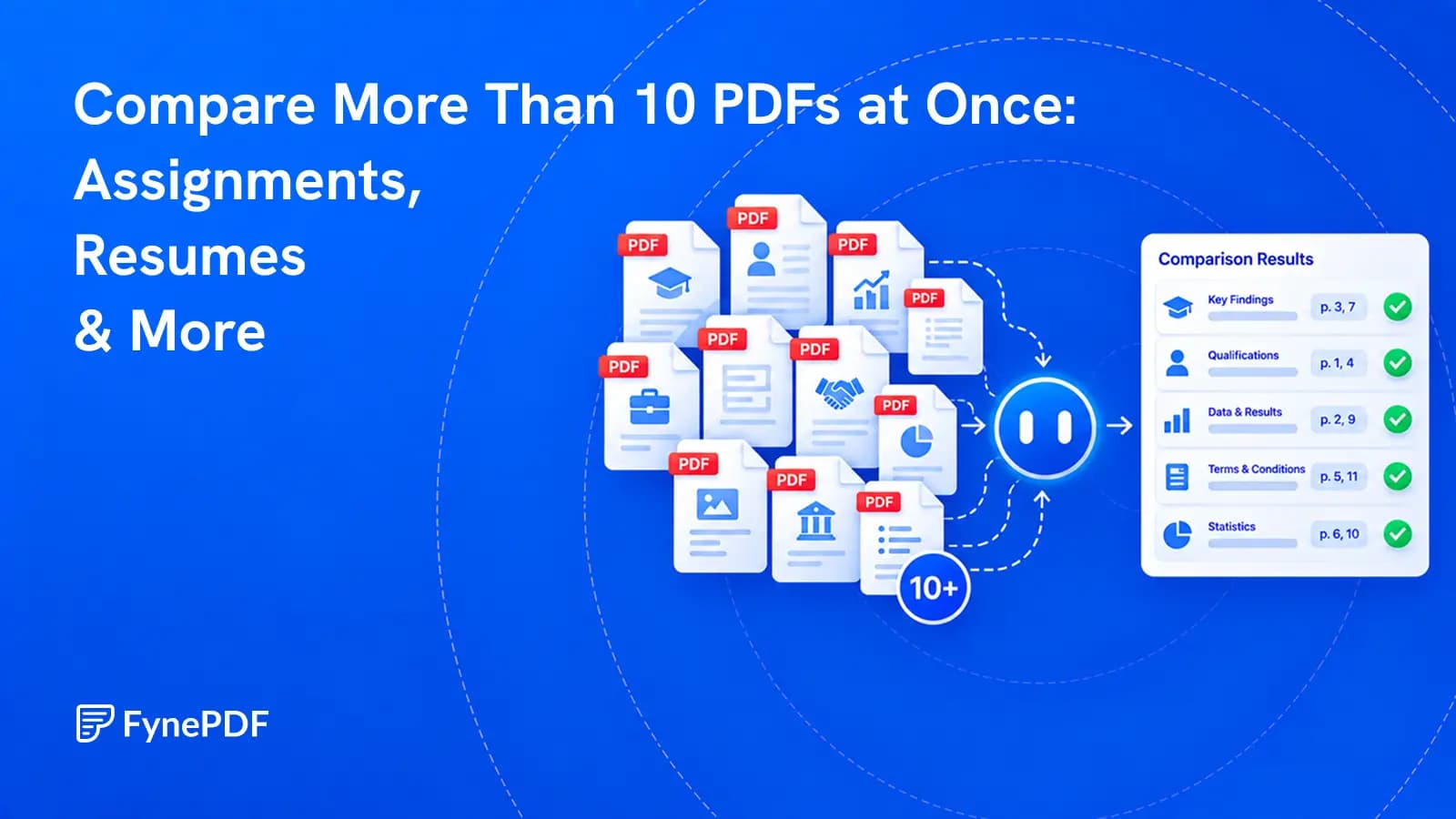
Compare More Than 10 PDFs at Once: Assignments, Resumes & More
Review a whole document set against the same questions, then verify every important finding at its source.


Compare PDF contracts, bids, and reports with file and page citations.
or drop your file here
See how your documents differ in one table, with every point cited to its page.
Add two or more versions, quotes or contracts. There is no file-count cap.
Fyne sums up how they differ, then lines up each point in a table.
Open any cited page, ask a follow-up, or export the table to CSV or Excel.
Review bids, reports, or contract versions together.
Compare PDF contracts, vendor bids, or reports in one conversation. Add two or more files without a file-count cap. Paid plans support larger sets. Check changed terms and figures through source citations, and take comparison tables into your spreadsheet.
Compare the Details
See similarities and differences together.
Spot Key Differences
Find changed terms across bids or contracts.
Export Chat and Tables
Save chat as text and AI tables as CSV.


| DOCUMENT | TOTAL COST | TIMELINE |
|---|---|---|
| Vendor_Alpha.pdf | $42,500 | 6 Weeks |
| Beta_Systems_Bid.pdf | $38,000 | 8 Weeks |
| Omega_Corp.pdf | $55,200 | 4 Weeks |
Compare as many PDFs as your plan's size and AI allowances support. Paid plans give you room for larger document sets.
Review contracts, bids, or reports together in one AI conversation. Add two or more PDFs without a file-count cap within your plan.
Compare prices, deadlines, clauses, and figures across your PDFs. Ask about a specific change and review the evidence in each file.
Click Compare to see a concise overview of your document set. Files prepare in the background, so you can start with the main points.
Open a cited PDF page and check the original text. Matching passages are highlighted to help you verify changed terms and figures.
Ask why a figure differs, check a clause, or narrow the comparison. Build on the current answer without uploading your PDFs again.
Save your comparison chat as a text file. Download tables from AI answers as CSV to review costs, dates, and details in a spreadsheet.
Review applications, submissions, and proposals using the same questions.
Compare experience, skills, and qualifications across resumes. Organize the evidence in a table to support your team's candidate review.
Compare submissions against criteria you provide. Explore differences in arguments and evidence, with page references for your review.
Compare vendor pricing, timelines, and deliverables in one conversation. Follow filename and page citations to check each proposal detail.
How your files are handled during and after your session.
Your documents are used for your session and are never used to train AI models.
TLS protects document transfers between your browser and FynePDF.
Your file is deleted within 24 hours of upload, unless you save it to your Library.
Read how we handle document data and how to contact us about access, export, or deletion.
The files in your comparison are processed to answer questions about the document set. FynePDF staff do not manually open or review your file contents.
AI features may send document content to the Google Gemini API to produce the output you request. Documents are not used to train AI models. Temporary files follow the deletion policy; saved documents follow the Library storage policy.
Read our full Security Policy.
Guide
AI Tools
News
Review a whole document set against the same questions, then verify every important finding at its source.
Guide
AI Tools
Productivity
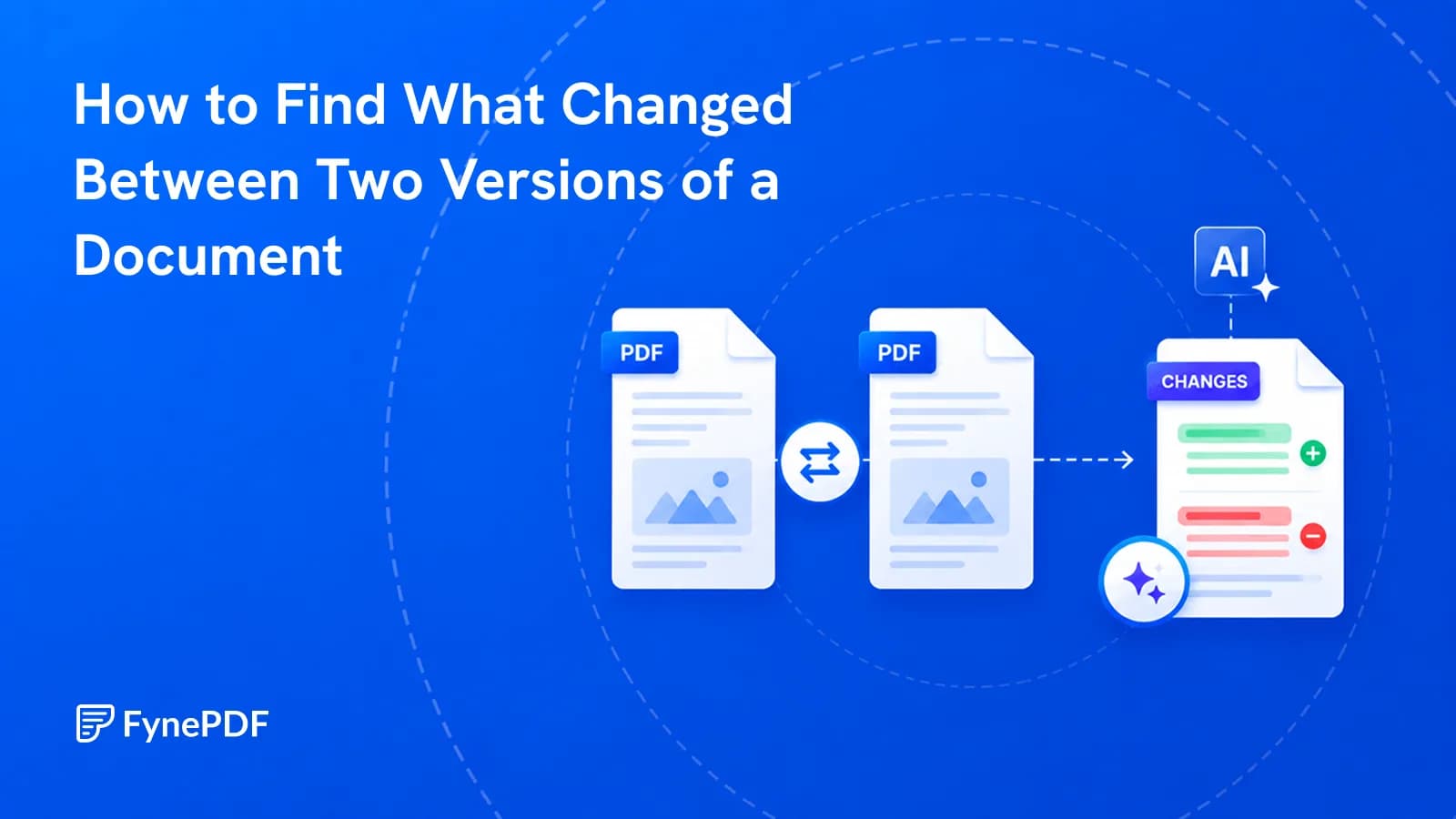
A contract came back edited with no track changes. Here's how to find every difference.
Guide
Agents
AI Tools
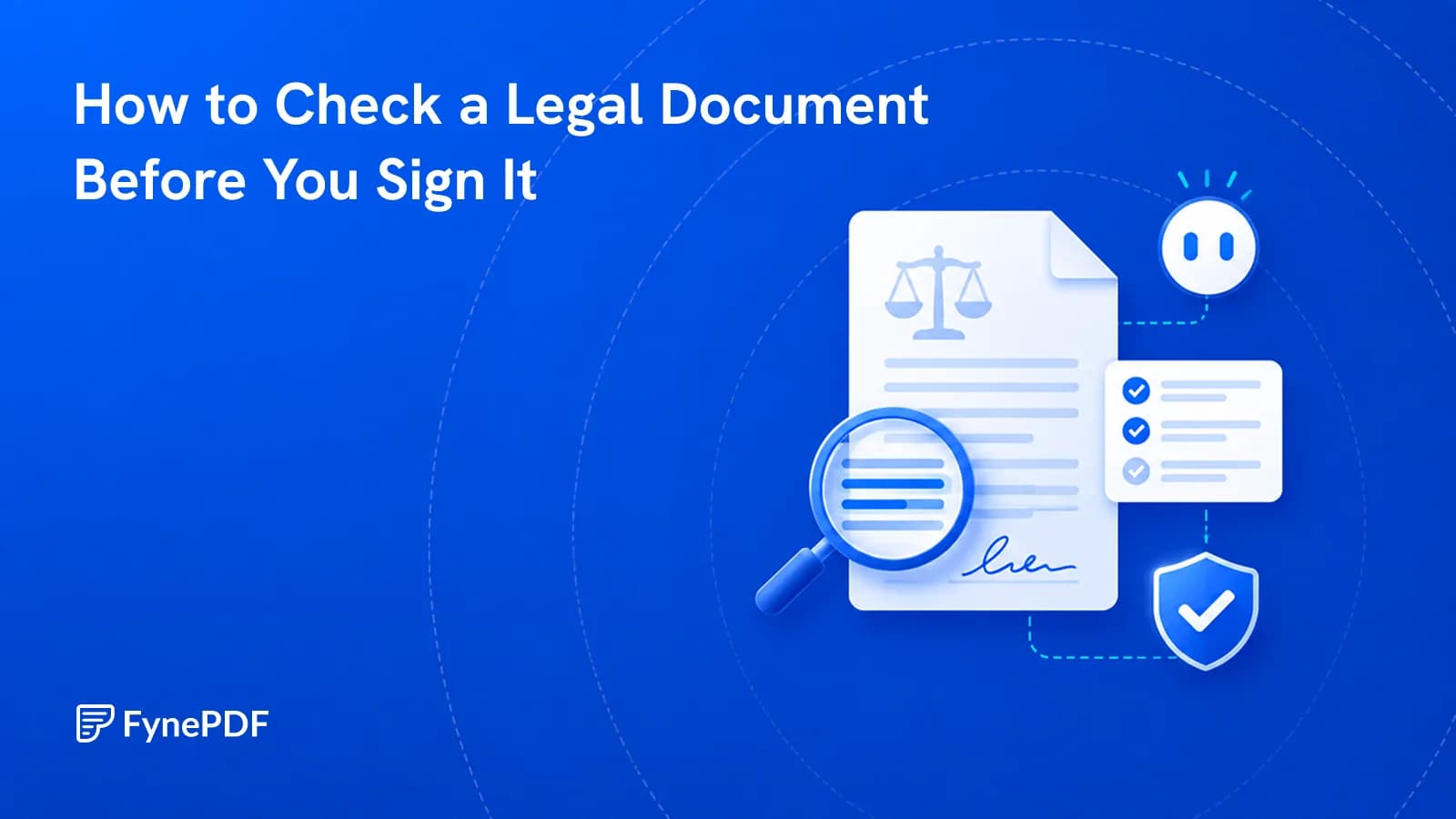
Blank schedules and unsigned pages are what actually void agreements. Catch them first.