Guide
AI Tools
Productivity
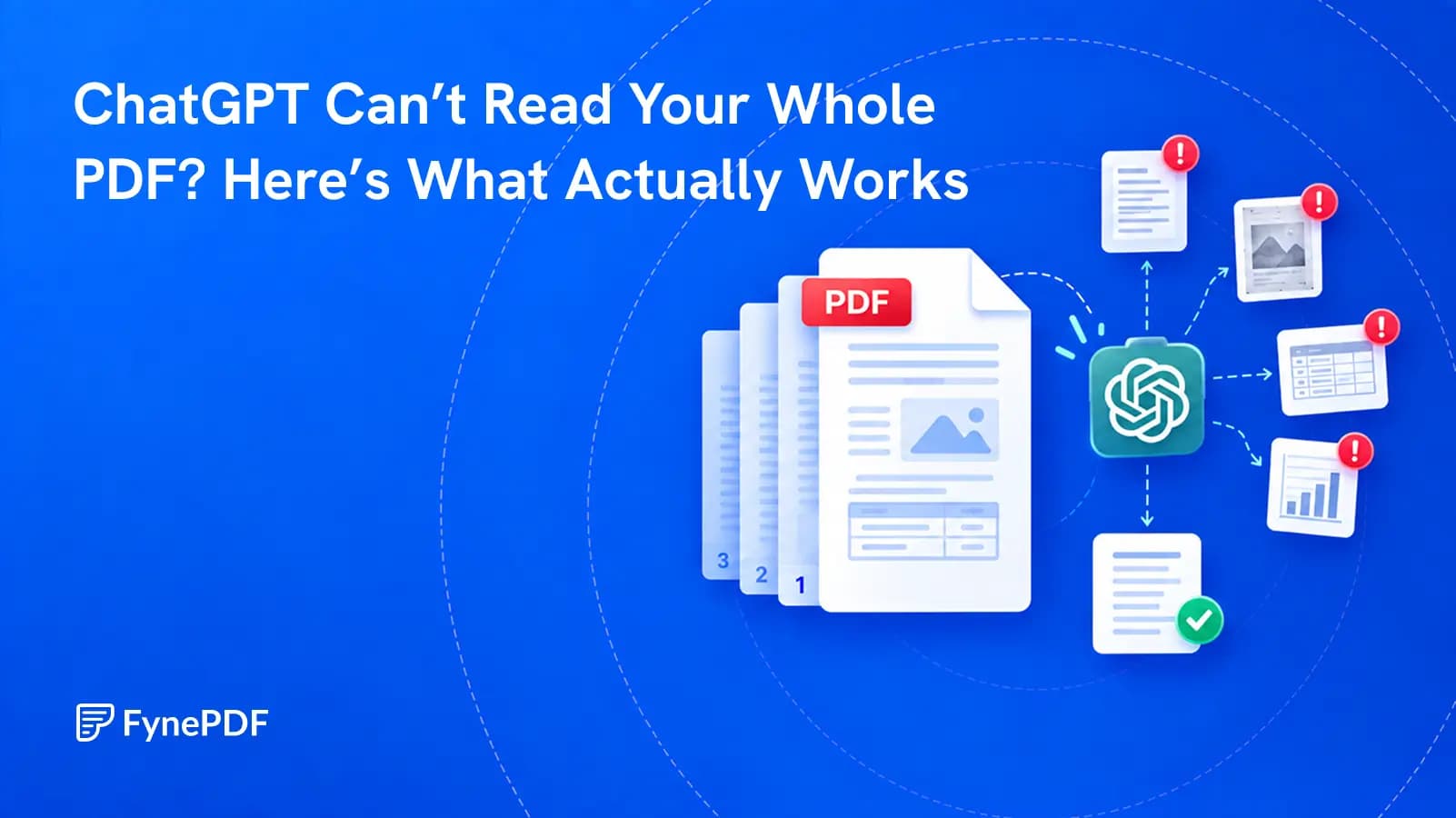
ChatGPT Can’t Read Your Whole PDF? Here’s What Actually Works
A successful upload does not prove that every page, table, or footnote was understood. Test the file before you trust the answer.


Ask any question about a PDF and get answers cited to the page they came from.
 Fyne Bot“$4.2M, up 14%. Source: page 4”
or drop your file here
Ask anything about your document and check each answer against its page.
Drop in a PDF, a scan or a photo of a page. Scanned text is read too.
Fyne reads every page, then shows three key facts, each tied to its page.
Every answer cites its page. Tables export to CSV or Excel in one click.
Find a fact, understand a passage, and check its source.
Ask your PDF about a figure, definition, or clause. FynePDF combines AI document chat with a PDF preview, so you can explore selected text, follow page citations, and reuse tables from an answer.
Find PDF Clauses
Locate contract terms with page references.
Connect the Facts
Compare details across pages in your PDF.
Extract PDF Data
Ask for figures, dates, and key metrics.

 According to the consolidated statement, the Enterprise sector generated $4.2 million in revenue, representing a 14% year-over-year growth.
$4.2M
+14%
AI document chat with answers you can check and data you can use.
Select text in your PDF to explain a term, summarize a passage, or ask a question. Explore the detail you need without retyping it into chat.
Click a page citation to open your PDF at the source. When a text match is found, the passage is highlighted so you can check the AI answer.
Download tables from AI answers as CSV files. Keep the rows and columns ready for Excel, Google Sheets, or your next document analysis.
Explore research, contracts, and reports with questions grounded in the document.
Ask questions about research papers, explain unfamiliar concepts, and summarize chapters. Check page citations as you study the PDF.
Locate clauses, dates, and obligations in legal PDFs. Ask for plain-language explanations and follow citations to review the source.
Pull key figures and decisions from reports or internal memos. Ask follow-up questions and turn the findings into a useful team summary.
How your files are handled during and after your session.
Your documents are used for your session and are never used to train AI models.
TLS protects document transfers between your browser and FynePDF.
Your file is deleted within 24 hours of upload, unless you save it to your Library.
Read how we handle document data and how to contact us about access, export, or deletion.
Questions about a contract, report, or research paper are processed within your document session. FynePDF staff do not manually open or review your file contents.
AI features may send document content to the Google Gemini API to produce the output you request. Documents are not used to train AI models. Temporary files follow the deletion policy; saved documents follow the Library storage policy.
Read our full Security Policy.
Guide
AI Tools
Productivity
A successful upload does not prove that every page, table, or footnote was understood. Test the file before you trust the answer.
Guide
AI Tools
Productivity
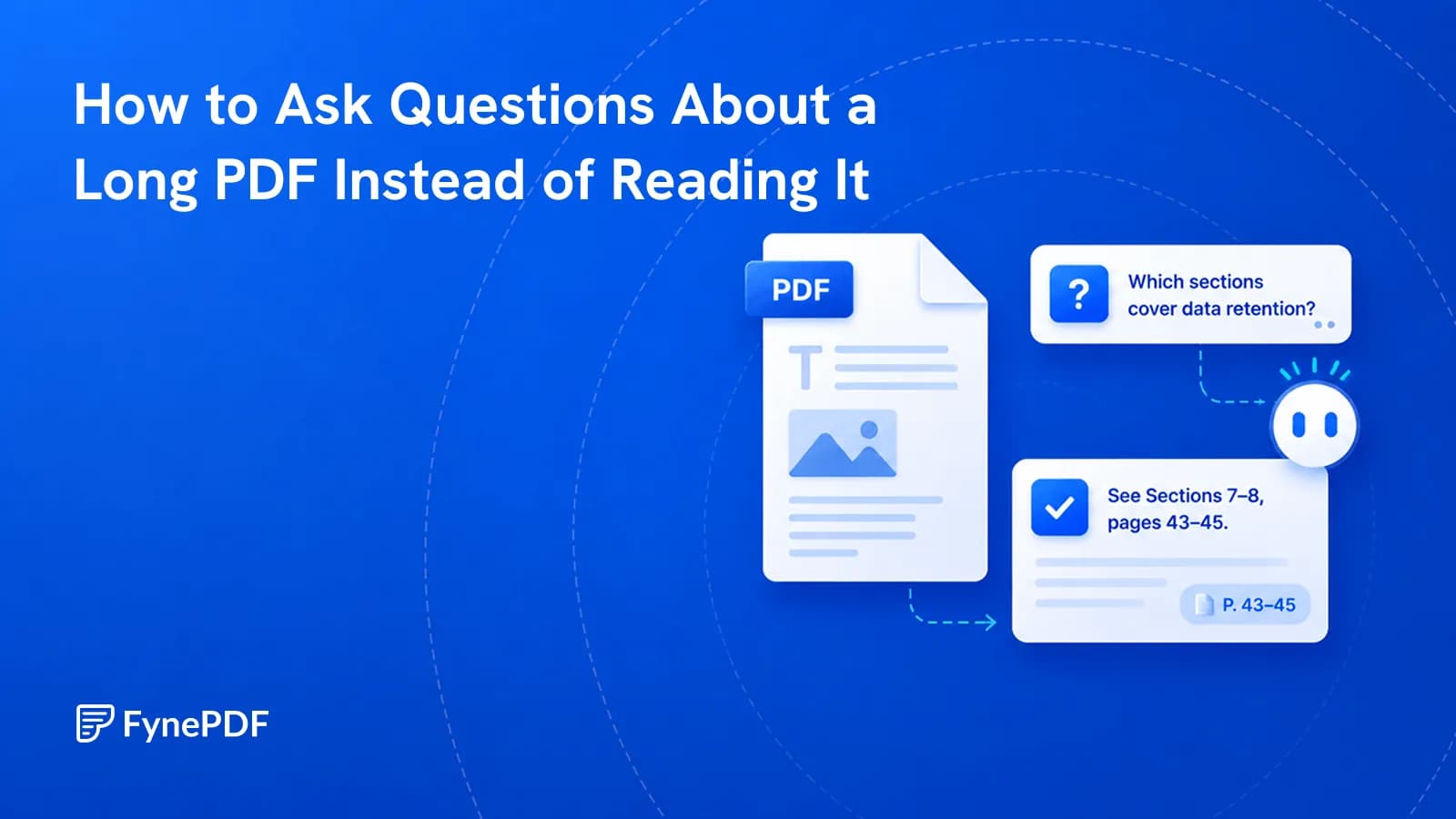
You need one clause from 200 pages. Query the document directly instead of skimming it.
Guide
Agents
News
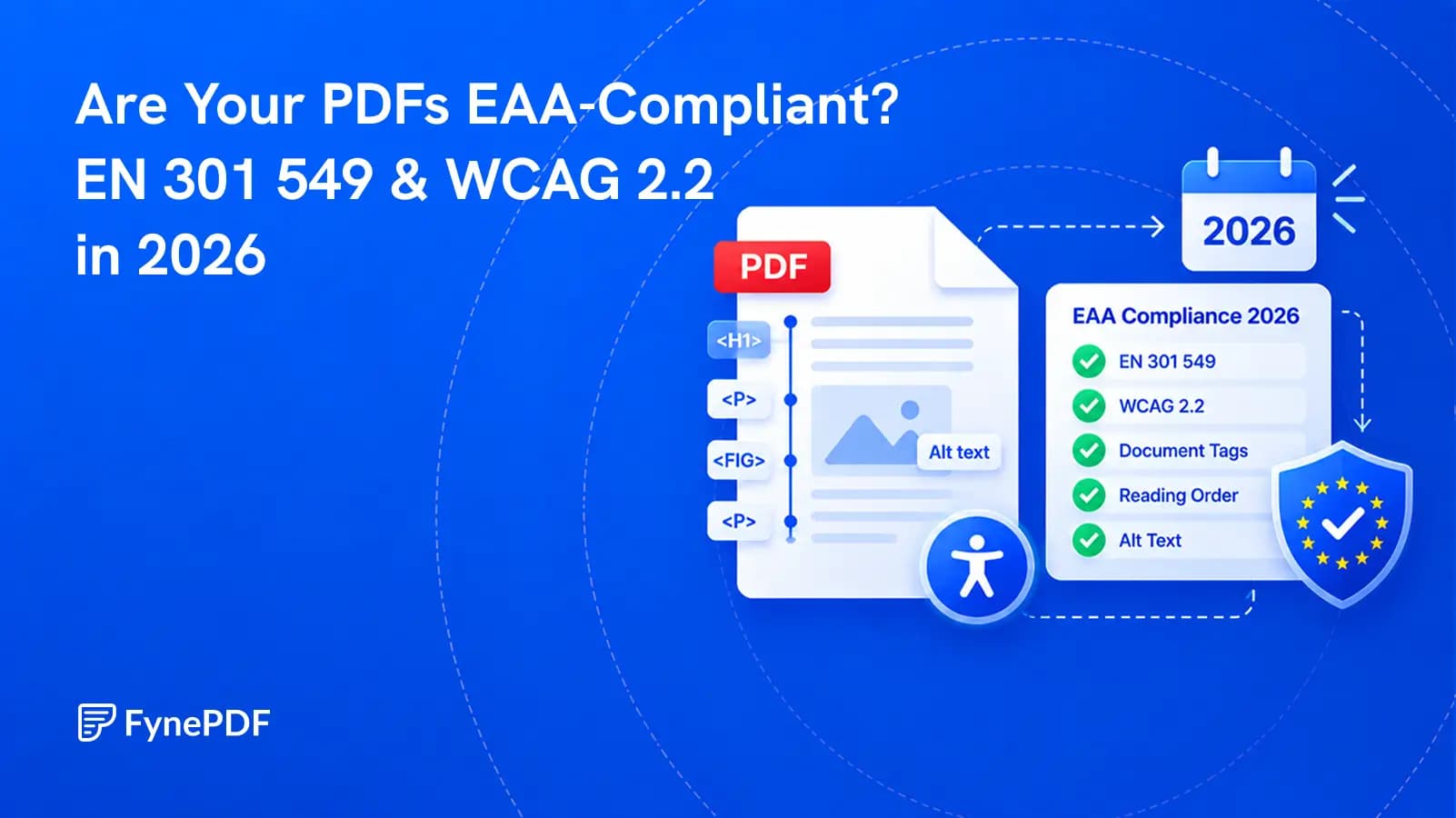
The standard changed in September 2026, but the legal reference has not changed yet. Here is what that means for PDF teams.