Search tools

fynepdf logo

AI PDF Tools for Students

Summarize dense readings, check your citations, and turn scanned notes into text.
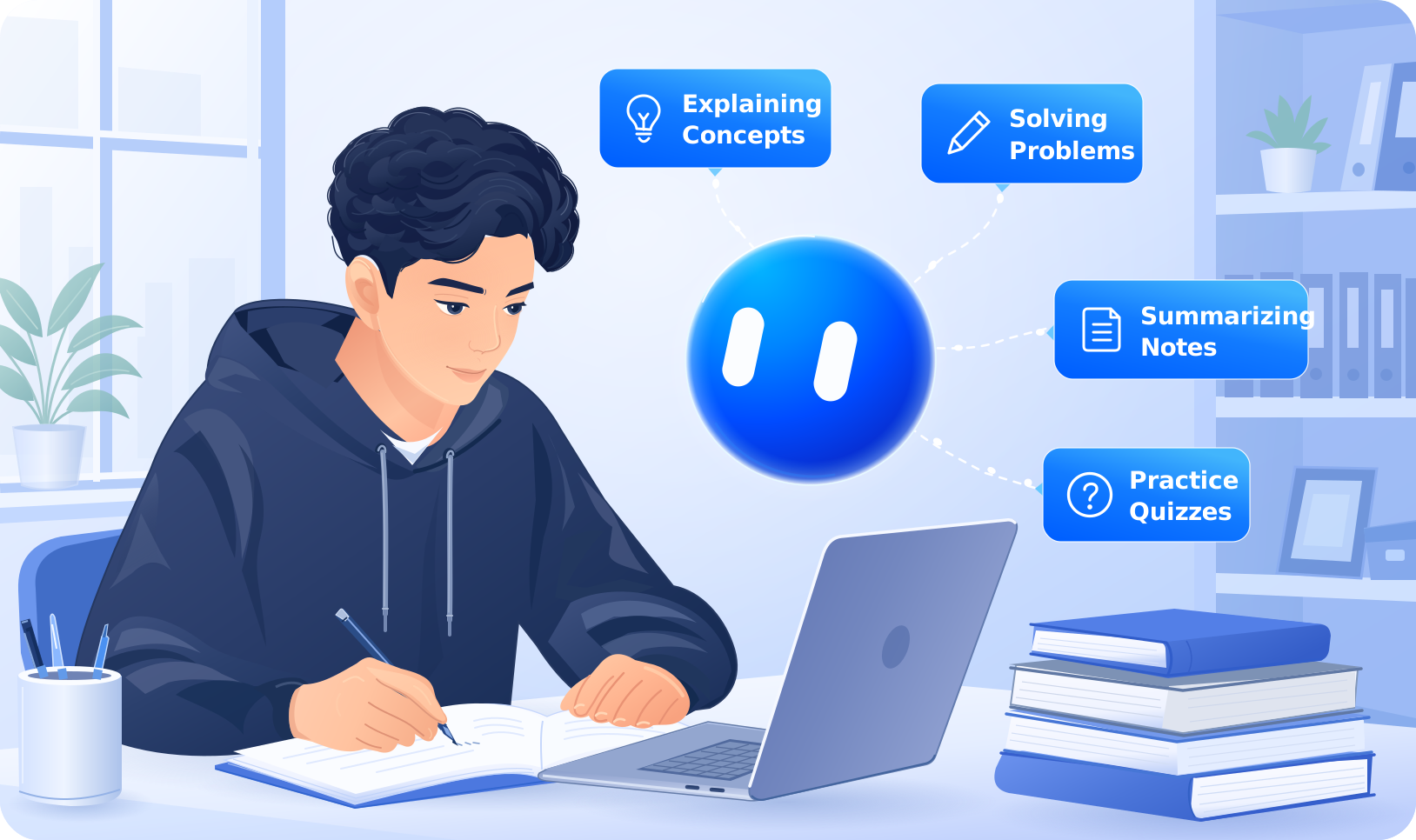
Student taking notes from a textbook beside a laptop, with labels for explaining concepts and summarizing notes.

PDF tools built for coursework and research

Everything you need for readings, assignments, and submissions

View all tools

Cut the busywork out of every assignment

From first reading to final submission, in less time

Readings & Research

Summarize long papers, pull key arguments, and ask questions directly of any PDF.

Assignments & Essays

Check APA and MLA citations, review structure, and catch errors before submitting.

Notes & Study Material

Scan handouts into text, merge lecture slides, and compress files for upload.

How students use FynePDF

From the first assigned reading to the final upload, without the busywork in between.

Getting through the reading list

Assigned readings arrive as 40-page PDFs with no summary. Upload the paper and get a structured breakdown of the research question, method, findings, and limitations. Ask follow-ups and get answers with page references, so you cite accurately instead of paraphrasing from memory.

Fixing citations before they cost marks

Citation errors are among the most common reasons students lose marks on otherwise strong work. The citation checker reads your reference list and in-text citations together, flags formatting errors, and finds sources cited but missing from your references. Supports APA, MLA, and Chicago.

Turning handouts and photos into text

Lecture handouts, library scans, and photos of textbook pages arrive as images your computer can't search. OCR converts them into selectable, searchable text you can copy, quote, and study from. Works on scans and photographs, though handwriting isn't supported yet.

Preparing final submissions

Merge chapters into one document, compress files that exceed your portal's upload limit, redact personal information from research data, and password-protect your work before sharing it with a supervisor.

AI agents that check your work

Get feedback on assignments, verify every citation, and check for plagiarism before you submit.

Explore Agents

Privacy-First PDF Processing with Global Standards

GDPR Compliance

GDPR

CCPA Compliance

CCPA

PCI DSS

WCAG 2.2 AA Accessibility

WCAG 2.2 AA

Frequently Asked Questions

Is FynePDF free for students?

Yes. The Free plan is genuinely free no credit card and no expiry. You get 10 tasks and 600MB of file processing per day, 500MB of library storage, 10 Chat with PDF interactions, and Summarize on documents up to 50 pages, which covers most everyday coursework. If you need more during exams or thesis season, Professional is $7 per month billed annually, or $10 month-to-month.

Can FynePDF summarize a research paper?

Yes. Upload a paper and FynePDF produces a structured summary covering the research question, methodology, findings, and limitations. You can ask follow-up questions and get answers referenced to the page they came from, so you can cite accurately instead of paraphrasing from memory. Always check the summary against the original before quoting it in your own work. On the Free plan, Summarize covers documents up to 50 pages.

Which citation styles does the citation checker support?

APA, MLA, and Chicago. The checker reads your in-text citations and reference list together, flags formatting errors, and identifies sources cited in the text but missing from your references the mismatch that costs the most marks and is hardest to catch by eye.

Can FynePDF check for plagiarism and AI-generated text?

Yes. The Plagiarism and AI Detector scans documents for copied content and flags writing that appears AI-generated. Students use it to check their own work before submitting; educators use it for academic integrity reviews. Treat the output as a prompt to review, not a verdict - no detector is definitive.

Can FynePDF read scanned PDFs and photos of my notes?

Yes. OCR converts scanned handouts, library scans, and photographs of printed pages into searchable, selectable text you can copy and quote. It works on printed material; handwritten notes aren't supported.

Does FynePDF work on my phone?

Yes. FynePDF works directly from your browser on any device, including phones and tablets. There's no app to download, so you can summarize a reading or check a citation between classes.

How large a file can I upload?

On the Free plan, basic tools like merge and compress handle files up to 600MB, while AI tools such as Summarize and Chat with PDF accept files up to 15MB or 50 pages. Professional raises the AI limit to 100MB or 2,000 pages; Premium goes to 250MB or 3,000 pages.

Is my academic work kept private?

Yes. Files are encrypted in transit with 256-bit TLS and deleted after processing unless you choose to save them to your library. FynePDF never reads, shares, or trains on your documents. Your thesis and assignments stay yours.

What happens to my files if I cancel?

You have 15 days to download anything saved to your library. Your account then reverts to the Free plan's 500MB library allowance, and saved files beyond that are removed. Anything you never saved to your library was already deleted after processing.

Every PDF Tool You Need for School

PDF editing, AI summaries, citation checks, and study tools in one place. Free to start, no credit card needed.