fynepdf logo
Insurance Denial Code Checker

Insurance Denial Code Checker

Decode the denial codes on your EOB and find why a claim was rejected.

Denial Code Decoder

Supports PDF, TXT and more

You“Why didn’t they cover my MRI?”
AI AvatarFyne Bot“Code CO-50 indicates...”

or drop your file here

File upload

Understand a Claim Denial in 3 Steps

Review denial reasons and billed amounts before contacting your insurer or provider.
Secure Upload
Secure Upload

Drop your Explanation of Benefits (EOB) or itemized hospital bill into our scanner.

AI Code Scanning
AI Code Scanning

The agent reads the CPT, ICD-10 and CARC codes on your EOB.
Understand & Appeal
Understand & Appeal

See why the claim was denied and which documents may support an appeal.

Understand an EOB or Denial

Read billing amounts and codes with clearer context.

Review an explanation of benefits, medical bill, or insurance denial in your PDF. Ask about billed amounts, patient responsibility, and adjustment codes, then prepare questions for your insurer or provider.

Review Denial Details

Find billing terms that need clarification.

Explain Denial Codes

Read adjustment codes in plain language.

Plan Appeal Questions

Identify documents to ask your insurer about.

file-icon
UHC_Explanation_of_Benefits.pdfProcessed: Yesterday
Why did insurance refuse to pay the $800 charge on page 2?
AILooking at page 2, the $800 charge for CPT code 87081 was flagged with denial code CO-97. Here is what happened:
The Issue (CO-97)CO-97 means “Payment adjusted because the benefit for this service is included in the allowance for another service/procedure.”
What this suggestsA CO code points at the provider, not you. The “CO” stands for Contractual Obligation. The hospital billed incorrectly. Contact the hospital billing department and ask them to write off the bundled charge.
p.4Copy

Make sense of your bill or denial.

Review EOB amounts, adjustment codes, and questions to ask your insurer or provider.

EOB Amounts Explained

Review billed charges, allowed amounts, and the patient share shown on your EOB. Ask how the figures relate before checking with your insurer.

Billing Code Review

Find PR, CO, or denial codes in your insurance document. Ask for a plain-language explanation and identify details to clarify with your insurer.

Prioritize Bill Questions

Review charges or denial terms that need closer attention. Use the findings to prepare questions for your insurer or billing department.

Explain, Summarize, Ask

Select text in your PDF to explain a term, summarize a passage, or ask a question. Explore the detail you need without retyping it into chat.

Highlighted Sources

Click a page citation to open your PDF at the source. When a text match is found, the passage is highlighted so you can check the AI answer.

Export Tables as CSV

Download tables from AI answers as CSV files. Keep the rows and columns ready for Excel, Google Sheets, or your next document analysis.

Make Sense of Billing Documents

Review denial reasons, amounts, and details to discuss with your insurer or provider.

Patients

Understand the denial reasons listed in your letter or EOB. Find cited details and prepare questions about the claim for your insurer or provider.

Patient Advocates

Review billed amounts, denial notes, and possible duplicate charges. Organize the details for a discussion with the insurer or billing team.

Self-Pay Patients

Read the line items in a medical bill and ask about unclear charges. Check the cited amounts before contacting the provider for clarification.

Document Privacy

How your files are handled during and after your session.

No AI Training

Your documents are used for your session and are never used to train AI models.

Encrypted Transfers

TLS protects document transfers between your browser and FynePDF.

Auto-Deletion

Your file is deleted within 24 hours of upload, unless you save it to your Library.

Privacy Policy

Read how we handle document data and how to contact us about access, export, or deletion.

Your claim letter or bill is processed to explain the details you ask about. FynePDF staff do not manually open or review your file contents.

AI features may send document content to the Google Gemini API to produce the output you request. Documents are not used to train AI models. Temporary files follow the deletion policy; saved documents follow the Library storage policy.
Read our full Security Policy.

Frequently Asked Questions

Will it write my appeal letter?

It gives you the frame and the substance: the actual reason for the denial, the correct terminology, which documents you'll need to attach, and what the argument has to establish. Turning that into a submitted letter is yours, your details, your dates, your records, and your account of what happened. That's not a limitation so much as how appeals work: the ones that succeed are specific to a case, and a generic letter is the kind insurers process fastest and reject soonest.

Does it work with Medicare and standard insurance carriers?

Yes. It reads Explanation of Benefits documents, denial letters and itemised bills from any carrier, Medicare, Medicaid, UnitedHealthcare, Blue Cross Blue Shield, Aetna, Cigna and regional plans, because it reads the document rather than matching a template. CARC and RARC denial codes are standardised across US payers, which is why an explanation of CO-97 or PR-1 holds whoever sent it. OCR runs automatically, so a scanned or photographed EOB works the same as a downloaded one.

Can it tell me if I was overcharged?

It can flag the things that commonly indicate it in the document in front of it, duplicate line items, charges for services bundled into another code, quantities that don't match the visit, out-of-network charges on an in-network claim. What it can't do in one session is hold your itemised bill and your EOB side by side, since it works on one document at a time; upload each separately and compare the findings, or use Compare PDF to put both in front of one question. Confirming a hospital charged above a contracted rate needs the contracted rate, which isn't in either document.

Can I use the Claims and Denial Checker for free?

Yes. Read a document overview without signing in, then try one AI answer by typing a question, choosing a suggestion, or running the analysis. Each new upload gets one answer, shared across tools and agents. A paid plan unlocks further interactions within its AI allowance.

How secure are my files and data?

File transfers use TLS encryption. AI features may send document content to the Google Gemini API to generate the output you request. Documents are not used to train AI models. Temporary AI files are deleted within 24 hours of upload; files saved to your Library follow the Library storage policy. Read the Privacy Policy for details.

What does my denial code mean?

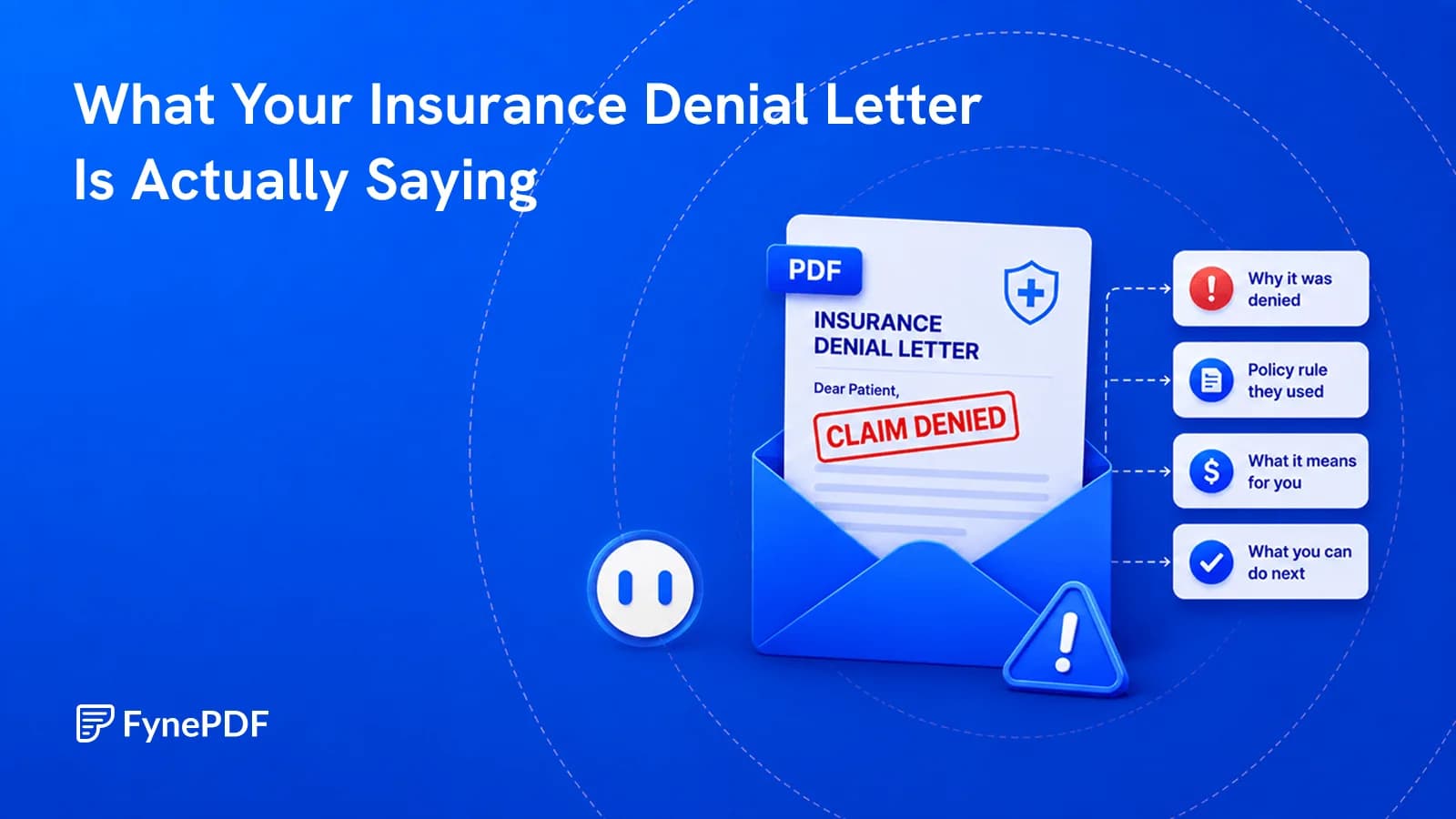
The letters matter more than the number. CO (Contractual Obligation) means the provider agreed not to bill you for it, that amount is between them and the insurer, and it isn't yours. PR (Patient Responsibility) means it is yours: deductible, copay, coinsurance or a non-covered service. OA (Other Adjustment) and PI (Payer Initiated) usually mean an administrative reason. So CO-97 is a bundling adjustment the provider absorbs, while PR-1 is your deductible. If a provider bills you for something marked CO, that's the single most common billing error worth challenging, and the first thing to check on any EOB. Upload yours and ask what each code on it means.

Why did my insurance deny the claim?

Most denials are administrative rather than substantive. The usual reasons: prior authorisation wasn't obtained, the service was coded in a way the plan doesn't recognise, the diagnosis code didn't support the procedure code, the claim missed the filing deadline, eligibility details were wrong, the provider was out of network, or it was billed as a duplicate. Genuine "we don't consider this medically necessary" denials are a minority. That matters, because an administrative denial is usually fixed by the provider resubmitting rather than by you appealing, which is faster, free, and the first call to make.

Is it worth appealing?

Often, and more often than people assume, a large share of appealed denials are overturned, and many denials are never appealed at all. Worth appealing: anything where the service was pre-authorised and denied anyway, anything denied on a coding or paperwork technicality, anything where your plan documents say it's covered, and anything large enough to matter to you. Less likely to move: a service your plan genuinely excludes, or one where the clinical documentation doesn't support what was billed. Check the deadline first, it's usually printed on the denial and it's often short, and start with a phone call to the provider's billing department, because an error on their side is fixed faster than an appeal to the insurer.

What's the difference between the billed, allowed and owed amounts?

Three different numbers, and only the last one is real. The billed amount is the provider's list price, which almost nobody pays. The allowed amount is what your insurer's contract with that provider actually permits, usually far lower. The difference between them is written off and isn't yours. What you owe is the part of the allowed amount left after the plan pays: your deductible, copay or coinsurance. Confusion between these is the most common reason people pay a bill they didn't owe. A statement showing the billed amount before the insurer processed it looks alarming and often means nothing yet.