Guide
Agents
AI Tools
How to Find the Clauses That Matter in an NDA
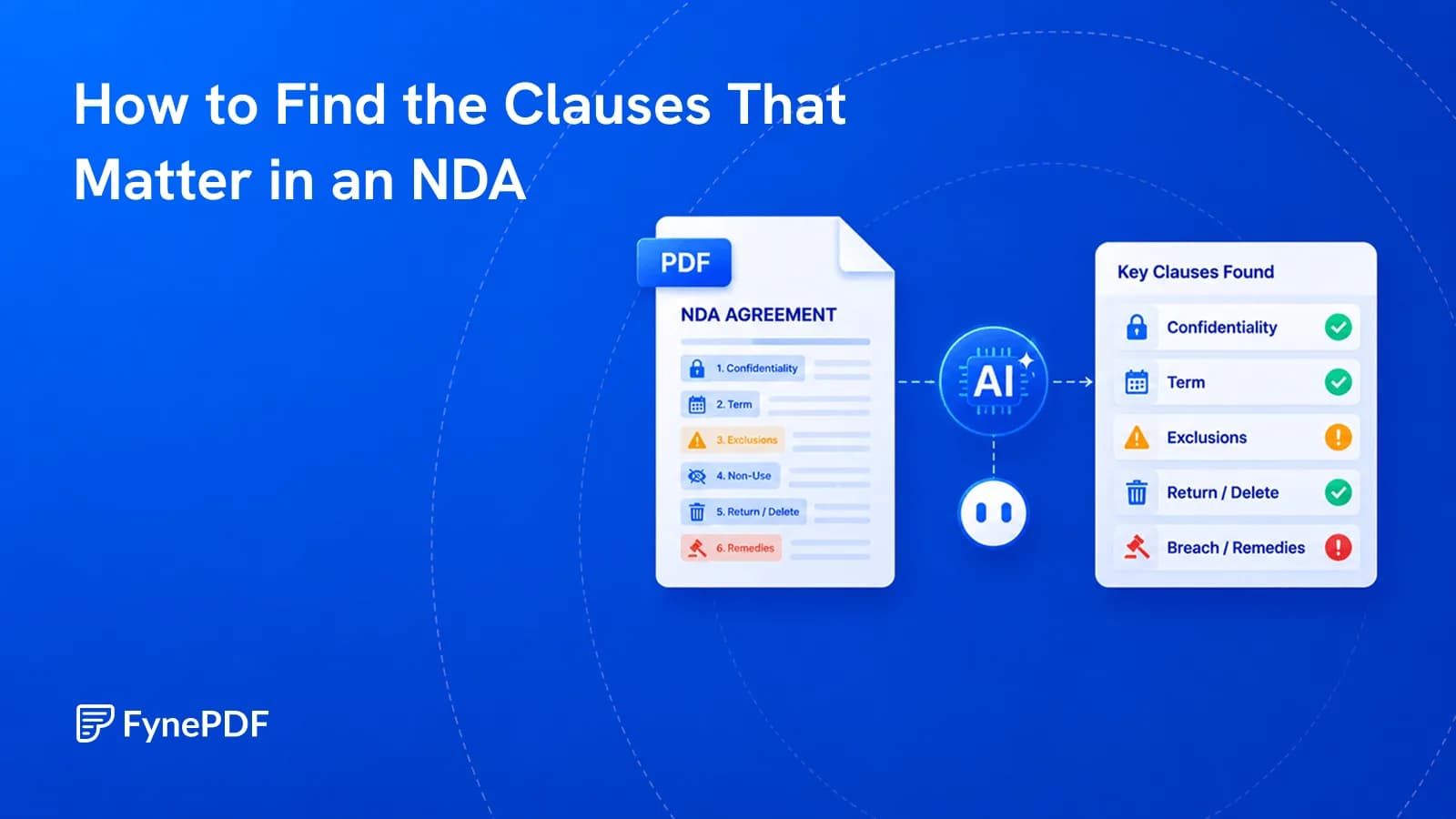
Most of an NDA is standard. Three or four clauses aren't, and those are the ones to find.


Clause-by-Clause Breakdown
Supports PDF, TXT and more
 Fyne Bot“Obligations expire 3 years”
or drop your file here
Extract confidentiality duties, exclusions, and time limits with page references.
Drop your NDA, scanned or digital. Trade secrets are kept strictly confidential.

The agent isolates what counts as confidential, exclusions and term limits.
Evaluate the extracted clauses and spot aggressive non-compete overlaps.
Read confidentiality terms, limits, and exceptions together.
Extract key NDA clauses from your PDF, including confidentiality definitions, time limits, and exclusions. Ask about a specific restriction and check the source wording to understand the duties in your agreement.
Check Confidentiality
Review what the NDA treats as confidential.
Find Time Limits
Identify how long confidentiality lasts.
Review Extra Restrictions
Check non-compete and non-solicit terms.

 Based on Section 3, there are standard carve-outs for information you already know. Here is the exact breakdown:
 Find confidentiality terms, time limits, and restrictions in the agreement you upload.
Review damages, liability limits, and jurisdiction in your NDA. Ask about a clause that seems broad or one-sided and check its source.
Extract who must keep information confidential, what is covered, and how long duties last. Review the terms together in a clear answer.
Review findings by level of concern. Identify restrictions that deserve closer attention, then read the original NDA clauses in context.
Select text in your PDF to explain a term, summarize a passage, or ask a question. Explore the detail you need without retyping it into chat.
Click a page citation to open your PDF at the source. When a text match is found, the passage is highlighted so you can check the AI answer.
Download tables from AI answers as CSV files. Keep the rows and columns ready for Excel, Google Sheets, or your next document analysis.
Extract the obligations, exclusions, and time limits described in an NDA.
Locate confidentiality duties, exclusions, and disclosure rules in an NDA. Review the cited clauses before sharing business or product details.
Check an NDA for restrictions that could affect future client work. Ask about scope, duration, and exceptions, then review the cited wording.
Extract key NDA obligations before a vendor discussion. Share a concise summary with your team and follow citations back to the agreement.
How your files are handled during and after your session.
Your documents are used for your session and are never used to train AI models.
TLS protects document transfers between your browser and FynePDF.
Your file is deleted within 24 hours of upload, unless you save it to your Library.
Read how we handle document data and how to contact us about access, export, or deletion.
Your NDA is processed to extract and explain the clauses you ask about. FynePDF staff do not manually open or review your file contents.
AI features may send document content to the Google Gemini API to produce the output you request. Documents are not used to train AI models. Temporary files follow the deletion policy; saved documents follow the Library storage policy.
Read our full Security Policy.
Guide
Agents
AI Tools
Most of an NDA is standard. Three or four clauses aren't, and those are the ones to find.
Guide
AI Tools
News
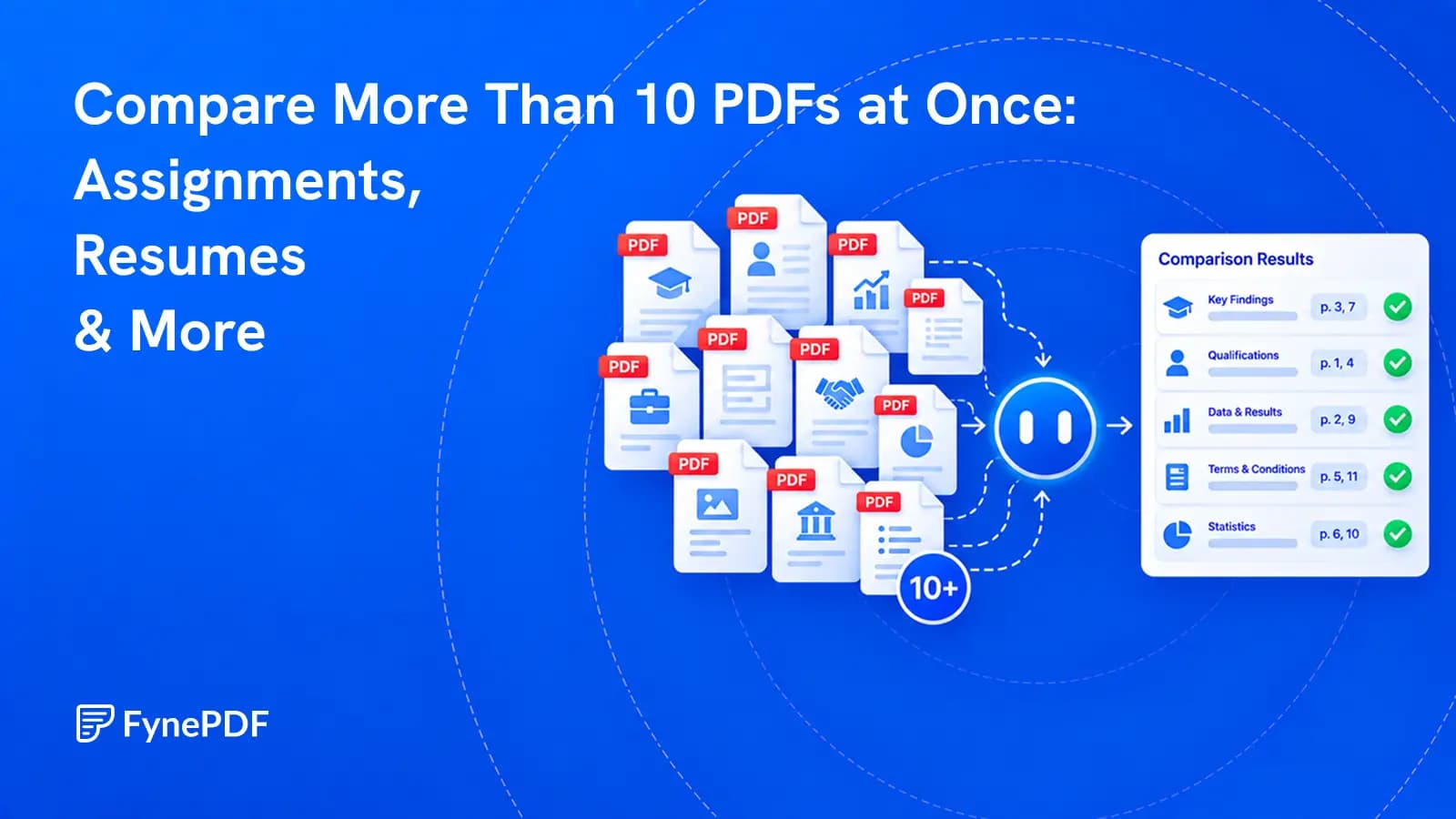
Review a whole document set against the same questions, then verify every important finding at its source.
Guide
AI Tools
Describe the job, approve the steps and check the result. A practical guide to FynePDF Smart Edit and the document checks behind it.